 ProMapRanker
Best Credentialing Software in 2026


Large health systems and payer enrollment · Pricing starts at: See website
Key takeaways
- Credentialing software splits into two jobs: tracking licenses and expirations, and handling payer enrollment and primary source verification.
- Small practices need a simple tracker with alerts, while hospitals need privileging, committee workflows, and verification depth.
- Sokndall publishes clear small-practice pricing, while most enterprise tools price by quote, so budget talks need a demo and a written quote.
- No tracker that lacks primary source verification should be presented as a verification service, and buyers should check that distinction before signing.
- The best tool for a given team depends on team size, payer mix, and whether verification is done in-house or outsourced.
Quick comparison
| Pick | Great for | Pricing starts at | Free tier | |
|---|---|---|---|---|
| symplr CredentialStream | Large health systems and payer enrollment | See website | No | Visit |
 MedTrainer | Compliance training plus credential tracking | See website | Free trial | Visit |
 Medallion | Automated credentialing operations | See website | No | Visit |
 Modio Health | License tracking for physician groups | See website | Free trial | Visit |
 MD-Staff | Hospital credentialing and privileging | See website | No | Visit |
 Verisys | Verification data and exclusion screening | See website | No | Visit |
 Sokndall | Small practices and billing companies | $79 per month | Free trial | Visit |
 Assured | Payer enrollment and revenue cycle work | See website | No | Visit |
The best credentialing software
We compared tools on credential tracking, expiration alerts, payer enrollment, primary source verification, privileging, and pricing transparency. Our pick for small teams is a published-price tracker, while large systems should shortlist the enterprise platforms and test their verification workflows in a demo.
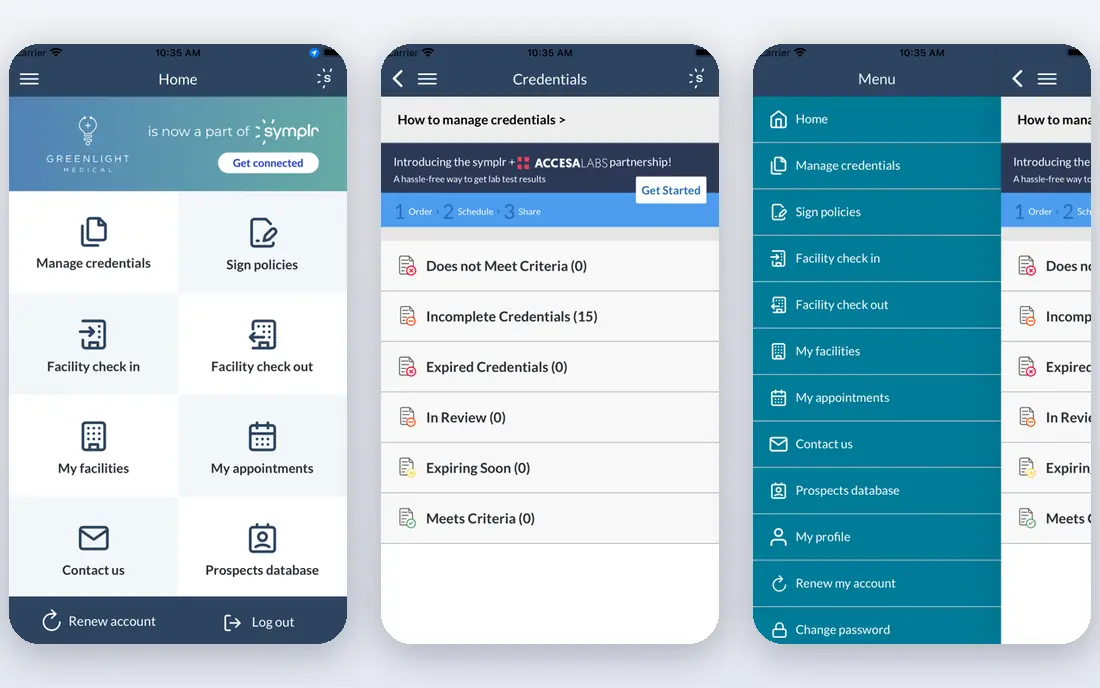
CredentialStream, from symplr, is aimed at hospitals, health systems, and large provider groups that manage many clinicians across sites. It covers provider data, credential tracking, payer enrollment, and privileging in one system, which matters when a single provider needs different privileges at different facilities. Reporting helps compliance teams show who is current, who is expiring, and where a file is stuck.
The trade-off is scale and cost. Pricing is by quote, and implementation for a large system can take months, as recent buyer guides note for enterprise tools in this category. Small practices will find it more system than they need. Large teams that need one source of truth across facilities, with audit trails for committees, should put it on the shortlist.
- Built for large organisations
- Covers credentialing, enrollment, and privileging
- Strong compliance reporting
- Quote-only pricing
- Implementation can be long for large systems
MedTrainer is frequently named as a leader for healthcare compliance and credentialing tracking, and its appeal is the combination: credential expirations, documents, and compliance training sit in one place. That helps a practice manager who otherwise juggles a tracker, a training system, and a shared drive. Alerts and reporting help teams catch an expiring license before it lapses.
The catch is pricing transparency. Recent listings put MedTrainer in a broad per-user range, but the vendor site should be checked for a current quote, since packages differ. Teams should ask in a demo exactly which credential types, verifications, and reports are included in the quoted tier, so the comparison with a simpler tracker is fair.
- Combines credential tracking with compliance learning
- Named often in 2026 healthcare software roundups
- Suited to practices and groups
- Pricing is not published in a simple tier table
- Depth varies by package
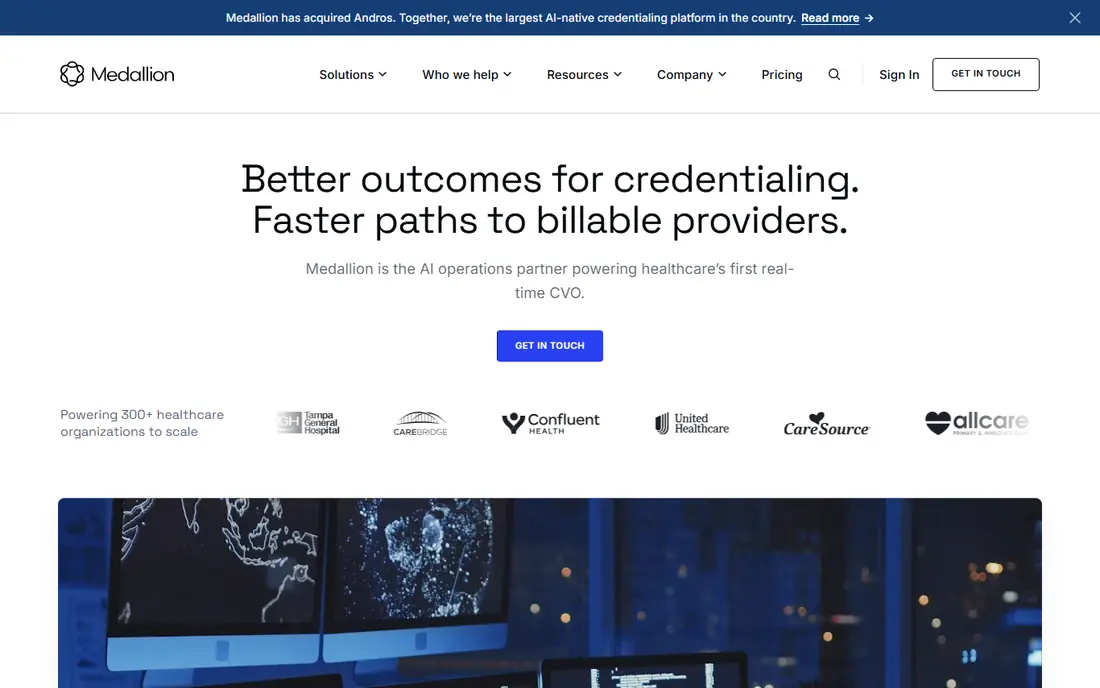
Medallion positions itself as an automated credentialing platform for provider groups, health plans, and digital health companies. It handles provider data collection, verification workflows, and payer enrollment, with automation that reduces manual follow-up. For a growing group that onboards clinicians often, that automation is the main selling point.
The limit is fit and price. Medallion is priced by quote, and its strength shows most when onboarding volume is steady. A solo clinician who only needs expiration reminders will pay for workflow depth they rarely use. Groups hiring at pace, or managing enrollment across many payers, are the natural audience.
- Automation for credentialing workflows
- Built for provider groups and digital health teams
- Payer enrollment support
- Quote-based pricing
- May be more than a small solo practice needs
Modio Health is a physician-built platform for tracking licenses, certifications, and credential documents across a group. It suits multi-state groups where each clinician holds several state licenses with different renewal dates. The dashboard view, with expirations and document status in one place, is the core value, and it reduces the spreadsheet work that leads to lapses.
Buyers should confirm in a demo whether Modio performs primary source verification itself or tracks documents that the team verifies elsewhere, since that distinction changes staffing needs. Pricing is by quote and varies with group size. For a group that mainly needs reliable tracking and reminders, Modio is a strong, focused choice.
- Physician-built tracking
- Clear license and certification views
- Useful for multi-state groups
- Pricing varies by group size
- Verification depth should be confirmed in a demo
MD-Staff has served hospitals for decades and is used by thousands of facilities, with recent coverage noting a top ranking for credentialing software over several years. Its modules cover credentialing, privileging, committee workflows, and performance evaluation, with an AI-assisted engine for primary source verification against licensing boards and regulatory databases. That depth matters for medical staff offices that must defend every privilege decision.
The trade-off is complexity. MD-Staff is built for hospital operations, and smaller teams may find the setup heavy. Implementation and customisation cost extra on top of the subscription, and pricing is by quote based on size and modules. Hospitals and large systems that need governance depth should test it; small practices should look at simpler trackers first.
- Long history in hospital credentialing
- Privileging and committee workflows
- AI-assisted verification engine
- Built for hospital operations, not small practices
- Implementation and customisation cost extra
Verisys is best understood as a verification data provider that credentialing teams use to check licenses, sanctions, exclusions, and disciplinary actions. Its strength is data freshness and screening breadth, which helps teams meet compliance checks without manually searching many sources. It pairs well with a tracker or a full credentialing platform.
The limit is that Verisys alone may not replace a tracker with expiration alerts, document storage, and enrollment workflows for every team. Buyers should map which job Verisys covers and which job their existing system covers, to avoid paying twice for the same check. Pricing is by quote, so ask for screening volume and data sources in writing.
- Real-time verification data
- Exclusion and sanction screening
- Useful alongside a credentialing system
- Data service rather than a full tracker for every team
- Pricing by quote
Sokndall is the clearest small-practice option in this list because its pricing is published and self-serve: Solo at $79 per month for up to three providers, Practice at $299 per month for up to 15 providers, and Billing Company at $699 per month for up to 50 providers, with a 14-day trial. It tracks state licenses, DEA registrations, malpractice cover, board certifications, CAQH re-attestation, and Medicare and Medicaid revalidation, plus the status of every payer enrollment application.
The honest limit is stated by the vendor itself: Sokndall does not store patient data, does not connect to CAQH or payer portals, and does not perform primary source verification. That makes it a tracker and enrollment organiser, not a verification service. For a small practice or billing firm that verifies elsewhere and needs reliable alerts and enrollment follow-up, that trade is fair and the price is easy to budget.
- Published pricing with no sales call needed
- Tracks licenses, CAQH, and payer enrollment status
- 14-day trial
- No primary source verification
- No CAQH or payer portal integration
- No patient data storage
Assured focuses on credentialing and payer enrollment for practices, with an emphasis on behavioural health and therapy groups and on revenue cycle work. Its tools help teams track enrollment, reduce billing denials linked to credentialing gaps, and follow up with payers. For a therapy practice whose revenue depends on being in-network with the right payers, that focus matters more than hospital privileging depth.
The limit is scope: Assured is not a hospital privileging system, and teams that need committee workflows should look at MD-Staff or CredentialStream instead. Pricing is by quote, so a demo should cover payer coverage, enrollment timelines, and what happens when a payer asks for more documents. For enrollment-led practices, Assured is a practical shortlist entry.
- Focus on payer enrollment and billing workflows
- AI-assisted checks
- Suited to behavioural health and therapy groups
- Pricing by quote
- Narrower fit for hospital privileging needs
How we picked these
We compared credentialing tools using vendor feature pages, current buyer guides, and published pricing where available. We included tools that clearly cover credential tracking, payer enrollment, verification, or privileging, and we noted where a tool is a tracker rather than a verification service. We used See website for quote-only tools rather than repeating unverified price ranges as fact. We did not claim hands-on testing; this is a comparison of published features and pricing.
What to check before you buy
Start by naming the job you need done. Tracking expirations, enrolling with payers, verifying credentials at the primary source, and managing privileges are four different jobs, and few tools do all four equally well. A team that buys a tracker expecting verification will still need staff time for verification, while a team that buys a full platform for simple reminders will overpay.
Questions to ask in every demo
Ask whether primary source verification is included, performed by the vendor, or left to your team. Ask how CAQH data flows into the system, how payer enrollment status is updated, and how alerts work for expirations at 90, 60, and 30 days. Ask who owns data entry when a new clinician joins, and how long onboarding takes for a team your size.
Pricing and implementation
For quote-only tools, get the quote in writing with modules, user counts, implementation fees, and renewal terms. Ask about data migration from spreadsheets or a prior system, and about training for the staff who will use it daily. A tool that looks cheap on subscription but needs months of implementation may cost more in staff time than a simpler tracker with published pricing.
Compliance and security
Check how the vendor handles provider documents, access controls, and audit trails, and whether the system supports the reports your compliance team needs for surveys or payer audits. Confirm where data is stored and who can export it if you leave. A clean exit path matters as much as a smooth onboarding, since provider data must stay accurate across any switch.
Frequently asked questions
What is the best credentialing software for a small practice?
Sokndall is a strong small-practice choice because pricing is published from $79 per month and it tracks licenses, CAQH re-attestation, and payer enrollment status. It does not perform primary source verification, so small practices that need verification should pair it with a verification service or choose a platform that includes it.
What is the difference between credential tracking and primary source verification?
Tracking records a credential, its expiry date, and its documents, and alerts you before it lapses. Primary source verification checks the credential directly with the issuing board, database, or source, rather than trusting a copy. Both matter, but only verification confirms that a credential is valid at its source.
How long does credentialing software take to set up?
Simple trackers can be set up in days to a few weeks, while enterprise platforms for hospitals can take months, including data migration, workflow setup, and training. Ask the vendor for a timeline based on your provider count and modules, and plan staff time for data cleanup before migration.
Does credentialing software handle payer enrollment?
Some tools do, including CredentialStream, Medallion, and Assured, while pure trackers such as Sokndall organise enrollment status without connecting to payer portals. Check whether enrollment is automated, tracked manually, or handled as a managed service, since that changes how much staff follow-up remains.
Can credentialing software replace a credentialing team?
No. Software organises documents, alerts, and workflows, but people still verify credentials, answer payer requests, and make privileging decisions. The best tools reduce manual chasing and errors, but they do not remove the need for staff who understand payer rules and compliance checks.
Sources
- https://www.symplr.com
- https://www.medtrainer.com
- https://www.medallion.co
- https://www.modiohealth.com
- https://www.mdstaff.com
- https://www.verisys.com
- https://www.sokndall.com
- https://www.withassured.com
- https://topbusinesssoftware.com/categories/credentialing/
- https://www.withassured.com/blog/7-best-software-for-credentialing-telemedicine-providers
See where you really rank - block by block
ProMapRanker scans Google Maps across a grid of your service area. Simple monthly plans from $19, white-label on every plan.
Start freeKeep reading
 zoho inventory alternatives
6 Alternatives to Zoho Inventory, Compared on Price and Fit
Zoho Inventory alternatives: 6 tools compared on price, free plans and fit. Katana leads the list for manufacturers. Fit and flaws are laid out for each entry.
Read → zoho crm alternatives
Best Zoho CRM Alternatives (2026)
Need Zoho CRM alternatives? We compare 7 tools on cost, free access and who each suits. Every pick gets a straight assessment. Built for quick decisions.
Read → zelle alternatives
Best Zelle Alternatives in 2026
Compare the best Zelle alternatives for sending money to friends, paying sellers and moving funds abroad, with honest notes on fees, speed and safety in 2026.
Read →