 ProMapRanker
8 Best Cpq Software for simplifying Quote to Cash Options for 2026


Enterprises with complicated pricing and big catalogs · Pricing starts at: $60 per user/month
Key takeaways
- Top of the list is PROS Smart CPQ, which targets enterprises with complicated pricing and big catalogs.
- For the cheapest start, look at PandaDoc: $19 per user/month.
- One limit worth knowing about PandaDoc: real CPQ features (pricing rules, approvals depth) sit on the Enterprise plan.
- A free plan is available from 2 of the 8 tools: PandaDoc, HubSpot CPQ.
Direct answer
Our first pick is PROS Smart CPQ, best for enterprises with complicated pricing and big catalogs. PandaDoc is better for small teams needing quotes, proposals and e-signatures quick, and Salesforce Revenue Cloud is better for Salesforce-based teams wanting quoting, contracts and billing together. The remaining 5 options are covered below with prices and limits.
Quick comparison
| Pick | Great for | Pricing starts at | Free tier | |
|---|---|---|---|---|
| PROS Smart CPQ | Enterprises with complicated pricing and big catalogs | $60 per user/month | No | Visit |
 PandaDoc | Small teams needing quotes, proposals and e-signatures quick | $19 per user/month | Yes | Visit |
 Salesforce Revenue Cloud | Salesforce-based teams wanting quoting, contracts and billing together | $150 per user/month (billed yearly) | Free trial | Visit |
 HubSpot CPQ | HubSpot users who want quoting inside their CRM | $90 per seat/month (billed yearly) | Yes | Visit |
 Hyperline | SaaS startups wanting CPQ and billing in one system | $199 a month + 0.6% of revenue | Free trial | Visit |
 DealHub | Mid-market teams wanting CPQ, CLM and billing in one deal | See website | Free trial | Visit |
 Conga CPQ | Large businesses needing CPQ plus capable contract management | See website | Free trial | Visit |
 Oracle CPQ | Oracle-heavy enterprises needing global quote-to-cash | See website | No | Visit |
The full cpq software for simplifying quote to cash list
ProMapRanker put together this guide to cpq software for simplifying quote to cash for readers who want a clear shortlist without reading every vendor page. It compares 8 tools on starting price, free plans, who each one suits and where each one falls short.
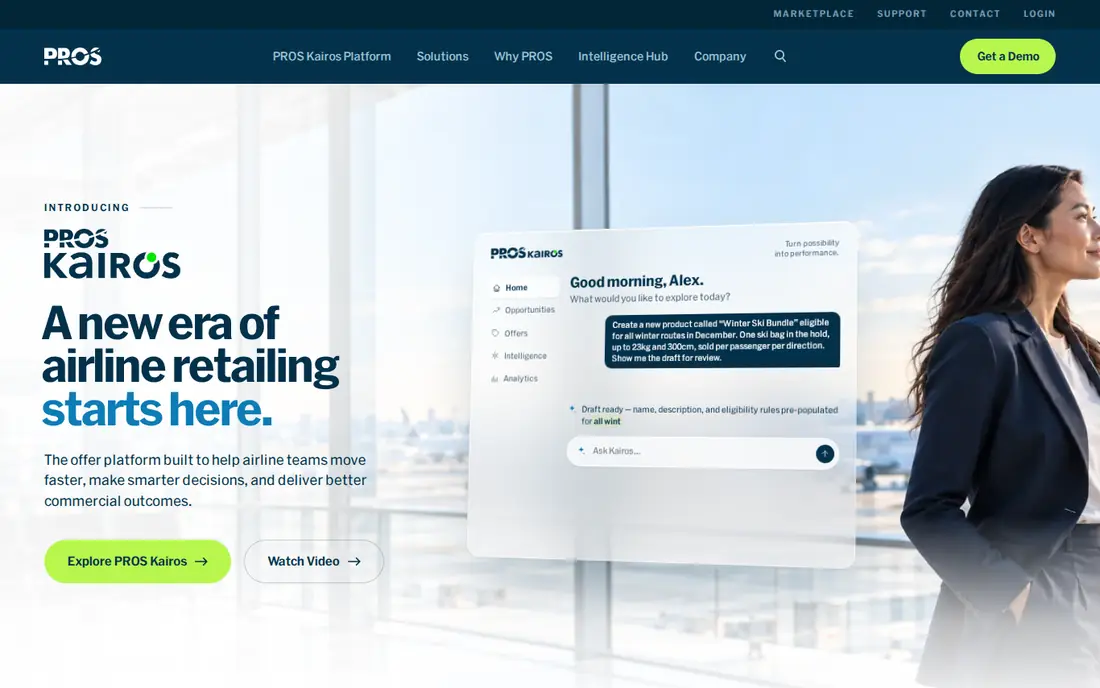
PROS Smart CPQ is aimed squarely at enterprises with complicated pricing and big catalogs. Essentials includes guided selling, rule-based configuration and subscription pricing.
That transparency is refreshing, but do not mistake it for a self-serve product. On cost, PROS Smart CPQ starts like this: $60 per user/month. PROS Smart CPQ does not include a free plan.
What to check first: No free trial or free plan.
- Capable pricing science and quote analytics
- Rare in this category
- Enterprise sales cycle despite the transparent pricing
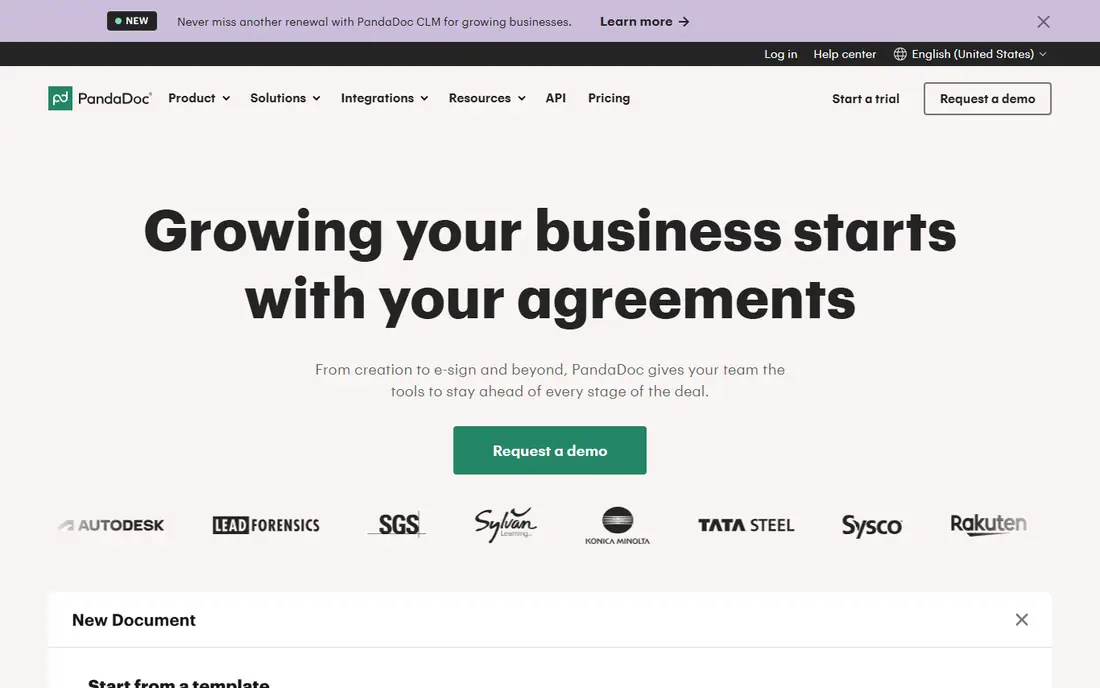
Think of PandaDoc for small teams needing quotes, proposals and e-signatures quick. PandaDoc comes at quoting from the document side instead of the pricing-engine side, and for numerous small firms that is exactly right. From a buyer's view, be honest about what it is not.
Where it falls short: Real CPQ features (pricing rules, approvals depth) sit on the Enterprise plan.
But if your problem is that proposals take days and stall at signature, PandaDoc fixes that in a week or two. It connects with Salesforce, HubSpot, Pipedrive and the usual CRMs. Also, reps build proposals with pricing tables in a drag-and-drop editor, send them for e-signature, and collect payment in the same flow. Entry price for PandaDoc: $19 per user/month. You can start on PandaDoc without paying.
- Pricing tables
- Genuinely free e-sign plan to start
- Not made for complicated product configuration
Salesforce Revenue Cloud
Great for: Salesforce-based teams wanting quoting, contracts and billing together
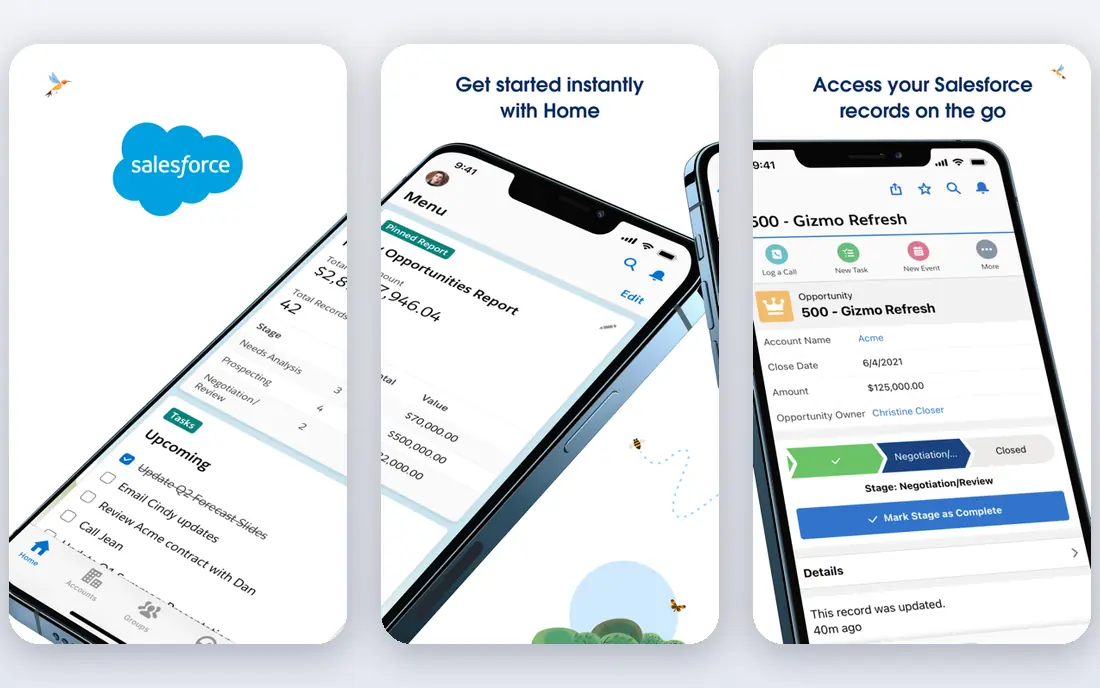
Choose Salesforce Revenue Cloud for Salesforce-based teams wanting quoting, contracts and billing together. Salesforce Revenue Cloud is the current name for what most people still call Salesforce CPQ (originally SteelBrick). For everyone else, it is overkill.
Watch-outs: Advanced tier needed for consumption billing.
If your sales team and customer data already live in Salesforce, this is the path of least resistance: quotes, approvals, orders, contracts and billing share one data model. For a Salesforce-standardized company with complicated configuration needs, it is still the safest enterprise bet. Worth adding: consumption billing needs the Advanced level at $200 per user a month. Also, Revenue Cloud Growth lists at $150 per user a month billed yearly, and that sits on top of a required Sales Cloud license. On cost, Salesforce Revenue Cloud starts like this: $150 per user/month. Free plan details: Free trial.
- Contracts and billing
- Handles quoting, subscriptions
- Implementations generally run 3 to 6 months
HubSpot CPQ is built with HubSpot users who want quoting inside their CRM in mind. HubSpot also charges a mandatory $1,500 onboarding fee on Professional, which stings on a small team. From a buyer's view, free CRM tools contain entry-level quoting.
Watch-outs: $1,500 mandatory onboarding on Professional.
The full experience includes Sales Hub Professional at $90 per seat a month billed annually. In practice, line items pull from your product library and everything lands back on the deal record. In daily use, HubSpot CPQ is the quotes tool inside Sales Hub. So there is nothing new to learn and no integration to maintain. Worth adding: past that, most teams outgrow it and migrate to something like DealHub or Hyperline. The starting price for HubSpot CPQ: $90 per seat/month. HubSpot CPQ includes a free tier.
- Quotes live inside the CRM your team already uses
- Free tools bundle entry-level quoting
- No native quote-to-invoice automation
Think of Hyperline for SaaS startups wanting CPQ and billing in one system. Pricing is public: $199 a month plus 0.6% of revenue for the quote-to-cash plan, with a free trial that spans 10 invoices and needs no credit card.
Honest limits: Best fit only when sales and finance align on one system.
In daily use, the trade-offs are youth: fewer implementation partners and a revenue-share model that costs more as you grow. Hyperline cost at the entry level: $199 per month + 0.6% of revenue. Free plan details: Free trial. Highlights: Deploys in weeks and connects to Stripe.
- No handoff to maintain
- Transparent pricing published on its site
- Revenue-share pricing gets pricey as you scale
Pick DealHub if this describes you: mid-market teams wanting CPQ, CLM and billing in one deal. DealHub pitches itself as the quote-to-revenue product for businesses that find Salesforce CPQ too heavy and document tools too light.
Trade-offs to know: One-time implementation fee.
In practice, since it is no-code, your RevOps team can change a price book or discount policy without filing a ticket with IT. In daily use, one subscription includes guided selling, approvals, a buyer-facing DealRoom with e-sign, contracts and subscription billing. DealHub does not show a starting price in this comparison, so check the vendor site for current pricing. Trial and free access: Free trial. What users get: No-code setup that admins can change without developers; contracts and subscription billing in one system.
- Fast implementations
- CPQ
- Buyer engagement tracking costs additional on some comparisons
Conga CPQ is aimed squarely at large businesses needing CPQ plus solid contract management. Conga's strengths are the unglamorous ones: contracts and documents. From a buyer's view, there is no rate card on conga.com, users on a regular basis describe the interface as clunky, and reporting takes more work than it should.
Worth adding: the CPQ side manages subscriptions, bundles and multi-currency quoting, and unlike Salesforce-native rivals it runs on Dynamics 365 and SAP too. In practice, smaller firms will drown in it. Conga CPQ shows no starting price here, so confirm the cost on the vendor site. On free options: Free trial.
What users get: Dynamics 365 and SAP. The main drawbacks: Interface feels dated to plenty of users.
- Mature contract lifecycle management and document generation
- Works across Salesforce
- No public pricing on its own site
Oracle CPQ is a good fit for Oracle-heavy enterprises needing global quote-to-cash. Oracle CPQ (the former BigMachines) is the enterprise establishment choice alongside Salesforce.
The honest assessment: it is at its best inside an Oracle estate, integrated with Oracle Sales and Fusion ERP, where it removes a whole layer of integration work. Beyond that, if your CIO's strategy is Oracle everywhere, this is the CPQ. Pricing for Oracle CPQ is not stated here, so ask the vendor for current figures. No free plan comes with Oracle CPQ.
The main drawbacks: Interface and setup feel enterprise-heavy.
- Recognized as a Leader by Gartner nine years running
- Deep integration with Oracle's CX and ERP suite
- No public pricing
Selection criteria
For each of the 8 tools we noted price, free plan or trial, fit for cpq software for simplifying quote to cash and the main limit, using vendor pages and documentation. Prices and plan limits come from vendor pages and can change, so confirm them on the vendor site before you buy. Position on the page reflects fit for a typical buyer first, with price clarity and free access breaking ties. Treat it as a guide, not a ruling.
Pre-purchase checklist
- Get a written quote from DealHub, Conga CPQ and Oracle CPQ; the list shows no starting price for them.
- Read the fine print on the free plans from PandaDoc and HubSpot CPQ; seat, project and feature caps differ.
- Run a trial of Salesforce Revenue Cloud, Hyperline, DealHub and Conga CPQ with real work before paying for a year; your own workflow is the best test.
- Read the limits listed for PROS Smart CPQ first: no free trial or free plan.
- Map your must-have features to a specific DealHub plan before you compare prices.
- A short pilot of PandaDoc with your real workflow tells you more than a feature table.
Frequently asked questions
Can I try these tools before paying?
Often, yes. PandaDoc and HubSpot CPQ have a free plan and Salesforce Revenue Cloud, Hyperline, DealHub and Conga CPQ offer a free trial. Use your own data and a real task during the test, and check what the free tier or trial limits before you rely on it.
Do I need CPQ if I already have a CRM?
CPQ earns its keep with bundles, tiered pricing, usage-based models, discount approvals, renewals or complicated configuration. That is where spreadsheet quoting starts producing costly errors.
Do these tools publish their prices?
Not all of them. DealHub, Conga CPQ and Oracle CPQ publish no starting price, so expect a quote request for those. The rest, PROS Smart CPQ included, show a starting price, though seats and billing terms still change the final cost.
What is the difference between CPQ and quote-to-cash?
CPQ handles configure, price and quote: building the right deal. Quote-to-cash is the longer flow from that quote through contracting, ordering, billing and revenue recognition.
Can small firms use CPQ software?
Yes. PandaDoc, HubSpot CPQ and Hyperline are all designed for smaller teams and deploy in weeks.
What is the cheapest option for cpq software for simplifying quote to cash in this list?
On published monthly entry prices, PandaDoc is the lowest here at $19 per user/month. Entry price is only part of the cost, because seats, add-ons and billing terms can change the total.
Sources
See where you really rank - block by block
ProMapRanker scans Google Maps across a grid of your service area. Simple monthly plans from $19, white-label on every plan.
Start freeKeep reading
 zscaler alternatives
Best Zscaler Alternatives in 2026
Looking for zscaler alternatives? We compare 9 SASE and zero trust platforms on architecture, data protection, pricing, and fit for your network and team.
Read → zapier alternatives free
Best Zapier Alternatives Free in 2026
Nine automation tools for zapier alternatives free in 2026, all with genuinely free tiers, plus free plan limits, starting prices and upgrade paths explained.
Read → which platform is best for online reputation
Which Platform Is Best for Online Reputation in 2026
Wondering which platform is best for online reputation? We compare 8 review, listing, and response tools for small and multi-location businesses and agencies.
Read →