 ProMapRanker
Best Course Creation Platform in 2026


Creators launching a first paid course · Pricing starts at: See website
Key takeaways
- Teachable and Thinkific suit first-time creators, while Kajabi suits creators who want marketing, email, and courses in one place.
- A free plan helps you test a platform, but transaction fees on free and low-cost plans can matter more than the monthly price.
- LearnWorlds stands out for interactive lessons and assessments, and LearnDash suits WordPress site owners who want full control.
- Podia and Systeme.io keep the setup simple when you also sell downloads, memberships, or coaching.
- Check the current pricing page before you buy, since plan names, fees, and limits change often.
Quick comparison
| Pick | Great for | Pricing starts at | Free tier | |
|---|---|---|---|---|
| Teachable | Creators launching a first paid course | See website | Yes | Visit |
 Thinkific | Branded courses with no transaction fees on paid plans | See website | Yes | Visit |
 Kajabi | Creators running a whole online business | See website | Free trial | Visit |
 Podia | Simple courses, downloads, and memberships together | See website | Yes | Visit |
 LearnWorlds | Interactive courses and assessments | See website | Free trial | Visit |
 Mighty Networks | Courses built around community | See website | Free trial | Visit |
 Systeme.io | Low-cost all-in-one setup | See website | Yes | Visit |
 LearnDash | WordPress course sites | See website | No | Visit |
The best course creation platforms
We compared course builders, checkout tools, marketing features, and pricing pages. Our pick for most people is Thinkific for a clean course-first setup, with Teachable close behind for a fast first launch.
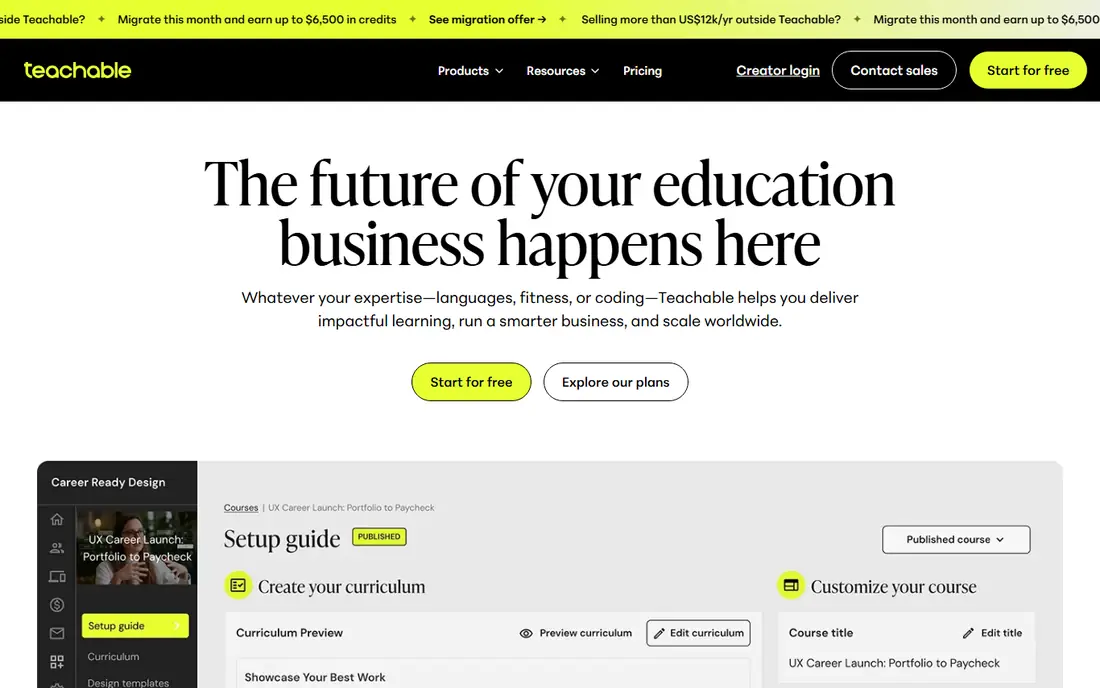
Teachable works well when you want to turn knowledge into a paid course without hiring a developer. You can build lessons, set a price, and sell from a hosted school page. The platform handles hosting, payments, and student accounts, so the technical work stays small.
The trade-off is flexibility. If you want a highly custom site design or a complex membership structure, Teachable may feel narrow. Lower tiers also take a cut of sales, so read the fee terms before you price a course. For a first course with a clear topic and a modest audience, that simplicity is often worth it.
- Simple course builder
- Built-in payments and tax handling
- Student management included
- Transaction fees on lower tiers
- Design control is limited compared with WordPress tools
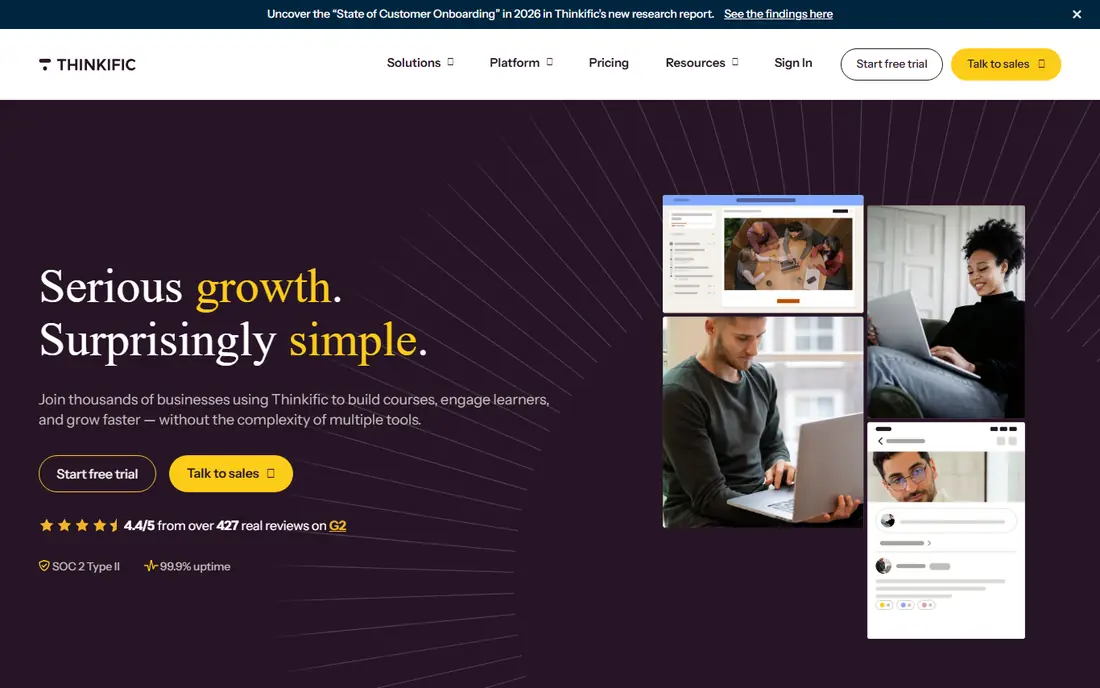
Thinkific puts the course itself first. The builder supports video, text, quizzes, and drip schedules, and you can brand the school with your own domain and colors. That focus makes it a good fit for teachers, coaches, and small training businesses that sell learning rather than a full marketing suite.
We like Thinkific for creators who plan to grow a catalog over time. Unlimited courses on many plans means you are not forced to upgrade just to add a second subject. The catch is that email marketing and sales funnels may need a separate tool, so add that cost to your comparison.
- Unlimited courses on many plans
- No transaction fees on paid plans with its own payments
- Strong course player
- Marketing tools are lighter than Kajabi
- Some advanced features sit on higher tiers

Kajabi is the closest thing here to a full creator business platform. You can host courses, build a website, send email campaigns, run a podcast feed, and sell coaching, all under one login. That breadth helps when you already sell regularly and want fewer tools to connect.
The price reflects that scope, and a single short course may not justify it. Kajabi also takes time to set up well, since you are configuring a business system rather than just uploading lessons. If your income already comes from courses and email, the consolidation can pay off. If not, start smaller.
- Courses, email, landing pages, and payments in one system
- Polished templates
- Strong automation
- Higher monthly cost
- More setup than a simple course host
- Overkill for one small course
Podia suits creators who sell a mix of products. A course can sit beside a download, a webinar, or a membership without a separate store. The interface stays friendly, and the checkout process is short, which helps when buyers arrive from social media or email.
Podia is less suited to schools that need deep assessment tools, complex grading, or detailed learning paths. It also charges transaction fees on certain plans, so compare the total cost at your expected sales volume. For solo creators who value a tidy store over advanced learning features, Podia is a strong, low-friction choice.
- Clean storefront
- Courses, downloads, coaching, and memberships in one place
- Easy setup
- Fewer advanced course features than LearnWorlds
- Transaction fees on some plans
LearnWorlds is built for courses that need more than video playback. You can add interactive video elements, quizzes, assignments, and certificates, and the course player looks polished on desktop and mobile. That makes it a good fit for professional training, academies, and creators who sell structured programs.
The entry plan includes a per-sale fee, so check how that fee affects your margins before you commit. The feature set also takes longer to learn than Podia or Teachable. If your course relies on tests, feedback, and a professional school brand, LearnWorlds earns its place on the shortlist.
- Interactive video and assessment options
- Polished course player
- White-label options on higher tiers
- Per-sale fee on the entry plan
- Learning curve for advanced features
- Higher cost at scale
Mighty Networks works best when discussion matters as much as lessons. Members can join a community, take a course, attend an event, and talk with each other in one place. That mix suits cohort programs, coaching groups, and membership communities where peer support keeps people engaged.
If you only need a course library, the community features add cost and complexity you may not use. Course assessment tools are also simpler than those on LearnWorlds or Thinkific. Choose Mighty Networks when community is the product, not just an extra.
- Community, courses, and events in one space
- Member profiles and discussion
- Mobile app options
- Transaction fees on lower tiers
- Course tools are simpler than dedicated learning platforms
Systeme.io appeals to creators on a tight budget. The free plan lets you publish a course and test demand before paying, and paid plans add email marketing, sales funnels, and automation. That combination is hard to match at this price point.
The trade-off is polish. Course pages and learning features are functional rather than refined, and the integration list is shorter than Kajabi or Thinkific. Systeme.io fits a first launch, a side project, or a creator who wants one low-cost tool for several jobs. Move up when design or advanced learning features become a priority.
- Free plan to start
- Courses, email, funnels, and checkout in one tool
- Simple interface
- Course design is basic
- Fewer integrations than larger platforms
- Limits on the free plan
LearnDash is a WordPress plugin, not a hosted platform, and that difference shapes everything. You own the site, the student data, and the design, and you can extend the system with other WordPress plugins. That control suits schools, agencies, and creators who already run WordPress.
Control also means responsibility. You handle hosting, backups, updates, and payment setup, or you pay someone to do it. Beginners may find that work distracting from course creation. If you already manage a WordPress site and want a course system that lives inside it, LearnDash is a proven choice.
- Full control on your own WordPress site
- Drip content, quizzes, and certificates
- Large add-on ecosystem
- You manage hosting, updates, and security
- Setup takes more skill
- Costs add up with plugins
How we picked these
We compared official feature pages, pricing pages, and app store listings, and we checked which products are still sold and supported in October 2026. We favored platforms that cover the full job, from building lessons to taking payment, and we included hosted platforms and a WordPress option so different budgets and skill levels are covered. We did not claim hands-on testing, and we left prices as See website where vendor pricing could not be verified cleanly at writing time.
What to check before you choose
Start with how you will sell, not just how you will teach. A platform with a built-in checkout, tax handling, and student emails saves setup time, while a WordPress plugin gives you more control but more maintenance. List the features you need on day one, such as quizzes, certificates, drip lessons, or a community, and ignore features you may never use.
Pricing and fees
Compare the monthly price plus any transaction fee, and run the math at your expected sales volume. A low monthly price with a high per-sale fee can cost more than a higher plan with no fee. Also check limits on students, courses, admin accounts, and video storage.
Migration and ownership
Ask how you export student lists, course content, and sales records before you sign up. Hosted platforms make launching easy, but moving later can take work. If long-term ownership matters most, WordPress with LearnDash or a platform with clear export tools deserves extra weight.
Student experience
Preview the course player on a phone, since many students learn on mobile. Check lesson navigation, video playback, quiz feedback, and certificate delivery. A clean student experience matters more than a long feature list, because confused students ask for refunds.
Frequently asked questions
What is the best course creation platform for beginners?
Teachable and Podia are good starting points because setup is simple and you can publish without code. Thinkific is also friendly and gives you more room to grow a course catalog. Start with a free plan or trial, publish one short course, and upgrade only when sales justify it.
Which platform has no transaction fees?
Thinkific charges no transaction fees on paid plans when you use its own payments, and Kajabi charges none with its payments on many plans. Podia and Teachable charge fees on some lower tiers, so check the current plan details. Payment processors such as Stripe or PayPal may still charge their own processing fees.
Is Kajabi worth the higher price?
Kajabi can be worth it when you already use email marketing, landing pages, and courses, since it replaces several tools. It is harder to justify for one small course with few sales. Add up the tools Kajabi would replace, then compare that total with its monthly price.
Can I sell courses on WordPress?
Yes, LearnDash adds courses, quizzes, drip content, and certificates to a WordPress site. You will also need hosting, a payment gateway, and a theme that works well on mobile. The setup takes more work, but you keep full control of the site and student data.
What is the best online course hosting platform for interactive lessons?
LearnWorlds is our pick for interactive video, assessments, and a polished course player. Thinkific also handles quizzes and structured courses well. If you need live classes, check whether the platform includes live session tools or needs a separate video tool.
Do I need a separate email tool?
It depends on the platform. Kajabi and Systeme.io include email marketing, while Thinkific and Teachable may work better with a separate email service for advanced campaigns. If email drives most of your sales, choose a platform with strong built-in email or a clean integration with your current tool.
Sources
See where you really rank - block by block
ProMapRanker scans Google Maps across a grid of your service area. Simple monthly plans from $19, white-label on every plan.
Start freeKeep reading
 zoho inventory alternatives
6 Alternatives to Zoho Inventory, Compared on Price and Fit
Zoho Inventory alternatives: 6 tools compared on price, free plans and fit. Katana leads the list for manufacturers. Fit and flaws are laid out for each entry.
Read → zoho crm alternatives
Best Zoho CRM Alternatives (2026)
Need Zoho CRM alternatives? We compare 7 tools on cost, free access and who each suits. Every pick gets a straight assessment. Built for quick decisions.
Read → zelle alternatives
Best Zelle Alternatives in 2026
Compare the best Zelle alternatives for sending money to friends, paying sellers and moving funds abroad, with honest notes on fees, speed and safety in 2026.
Read →