 ProMapRanker
7 Corporate Password Manager Software Options Ranked for 2026


Technical teams that want open-source, self-hosted credential management · Pricing starts at: $4.90/user/month (Pro, minimum 10 users)
Direct answer
For technical teams that want open-source, self-hosted credential management, Passbolt is where this list starts. If your case is different, Zoho Vault suits Zoho shops and budget teams that require a credible business vault and Bitwarden suits value-conscious teams that want open-source transparency. Details, prices and limits for the rest of the 7 tools are below.
Key takeaways
- Top of the list is Passbolt, which targets technical teams that want open-source, self-hosted credential management.
- 4 of 7 tools offer a free plan: Passbolt, Zoho Vault, Bitwarden, LastPass.
- LastPass fits mid-market teams wanting established admin controls and directory integration.
- Zoho Vault is the lowest-priced starter here at $0.90/user/month.
Quick comparison
| Pick | Great for | Pricing starts at | Free tier | |
|---|---|---|---|---|
| Passbolt | Technical teams that want open-source, self-hosted credential management | $4.90/user/month (Pro, minimum 10 users) | Yes | Visit |
 Zoho Vault | Zoho shops and budget teams that require a credible business vault | $0.90/user/month (Standard, billed yearly) | Yes | Visit |
 Bitwarden | Value-conscious teams that want open-source transparency | $4/user/month (Teams, billed yearly) | Yes | Visit |
 1Password Business | Businesses where employee adoption is the primary risk | $8.99/user/month (billed yearly) | No | Visit |
 TeamPassword | Non-technical teams replacing shared spreadsheets | From $2.41/user/month | No | Visit |
 NordPass | Small teams wanting budget-friendly, straightforward password management | $3.59/user/month (Business, billed yearly) | No | Visit |
 LastPass | Mid-market teams wanting established admin controls and directory integration | $7/user/month (Business, billed yearly) | Yes | Visit |
Every option for corporate password manager software explained
ProMapRanker put together this guide to corporate password manager software for readers who want a clear shortlist without reading every vendor page. It compares 7 tools on starting price, free plans, who each one suits and where each one falls short.
Passbolt
Great for: Technical teams that want open-source, self-hosted credential management
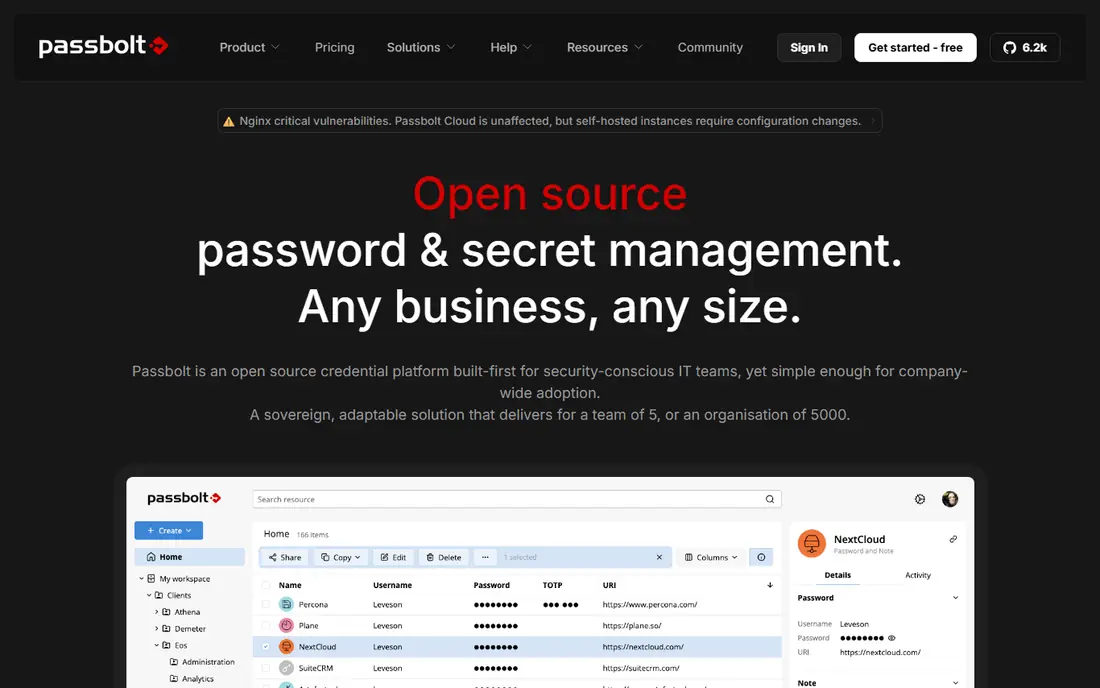
In short, Passbolt is for technical teams that want open-source, self-hosted credential management. Pro at $4.90 per user a month (10-user minimum) layers on LDAP provisioning, SSO with Microsoft, Google and OpenID, account recovery escrow, audit logs and next-business-day support. On top of that, teams with DevOps capacity get a sovereign, auditable vault for less than SaaS alternatives.
Worth adding: the main limit is operational: you run the server, you deal with backups and uptime. Passbolt is the only tool here designed for self-hosting first. Entry price for Passbolt: $4.90/user/month. Passbolt has a free plan.
Highlights: even the premium levels.
Points against: Less hand-holding than SaaS rivals.
- Granular per-credential permissions
- Self-hosted by design
- 10-user minimum on Pro
Zoho Vault
Great for: Zoho shops and budget teams that require a credible business vault

Zoho Vault is built with Zoho shops and budget teams that require a credible business vault in mind. A 15-day trial handles the premium plans with no card required. Worth adding: the value is real but so are the caveats.
Drawbacks to consider: Best inside the Zoho suite.
Also, SSO at the top level means most buyers pay $7.20, not $0.90, for proper enterprise integration. Worth adding: professional at $4.50 brings groups, shared folders and breach alerts. Enterprise at $7.20 layers on SSO, Active Directory and help desk integration. In daily use, the interface is functional Zoho enterprise software, not a delight. But for businesses already running Zoho, or teams where budget dominates the decision, nothing else comes close on price. Zoho Vault pricing: $0.90/user/month. Free access exists with Zoho Vault.
- Forever-free individual edition
- Deep Zoho ecosystem integration
- SSO needs the $7.20 Enterprise level
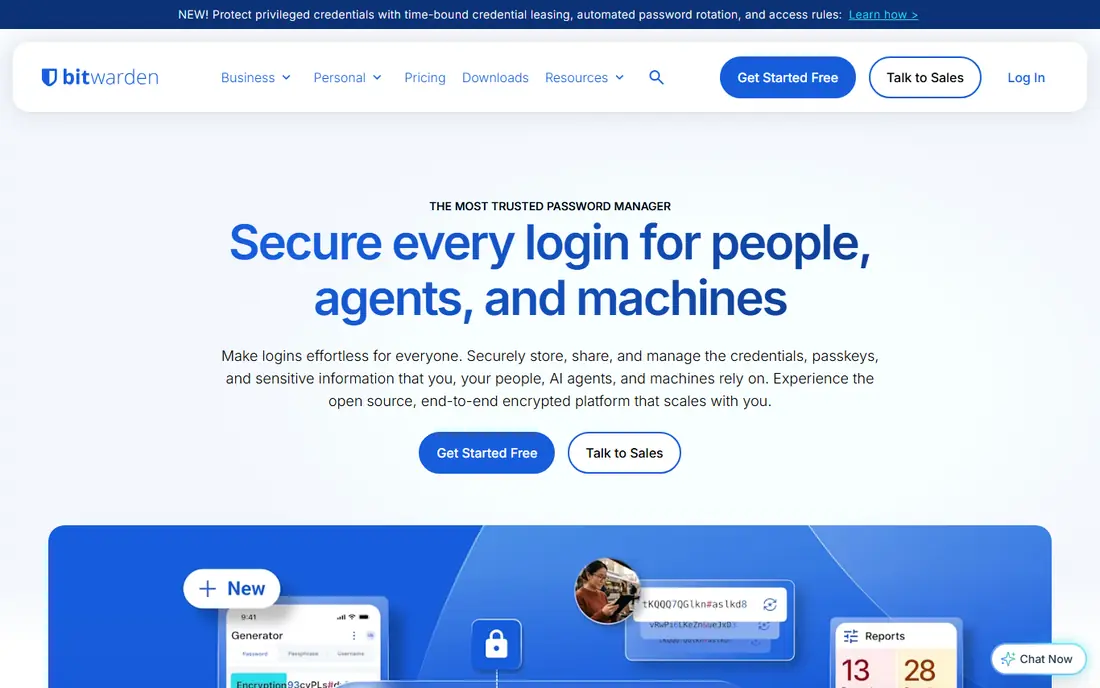
Where Bitwarden fits: value-conscious teams that want open-source transparency. Bitwarden is the rationalist's password manager: open-source code, yearly external audits, and pricing that undercuts every comparable rival. The trade-offs are real.
SSO lives only on Enterprise, so a team that needs single sign-on pays $6, not $4. Worth adding: the apps are clean but utilitarian next to 1Password. Enterprise at $6 brings SSO, custom policies, admin account recovery and the self-host choice. Bitwarden cost at the entry level: $4/user/month. You can start on Bitwarden without paying.
The main drawbacks: Support is leaner than 1Password.
- Cheapest path to SCIM
- Self-hosting available
- Interface is functional instead of delightful
1Password Business
Great for: Businesses where employee adoption is the primary risk
1Password Business works best for businesses where employee adoption is the primary risk. 1Password is the password manager employees complain about least, and that is a business feature. On top of that, every seat also contains a free 1Password Families account.
Where it falls short: Teams Starter Pack caps at 10 users before the price cliff.
For everyday use, adoption is where corporate password projects die: a technically perfect vault that nobody opens is worthless. In daily use, the Business plan at $8.99 per user a month (raised in early 2026) contains SSO via Okta, Entra ID, Google Workspace and others, SCIM provisioning, SIEM event streaming, and the Watchtower admin dashboard. In practice, 1Password's apps are genuinely pleasant across every product, which is why it has become the default recommendation for businesses willing to pay for polish. 1Password Business cost at the entry level: $8.99/user/month. 1Password Business has no permanent free option.
- Free Families plan per user
- Best-in-class user experience
- Most costly per seat here
TeamPassword is designed for non-technical teams replacing shared spreadsheets. Passwords live in one encrypted vault with permissions, audit logs and instant revocation when someone leaves. This is deliberately not an enterprise IAM tool.
Points against: Not aimed at regulated industries.
On top of that, agencies, marketing teams and startups adopt it without IT involvement since group-based sharing maps to how they already think about access. TeamPassword optimizes for one thing: getting non-technical teams off spreadsheets quick. Entry price for TeamPassword: From $2.41/user/month. TeamPassword has no free tier.
- Group-based sharing non-technical staff grasp immediately
- SOC 2 certified
- Lighter admin and compliance feature set
NordPass
Great for: Small teams wanting budget-friendly, straightforward password management
NordPass targets small teams wanting budget-friendly, straightforward password management. Teams and Business plans handle Google Workspace SSO; Okta and Entra ID need the Enterprise level at a higher per-seat price.
Where it is weaker: Smaller admin feature set.
More specifically, for Google-centric small companies that is a non-issue. NordPass pricing: $3.59/user/month. NordPass has no free tier.
- Data breach scanner
- Built-in authenticator and email masking
- Nord ecosystem upsell pressure
LastPass
Great for: Mid-market teams wanting established admin controls and directory integration
Pick LastPass if this describes you: mid-market teams wanting established admin controls and directory integration. The Teams plan at $4 per user a month fits smaller groups, whereas Business at $7 brings the full admin console and advanced controls.
Points against: 2022 breach still comes up in procurement.
Also, LastPass remains one of the most deployed business password managers, with admin dashboards, SSO, directory integration and policy controls aimed squarely at the mid-market. LastPass pricing: $7/user/month. LastPass has a free plan.
- Mature admin console
- Teams plan at $4 for lighter needs
- Business needed for full admin features
How we compared the tools
Pricing pages, product documentation and feature lists were the main sources, and every entry carries at least one honest drawback. Treat prices as a snapshot: vendors change plans often, so check the vendor site for the figure that applies today. Order on the page follows fit for the typical buyer first, then price transparency and free access. Your own requirements should decide the final pick.
A buyer's checklist
- Confirm the entry price on the vendor page: Zoho Vault starts at $0.90/user/month, but seat counts and billing terms change the total.
- Look at free plan limits closely: Passbolt, Zoho Vault, Bitwarden and LastPass have one, and the caps decide whether it is usable for real work.
- Before choosing Passbolt, weigh its main limit: 10-user minimum on Pro.
- Test the integrations you rely on with Passbolt before committing; some connectors sit on upper tiers.
- Test how quickly TeamPassword answers a pre-sales question; it hints at how support will feel later.
Frequently asked questions
Do these tools publish their prices?
Yes. Every tool from Passbolt to LastPass shows a starting price, though seats, add-ons and billing terms still change the final cost.
How are the tools for corporate password manager software ordered?
Passbolt sits first and LastPass last because the order follows typical fit for corporate password manager software, then price clarity and free access. It is a judgement call, so read each profile for fit and limits.
Do we need SSO integration with our password manager?
It makes it possible for automatic provisioning and deprovisioning and lets employees access the vault with existing credentials. Smaller teams can start without SSO and add it later, but confirm which level contains it before you buy.
Which options for corporate password manager software have a free plan?
On this list, Passbolt, Zoho Vault, Bitwarden and LastPass include a free plan. Caps on seats, usage or features are common, so test the free plan against your real workload.
Is it safe to store company passwords in the cloud?
Yes, with a reputable zero-knowledge password manager. Your master password never leaves employee devices, and the encrypted vault is unreadable without it, even to the vendor.
Which password manager is easiest for non-technical employees?
1Password scores highest on usability, which is why it leads enterprise adoption despite premium pricing. TeamPassword is the simplest choice for small non-technical teams.
Sources
See where you really rank - block by block
ProMapRanker scans Google Maps across a grid of your service area. Simple monthly plans from $19, white-label on every plan.
Start freeKeep reading
 zscaler alternatives
Best Zscaler Alternatives in 2026
Looking for zscaler alternatives? We compare 9 SASE and zero trust platforms on architecture, data protection, pricing, and fit for your network and team.
Read → zapier alternatives free
Best Zapier Alternatives Free in 2026
Nine automation tools for zapier alternatives free in 2026, all with genuinely free tiers, plus free plan limits, starting prices and upgrade paths explained.
Read → which platform is best for online reputation
Which Platform Is Best for Online Reputation in 2026
Wondering which platform is best for online reputation? We compare 8 review, listing, and response tools for small and multi-location businesses and agencies.
Read →