 ProMapRanker
Best Conversion Rate Optimization Tools in 2026

Key takeaways
- Microsoft Clarity is free with no traffic cap, making it the best starting point for heatmaps and session recordings.
- VWO and Convert cover the full testing workflow, while Optimizely and AB Tasty suit larger teams with bigger budgets.
- Crazy Egg bundles heatmaps, surveys, and simple A/B tests at a clear published price starting at $29 per month.
- The best CRO stack usually pairs one testing tool with one behavior tool, rather than buying a single platform that does both poorly.
Quick comparison
| Pick | Great for | Pricing starts at | Free tier | |
|---|---|---|---|---|
 VWO | All-in-one testing and insights | See website | Yes | Visit |
 Optimizely | Enterprise experimentation | See website | No | Visit |
 Hotjar | Behavior analytics and feedback | Free | Yes | Visit |
 Microsoft Clarity | Free heatmaps and recordings | Free | Yes | Visit |
 Crazy Egg | Simple heatmaps and tests | $29 per month | Yes | Visit |
 Convert | Transparent pricing for agencies | $299 per month | No | Visit |
 AB Tasty | Personalization plus testing | See website | No | Visit |
 Unbounce | Landing pages built to convert | See website | No | Visit |
 Mouseflow | Session replay and funnels | See website | Yes | Visit |
The best conversion rate optimization tools
Conversion rate optimization tools answer two questions: where do visitors struggle, and does a change actually help. Behavior tools show the struggle, testing tools prove the fix, and landing page tools let you build the new version. The nine tools below cover all three jobs.
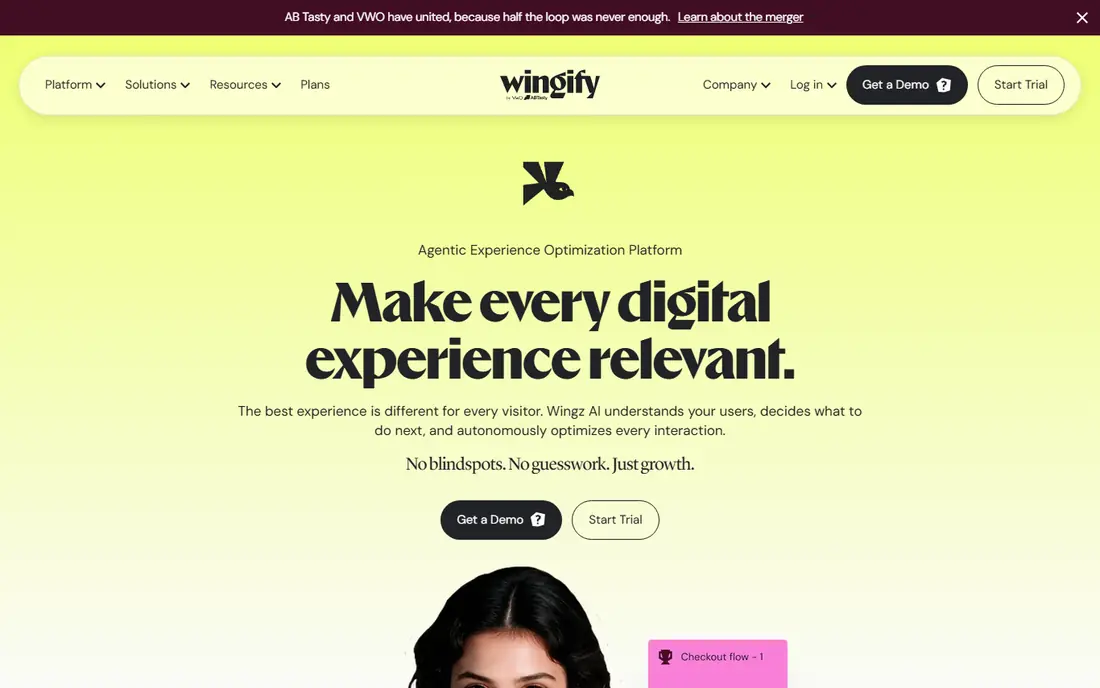
VWO is the most complete CRO platform for mid-sized teams. It combines testing with behavior analytics, so a team can watch recordings, spot a friction point, build a variation in the visual editor, and run the test without switching tools. Its statistics engine is designed to prevent calling tests early, which protects teams from acting on noise.
The main drawback is pricing opacity. VWO publishes a free Starter option for low-traffic sites, but paid plans are largely quote based and scale with monthly tracked users. Small sites may find the free tier enough to start, while growing sites should get a written quote tied to their traffic before budgeting.
- A/B, multivariate, and split URL testing in one platform
- Heatmaps, recordings, and surveys included
- Visual editor needs no code for simple tests
- Pricing is quote based for most plans
- Costs rise with traffic volume
- Full platform can be more than a small site needs
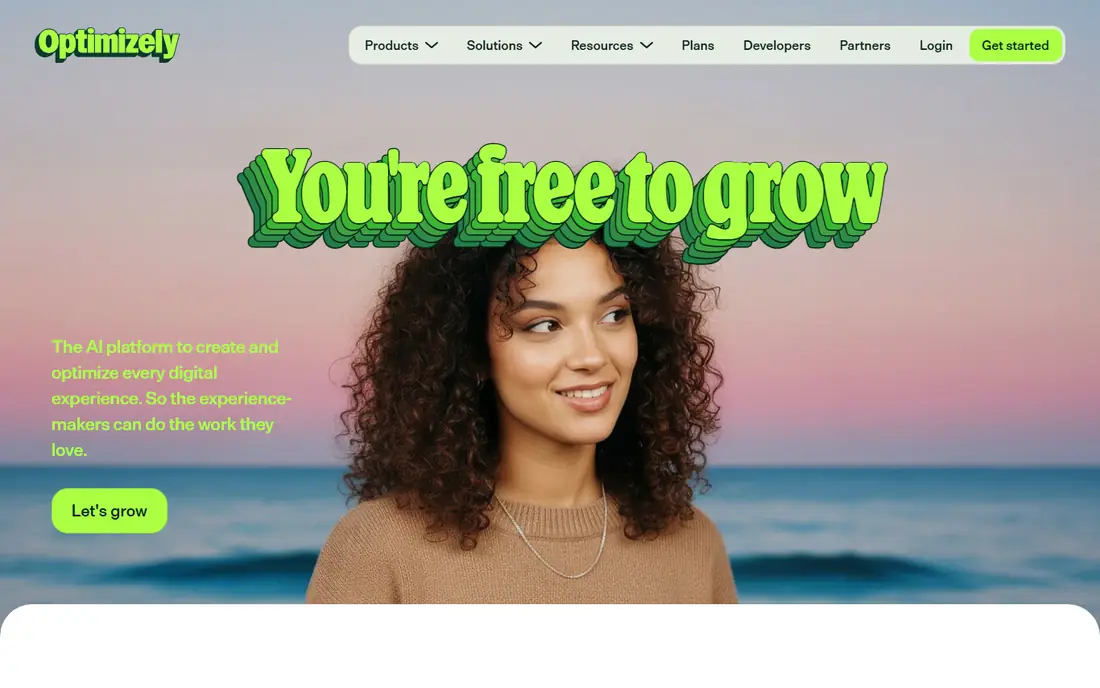
Optimizely is the heavyweight experimentation platform for large teams running many tests at once. It covers web experimentation, feature experimentation, and personalization, with feature flags and server-side testing that developers rely on for complex products. Integrations with data warehouses support detailed audience segmentation.
The cost is the barrier. Optimizely publishes no list prices, and third-party reports place entry contracts in the tens of thousands of dollars per year. Small and mid-sized teams will get better value from VWO or Convert, while enterprises with dedicated experimentation programs get the depth they need from Optimizely.
- Strong web and feature experimentation
- Server-side testing and feature flags
- Advanced targeting and integrations
- Custom pricing only, with large annual contracts
- Needs technical setup
- Overkill for small sites
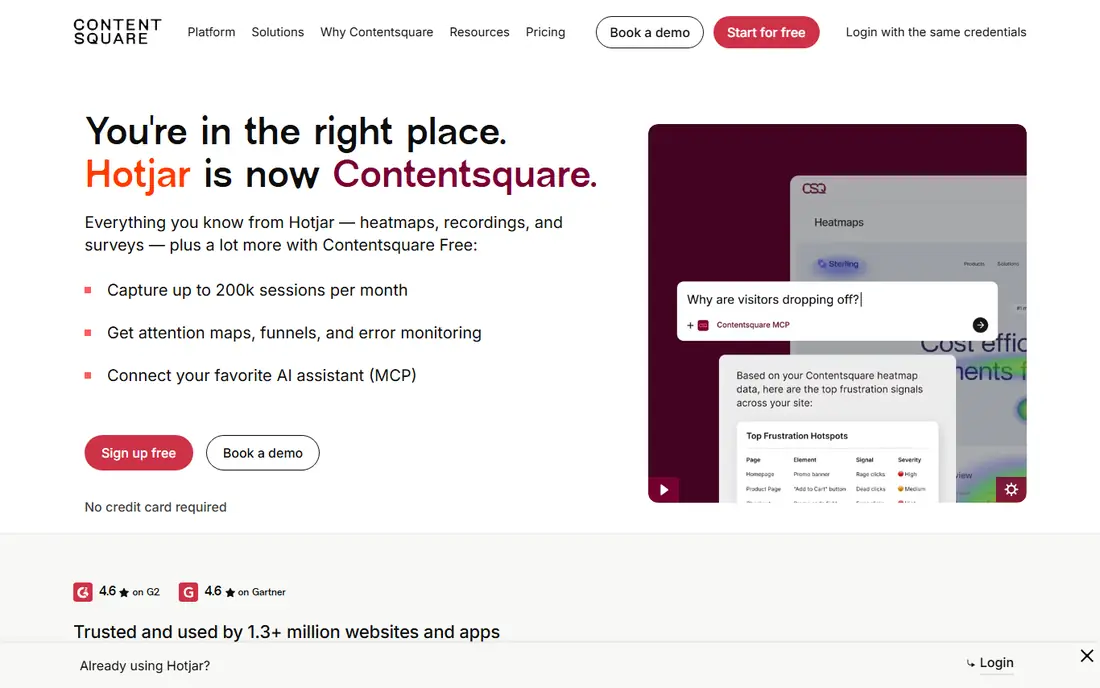
Hotjar, now owned by Contentsquare, remains one of the easiest ways to see how visitors actually use a site. Heatmaps show where people click and scroll, recordings reveal moments of confusion, and surveys collect feedback in context. The free tier covers a generous monthly session volume, which suits small and mid-sized sites.
The change to watch is packaging. Hotjar's own pricing page now redirects to Contentsquare, where Experience Analytics, Voice of Customer, and Product Analytics are priced as separate modules, with paid access starting around $49 per month billed annually for Experience Analytics. Teams that need only behavior analytics still get strong value, but matching a bundled rival's features can mean stacking modules.
- Heatmaps, recordings, funnels, and surveys in one tool
- Free tier covers a large session volume
- Easy to set up
- Now part of Contentsquare, so pricing sits on Contentsquare pages
- Paid modules are priced separately
- No native A/B testing depth
Microsoft Clarity is the best free tool in this category, full stop. It offers unlimited heatmaps and session recordings at no cost, with no paid tier to upgrade to, and it flags rage clicks, dead clicks, and excessive scrolling automatically. For a site with heavy traffic, Clarity removes the session-based pricing pain that other behavior tools create.
The limits are scope and support. Clarity does not run A/B tests, surveys, or popup campaigns, so it pairs with a testing tool rather than replacing one. There is also no contractual support tier, and teams in regulated industries should review Microsoft's data terms before installing it. As a diagnostic tool, though, it is hard to argue with free.
- Completely free with no traffic cap
- Unlimited heatmaps and recordings
- Rage click and dead click detection
- No A/B testing, surveys, or popups
- No paid support tier
- Data retention and privacy terms need review
Crazy Egg is the straightforward choice for small site owners who want heatmaps plus a little more. Its Starter plan at $29 per month billed annually covers heatmaps, surveys, web analytics, and conversion analytics, and the Plus plan at $99 adds A/B testing, error tracking, and popup CTAs. Pricing is published and simple, with no overage charges.
The trade-off is depth. Crazy Egg's A/B testing is simpler than VWO or Convert, and its session replay features are less detailed than Clarity or Mouseflow. For owners of a few key pages who want to understand clicks and run simple tests, that simplicity is a feature, not a flaw.
- Clear published pricing from $29 per month billed annually
- Heatmaps, surveys, A/B testing, and CTAs
- No overage charges, collection pauses at the limit
- A/B testing and CTAs require the $99 per month Plus plan
- Recording history is thinner than dedicated replay tools
Convert Experiences appeals to teams that hate quote-based pricing. Its Growth plan costs $299 per month billed annually for 100,000 tested users per month, with Pro at $420, and the pricing page states the terms plainly. It covers A/B, split URL, multivariate, and full-stack testing, with a privacy-first approach that agencies appreciate for client work.
The price is the barrier for small sites, and there is no free plan, only a 15-day trial. For agencies and mid-sized companies running regular tests, the transparency and the testing depth justify the cost. For a small site running one test a quarter, a cheaper behavior tool plus occasional testing elsewhere may fit better.
- Published pricing with no hidden tiers
- A/B, multivariate, and full-stack testing
- Privacy-focused with many integrations
- Growth at $299 per month billed annually is steep for small sites
- No free plan
- 15-day trial only
AB Tasty combines experimentation with personalization and product recommendations, which suits ecommerce teams that want to tailor experiences by segment rather than run one test for everyone. Its AI-assisted targeting helps teams serve different variations to different audiences, and its feature management covers server-side use cases.
Like Optimizely, AB Tasty is quote only, and buyer reports commonly place contracts well above small-business budgets. It earns its place for larger ecommerce and media teams that need personalization alongside testing, but smaller teams should shortlist VWO or Convert first.
- Experimentation, personalization, and recommendations in one platform
- AI-assisted audience targeting
- Strong for ecommerce
- Custom pricing only
- Implementation suits larger teams
- Smaller sites will not use the full feature set
Unbounce solves a different CRO problem: building the page itself. Its drag-and-drop builder lets marketers create and test landing pages without developer help, and built-in A/B testing shows which version converts better. AI-assisted features help with copy and page structure for teams without a dedicated copywriter.
The limit is scope. Unbounce optimizes landing pages, not an entire site or product, so teams that need whole-site experimentation still need a testing tool. Pricing varies by plan and traffic, so check the current pricing page against expected page views before committing.
- Drag-and-drop landing page builder
- Built-in A/B testing
- AI-assisted copy and page optimization features
- Pricing is plan based and rises with traffic and features
- Focused on landing pages, not whole-site testing
Mouseflow is a strong behavior analytics pick for teams that want replay plus funnel and form analysis. Watching recordings of users struggling with a checkout form, then seeing where the funnel drops off, gives a clear picture of what to fix. The free plan covers small sites, and paid tiers scale by session volume with a 14-day trial.
The drawback is that Mouseflow is a diagnostic tool, not a testing platform. Teams still need VWO, Convert, or a landing page tool to validate fixes. For teams that already have a testing tool, Mouseflow is a solid second purchase; for teams starting out, Clarity covers similar ground for free.
- Session replay, heatmaps, funnels, and form analytics
- Free plan for small sites
- Clear session-based tiers
- Paid tiers scale with session volume
- Less testing depth than VWO or Convert
- Advanced features sit on higher plans
How we picked these
We compared official pricing pages, feature documentation, and current CRO guides, and we kept only tools that are live and genuinely support conversion work through testing, behavior analytics, or landing page optimization. We noted where pricing is quote based rather than inventing figures, and we flagged the Hotjar move to Contentsquare because older guides still quote outdated tiers. Our comparisons rest on vendor documentation and public reviews, not on hands-on testing.
Building a CRO stack that fits your traffic
Start free with behavior data
Install Microsoft Clarity and watch a week of recordings before buying anything. Most small sites find their biggest friction point in the first few sessions, and that finding shapes which paid tool, if any, is worth buying.
Add testing only when you have traffic
A/B tests need enough conversions to reach a trustworthy result. Low-traffic sites get more value from fixing obvious friction and running surveys than from formal testing, while higher-traffic sites justify VWO or Convert.
Test one change at a time
A test that changes the headline, the image, and the button at once cannot tell you which change helped. Change one element, run the test to a planned sample size, and record the result before moving on.
Watch cost per insight, not cost per month
A $29 tool that reveals one fix a month beats a $299 tool that sits unused. Review usage quarterly, and drop any tool whose last three insights did not lead to a change on the site.
Frequently asked questions
What is the best conversion rate optimization software for beginners?
Microsoft Clarity for behavior data and Crazy Egg for simple heatmaps and tests are the best beginner picks. Clarity is free, Crazy Egg publishes clear pricing from $29 per month, and both are easy to install without developer help.
What are the best tools for conversion rate optimization on a small site?
Clarity plus Crazy Egg covers most small sites: free recordings and heatmaps from Clarity, and simple tests and surveys from Crazy Egg. Add VWO or Convert only when traffic grows enough to support regular A/B testing.
What is the best software for conversion rate optimization at enterprise scale?
Optimizely and AB Tasty lead for enterprise teams, with server-side testing, feature flags, personalization, and advanced targeting. Both use custom pricing, so expect a sales process and an annual contract sized to traffic and modules.
Does Hotjar still exist as a standalone tool?
Hotjar still works, but it is now part of Contentsquare, and new accounts sign up through Contentsquare rather than Hotjar's old pricing page. Existing accounts continue to work, and the product is sold as Experience Analytics, Voice of Customer, and Product Analytics modules.
How long should an A/B test run?
A test should run until it reaches its planned sample size and a trustworthy statistical result, not until it looks like a winner on day three. Low-traffic sites may need several weeks, while high-traffic sites can reach a result in days. Ending tests early is one of the most common CRO mistakes.
Sources
See where you really rank - block by block
ProMapRanker scans Google Maps across a grid of your service area. Simple monthly plans from $19, white-label on every plan.
Start freeKeep reading
 outreach alternatives
Outreach Alternatives in 2026
Compare outreach alternatives for 2026, from Salesloft and Apollo to HubSpot and Lemlist, with pricing, channels, features, limits, and honest trade-offs.
Read → best web conference tools
Best Web Conference Tools in 2026
Compare the best web conference tools for meetings, webinars and team calls, with current pricing, free plans and honest limits for each option here today.
Read → best voice cloning tools
Best Voice Cloning Tools in 2026
Compare the best voice cloning tools in 2026, from ElevenLabs and Descript to Resemble and Cartesia, with consent rules, pricing, licenses, and limits.
Read →