 ProMapRanker
Best Conversational AI Platforms in 2026

Key takeaways
- The best conversational AI platform depends on your stack: Google, AWS, and Microsoft each reward teams already on that cloud.
- Visual builders suit product and support teams, while open tools suit engineering teams that need full control.
- Usage-based pricing can look cheap in a pilot and grow fast at scale, so model real conversation volume before you choose.
- Always plan a human handoff, and review what customer data the bot stores, retains, and sends to model providers.
Quick comparison
| Pick | Great for | Pricing starts at | Free tier | |
|---|---|---|---|---|
 Dialogflow CX | Google Cloud teams | See website | Free trial | Visit |
 Amazon Lex | AWS-native chat and voice | See website | Yes | Visit |
 Microsoft Copilot Studio | Microsoft 365 enterprises | $200 per month | No | Visit |
 Rasa | Self-hosted control | Free | Yes | Visit |
 Voiceflow | Visual bot building | See website | Yes | Visit |
 Botpress | Developer-friendly bots | Free | Yes | Visit |
 Kore.ai | Large enterprise service operations | See website | No | Visit |
 Yellow.ai | Omnichannel support automation | Free | Yes | Visit |
The best conversational AI platforms
We compared platforms on building style, channels, human handoff, and pricing model, so you can pick a tool that fits your team and your support volume.
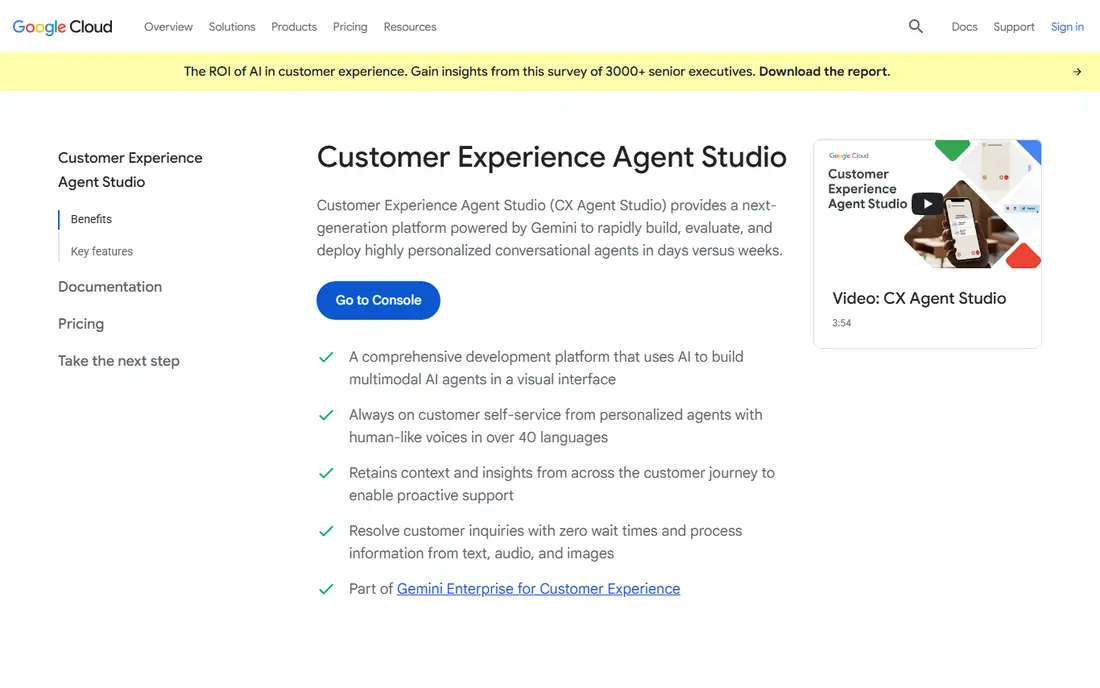
Dialogflow CX, now part of Google Cloud Conversational Agents, suits teams building structured chat and voice agents on Google Cloud. Its flow builder handles multi-turn conversations, and its language understanding helps route users to the right answer without a long menu. Published pricing is usage-based, at $0.007 per chat request for the Flows edition in Google Cloud pricing material.
The catch is scale and complexity. Usage charges grow with traffic, and a large, branching agent needs careful design and testing. Teams outside Google Cloud may find a vendor-neutral builder simpler. For Google-centered teams with a contact center or a high-volume support site, Dialogflow CX is a strong, proven pick.
- Strong language understanding and flow controls
- Fits Google Cloud and contact center tools
- Usage-based pricing
- Costs scale with requests
- Complex flows need specialist time
- Best value inside Google Cloud
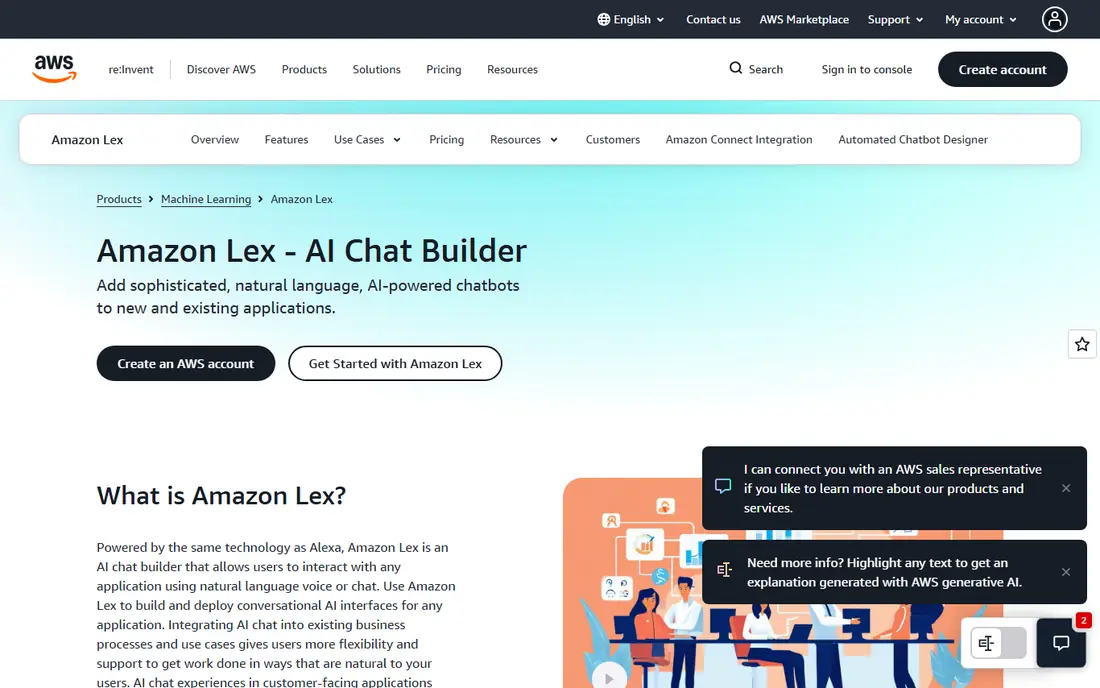
Amazon Lex fits teams already running on AWS. It powers chatbots and voice bots, connects to AWS Lambda and other AWS services, and supports building bots that hand off to human agents when needed. Its free tier covers a set number of text and speech requests in the first year in published AWS material, which makes a pilot cheap to run.
The limit is ecosystem fit. Teams without AWS experience will spend time learning the platform, and costs depend on request mix, so model voice and text separately. For AWS shops that want a bot close to their existing data and services, Lex is a practical, low-friction choice.
- Native AWS integration
- Chat and voice in one service
- Pay-per-request model
- AWS knowledge needed
- Pricing varies by request type
- Design work still takes time
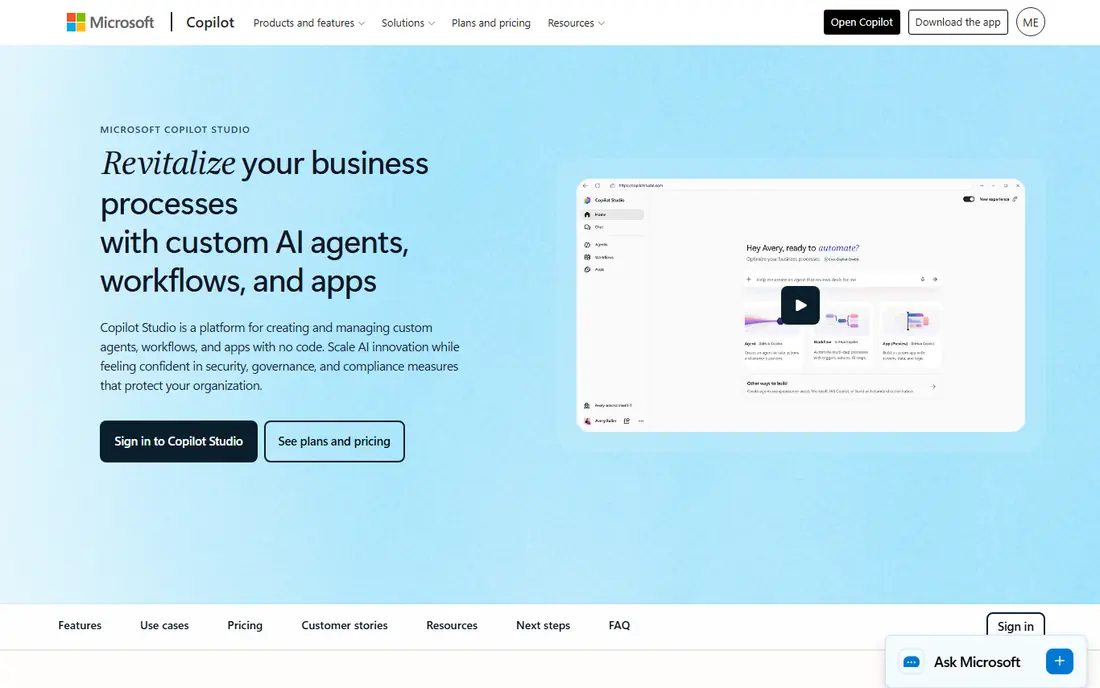
Microsoft Copilot Studio suits enterprises standardized on Microsoft 365. Teams can build agents that answer from company knowledge, automate tasks, and work inside Teams and other Microsoft apps, without building a separate bot stack. Published guides list a $200 per month per tenant starting point with a message allowance, so check the current allowance before you budget.
The downside is lock-in and message math. If your users are not on Microsoft 365, much of the value is lost, and high message volumes can push costs up. For Microsoft-centered organizations that want governed agents with admin controls, Copilot Studio is the natural first test.
- Native Microsoft 365 and Power Platform fit
- Low-code agent building
- Enterprise controls
- Pricing is per tenant with message allowances
- Best value only inside Microsoft
- Advanced bots need planning
Rasa is the pick for engineering teams that need full control. Its open-source framework lets you build, host, and tune conversational agents on your own infrastructure, which helps teams with strict data rules or custom language needs. The developer edition is free to start, and the community around Rasa is active.
The trade-off is ownership. You handle deployment, monitoring, and upgrades, and a team without conversational AI experience will need time to learn the framework. For regulated teams, or teams that must keep customer data inside their own systems, that control is worth the effort. For a small support team that wants a quick visual builder, Rasa will feel heavy.
- Open-source core and self-hosting
- Full control over data and models
- No per-message vendor lock-in
- Needs engineering time
- You own hosting and maintenance
- Enterprise features are paid
Voiceflow suits product, design, and support teams that want to build and test bots visually. You can design flows, connect a knowledge base for FAQ-style answers, and publish to web chat and voice channels without writing a full application. A free tier supports prototyping, which makes it easy to test an idea before paying.
The catch is pricing clarity. Published Voiceflow prices in third-party guides vary, so treat any older figure as out of date and check the current pricing page and seat and usage terms before you budget. For teams that value fast visual iteration and clear handoff to humans, Voiceflow is still a strong choice.
- Visual flow builder for product and design teams
- Chat and voice support
- Knowledge base answers
- Published pricing has changed over time, so confirm current plans
- Usage and seats add cost
- Enterprise features are gated
Botpress fits developers who want a visual builder without giving up code control. You can build flows, add knowledge, connect tools, and extend the bot with code, and the free plan lets you test a real bot before paying. That mix suits small teams and developers building bots for clients.
The honest weakness is volume pricing. Paid plans are tied to conversations and included AI usage, and extra packs add cost, so a high-traffic support bot can get expensive. Read the conversation definition carefully, since anonymous sessions and month-spanning chats can count in ways you do not expect. For developer-led teams with moderate volume, Botpress is a flexible pick.
- Free starting plan
- Open and extensible stack
- Visual builder plus developer tools
- Paid plans rise with conversation volume
- Conversation counting needs care
- Voice is enterprise-only in published guides
Kore.ai is aimed at large organizations with complex service operations. It supports chat and voice agents, automation across channels, and integration with enterprise systems, which suits contact centers handling high volumes and many intents. Teams that need governance, analytics, and large-scale deployment will find its depth useful.
The downside is cost and effort. Pricing is quoted, and a full rollout needs planning, integration, and testing across channels. A small business with a simple FAQ bot will get faster value from Voiceflow or Botpress. For Fortune-scale service teams, Kore.ai is a credible enterprise shortlist name.
- Enterprise-grade platform for chat and voice
- Strong contact center fit
- Broad channel coverage
- Quote-only enterprise pricing
- Implementation takes time
- Overkill for a small website bot
Yellow.ai suits support teams that work across many channels. It covers website chat, voice, email, and WhatsApp, and its published model includes a free plan with paid tiers priced per resolution in third-party guides. That outcome focus can suit support leaders who care more about resolved cases than raw message counts.
The catch is measurement. Resolution pricing only helps if you agree on what counts as a resolution and how it is tracked, so define that in the contract. Channel depth also varies, so test your main channels in a pilot. For omnichannel support teams, Yellow.ai is a practical, channel-first option.
- Chat, voice, email, and WhatsApp coverage
- Outcome-based pricing on paid tiers
- Free plan to start
- Paid pricing is resolution-based, so model outcomes carefully
- Enterprise setup takes planning
- Feature depth varies by channel
How we picked these
We compared official product and pricing pages and recent public comparison guides, and we favored platforms that are live in 2026, cover different building styles, and offer a clear human handoff. We did not claim hands-on testing, and we wrote See website where current pricing is quoted or has changed, rather than repeating an out-of-date figure. Privacy and data handling notes are based on published product positioning, not a legal review.
How to choose a conversational AI platform
Start with the job. A support bot needs strong FAQ answers, clear escalation, and good analytics on unresolved cases. A sales or onboarding bot needs guided flows and CRM integration. A voice bot needs speech quality, latency, and handling for noisy calls. Write down your top ten user intents before you demo any tool, because a platform that handles those ten well will matter more than a long feature list.
Next, test the handoff and the data handling. A good bot tells users it is a bot, offers a human path, and passes context to the agent instead of making the user repeat the story. Check what transcripts are stored, how long they are kept, whether they are used for model training, and how you can delete them. That review matters for privacy and for customer trust, especially in support.
Finally, model the cost at real volume. Usage, message, conversation, and resolution pricing all behave differently, so run your pilot numbers through each model. A cheap pilot can turn into a large bill at full traffic, while a higher flat plan can be cheaper at scale. Pick the tool your team can actually maintain, since a bot that nobody updates will start giving stale answers within months.
Frequently asked questions
Which conversational AI platform is best for a small business?
A small team usually does best with a visual builder that has a free tier, such as Voiceflow or Botpress, because setup is fast and the cost stays low at modest volume. If your team is on Microsoft 365 or AWS, test that cloud native option first, since integration may save more time than a standalone tool.
What is the best conversational AI software for customer support?
For support, look for strong FAQ and knowledge answers, clear human handoff, and analytics on unresolved cases. Yellow.ai and Kore.ai suit larger omnichannel operations, while Botpress and Voiceflow suit smaller support teams that need to ship quickly.
What is the best conversational AI tool for voice bots?
Amazon Lex and Dialogflow CX are strong voice choices for AWS and Google Cloud teams, while Voiceflow and Kore.ai also support voice channels. Test speech quality and handoff on real calls, since a voice bot that fails on noisy audio will frustrate callers fast.
How much does a conversational AI platform cost?
Costs vary by model: usage per request, per message, per conversation, or per resolution, plus seats and enterprise features. Always model your real monthly volume, check what counts toward the bill, and ask about overages before you sign.
Do I need engineers to build a conversational AI bot?
Not always. Visual builders let product and support teams build FAQ and guided bots without code, while Rasa and cloud native tools need engineering time. Even with a visual tool, someone should own content updates, testing, and analytics, or the bot will drift out of date.
How should I handle customer data in a conversational AI bot?
Tell users they are talking to a bot, limit personal data collection, set retention and deletion rules, and review what the vendor and any model provider receive. Keep sensitive data out of bot transcripts where possible, and check your privacy policy and legal duties before launch.
Sources
See where you really rank - block by block
ProMapRanker scans Google Maps across a grid of your service area. Simple monthly plans from $19, white-label on every plan.
Start freeKeep reading
 outreach alternatives
Outreach Alternatives in 2026
Compare outreach alternatives for 2026, from Salesloft and Apollo to HubSpot and Lemlist, with pricing, channels, features, limits, and honest trade-offs.
Read → best web conference tools
Best Web Conference Tools in 2026
Compare the best web conference tools for meetings, webinars and team calls, with current pricing, free plans and honest limits for each option here today.
Read → best voice cloning tools
Best Voice Cloning Tools in 2026
Compare the best voice cloning tools in 2026, from ElevenLabs and Descript to Resemble and Cartesia, with consent rules, pricing, licenses, and limits.
Read →