 ProMapRanker
Best Contract Organization Software in 2026


Searchable repository fast · Pricing starts at: See website
Key takeaways
- ContractWorks and ContractSafe suit teams whose first need is a searchable repository with renewal alerts, without a long implementation.
- PandaDoc and Concord suit sales and business teams that need proposals, signatures, and routine contracts in one place.
- Ironclad, DocuSign CLM, Juro, and Agiloft suit larger legal teams that need approvals, clause control, and full lifecycle workflows.
- The best tool depends on who owns contracts, how many are active, and whether drafting or storage is the main pain.
Quick comparison
| Pick | Great for | Pricing starts at | Free tier | |
|---|---|---|---|---|
| ContractWorks | Searchable repository fast | See website | Free trial | Visit |
 ContractSafe | Transparent flat pricing | $450 per month | No | Visit |
 PandaDoc | Sales documents and signing | See website | Free trial | Visit |
 Concord | Business team self-service | See website | No | Visit |
 Ironclad | Enterprise legal workflows | See website | No | Visit |
 DocuSign CLM | DocuSign-centred enterprises | See website | No | Visit |
 Juro | In-document negotiation | See website | No | Visit |
 Agiloft | Complex configurable workflows | See website | No | Visit |
The best contract organization software
Contract organisation is less about storing files and more about finding the right version, knowing what renews soon, and seeing who approved what. The tools below cover that range.
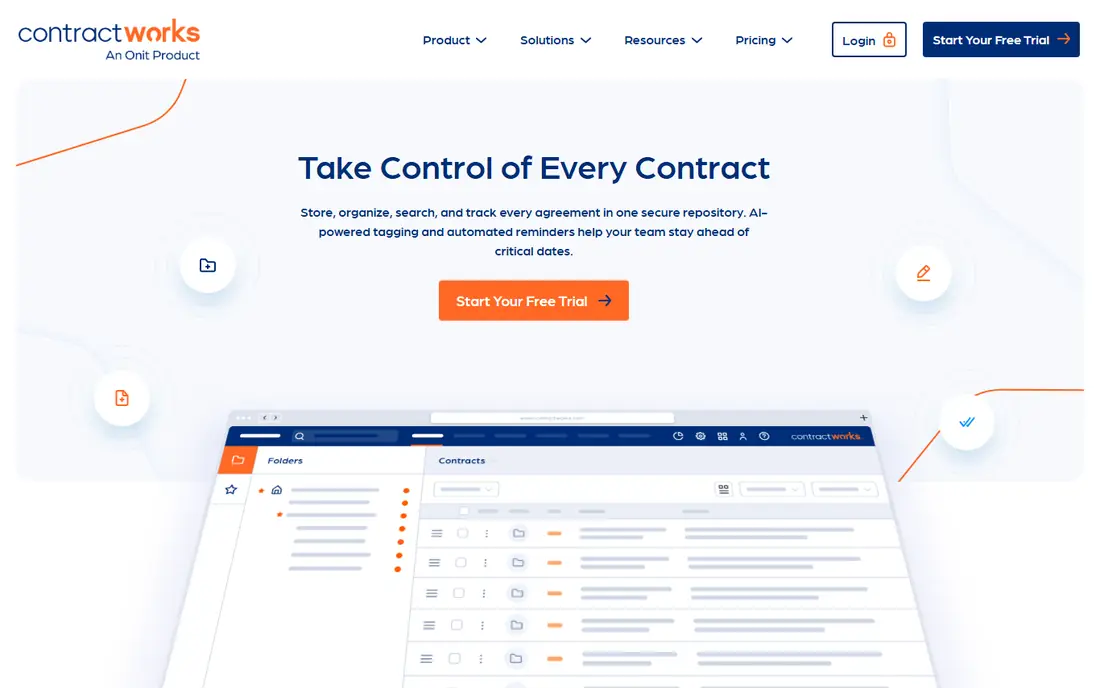
ContractWorks suits a team drowning in PDFs and shared drives. Contracts can be uploaded, searched by text and key fields, and tracked with alerts for renewals and milestones. That simple structure often delivers value in weeks, since the main win is stopping the search for the latest signed version. Permissions and audit trails also help a small legal or operations team control access without a heavy system.
The limit is workflow depth. ContractWorks is stronger as an organised repository than as a full drafting, approval, and negotiation platform. Teams that need complex conditional approvals, clause libraries, and redlining workflows may outgrow it. For a team whose first problem is finding and tracking contracts, though, that focus is an advantage, not a flaw.
- Fast repository setup
- Strong search across contract text
- Renewal and milestone alerts
- Less full lifecycle workflow than enterprise CLM
- AI features are more limited
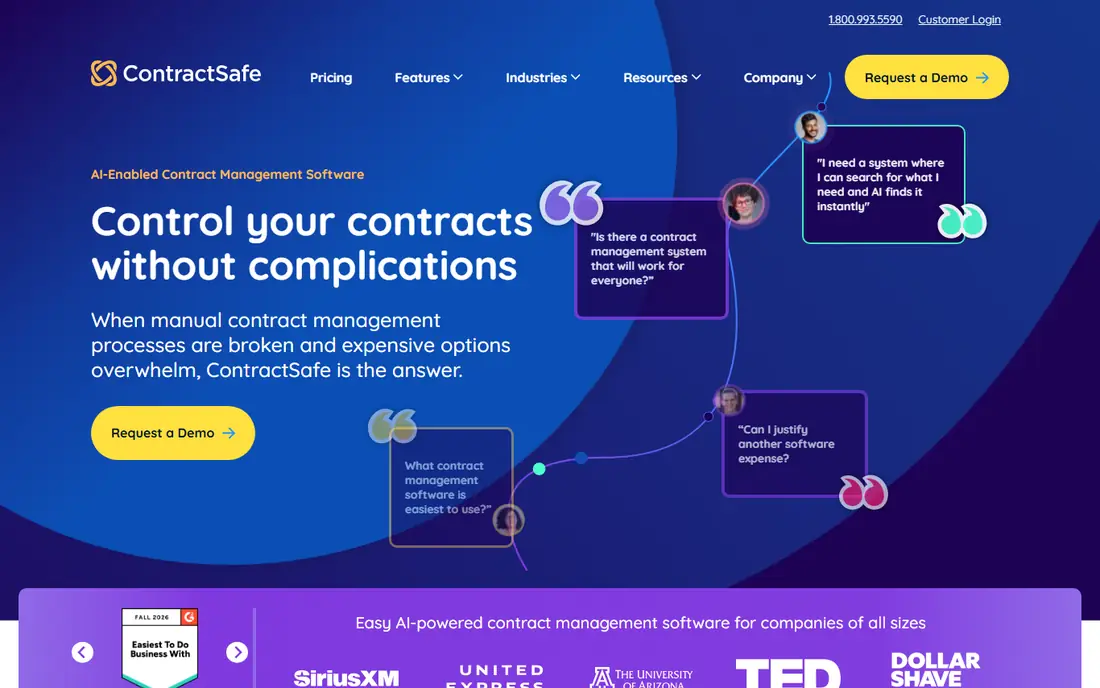
ContractSafe appeals to mid-sized teams that want predictable pricing. The flat monthly rate with unlimited users avoids per-seat surprises as legal, sales, and finance staff all need access. Search, alerts, and reporting cover the core organisation needs, and migration support helps move an existing contract pile into a clean structure. That transparency makes budgeting easier than with quote-only enterprise tools.
The trade-off is scope. ContractSafe is not a full enterprise workflow engine, so teams with complex approval chains may need a larger platform. Very small teams with few contracts may also find the flat price high compared with a lighter tool. For a growing company with a real contract volume and many readers, the flat model and simple setup are strong points.
- Flat monthly pricing
- Unlimited users on the plan
- Migration help included
- Less workflow depth than enterprise CLM
- Pricing may be high for very small teams
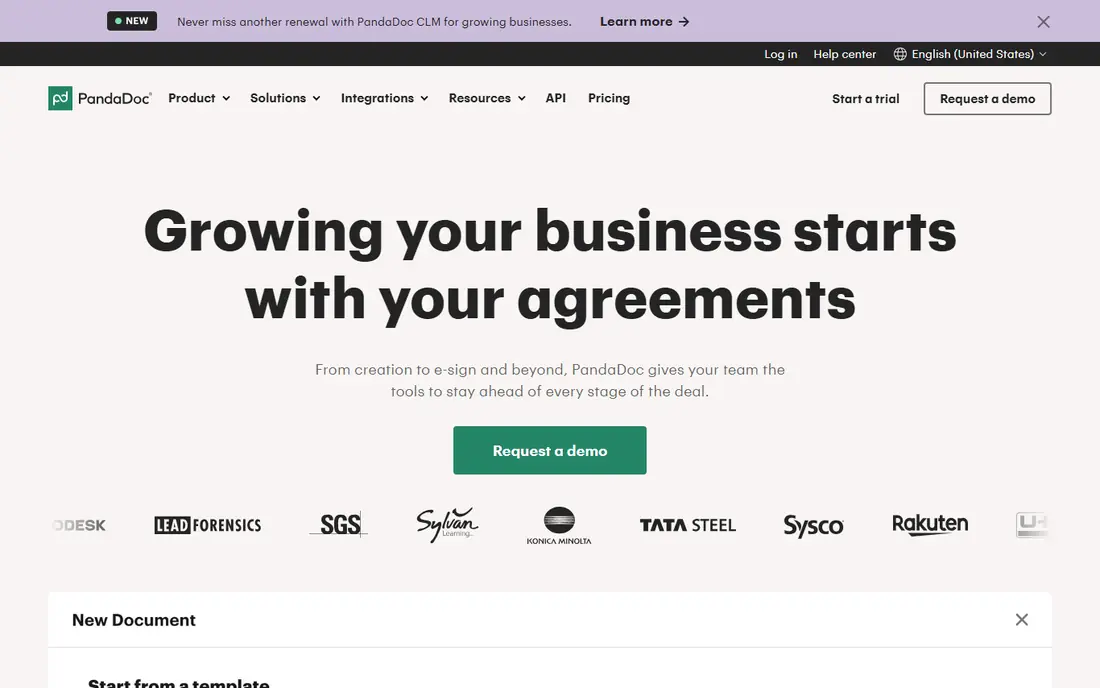
PandaDoc suits sales-led teams whose contracts start as proposals, quotes, or order forms. Documents can be built from templates, sent for signature, and tracked through the sales pipeline, with CRM links that keep deal data close. That speed helps a sales team close routine agreements without waiting for a separate legal system. The interface is also easy for non-legal staff to learn.
The honest limit is after signature. PandaDoc is less focused on long-term contract storage, obligation tracking, and renewal management than a dedicated repository or CLM tool. A company with many active contracts may need a second system for post-signature organisation. For teams whose main volume is new sales documents, PandaDoc remains a practical first choice.
- Fast proposals and quotes
- Built-in e-signature
- CRM integrations
- Weaker post-signature contract tracking
- Renewal tools are more limited
Concord suits business teams that want to handle routine contracts without routing every document through legal. Drafting, internal approval, negotiation, and signing can happen in one place, which reduces email chains and version confusion. Unlimited signatures on some plans also help teams with high document volume. For standard agreements such as NDAs, service terms, and vendor contracts, that self-service model saves time.
The limits are depth and AI. Concord offers less advanced AI review and less complex workflow configuration than enterprise CLM platforms. Teams with high-risk, heavily negotiated contracts will still need legal-led review and possibly a larger system. For routine business contracts, however, Concord strikes a useful balance between control and speed.
- All-in-one drafting, negotiation, and signing
- Unlimited signatures on some plans
- Business-friendly setup
- AI review is more basic
- Enterprise workflow depth is limited
Ironclad suits mid-market and enterprise legal teams that run complex, conditional workflows across departments. Contracts can move through intake, drafting, approval, negotiation, and signature with rules that reflect real policy, not just a simple chain. AI-assisted review can flag non-standard terms and extract key data, which helps a busy legal team focus on risk rather than manual reading. Integrations with sales and business systems keep contract data close to deals.
The cost and effort are real. Pricing is quote-based and aimed at larger budgets, and implementation needs legal process design, not just software setup. A small team without a legal owner will struggle to get full value. For an organisation with a legal team and a high contract volume, Ironclad can bring order to a process that spreadsheets and email cannot handle.
- Deep workflow automation
- AI-assisted review
- Strong Salesforce and business integrations
- Enterprise pricing
- Implementation takes time and legal input
DocuSign CLM suits enterprises already standardised on DocuSign eSignature. Adding lifecycle management keeps drafting, approval, negotiation, and signing in a familiar ecosystem, which reduces training and integration work. AI tools can extract terms and support review, while reporting helps legal and operations teams track obligations and renewals. For a large company with many agreements, that continuity matters.
The drawback is fit and price. Organisations not already using DocuSign may find a standalone CLM tool simpler or cheaper, and DocuSign CLM pricing is enterprise-oriented. Implementation also benefits from a clear contract process and a dedicated owner. For DocuSign shops, it is the natural next step. For others, compare it against Ironclad, Juro, and Agiloft on workflow needs alone.
- Smooth fit for DocuSign eSignature users
- Full lifecycle tools
- Enterprise controls
- Enterprise pricing
- Best value only when already on DocuSign
Juro suits commercial and legal teams that negotiate inside the document itself, rather than through emailed redlines. Parties can comment, suggest changes, and approve within a browser-based contract, which keeps the audit trail clear and reduces version confusion. Templates help business teams self-serve routine agreements, while legal retains control over clause standards. That flow is especially useful for sales and procurement contracts that go through several rounds.
The limits are price transparency and extreme complexity. Pricing is quote-based, so a small team should confirm cost early. Very complex, multi-jurisdiction workflows may also fit Agiloft or Ironclad better. For a growing company that negotiates many standard commercial contracts, Juro offers a modern and focused alternative to email-based redlining.
- Browser-based negotiation inside the document
- Templates and approvals
- Clean commercial team flow
- Quote-based pricing
- Less suited to very complex enterprise workflows
Agiloft suits organisations with unusual or highly regulated contract processes that off-the-shelf tools cannot match. Its no-code configuration lets teams build custom approval rules, data models, and integrations without a full development project. That flexibility helps companies with complex obligations, multi-entity structures, or specific compliance steps. AI-assisted review can also support clause extraction and risk flagging.
The trade-off is effort. Flexibility needs design, testing, and an owner who understands the process. Setup can take longer than a repository tool, and pricing is enterprise-oriented. A team with a standard contract process may find Agiloft more than it needs. For a team whose process is the problem, and not just storage, that configurability is the point.
- Highly configurable workflows
- Strong for unique processes
- AI-assisted review options
- Configuration takes expertise
- Enterprise pricing and longer setup
How we picked these
We compared official product pages, pricing pages, and feature documentation for tools that store, search, track, and manage contracts. We kept only tools that operate in October 2026 and that truly support contract organisation, not just e-signature alone or general document storage alone. We favoured a mix of repository tools, business-friendly platforms, and enterprise CLM systems, so readers can match the tool to contract volume and owner. We did not claim hands-on testing that did not happen.
How to organise contracts without creating a new mess
Start with a simple taxonomy before buying. Decide how contracts will be named, what fields matter, and who owns each type. Useful fields include counterparty, start and end dates, renewal date, notice period, value, owner, and status. A tool that cannot search and alert on those fields will not solve the core problem, however polished its dashboard looks. Clean the existing pile first, even if that means archiving duplicates and confirming which version was signed.
Next, set renewal and obligation alerts that someone actually reads. An alert that goes to a shared inbox with no owner will be ignored. Assign one owner per contract type, set alerts well before notice deadlines, and review upcoming renewals in a short monthly meeting. That habit matters more than any AI feature, since most contract losses come from missed dates, not from missing software.
Finally, pilot with real contracts and real users. Upload a sample set that includes messy scans, amendments, and older versions, then test search, permissions, and alerts. Check how amendments link to the original, how access is controlled, and how easily a non-legal user can find a signed copy. A tool that passes that pilot will survive daily use. A tool that only looks good on a demo will add another folder to ignore.
Frequently asked questions
What is the best tools for contract organization?
For fast organisation, ContractWorks and ContractSafe are strong starting points, since they focus on search, storage, and renewal alerts. For sales documents, PandaDoc may be better. For full lifecycle control, Ironclad, DocuSign CLM, Juro, or Agiloft may fit. Match the tool to contract volume and owner.
What is the best contract organization app?
For business teams, Concord offers a friendly app-like flow for drafting, negotiation, and signing routine contracts. For repository use, ContractWorks offers a simple and fast setup. The best app is the one your team will use for every new contract, so test search and alerts with real files before choosing.
Can contract software replace a lawyer?
No. Contract software speeds drafting, review, storage, and tracking, and AI can flag unusual terms, but it does not replace legal judgment. High-value, high-risk, or unusual agreements should be reviewed by qualified counsel. Use templates and AI as support, and keep a human sign-off for final terms.
How long does it take to set up contract software?
A repository tool can often be running in one to four weeks, including migration of existing files. A full workflow CLM system can take two to six months, since it needs process design, approvals, and testing. Migration quality matters more than speed, so allow time to clean duplicates and confirm signed versions.
What should I track for each contract?
Track counterparty, signed version, start and end dates, renewal and notice dates, value, owner, and key obligations. Add status and amendment links so the latest terms are easy to find. Those fields support search, reporting, and renewal alerts, which are the core benefits of organisation software.
Is cloud contract storage safe?
It can be, when the vendor offers access controls, audit trails, encryption, and clear data handling terms. Check permissions, retention, and whether the plan meets your company or client requirements. For sensitive contracts, limit access by role, review audit logs, and confirm where data is stored before migrating a full archive.
Sources
See where you really rank - block by block
ProMapRanker scans Google Maps across a grid of your service area. Simple monthly plans from $19, white-label on every plan.
Start freeKeep reading
 zoro.to alternatives
Best Zoro.to Alternatives in 2026
We compare the best zoro.to alternatives in 2026, listing only legal licensed anime streaming services, from Crunchyroll to free options for fans today.
Read → zip alternatives
Best Zip Alternatives in 2026
We compare the best zip alternatives for buy now, pay later in 2026, covering pay-in-4 plans, fees, spending limits, and credit reporting options today.
Read → yesware alternatives
Best Yesware Alternatives in 2026
Compare the best yesware alternatives for sales email tracking, templates, and sequences, with current pricing and honest tradeoffs for small sales teams.
Read →