 ProMapRanker
7 Top Contract Drafting Software Options Compared (2026)


Enterprises with complicated approval workflows · Pricing starts at: See website (quote-based)
Direct answer
DocuSign CLM is the first pick on this list for enterprises with complicated approval workflows. Concord is the stronger choice for small to mid-market teams wanting straightforward full-lifecycle CLM, while Gavel suits law firms automating documents with no-code workflows. Prices, free plans and limits for all 7 tools follow.
Key takeaways
- Number one here is DocuSign CLM, a fit for enterprises with complicated approval workflows.
- A fair warning about DocuSign CLM: quote-only with long implementations.
- PandaDoc is the lowest-priced starter here at $19/user/month.
- Spellbook is the one to check for lawyers drafting and reviewing inside Microsoft Word.
Quick comparison
| Pick | Great for | Pricing starts at | Free tier | |
|---|---|---|---|---|
| DocuSign CLM | Enterprises with complicated approval workflows | See website (quote-based) | No | Visit |
 Concord | Small to mid-market teams wanting straightforward full-lifecycle CLM | $499/month (Essentials, 5 users, billed yearly) | No | Visit |
 Gavel | Law businesses automating documents with no-code workflows | $83/month (Lite, billed yearly) | Free trial | Visit |
 Juro | Companies wanting contracts done in the browser | See website (quote-based) | No | Visit |
 PandaDoc | Sales-led teams drafting proposals and contracts | $19/user/month (Starter, billed yearly) | Yes | Visit |
 GenieAI | Commercial teams wanting AI drafting with a free start | See website | Yes | Visit |
 Spellbook | Lawyers drafting and reviewing inside Microsoft Word | See website (custom quote) | Free trial | Visit |
Contract Drafting Software profiles
If you are comparing contract drafting software, this page covers 7 tools in one place: what each is best for, what it costs to start, whether it has a free plan, and the main limit to know about.
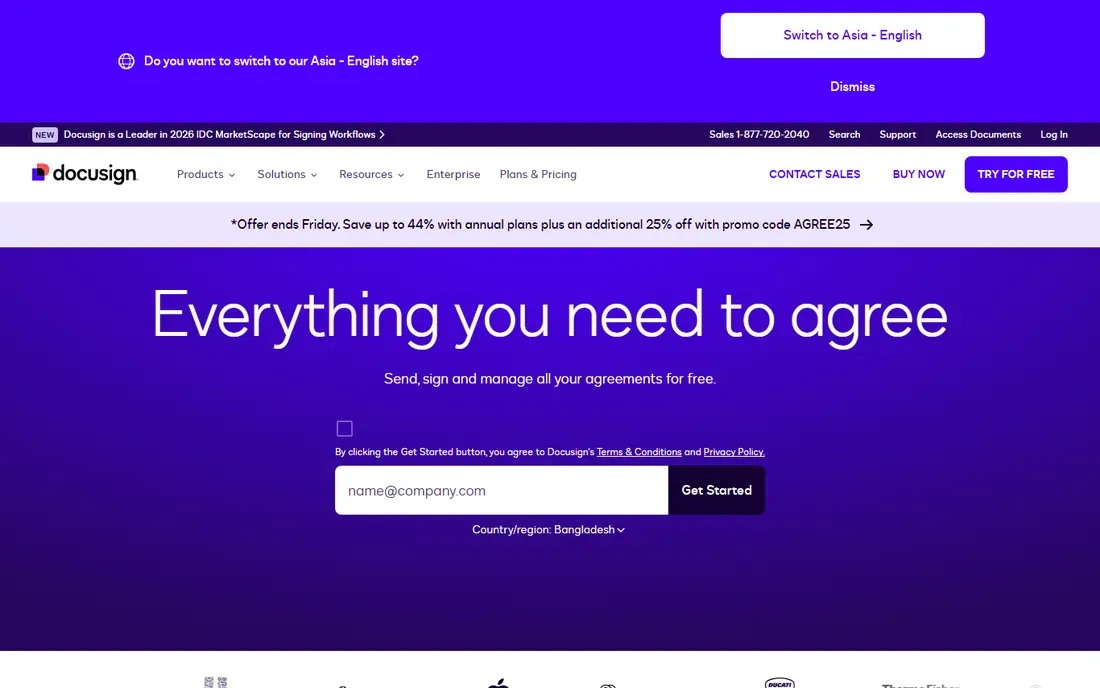
DocuSign CLM works best for enterprises with complex approval workflows. DocuSign CLM takes the world's best-known eSignature brand into full contract lifecycle management: document generation from templates and Salesforce data, complicated approval workflows, AI insights, negotiation and a central repository.
From a buyer's view, the enterprise reality applies: custom quotes, implementations measured in months, significant administrative overhead, and pricing that reflects the brand. DocuSign CLM shows no starting price here, so confirm the cost on the vendor site. DocuSign CLM has no permanent free option.
Points against: More product than most teams need.
- The eSignature standard extends into full lifecycle
- Salesforce integration strength
- Quote-only with long implementations
Concord
Great for: Small to mid-market teams wanting straightforward full-lifecycle CLM
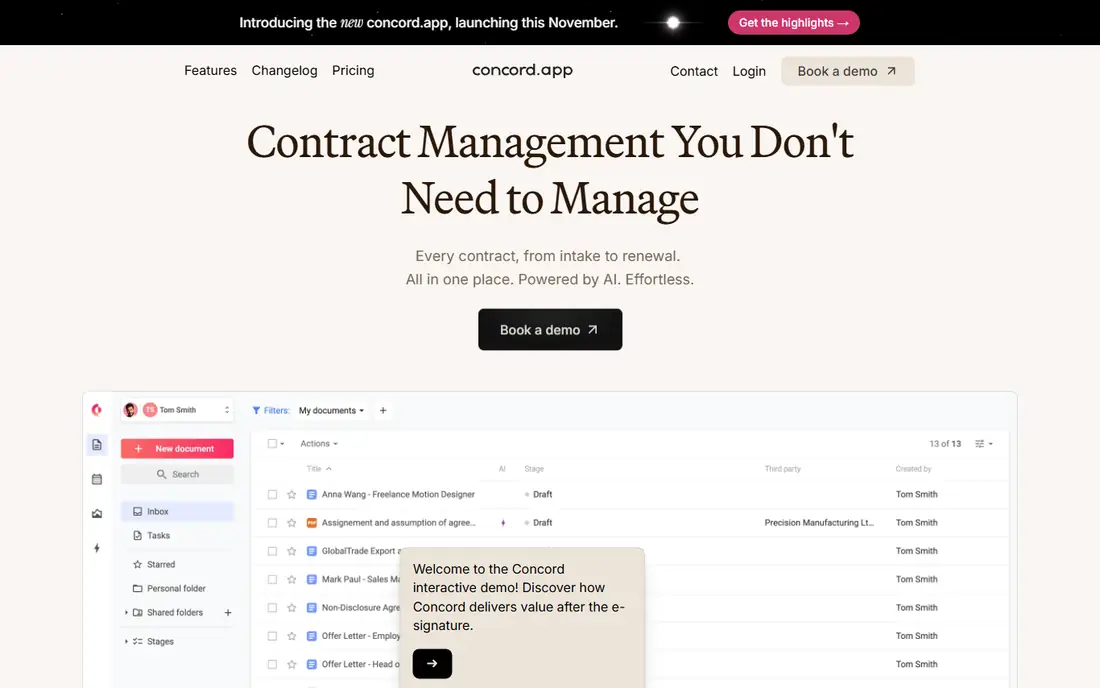
For small to mid-market teams wanting straightforward full-lifecycle CLM, Concord is a natural candidate. Essentials begins at $499 per month (annual, 5 users), Business at $899 and Enterprise at $1,299, with extra users at $49 to $89 per month. As for the details, AI Copilot drafts agreements from prompts, answers questions across contracts and extracts key fields.
For everyday use, setup takes less than a day, which is the real differentiator against enterprise CLM. Beyond that, Concord fits small to mid-market teams that want one straightforward system for routine agreements. Worth adding: the all-inclusive pricing is the pitch: unlimited documents and eSignatures with no per-envelope meter running. The starting price for Concord: $499/month. Concord has no free plan.
Downsides: No free trial as of 2026.
- Unlimited documents and eSignatures
- Q&An and extraction included
- Lighter on complicated enterprise workflow orchestration
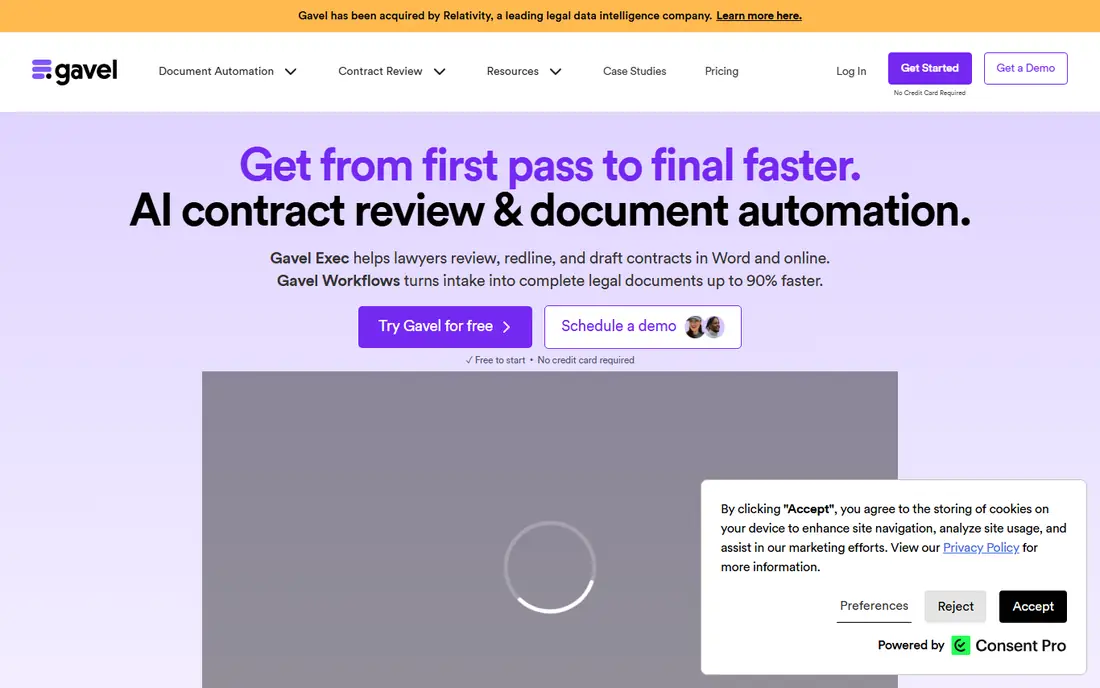
Gavel targets law businesses automating documents with no-code workflows. A Word add-in inserts variables straight into templates, and Gavel Exec layers on AI redlining against firm playbooks. It is aimed at law businesses specifically, which is both the strength and the limit: the workflows, template library and integrations assume legal practice.
Watch-outs: Template setup still takes real effort.
For everyday use, Gavel fits small to mid-sized businesses that produce repeatable documents, intake forms, estate plans, business formations, NDAs, and want clients to self-serve the data collection. In practice, Gavel, formerly Documate, automates the skeleton and muscle of legal documents: businesses build guided online interviews, clients answer questions. The system creates finished Word or PDF documents from the responses. In daily use, Lite begins at $83 per month (annual), Standard at $210, Pro at $290 and Scale at $417, with a 7-day free trial on most tiers. Gavel cost at the entry level: $83/month. Free access: Free trial.
- Word add-in and PDF output
- Published pricing with a 7-day free trial
- CRM integrations are thin
Choose Juro for firms wanting contracts done in the browser. Teams draft from templates, negotiate in shared workspaces with internal and counterparty commenting, approve through workflows and sign natively, with analytics on contract data.
What users get: Clean interface business users adopt.
Limits to weigh: Quote-based pricing.
Also, pricing is quote-based, which keeps it in the mid-market and enterprise conversation. Juro shows no starting price here, so confirm the cost on the vendor site. Juro has no free tier.
- A decent match for high-volume standard agreements
- True browser-native contract workflow
- Lighter AI drafting than Spellbook
Choose PandaDoc for sales-led teams drafting proposals and contracts. PandaDoc is the document tool sales teams actually open: proposals, quotes and contracts built in a drag-and-drop editor with eSignature, tracking, payments and CRM integrations. As for the details, we bundle it honestly as the adjacent pick: for a business whose contracts are largely standard sales agreements, PandaDoc drafts, negotiates and signs them quicker than any legal system.
It is not the tool for clause-level legal drafting or complicated approval workflows. Pricing is published and per-seat: Free ($0, restricted documents), Starter at $19 a user per month (annual, $35 monthly) with unlimited documents and eSignatures, Business at $49 ($65 monthly) adding quoting, CRM integrations and approvals, and Enterprise custom. PandaDoc pricing: $19/user/month. A free plan is available with PandaDoc.
What to check first: not a legal drafting system; Advanced features like API and bulk send need higher tiers or extras.
What works well: Free plan with real eSignature.
- Drag-and-drop editor with proposals
- Quotes and contracts in one flow
- Per-seat costs add up
GenieAI is designed for commercial teams wanting AI drafting with a free start. GenieAI is the AI-native challenger: agentic drafting and review that creates contracts from an organizational knowledge graph, surfaces relevant precedent and previously negotiated positions, and boosts as the business uses it. A free plan and same-day setup make it the easiest AI drafting tool to try, with ISO/IEC 27001 certification addressing the security question.
Beyond that, GenieAI fits commercial and in-house teams that want AI to draft and redline standard agreements autonomously, without an in-house lawyer in the loop for every document. It is the low-risk way to test whether AI drafting suits your workflow before committing to an enterprise product. This comparison lists no price for GenieAI; ask the vendor. GenieAI includes a free tier.
Points against: Newer system with a shorter track record.
- ISO 27001 certified
- AI-native drafting and review with a free plan
- Pricing beyond the free plan is quote-based
Spellbook is a good fit for lawyers drafting and reviewing inside Microsoft Word. Spellbook is the AI associate inside Microsoft Word: draft new clauses from a prompt, produce full documents from an outline, keep precedent language in a Library, and redline against the firm's playbook, all without leaving the document. It is consistently ranked among the best AI drafting tools for transactional lawyers, with SOC 2 Type II certification for the security-conscious.
Downsides: No published pricing, custom quotes only.
In practice, Spellbook fits in-house counsel and law firms doing commercial work where clause creation and first drafts in Word are the daily job. The 7-day free trial is the way in. Pricing for Spellbook is not stated here, so ask the vendor for current figures. Trial and free access: Free trial.
- AI drafting and redlining where lawyers already work (Word)
- Playbook enforcement for consistent positions
- Microsoft Word lock-in
What went into this list
Pricing pages, product documentation and feature lists were the main sources, and every entry carries at least one honest drawback. Where a price is missing, the vendor does not list one publicly or ties it to a quote. Always confirm before budgeting. Order on the page follows fit for the typical buyer first, then price transparency and free access. Your own requirements should decide the final pick.
Questions to settle before buying
- Confirm the entry price on the vendor page. For DocuSign CLM, Juro, GenieAI and Spellbook that means a quote rather than a fixed price.
- Look at free plan limits closely: PandaDoc and GenieAI have one, and the caps decide whether it is usable for real work.
- Take the trial from Gavel and Spellbook and push a live task through it before you pay.
- Before choosing DocuSign CLM, weigh its main limit: quote-only with long implementations.
- Check the support hours and onboarding help DocuSign CLM offers; smaller vendors vary a lot here.
- Before rolling out PandaDoc, verify the integrations your workflow depends on.
Frequently asked questions
Is our contract data safe with AI drafting tools?
Verify SOC 2 certification, GDPR compliance, data-retention terms and whether your documents are used to train models before piloting any AI drafting tool. Spellbook holds SOC 2 Type II and GenieAI holds ISO 27001; make every vendor state its posture in writing and confirm it with your own security review.
Is DocuSign CLM the right pick for everyone comparing contract drafting software?
No single tool suits every team. DocuSign CLM comes first because it fits enterprises with complex approval workflows, while Concord suits small to mid-market teams wanting simple full-lifecycle CLM and Gavel suits law firms automating documents with no-code workflows. Match the tool to your own size, budget and workflow before deciding.
How are the tools for contract drafting software ordered?
DocuSign CLM sits first and Spellbook last because the order follows typical fit for contract drafting software, then price clarity and free access. It is a judgement call, so read each profile for fit and limits.
Can I try these options before paying?
Often, yes. PandaDoc and GenieAI have a free plan and Gavel and Spellbook offer a free trial. Use your own data and a real task during the test, and check what the free tier or trial limits before you rely on it.
Do these tools publish their prices?
Not all of them. DocuSign CLM, Juro, GenieAI and Spellbook publish no starting price, so expect a quote request for those. The rest, Concord included, show a starting price, though seats and billing terms still change the final cost.
Can AI draft a contract dependably?
But AI output needs lawyer review: benchmarks display even the best models miss instructions on a meaningful share of tasks. Use AI for speed on standard agreements and keep lawyers on judgment, strategy and final sign-off.
Sources
See where you really rank - block by block
ProMapRanker scans Google Maps across a grid of your service area. Simple monthly plans from $19, white-label on every plan.
Start freeKeep reading
 zscaler alternatives
Best Zscaler Alternatives in 2026
Looking for zscaler alternatives? We compare 9 SASE and zero trust platforms on architecture, data protection, pricing, and fit for your network and team.
Read → zapier alternatives free
Best Zapier Alternatives Free in 2026
Nine automation tools for zapier alternatives free in 2026, all with genuinely free tiers, plus free plan limits, starting prices and upgrade paths explained.
Read → which platform is best for online reputation
Which Platform Is Best for Online Reputation in 2026
Wondering which platform is best for online reputation? We compare 8 review, listing, and response tools for small and multi-location businesses and agencies.
Read →