 ProMapRanker
7 Contract Automation Software Options Ranked for 2026


Fast-growing firms that want self-serve contracts · Pricing starts at: See website
Direct answer
Juro leads the list, best for fast-growing firms that want self-serve contracts. For a different need, SpotDraft covers mid-market in-house legal teams and Docusign CLM covers firms already standardized on Docusign and Salesforce. Prices, free plans and limits for all 7 tools follow.
Key takeaways
- The list opens with Juro, aimed at fast-growing businesses that want self-serve contracts.
- Agiloft fits organizations needing no-code configurability.
- The lowest published monthly entry price here is $19 per seat/month, from PandaDoc.
- PandaDoc is the only tool of the 7 with a free plan.
- One limit worth knowing about Juro: deeper integrations for example Salesforce, HubSpot and Workday cost additional.
Quick comparison
| Pick | Great for | Pricing starts at | Free tier | |
|---|---|---|---|---|
| Juro | Fast-growing firms that want self-serve contracts | See website | No | Visit |
 SpotDraft | Mid-market in-house legal teams | See website | No | Visit |
 Docusign CLM | Firms already standardized on Docusign and Salesforce | See website | No | Visit |
 Ironclad | Enterprise legal teams with complicated workflows | See website | No | Visit |
 Concord | Small and mid-sized businesses wanting published pricing | $499 per month (Essentials, billed annually, 5 users included) | No | Visit |
 PandaDoc | Sales teams generating contracts and proposals | $19 per seat/month (Starter, billed annually) | Yes | Visit |
 Agiloft | Organizations needing no-code configurability | See website | No | Visit |
Contract Automation Software profiles
Choosing contract automation software usually comes down to price, fit and limits. This ProMapRanker guide sets 7 tools side by side on those three points, with the facts kept short and checkable.
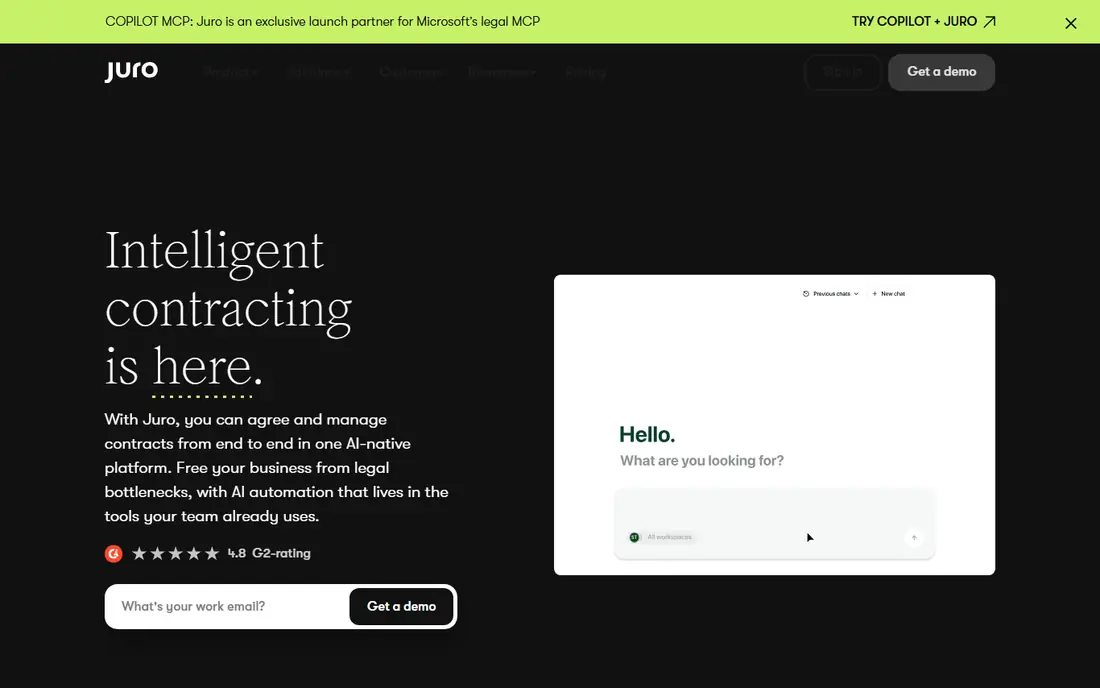
Where Juro fits: fast-growing businesses that want self-serve contracts. Juro is designed so that sales, HR and procurement can build routine contracts themselves while legal sets the rules. As for the details, every plan bundles unlimited users, workflows and templates, which is useful when dozens of managers have to request agreements.
Juro's conversational assistant, Operator, answers questions about your contract repository in plain language and cites its sources. On top of that, ask for those line items in the quote. As for the details, the trade-off is that the most handy integrations are not included by default. For everyday use, pricing is based on contract volume, from fewer than 20 per month to more than 1,000, instead of seats. Juro shows no starting price here, so confirm the cost on the vendor site. Juro does not include a free plan.
What Juro does well: Unlimited users. Downsides: Deeper integrations for example Salesforce.
- Workflows and templates on every plan
- AI extract
- AI features are selected as extras in the quote
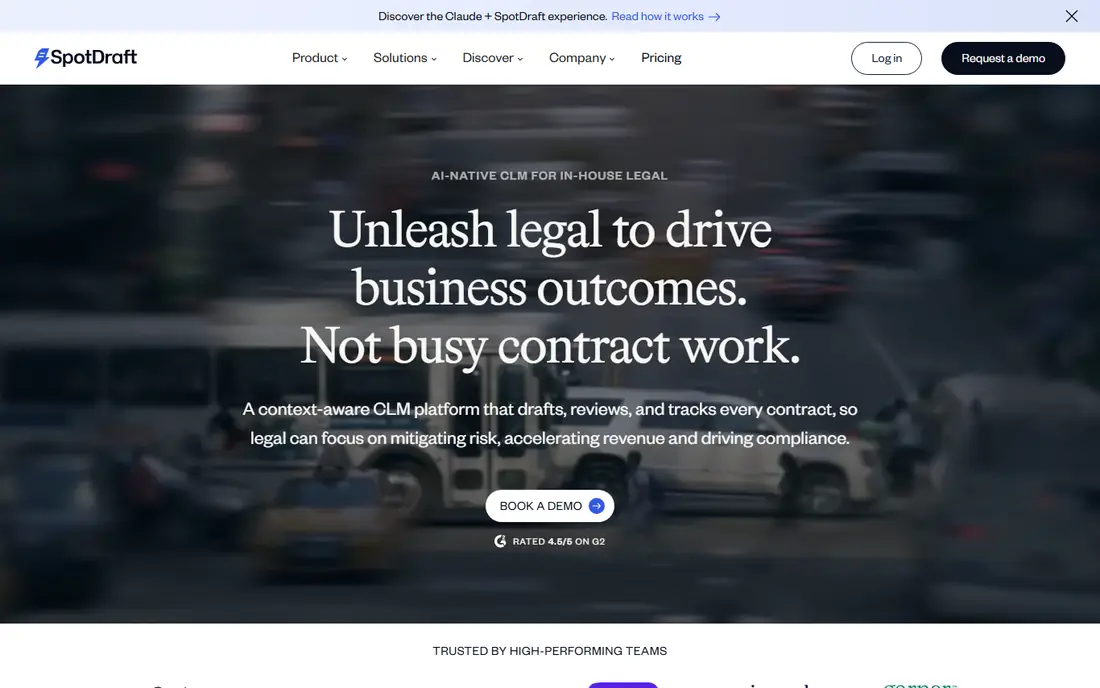
SpotDraft is a good fit for mid-market in-house legal teams. First, SpotDraft contains implementation and migration of legacy contracts in every plan and describes a go-live path of about six weeks. Second, negotiation happens where lawyers already work, including Microsoft Word and Slack, which helps adoption.
Downsides: Designed for in-house legal, so less suited to sales-only use cases.
What users get: 24/7 support and a dedicated customer success manager; Implementation.
SpotDraft is an AI-native CLM targeted at in-house legal teams at growth-stage and mid-market firms. Also, SpotDraft names more than 30 integrations, including Salesforce, HubSpot and Slack, so confirm that the systems you depend on are among them before signing. SpotDraft shows no starting price here, so confirm the cost on the vendor site. SpotDraft does not include a free plan.
- GDPR and HIPAA listed
- ISO 27001
- No published pricing

Docusign CLM was built for businesses already standardized on Docusign and Salesforce. The workflow editor is the core.
Watch-outs: Pricing only through sales.
From a buyer's view, teams drag-and-drop from more than 100 prebuilt steps to design how a contract is generated, reviewed, approved and stored. The downside is familiar to Docusign customers: pricing comes through a sales conversation and is seldom cheap. Check the vendor site for Docusign CLM pricing; none is listed in this comparison. Docusign CLM has no permanent free option.
- Links to SAP Ariba and Coupa for procurement
- Drag-and-drop workflow editor with more than 100 prebuilt steps
- Best value assumes you already use other Docusign products
Ironclad makes the most sense for enterprise legal teams with complicated workflows. Ironclad is one of the best-known names in contract lifecycle management, and it is made for businesses where legal, procurement and sales all touch contracts.
Limits to weigh: Implementation is a project, not an afternoon.
Its workflow tools let legal ops teams design intake and approval processes so routine agreements move without a lawyer opening each one. Worth adding: smaller firms with a handful of dozen contracts per month will likely find a lighter tool quicker to adopt. Ironclad shows no starting price here, so confirm the cost on the vendor site. There is no free plan with Ironclad. Reasons to shortlist it: Spans the full lifecycle from build and review to sign, store; Docusign and Zapier.
- Analyze and fulfill
- Microsoft Word
- Custom pricing with add-ons for some integrations and additional instances
Concord is designed for small and mid-sized businesses wanting published pricing. Concord is one of the few contract systems that lists its prices. Additional users cost $49, $69 or $89 a month based on the plan.
The weakness is the floor. More specifically, free viewer and guest accounts keep the premium seat count down. More specifically, essentials is $499 a month, Business $899 and Enterprise $1,299, all billed yearly with 5 users included. At $499 a month, Concord is a real commitment for a 10-person company, and per-user add-ons grow rapidly. Price to start with Concord: $499 per month. Concord does not include a free plan.
Trade-offs to know: Additional users cost $49 to $89 a month each depending on plan.
- E-signature and deadline alerts
- Built-in redlining
- Entry price is high for very small teams
Where PandaDoc fits: sales teams generating contracts and proposals. PandaDoc is a document automation tool instead of a full CLM, and for plenty of sales-led businesses that is exactly what they need. Prices are public.
Watch-outs: CPQ and API access sit on Enterprise.
Starter is $19 per seat a month and Business is $49, both billed yearly, with higher rates on monthly billing. In daily use, the limitation presents when legal gets involved. What you pay to start with PandaDoc: $19 per seat/month. PandaDoc offers a free plan.
- Pricing tables and CRM integrations for sales documents
- Published per-seat pricing
- Workflow automation
Agiloft was built for organizations needing no-code configurability. Agiloft's selling point is adaptability. For everyday use, administrators can configure contract types, approval chains and processes with a point-and-click interface rather than filing change requests with the vendor.
Limits to weigh: Configurability can result in long design phases.
That matters for organizations with unusual workflows, for example government contractors or businesses with complicated procurement rules. From a buyer's view, teams can spend months designing the perfect workflow. Agiloft does not show a starting price in this comparison, so check the vendor site for current pricing. Agiloft does not include a free plan.
- Built-in support for Docusign and Adobe Sign
- More than 1,000 pre-built connectors
- Pricing only through sales
What went into this list
We compared the tools on published pricing, free plan or trial availability, feature coverage for contract automation software, and the limits each vendor documents. Prices and plan limits come from vendor pages and can change, so confirm them on the vendor site before you buy. We ordered the tools by general fit, then by how clearly pricing is shown, then by free access. A buyer with unusual needs may reorder them.
Before you commit
- Get a written quote from Juro, SpotDraft, Docusign CLM and others; the list shows no starting price for them.
- Look at the free plan from PandaDoc closely: its caps decide whether it is usable for real work.
- Before choosing Juro, weigh its main limit: deeper integrations such as Salesforce, HubSpot and Workday cost additional.
- Confirm the exact Concord plan that includes your must-have features.
- Ask Juro whether prices are locked for the first term and what happens at renewal.
Frequently asked questions
Can I try these options before paying?
Often, yes. PandaDoc has a free plan. Use your own data and a real task during the test, and check what the free tier or trial limits before you rely on it.
What is the cheapest option for contract automation software in this list?
On published monthly entry prices, PandaDoc is the lowest here at $19 per seat/month. Entry price is only part of the cost, because seats, add-ons and billing terms can change the total.
What is contract automation software?
Contract automation software produces contracts from templates and data, routes them through approvals, collects signatures and keeps them in a searchable repository. Full contract lifecycle management tools add renewal tracking, obligation management and reporting on the signed agreements.
How long does it take to implement a CLM?
Straightforward setups with a handful of templates can go live in weeks. Enterprise rollouts with numerous workflows and integrations, typical with Ironclad, Agiloft or Docusign CLM, commonly take longer.
How are the tools for contract automation software ordered?
Juro sits first and Agiloft last because the order follows typical fit for contract automation software, then price clarity and free access. It is a judgement call, so read each profile for fit and limits.
Do small companies need contract automation?
A small business sending a handful of contracts per month can frequently run with templates and an e-signature tool. Automation becomes worth paying for when contracts start piling up, renewals are missed, or multiple departments produce agreements without legal review.
Sources
See where you really rank - block by block
ProMapRanker scans Google Maps across a grid of your service area. Simple monthly plans from $19, white-label on every plan.
Start freeKeep reading
 zscaler alternatives
Best Zscaler Alternatives in 2026
Looking for zscaler alternatives? We compare 9 SASE and zero trust platforms on architecture, data protection, pricing, and fit for your network and team.
Read → zapier alternatives free
Best Zapier Alternatives Free in 2026
Nine automation tools for zapier alternatives free in 2026, all with genuinely free tiers, plus free plan limits, starting prices and upgrade paths explained.
Read → which platform is best for online reputation
Which Platform Is Best for Online Reputation in 2026
Wondering which platform is best for online reputation? We compare 8 review, listing, and response tools for small and multi-location businesses and agencies.
Read →