 ProMapRanker
Best Continuous Deployment Software in 2026

Key takeaways
- GitHub Actions is the default for GitHub teams, while GitLab CI/CD suits teams that want one integrated DevOps platform.
- Argo CD and Flux CD lead for Kubernetes GitOps, where Git is the source of truth for what runs in production.
- Harness, Octopus Deploy, and Spinnaker suit complex, multi-environment releases with approvals and verification.
- Jenkins and Buildkite suit teams that need full control over runners, agents, and infrastructure.
- Continuous deployment needs tests, rollbacks, and approvals, not just a pipeline that pushes on every merge.
Quick comparison
| Pick | Great for | Pricing starts at | Free tier | |
|---|---|---|---|---|
 GitHub Actions | GitHub repositories | Free | Yes | Visit |
 GitLab CI/CD | Integrated DevOps platform | Free | Yes | Visit |
 Jenkins | Self-hosted custom pipelines | Free | Yes | Visit |
 CircleCI | Fast managed pipelines | Free | Yes | Visit |
 Harness | Enterprise release automation | See website | Free trial | Visit |
 Argo CD | Kubernetes GitOps delivery | Free | Yes | Visit |
 Flux CD | Lightweight Kubernetes GitOps | Free | Yes | Visit |
 Azure Pipelines | Microsoft and Azure teams | Free | Yes | Visit |
 Octopus Deploy | Multi-environment releases | Free | Yes | Visit |
 Buildkite | Hybrid self-hosted agents | Free | Yes | Visit |
The best continuous deployment software
Continuous deployment software automates the path from a merged change to production, including builds, tests, approvals, rollouts, and rollbacks. The best continuous deployment tools differ by target: some run full pipelines, some handle only the delivery stage for Kubernetes, and some focus on governed multi-environment releases. We compared all three types.
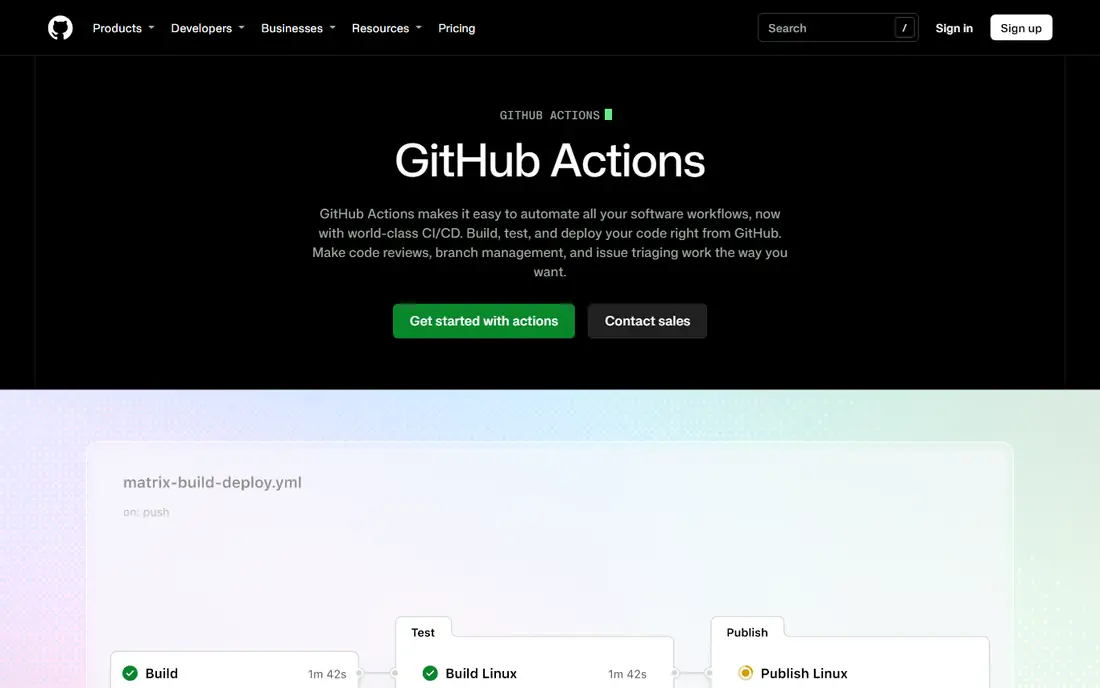
GitHub Actions fits any team whose code already lives on GitHub. Workflows run on push, pull request, schedule, or manual trigger, and checks appear directly on pull requests. The marketplace gives reusable steps for testing, building, container publishing, and deploying to major clouds, which shortens setup for common stacks.
The catch is governance at scale. Reusable workflows and organisation rules help, but teams still need standards for secrets, environments, and approvals. Use environment protection rules, required reviewers for production, and pinned action versions to keep deployments safe as repo count grows.
- Tight GitHub integration with pull requests and checks
- Large marketplace of reusable actions
- Free minutes for public repos and a free tier for private repos
- Workflow files can sprawl across many repos
- Windows and macOS minutes use allowance faster than Linux

GitLab CI/CD fits teams that want source control, pipelines, security scanning, and release management in one product. Pipelines are defined in versioned configuration, environments track what is deployed where, and built-in scanning catches common issues before release. Self-managed GitLab suits teams that must keep code and runners inside their own network.
The trade-off is price and complexity. Free tier limits and paid per-user pricing add up for large teams, and the full platform has many settings to learn. For teams that already use GitLab, the integration value usually outweighs that cost. For GitHub teams, GitHub Actions is usually simpler.
- Pipelines built into GitLab with repos, issues, and security scanning
- Self-managed option for regulated teams
- Strong environment and release controls
- Paid tiers rise per user
- Full platform depth takes time to learn
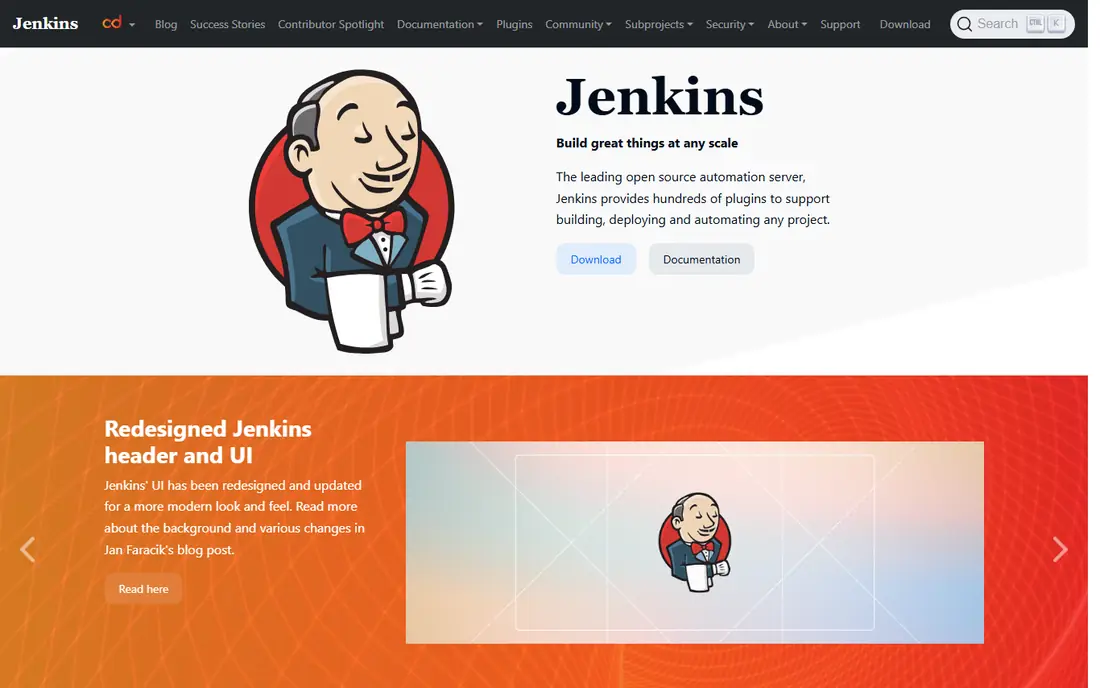
Jenkins fits teams with strict infrastructure control needs or unusual build requirements. As open-source software, it runs on your own servers, supports a vast plugin library, and can automate almost any build, test, and deploy flow. Large enterprises with long Jenkins histories often keep it because migration cost exceeds the benefit of switching.
The honest catch is ownership. Jenkins software is free, but running it well costs engineering time for upgrades, security patching, agent scaling, and plugin conflicts. Teams without platform operations capacity will usually get faster results from a managed service.
- Open source and highly extensible
- Huge plugin library
- Full control over controllers and agents
- Maintenance, upgrades, and plugin management need operations time
- User interface feels dated
CircleCI fits teams that want managed speed without running their own build servers. It offers parallel jobs, test splitting, caching, and reusable orbs that shorten configuration. For mobile and web teams with steady pipeline volume, build times are often a clear strength.
The catch is credit pricing. Credits are consumed at different rates by runner size, and Docker layer caching adds cost per job. Model a typical month of jobs before committing, and set spend alerts so a busy release week does not surprise the budget.
- Fast managed runners with caching and parallelism
- Free tier for small projects
- Clear configuration and orbs for reuse
- Credit-based pricing is harder to forecast
- Costs rise with large Docker and macOS use
Harness fits platform teams that run many services across many environments and need governed releases. It adds deployment strategies such as canary and blue-green, automated verification against metrics and logs, and rollback when verification fails. Policy controls help larger organisations enforce approvals and audit trails.
The trade-off is entry cost and setup. Harness is an enterprise platform, not a quick trial for a single repo. Smaller teams will usually do fine with GitHub Actions or GitLab. Larger teams with complex release risk will value the verification and governance layer.
- Deployment verification and rollback automation
- Policy and approval controls
- Multi-cloud and Kubernetes support
- Enterprise pricing is quote based
- Setup needs platform team time
Argo CD fits Kubernetes teams that want Git as the source of truth for production state. It watches Git repositories, compares desired state with live cluster state, and syncs changes, flagging drift when manual changes appear. Its web interface makes it easy to see which applications are healthy, out of sync, or degraded.
The limit is scope. Argo CD does not build or test code, so it pairs with a CI tool such as GitHub Actions or GitLab. That split is a strength for GitOps teams, but teams that want one tool for build and deploy should plan for two tools working together.
- Open source GitOps for Kubernetes
- Clear sync status and drift detection
- Strong multi-cluster support
- Covers delivery only, not builds
- Needs Kubernetes expertise to run well
Flux CD fits Kubernetes operators who want a light, composable GitOps controller. Its toolkit covers source, image automation, notifications, and reconciliation, and teams can adopt only the parts they need. For multi-cluster and multi-tenant setups, that modular design keeps the control plane lean.
The catch is usability for non-operators. Flux is less visual than Argo CD and leans on Git and command-line workflows. Teams that want a dashboard-led delivery view may prefer Argo CD, while operators who live in Git will appreciate Flux simplicity.
- Open source and lightweight
- GitOps Toolkit components can be adopted separately
- Good for multi-cluster setups
- Command-line and Git-focused workflow suits operators more than casual users
- No built-in CI
Azure Pipelines fits teams already using Azure DevOps, Azure services, or Microsoft tooling. It runs builds and releases across Linux, Windows, and macOS, with environments, approvals, and service connections for Azure and other clouds. Integration with Azure Boards and Repos keeps planning and delivery in one system.
The limit is ecosystem fit. Teams on GitHub or GitLab will usually prefer the pipeline tool built into their host. Teams on Azure DevOps get a coherent platform without adding another vendor, which is a real operational saving.
- Free hosted parallelism for public projects and a free tier for private projects
- Strong Azure and Microsoft integration
- Supports Linux, Windows, and macOS
- Best value inside Azure DevOps
- YAML learning curve for new teams
Octopus Deploy fits teams whose main pain is release management, not building code. It models projects, environments, variables, and deployment targets clearly, so promoting a release from test to staging to production is structured and auditable. It works well for .NET, container, and multi-target deployments.
The catch is pricing structure. Octopus prices per project, with add-ons for tenants and machines, so cost depends on project count and target count rather than user count. Model that structure against your real project and target numbers before comparing it with per-user tools.
- Clear release, environment, and variable management
- Strong for .NET and multi-target deployments
- Free tier for small use
- Pricing is per project with tenant and machine add-ons
- Less suited as a primary CI builder
Buildkite fits teams that need managed pipeline orchestration but must run builds on their own hardware for security, cost, or performance reasons. The control plane is hosted, while agents run in your cloud or data centre, giving control over machine types, network access, and secrets handling.
The trade-off is agent ownership. You still patch, scale, and monitor agents, even though orchestration is managed. Teams with platform engineering capacity get a flexible hybrid model. Teams without that capacity will usually prefer fully managed runners.
- Managed orchestration with self-hosted agents
- Full control over build hardware and security
- Scales for large monorepos
- You run and maintain agents
- Pricing needs agent and seat planning
How we picked these
We compared official feature pages, pricing pages, documentation, and public reviews for deployment tools active in October 2026. We kept only products that are live and maintained, and we included full pipelines, GitOps controllers, and release platforms, because continuous deployment covers all three jobs. We excluded tools that had shut down or showed no verifiable current activity.
We did not claim hands-on testing that did not happen. Where a vendor does not publish a starting price, we wrote See website rather than guessing. Prices for managed runners and credits change, so check the vendor pricing page linked in Sources before you budget.
What to check before you choose
Separate build, test, and deploy concerns
A tool that builds fast may deploy poorly, and a GitOps controller does not replace CI. Map your flow into build, test, deploy, and verify stages, then pick tools that cover each stage well. Two good tools that integrate cleanly beat one tool that does one stage badly.
Require rollback and verification
Continuous deployment without rollback is just fast risk. Check canary and blue-green support, automated health checks, and one-command rollback. Test rollback in staging before you need it in production, when pressure is highest.
Lock down environments and secrets
Use environment protection rules, required approvals for production, and short-lived credentials where possible. Audit who can deploy, who approved each release, and which version is live in each environment. Those controls matter more as deployment frequency rises.
Start with one service and one environment
Pilot the new tool on a low-risk service with a clear rollback path. Measure lead time, failure rate, and time to restore, then expand to more services. A small pilot gives evidence for the wider rollout and surfaces integration gaps early.
Frequently asked questions
What is the best continuous deployment software overall?
The best continuous deployment software overall for most teams is GitHub Actions for GitHub teams and GitLab CI/CD for GitLab teams, because pipeline tooling sits beside the code. For Kubernetes delivery, Argo CD is the leading GitOps choice, while Harness and Octopus Deploy lead for governed multi-environment releases.
What are the best continuous deployment tools for Kubernetes?
The best continuous deployment tools for Kubernetes are Argo CD and Flux CD, both open-source GitOps controllers. Argo CD suits teams that want a visual sync and health view, while Flux CD suits operators who want a lightweight, modular toolkit. Pair either with a CI tool for builds and tests.
What are the best continuous deployment platforms for enterprises?
The best continuous deployment platforms for enterprises are Harness, Octopus Deploy, and GitLab CI/CD, depending on target and governance needs. Harness adds verification and policy, Octopus adds release structure, and GitLab adds an integrated DevOps platform. Compare approval, audit, and rollback features, not just pipeline speed.
Is Jenkins still a good choice in 2026?
Yes, Jenkins remains a good choice for teams that need self-hosted control, custom pipelines, or large existing Jenkins estates. It is open source and highly extensible, but it needs operations time for upgrades and plugin management. Teams without platform operations capacity will usually prefer a managed pipeline service.
What is the difference between continuous delivery and continuous deployment?
Continuous delivery prepares every validated change for release, often with a manual approval step before production. Continuous deployment goes one step further and deploys every validated change to production automatically. Deployment needs stronger tests, monitoring, and rollback than delivery, because there is no human gate before release.
How much does continuous deployment software cost?
Cost varies by model. Open-source tools such as Jenkins, Argo CD, and Flux CD are free to use, but you pay for infrastructure and operations time. Managed tools charge by minutes, credits, users, or projects, so model cost on your real job volume. A free tier can cover a small team, while a busy monorepo can cost far more than the headline plan price.
Sources
- https://github.com/features/actions
- https://about.gitlab.com/pricing/
- https://www.jenkins.io
- https://circleci.com/pricing/
- https://www.harness.io/pricing
- https://argo-cd.readthedocs.io
- https://fluxcd.io
- https://azure.microsoft.com/en-us/pricing/details/devops/
- https://octopus.com/pricing
- https://buildkite.com/pricing
See where you really rank - block by block
ProMapRanker scans Google Maps across a grid of your service area. Simple monthly plans from $19, white-label on every plan.
Start freeKeep reading
 zscaler alternatives
Best Zscaler Alternatives in 2026
Looking for zscaler alternatives? We compare 9 SASE and zero trust platforms on architecture, data protection, pricing, and fit for your network and team.
Read → zapier alternatives free
Best Zapier Alternatives Free in 2026
Nine automation tools for zapier alternatives free in 2026, all with genuinely free tiers, plus free plan limits, starting prices and upgrade paths explained.
Read → which platform is best for online reputation
Which Platform Is Best for Online Reputation in 2026
Wondering which platform is best for online reputation? We compare 8 review, listing, and response tools for small and multi-location businesses and agencies.
Read →