 ProMapRanker
Content Repurposing Tools for Podcasters: Best Picks of 2026
Direct answer
Capsho comes first here, mainly for building custom podcast pipelines. Listed starting prices: Capsho from $379 once, Wondercraft from $21 a month and Descript from $16 per person a month. For a different need, Wondercraft covers AI-native video and podcast creation and Descript covers text-based editing of audio and video. The full list of 6 tools follows, with prices and free plan facts.
If you are comparing content repurposing tools for podcasters, this page covers 6 tools in one place: what each is best for, what it costs to start, whether it has a free plan, and the main limit to know about.
Key takeaways
- The list opens with Capsho, aimed at building custom podcast pipelines.
- Headliner fits creating promotional videos from audio.
- One limit worth knowing about Descript: may need learning a new workflow.
- The cheapest monthly starting price in the list is $16 per person per month, offered by Descript.
Quick comparison
| Pick | Great for | Pricing starts at | Free tier | |
|---|---|---|---|---|
 Capsho | Building custom podcast pipelines | $379 once | No | Visit |
 Wondercraft | AI-native video and podcast creation | $21 a month | Yes | Visit |
 Descript | Text-based editing of audio and video | $16 per person a month | Yes | Visit |
 Castmagic | Turning audio into written content assets | $19 per month | Not stated | Visit |
 Riverside | Recording and editing podcast and video | $24 a month | Yes | Visit |
 Headliner | Creating promotional videos from audio | See website | Not stated | Visit |
Content Repurposing Tools for Podcasters profiles
Choose Capsho for building custom podcast pipelines. Capsho is not a dedicated content repurposing tool and needs familiarity with Claude Code and building workflows.
Honest limits: Not a dedicated repurposing tool.
CapshoHQ turns the Claude Code you already pay for into a team that builds what your business needs: the app, the website, the podcast pipeline, the workflows. It remembers your business whereas it does. Capsho starts at: $379 once. Capsho has no free plan.
- Turns Claude Code into a team for building apps and workflows
- Can build a podcast pipeline
- Requires technical knowledge
Wondercraft is designed for AI-native video and podcast creation. Wondercraft is an AI-native video studio with a real editor, every top model, and an AI agent as your creative assistant.
Downsides: May need learning the AI workflow.
In daily use, the AI-driven approach may not appeal to those who prefer manual editing. Starting cost for Wondercraft: $21 per month. Wondercraft includes a free tier.
- Access to every top model
- AI-native video studio with a real editor
- Focus on creation instead of repurposing
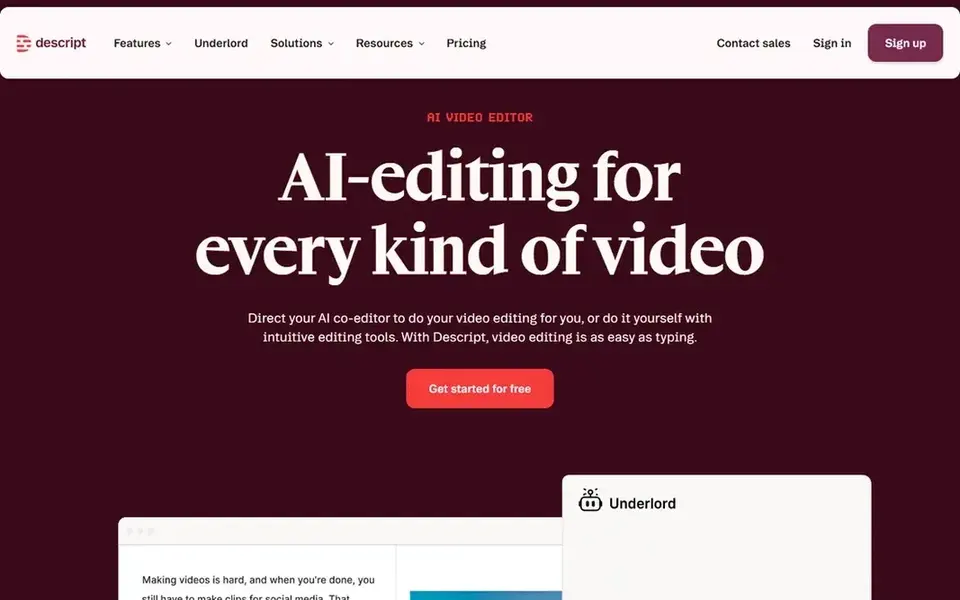
Descript serves text-based editing of audio and video. It fits podcasters who want to polish episodes and build clips without switching between apps, and who value a text-based approach to editing.
Where it falls short: Can be heavy for straightforward repurposing.
Upsides: AI video and audio editing.
What you pay to start with Descript: $16 per person per month. Descript offers a free plan.
- Edit media by editing text
- Record, transcribe, edit
- May need learning a new workflow
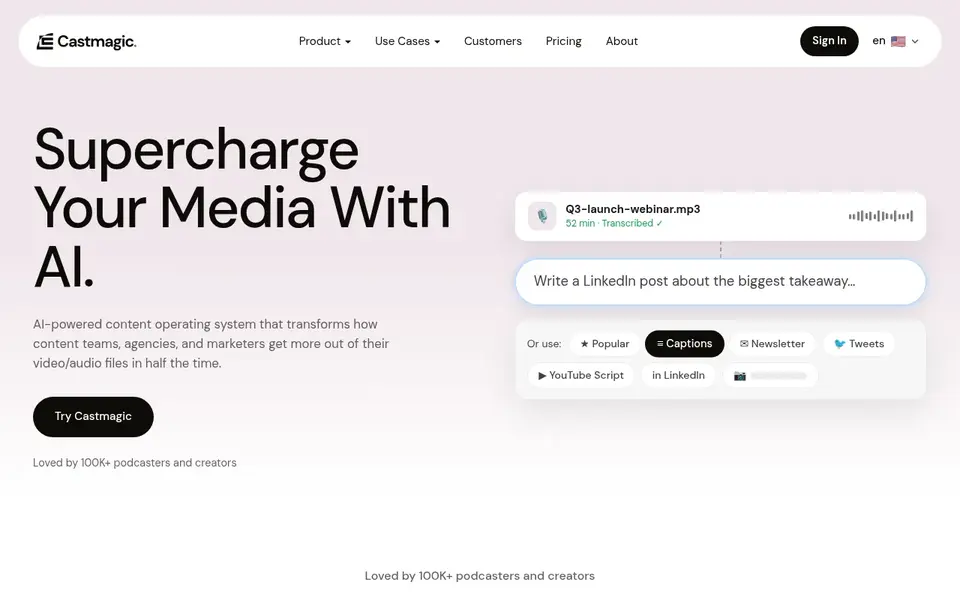
Castmagic was built for turning audio into written content assets. Castmagic turns long-form audio into ready-to-use content assets immediately.
More specifically, if you need video promotion, Headliner or Wondercraft may be better choices. More specifically, you upload an audio file and download transcripts, notes, summaries, flags, quotes, social posts, and more. What you pay to start with Castmagic: $19 per month. Trial and free access: Not stated.
Watch-outs: Restricted audio editing features. What users get: social posts.
- Produces transcripts, notes, summaries, flags, quotes
- Works from an uploaded audio file
- Outputs may need manual review
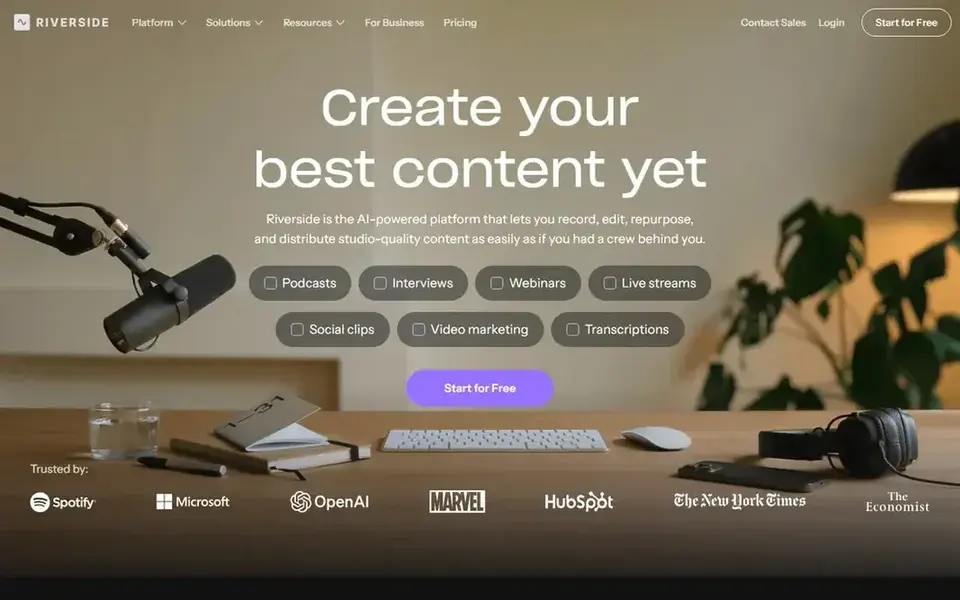
In short, Riverside is for recording and editing podcast and video. In daily use, Riverside centres on recording and editing, so dedicated repurposing features like social post generation may be less developed.
Limits to weigh: Repurposing features may be secondary.
It may be more than needed if you only want to repurpose existing audio. More specifically, for text-based assets, Castmagic or Capsho could be a better fit. What you pay to start with Riverside: $24 per month. Riverside includes a free tier.
- Online studio for high-quality recording
- AI-powered editing
- Needs internet connection for recording
Headliner makes the most sense for creating promotional videos from audio. It suits podcasters who want to turn audio snippets into engaging social media videos without complicated editing software.
Trade-offs to know: Concentrated on promotion instead of full editing.
Advanced video editing features are restricted. Headliner does not show a starting price in this comparison, so check the vendor site for current pricing. Free plan details: Not stated.
- Share to major social products
- Easily produce videos to promote podcast or radio content
- Restricted advanced video features
What to confirm before you sign up
- Get a written quote from Headliner; the list shows no starting price for them.
- Read the fine print on the free plans from Wondercraft, Descript and Riverside; seat, project and feature caps differ.
- Before choosing Capsho, weigh its main limit: needs technical knowledge.
- Ask the daily users to test Castmagic on a live task before you roll it out to everyone.
- Ask Riverside about contract length, onboarding fees and user minimums before you sign.
Frequently asked questions
How are the tools for content repurposing tools for podcasters ordered?
Capsho sits first and Headliner last because the order follows typical fit for content repurposing tools for podcasters, then price clarity and free access. It is a judgement call, so read each profile for fit and limits.
Do these tools publish their prices?
Not all of them. Headliner publishes no starting price, so expect a quote request for it. The rest, Capsho included, show a starting price, though seats and billing terms still change the final cost.
What is the cheapest option for content repurposing tools for podcasters in this list?
On published monthly entry prices, Descript is the lowest here at $16 per person per month. Entry price is only part of the cost, because seats, add-ons and billing terms can change the total. Prices, free plan details and limits for all 6 tools in this content Repurposing tools for Podcasters roundup sit on the individual cards above.
Can I try these tools before paying?
Often, yes. Wondercraft, Descript and Riverside have a free plan. Use your own data and a real task during the test, and check what the free tier or trial limits before you rely on it.
Which tool is best for creating social media videos from podcast audio?
This list starts with Capsho, which fits building custom podcast pipelines. For other needs, Wondercraft is aimed at AI-native video and podcast creation, and Descript at text-based editing of audio and video. Check each tool's price and main limit first.
Do I need technical skills to use these tools?
Most tools are built to be approachable, but some like Capsho need familiarity with coding and AI workflows. Others like Descript and Castmagic are more accessible for non-technical podcasters.
Sources
See where you really rank - block by block
ProMapRanker scans Google Maps across a grid of your service area. Simple monthly plans from $19, white-label on every plan.
Start freeBrowse all guides
← Best Webinar Software for Wholesale Distributors in 2026Best Explainer Video Software for SaaS Companies in 2026 →
 best webinar software for product launch teams
Best Webinar Software for Product Launch Teams (2026)
Best webinar software for product launch teams: 5 tools compared on price, free plans and fit. Strengths and weak spots are spelled out. Prices included.
Read → best webinar software for marketing
Webinar Software for Marketing: 6 Options Compared in 2026
6 tools for the best webinar software for marketing, compared on pricing, free plans and best-fit use. Each listing flags where it falls short. Details below.
Read → best webinar software for marketing teams
Webinar Software for Marketing Teams in 2026: Top 5 Compared
Best webinar software for marketing teams in 2026: 5 contenders with entry costs and free tiers. Strengths and gaps are listed per tool. Decide faster.
Read → best stream services
Best Stream Services in 2026
We compared the best stream services for movies, TV, sports and live channels, with October 2026 starting prices, to help you pick an anchor and rotate rest.
Read → what's the best streaming service
What Is the Best Streaming Service in 2026
Ranked: what's the best streaming service in 2026? Compare Netflix, Disney+, Hulu, Max, Prime Video, Apple TV+ and more on price and shows for households.
Read → best ai image to video tools february
Best AI Image to Video Tools in 2026
Compare the best ai image to video tools for animating photos today, with free plans, current pricing and honest limits for each tool in 2026 here today.
Read →More in Video, Audio & Podcasts · All guides A to Z by date · Latest guides