 ProMapRanker
Best AI Image to Video Tools in 2026

Key takeaways
- Kling offers strong value for daily image-to-video tests, while Runway suits creators who also need editing and camera control.
- Google Veo stands out for realistic motion with native audio, but it sits inside a Google AI plan rather than a standalone app.
- Free plans are useful for testing, yet they usually cap credits, resolution or exports, so paid plans matter for regular work.
- Only animate images you own or have permission to use, and never animate a real person without their consent.
Quick comparison
| Pick | Great for | Pricing starts at | Free tier | |
|---|---|---|---|---|
 Runway | Directed shots plus editing | $12 per month | Yes | Visit |
 Kling AI | Value and realistic motion | $6.99 per month | Yes | Visit |
 Pika | Fast, stylized social clips | $8 per month | Yes | Visit |
 Google Veo | Realistic clips with native audio | $19.99 per month | Limited | Visit |
 Luma Dream Machine | Cinematic camera moves | $30 per month | Limited | Visit |
 Adobe Firefly | Brand-safe work in Adobe apps | See website | Yes | Visit |
 Hailuo | Expressive character motion | See website | Yes | Visit |
 Dreamina Seedance | Reference-driven clips | See website | Yes | Visit |
 Magic Hour | All-round creators and teams | $10 per month | Yes | Visit |
The best AI image to video tools
This guide covers the best image to video AI tools as they stand now, in October 2026, not as they stood earlier in the year. Models, prices and free tiers change often, so we checked current comparison guides and vendor pricing pages before writing. Every tool below can animate a still image, but they differ sharply on motion quality, control and cost per usable clip.
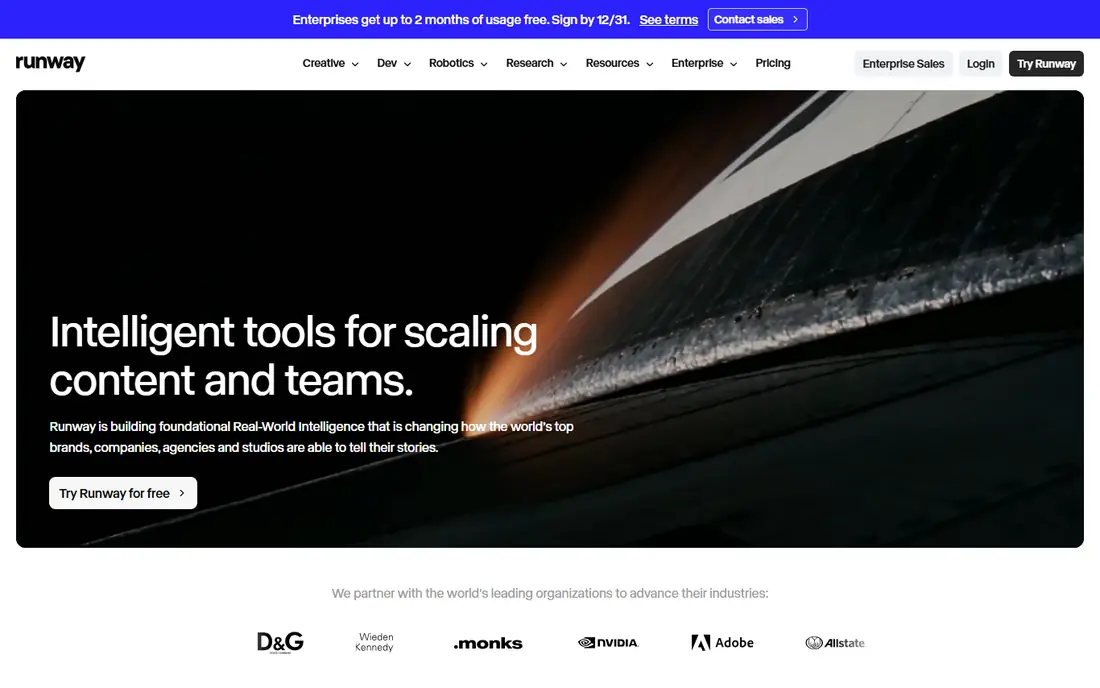
Runway suits creators who want to direct a shot, not just press a button and hope. Camera moves, motion controls and editing tools sit around the generator, so a clip can be extended, restyled or cleaned up in the same workspace. That matters for filmmakers and agencies who need a repeatable result, not a lucky one-off.
The free plan gives a small one-time credit grant, which is enough to test a prompt style but not to run a campaign. Paid plans start at $12 per month on annual billing for the Standard tier, with higher tiers for more credits. Before paying, run the same image through the free credits and check faces, hands and motion closely.
- Strong camera control and editing tools
- Gen-4.5 model
- Useful for longer projects
- Credit math can be confusing
- Higher tiers cost much more than entry
Kling is our value pick for most creators who animate photos every week. Daily free credits let a user test ideas without paying first, and the paid entry tier is lower than most rivals in this list. Realistic motion, including longer clips through extensions, is where Kling earns its place.
The catch is credit use. Higher-quality models and longer clips consume more credits, so a low monthly price does not always mean many finished clips. Track how many credits a typical five or ten second clip costs at your chosen quality, then pick a tier based on that figure rather than the headline price.
- Low entry price
- Daily free credits
- Strong realistic human motion
- Credit costs vary by model and length
- Top quality uses credits faster
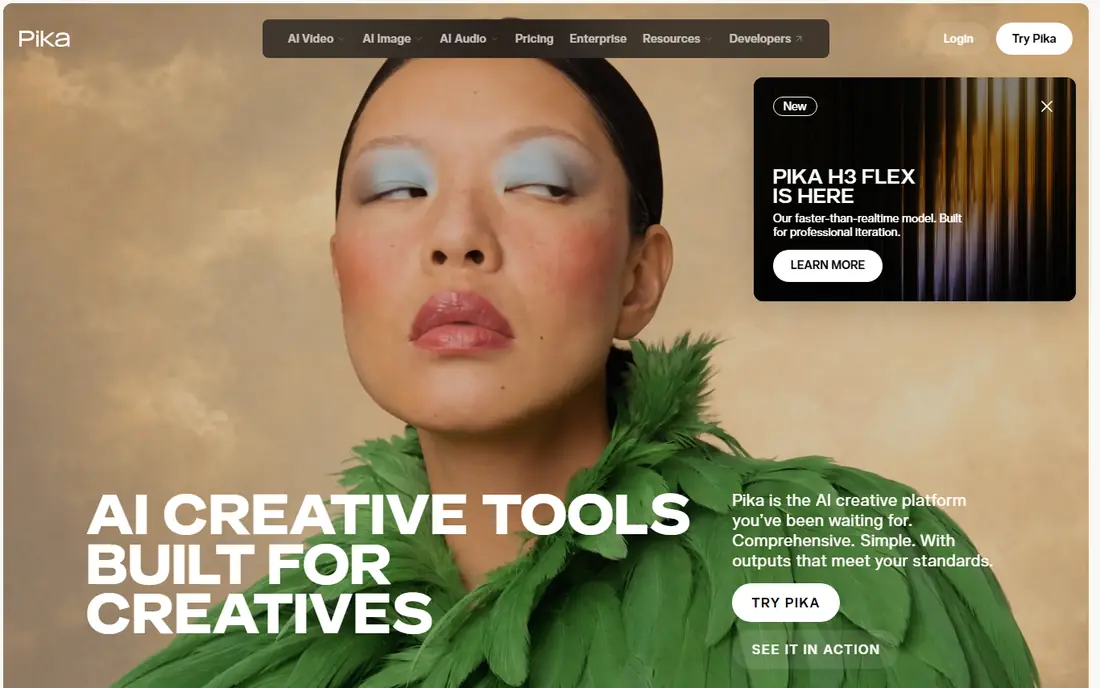
Pika fits social creators who need a quick, stylized clip rather than a film-grade shot. Effects, lip sync and short animations work well for reels and short posts, and the interface stays simple enough for beginners. Paid plans start at about $8 per month on annual billing, with monthly billing higher.
Photorealistic scenes are not Pika's strongest area, and free plans carry limits on resolution or watermarks depending on the current tier. Use Pika when speed and style matter most, and use Runway, Kling or Veo when a client expects realistic motion and clean faces.
- Simple interface
- Fun effects
- Fast for social formats
- Less suited to strict photorealism
- Free output limits apply
Google Veo, reached through Google's Flow tool and Gemini plans, is the realism leader for many creators in 2026. Clips can include native audio that fits the scene, which saves a separate sound step for short ads and social posts. The model handles lighting and camera motion with a polish that is hard to match at this price.
Access is the trade-off. Veo is not a simple standalone purchase, and Google AI Pro starts at $19.99 per month. Free or trial access is limited, and each generation is short, so longer stories need several clips stitched together. For a single realistic hero clip, though, Veo is often worth the plan cost.
- High realism
- Generated audio can match the scene
- Strong Google integration
- Access sits inside Google AI plans
- Per-clip length is short
Luma Dream Machine appeals to creators who think in camera moves first. Keyframes and cinematic motion help turn a still product shot or scene photo into a moving shot with intent, rather than random drift. Paid plans also give access to several outside models, which makes Luma a useful hub for testing different looks.
The entry price is higher than Kling or Pika, at $30 per month for the Plus tier, and current pricing lists no free individual plan. That makes Luma a weaker first test for casual users. It earns its place for creators who already generate video weekly and want camera control plus model choice in one account.
- Strong camera work
- Multi-model access on paid plans
- Fast iteration
- Higher entry price
- No lasting free individual plan in current pricing
Adobe Firefly suits brand teams that care about provenance and clean licensing. Video generation sits alongside Adobe's design and video apps, so a clip can move into Premiere or Express without a fresh export and re-upload step. Firefly also offers access to several models, which helps teams compare looks for a campaign.
Pricing is the part to check closely, since Adobe has changed plan structures and credit allowances over time. A free tier with daily generations lets a team test the tool, but regular commercial work usually needs a paid plan. For teams already paying for Creative Cloud, Firefly is often the lowest-friction choice.
- Commercially safer positioning
- Works with Creative Cloud apps
- Multiple models in one place
- Paid tiers and credit rules change often
- Best value needs a Creative Cloud plan
Hailuo, from MiniMax, is known for expressive character motion, which helps when a photo of a person needs to talk, react or move with feeling. Trial credits let new users test that strength before paying, and paid tiers have been reported in a range around $8 to $15 per month depending on promotion and region.
That variation is also the weakness. Plan names, credit amounts and prices can differ by market, so a review figure may not match the checkout page a reader sees. Check the current plan page, run a character test with free credits, and confirm export resolution before buying a longer subscription.
- Expressive faces and character motion
- Trial credits to test
- Social-ready clips
- Pricing varies by promotion
- Interface and plan names vary by region
Dreamina, which hosts the Seedance model and links to CapCut, suits creators who start from a reference image and want the output to stay close to that look. Product shots, fashion images and stylized scenes benefit from reference-driven generation, since the model has a clear visual target to follow. Editing in CapCut then makes short-form posting simple.
Credit pricing varies by region, so we list it as See website rather than a single figure that could mislead readers in another market. Trial credits vary too. Test one product image and one person-free scene first, and confirm the export quality before relying on Dreamina for client work.
- Reference images can guide style
- CapCut editing links
- Useful for product and fashion clips
- Credit plans vary by region
- Model availability can change
Magic Hour works as a broad creator workspace rather than a single-model tool. Image-to-video sits next to lip sync, talking photos and upscaling, which helps a small team produce several formats from one photo set. Paid plans start at $10 per month on annual billing, with a free plan for testing.
Results still depend on the source photo. Clean, well-lit images with a clear subject animate better than crowded or low-resolution shots. For creators who need many formats from the same assets, Magic Hour is a practical all-rounder, while specialists may still prefer Runway or Veo for a single hero shot.
- Image-to-video plus lip sync and talking photos
- Team-friendly workspace
- Generous free tier reports
- Face quality varies by source photo
- Heavier use needs higher tiers
How we picked these
We compared current October 2026 comparison guides, vendor pricing pages and model notes, and kept only tools that animate still images and are actively available now. We excluded the Sora consumer app, which closed in April 2026, and we did not list face-swap or undressing tools. We weighed motion quality, control, free access and cost per clip, and we used See website wherever a price varied by region or could not be verified on the vendor page.
How to choose the right tool
Start with the clip you need, not the model name. A ten-second social clip, a product ad and a short film shot have different demands for realism, length and sound. Run the same photo through two or three free tiers, then judge motion, faces and background stability on a full screen, not on a small preview.
Credits, length and resolution
Check three numbers before paying: credits per clip at your chosen quality, maximum clip length, and export resolution. A cheap plan that burns many credits per clip can cost more than a higher plan with a fairer credit rate. Also check whether failed or rejected generations still consume credits, since retries add up fast.
Consent and safe use
Only animate photos you own or have clear permission to use. Never animate a real person without their consent, and never use these tools to create misleading footage of a real person or event. For client work, keep the source photo, the prompt and the export together, so the client can see what was generated and what was real.
Editing and sound
Decide whether you need editing in the same tool or only generation. Runway, Adobe Firefly and Dreamina through CapCut help when editing matters, while Veo helps when native audio matters. If you already edit elsewhere, a cheaper generator plus your current editor may give a better result for less money.
Frequently asked questions
What are the best free AI image to video tools?
Kling, Pika, Magic Hour and Adobe Firefly all offer free access in some form, and Kling's daily credits are often the most useful for regular testing. Free plans usually limit credits, resolution or exports. For a single test, any of them will show whether image-to-video fits your work.
What is the best image to video AI tool for realistic motion?
Google Veo and Kling are the strongest realistic picks in this guide, with Runway close behind for directed shots. Veo adds native audio, while Kling offers better value for frequent use. Test the same photo on both before paying, since motion quality varies by subject.
How much do AI image to video tools cost?
Entry prices here range from free to $30 per month, with Kling at $6.99, Pika at about $8, Magic Hour at $10, Runway at $12, Google AI Pro at $19.99 and Luma at $30 per month. Credit use, clip length and resolution change the real cost, so compare credits per finished clip, not just the monthly price.
Can I animate a photo of a real person?
Only with that person's clear consent, and only for a lawful purpose. Do not create misleading or intimate imagery of a real person, and do not use a photo you found online without permission. For commercial work, get written permission and keep a record of it.
Do these tools work for product photos?
Yes, product photos are a strong use case, especially with reference-driven tools like Dreamina and editing-linked tools like Adobe Firefly and CapCut. Use a clean, well-lit product shot, keep the background simple, and test motion at full export size before using a clip in an ad.
Sources
- https://backwards3.info/best-image-to-video-ai-tools/
- https://brightseotools.com/post/best-luma-ai-alternatives-for-text-to-video
- https://ainexustools.online/blog/best-ai-video-generators-2026/
- https://www.blutoolboxhq.com/articles/best-ai-video-generators
- https://fluxgrowth.io/best-ai-video-generators-in-2026-15-tools-compared-by-use-case/
- https://runwayml.com
- https://klingai.com
- https://pika.art
- https://gemini.google.com
- https://lumalabs.ai
- https://www.adobe.com/products/firefly.html
- https://hailuoai.com
- https://dreamina.capcut.com
- https://magichour.ai
See where you really rank - block by block
ProMapRanker scans Google Maps across a grid of your service area. Simple monthly plans from $19, white-label on every plan.
Start freeKeep reading
 outreach alternatives
Outreach Alternatives in 2026
Compare outreach alternatives for 2026, from Salesloft and Apollo to HubSpot and Lemlist, with pricing, channels, features, limits, and honest trade-offs.
Read → best web conference tools
Best Web Conference Tools in 2026
Compare the best web conference tools for meetings, webinars and team calls, with current pricing, free plans and honest limits for each option here today.
Read → best voice cloning tools
Best Voice Cloning Tools in 2026
Compare the best voice cloning tools in 2026, from ElevenLabs and Descript to Resemble and Cartesia, with consent rules, pricing, licenses, and limits.
Read →