 ProMapRanker
Best Content Optimization Tools for Beginners in 2026

Key takeaways
- Beginners do best with a clear editor and a simple score, not a large enterprise platform with dozens of settings.
- Frase and NeuronWriter offer the lowest-cost entry points, while Surfer offers the most widely used scoring workflow.
- Clearscope suits shared teams, since every plan includes unlimited users, even though draft caps still apply.
- Yoast SEO and Grammarly cover on-page basics and readability for free, and pair well with a paid optimizer.
Quick comparison
| Pick | Great for | Pricing starts at | Free tier | |
|---|---|---|---|---|
 Surfer | Live scoring for writers | $49 per month | No | Visit |
 Frase | Research and briefs on a budget | $39 per month | Free trial | Visit |
 Clearscope | Simple editor for shared teams | $129 per month | Free trial | Visit |
 NeuronWriter | Low-cost solo optimization | $19 per month | Free trial | Visit |
 MarketMuse | Topic planning for beginners | See website | Yes | Visit |
 Yoast SEO | WordPress on-page basics | Free | Yes | Visit |
 Grammarly | Readability and tone polish | Free | Yes | Visit |
 PageOptimizer Pro | One-off on-page reports | $40 per month | No | Visit |
The best content optimization tools for beginners
We compared tools that help new writers improve drafts for search and readers, favoring clear guidance, gentle learning curves, and honest pricing.
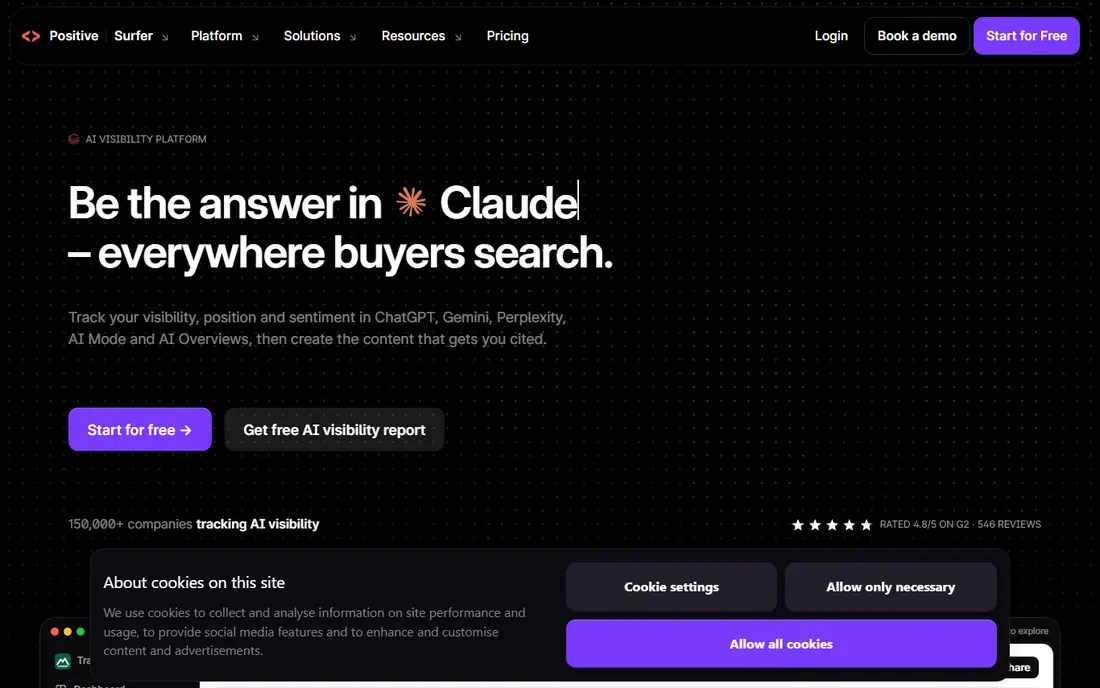
Surfer is the most widely used starting point for content optimization, and its editor is the reason. As you write, a live score shows how your draft compares with top results on terms, headings, and length. That instant feedback teaches beginners what optimization actually means, instead of leaving them with a report to decode later.
The Discovery plan at 49 dollars a month on yearly billing includes a set number of annual documents, so plan your volume before you buy. Surfer will not write a good article for you, and facts still need checking. As a learning tool and a pre-publish check, though, it is hard to beat.
- Live score that updates as you write
- Clear briefs from top results
- Audit tools for older posts
- Annual credit system needs planning
- A score is guidance, not a ranking promise
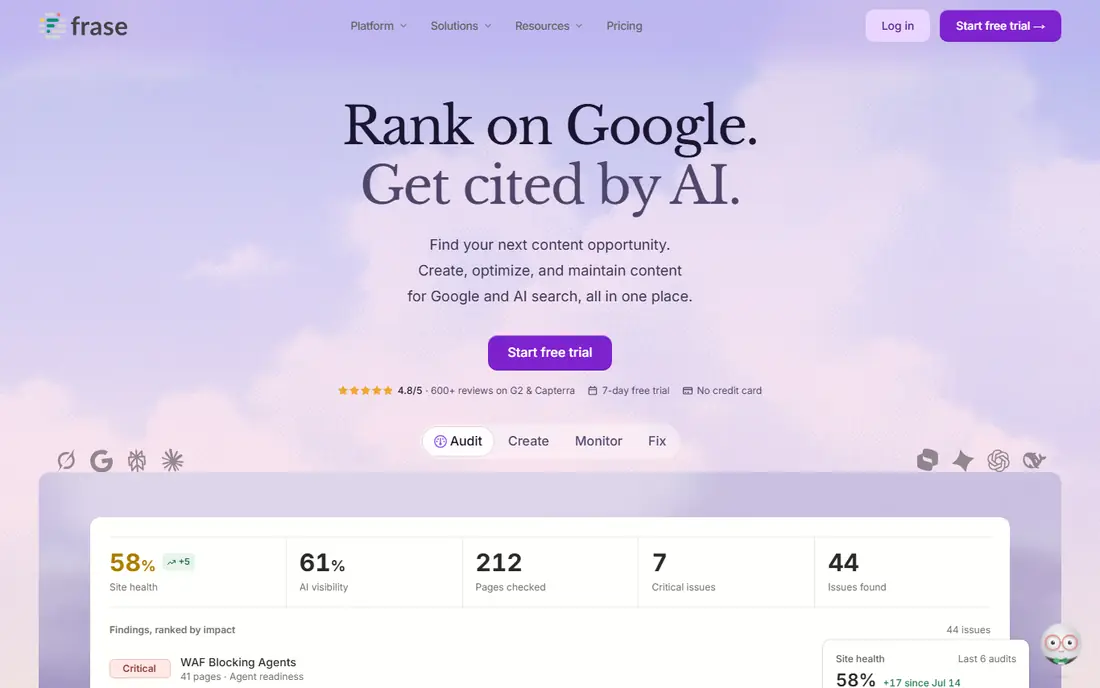
Frase is a good first paid optimizer for a beginner who wants the full loop in one place. Research top results, build a brief, draft with help, and score the result without switching tools. Its decay alerts also teach a useful habit: maintaining older posts matters as much as writing new ones.
Starter limits are real, with 10 articles a month and one seat. That is enough for a solo blogger or a small site, but a team will outgrow it. For a beginner on a budget, Frase gives the most complete workflow per dollar in this list.
- Research, briefs, and scoring in one tool
- Decay alerts for older pages
- Lower price than Surfer and Clearscope
- Starter caps articles per month
- One seat on the entry plan
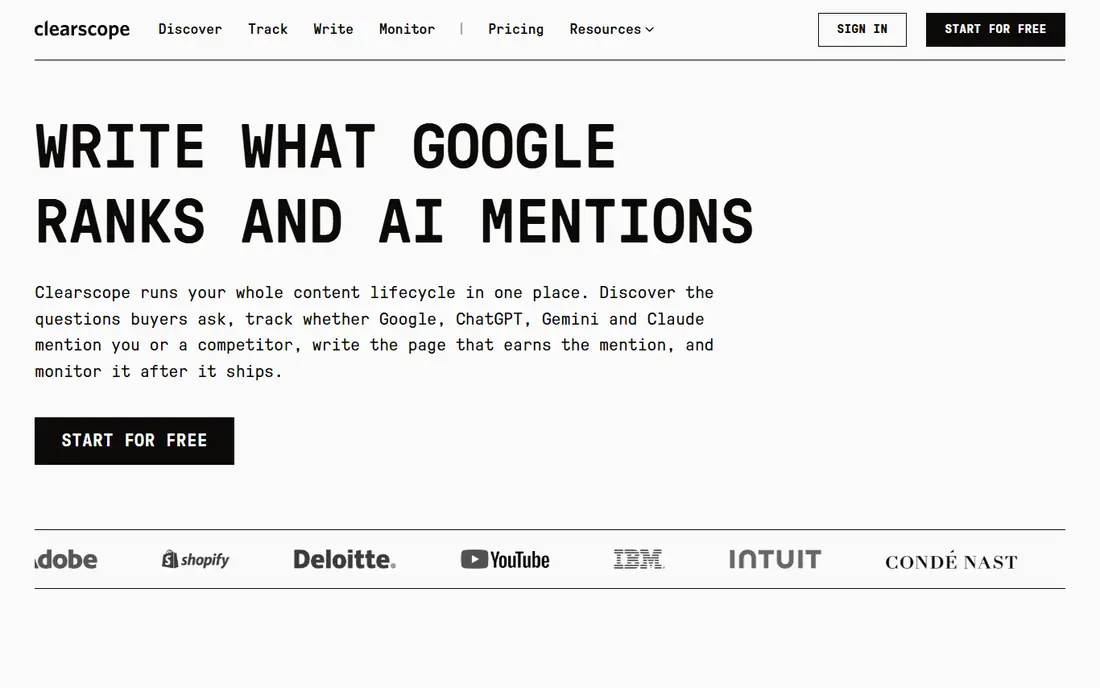
Clearscope is the easiest editor in this list to hand to a new writer. The interface stays calm, the term list is clear, and grades use plain language that a non-SEO colleague can follow. That clarity is why teams with several writers often pick it, even at a higher price.
Every plan includes unlimited users, which helps a shared editorial team, but drafts and tracked pages are still capped. At 129 dollars a month for Essentials, it is a team buy rather than a solo starter tool. If several people will optimize together, the shared access makes the price easier to justify.
- Clean, easy-to-read editor
- Unlimited users on every plan
- Clear term guidance for writers
- Higher entry price
- Draft and page caps still apply
NeuronWriter is the budget pick for a beginner who optimizes a few pieces a month. The Bronze plan at 19 dollars a month on yearly billing includes content writer analyses and projects enough for a solo site. It also handles non-English content well, which suits writers outside English-first markets.
It lacks some of the polish and audit depth of Surfer and Clearscope, and higher tiers add the integrations many teams want. For a freelancer learning optimization, though, it is the cheapest way to practice with real scoring and briefs.
- Lowest entry price here
- Solid content analyses for solo writers
- Good non-English coverage
- Smaller feature set than Surfer
- Trial terms need checking
MarketMuse helps a beginner answer a prior question: what should I write next. Its free plan offers a small number of queries per month, enough to test topic research and gap analysis on a small site. Paid tiers add deeper planning for larger libraries.
It is not the simplest draft editor, so pair it with Frase, Surfer, or Yoast for the writing step. Beginners who already have a site with some posts will get more from MarketMuse than a brand-new blog, since gap analysis needs existing content to compare.
- Free plan for light planning
- Topic gaps and authority guidance
- Briefs tied to strategy
- Paid tiers are pricey for beginners
- Strategy focus, not a simple draft editor
Yoast SEO is the default on-page helper for WordPress, and its free version covers the basics well. It checks titles, meta descriptions, headings, links, and readability right inside the editor, with traffic-light feedback that beginners find easy to follow. That in-editor guidance makes it a natural first optimizer.
The scores are a guide, not a goal. Chasing a green light can produce awkward writing, so treat Yoast as a checklist for basics, not a verdict on quality. Pair it with a paid optimizer when you need SERP-based term guidance that Yoast does not provide.
- Free on-page checks for WordPress
- Readability and SEO feedback in the editor
- Premium adds internal link help
- WordPress only
- Traffic-light scores can oversimplify good writing
Grammarly is not an SEO tool, but it belongs in a beginner stack because readability is part of optimization. Clear, correct writing keeps readers on the page, and Grammarly catches grammar, conciseness, and tone issues before publishing. The free plan covers the core checks for most writers.
Do not expect keyword guidance or SERP analysis from Grammarly. Use it after your optimizer, as a final polish pass, and keep your own judgment on style choices it flags. For a beginner, the free plan plus a paid optimizer is a strong combination.
- Free grammar and clarity checks
- Tone suggestions
- Works across browsers and apps
- Not an SEO optimizer
- Premium features need a paid plan
PageOptimizer Pro suits a beginner who wants a detailed report on a specific page, rather than a live writing editor. Run a report, get an action list, and work through it in your own editor. That workflow fits audits and refreshes of older posts, where a one-time deep check beats ongoing scoring.
Daily writers will miss a live editor, so it pairs best with Yoast or Grammarly for routine posts. At 40 dollars a month for Basic, it is a fair price for report-based optimization, especially for site owners who optimize in batches.
- Detailed on-page reports per page
- Useful for audits without a full suite
- Clear action lists
- Report-based, not a live editor
- Less suited to daily writing
How we picked these
We compared official pricing pages, product documentation, and public reviews, and we favored tools with current availability in October 2026, a gentle learning curve, and a clear beginner use case. We used vendor pricing where verified and wrote See website where pricing was unclear. We treated scores as guidance throughout, since no optimizer can promise a ranking.
A simple beginner workflow
Start free with Yoast SEO and Grammarly, and add one paid optimizer when you publish regularly. Research the topic, build a brief, draft in your own words, then score the draft and fix the clear gaps. Publish, then check Search Console after a few weeks to see which pages gained traction.
Resist the urge to chase a perfect score. A clear, accurate article that answers the reader question beats a keyword-stuffed draft with a higher number. Review older posts monthly, and refresh the winners before writing entirely new pieces on the same topic. Keep a simple log of each refresh, noting what changed and what Search Console showed in the following weeks. Over time, that log shows which kinds of edits help and which ones waste effort, so a beginner can learn from real results instead of guessing.
Frequently asked questions
What is the best content optimization tool for beginners?
Frase for budget and completeness, Surfer for the most widely used live scoring, and NeuronWriter for the lowest price. Start with Yoast SEO free on WordPress alongside any of them.
Is Surfer good for beginners?
Yes, if you publish often enough to use the annual document credits. The live editor teaches optimization quickly, but beginners should treat the score as guidance and keep editing for readers first.
Can I optimize content for free?
Yes, up to a point. Yoast SEO free and Grammarly free cover on-page basics and readability, and MarketMuse offers a limited free plan. Paid tools add SERP-based scoring and briefs that free tools do not.
Does a higher content score guarantee a ranking?
No. Scores compare your draft with top results, but rankings also depend on authority, intent match, page experience, and competition. Use scores to improve drafts, not as a promise.
How much should a beginner spend?
Start free, then add Frase at 39 dollars a month or NeuronWriter at 19 dollars a month. Move to Surfer or Clearscope when volume or team size makes the extra features worth the higher price.
Sources
See where you really rank - block by block
ProMapRanker scans Google Maps across a grid of your service area. Simple monthly plans from $19, white-label on every plan.
Start freeKeep reading
 zscaler alternatives
Best Zscaler Alternatives in 2026
Looking for zscaler alternatives? We compare 9 SASE and zero trust platforms on architecture, data protection, pricing, and fit for your network and team.
Read → zapier alternatives free
Best Zapier Alternatives Free in 2026
Nine automation tools for zapier alternatives free in 2026, all with genuinely free tiers, plus free plan limits, starting prices and upgrade paths explained.
Read → which platform is best for online reputation
Which Platform Is Best for Online Reputation in 2026
Wondering which platform is best for online reputation? We compare 8 review, listing, and response tools for small and multi-location businesses and agencies.
Read →