 ProMapRanker
Best Content Management Software in 2026

Key takeaways
- WordPress remains the most flexible low-cost choice, but hosting, updates and plugin care are part of the real price.
- Webflow and Squarespace suit design-led marketing teams that want to publish without developers.
- Contentful, Sanity and Strapi suit teams publishing the same content to websites, apps and other channels.
- Headless tools need front-end help, so budget for development time, not just the monthly plan.
- Check content limits, seat counts and publishing workflows before migrating, since those caps shape daily work.
Quick comparison
| Pick | Great for | Pricing starts at | Free tier | |
|---|---|---|---|---|
 WordPress | Classic websites of any size | Free | Yes | Visit |
 Webflow | Design-driven marketing sites | See website | Yes | Visit |
 Drupal | Complex sites with strict access control | Free | Yes | Visit |
 Contentful | Multi-channel enterprise publishing | $300 per month | Yes | Visit |
 Sanity | Custom editorial experiences | $15 per seat per month | Yes | Visit |
 Strapi | Self-hosted headless content | See website | Yes | Visit |
 Ghost | Publishing and newsletters | See website | Yes | Visit |
 Squarespace | Small business sites in one package | See website | Free trial | Visit |
 HubSpot Content Hub | Teams already running on HubSpot | See website | Yes | Visit |
The best content management software
We compared official product and pricing pages for systems that store, organize and publish content, from traditional website builders to headless platforms. These nine cover solo publishers, marketing teams and developers building multi-channel products.
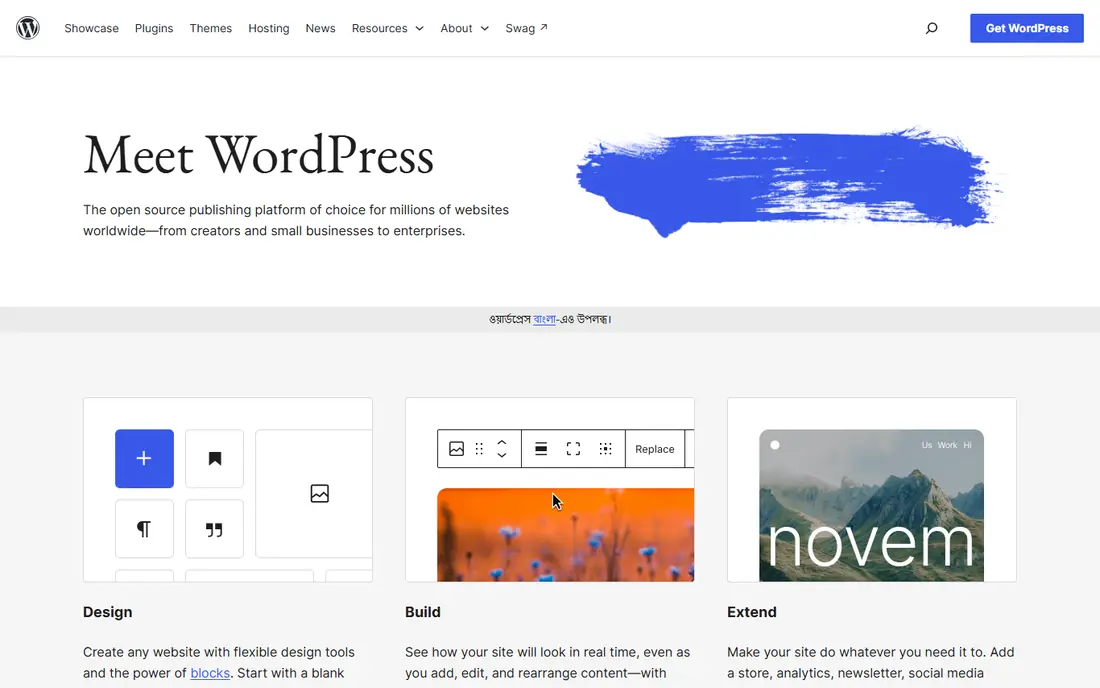
WordPress is the default answer for a reason. The software itself costs nothing, and a straightforward marketing site, blog or small business presence can go live quickly with little money. The block editor handles most page layouts without code, and plugins cover forms, search optimization, bookings and online selling. Documentation and hiring help are easy to find, since so many sites already run on it.
The catch is maintenance. Core, theme and plugin updates arrive often, and skipping them invites security trouble. Budget for decent managed hosting and someone who keeps the stack patched, or the free CMS starts costing time and risk instead of money. For teams that accept that trade, WordPress remains the most practical CMS available.
- Enormous plugin and theme library
- Huge pool of people who know it
- Free open-source software
- Updates and plugin care fall on the site owner
- Performance depends on hosting and theme quality
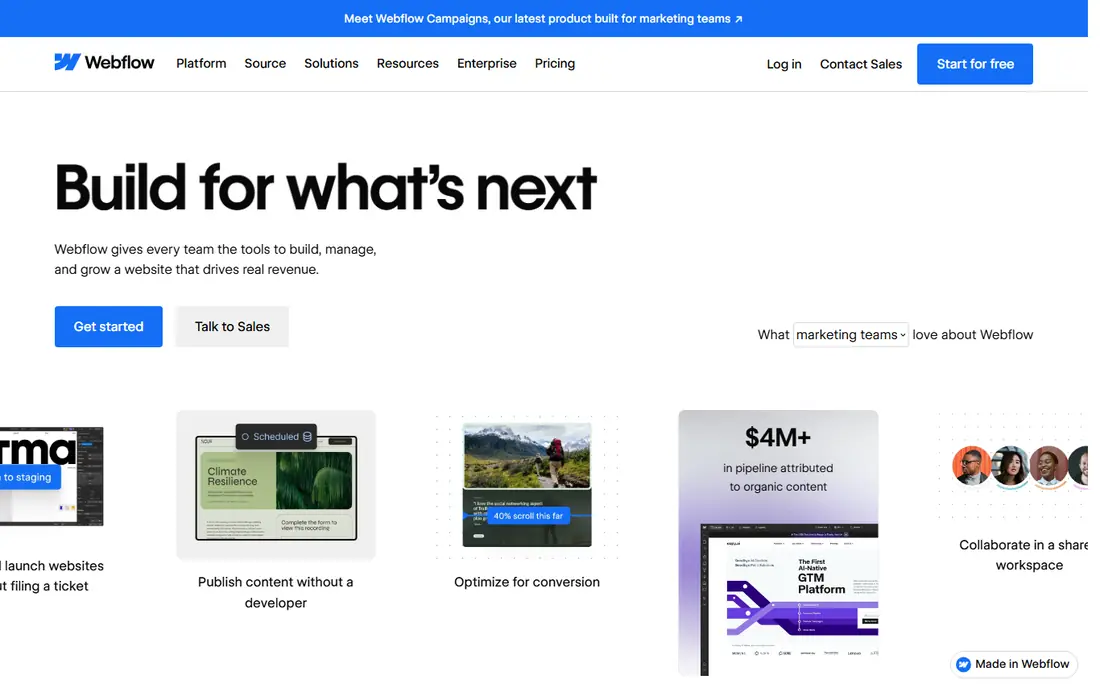
Webflow suits marketing teams that care about design details and want to publish without waiting on developers. Designers build pages visually, editors work in a structured CMS, and hosting, security certificates and content delivery are handled by the platform. That combination removes much of the maintenance work that comes with a self-hosted CMS.
The limit to watch is scale. CMS collections, items and bandwidth are capped by plan, so a content-heavy site or a high-traffic launch may need a higher tier. Start with a realistic count of pages, blog posts and media files, and check the plan that covers that count with room to grow.
- Visual design control without heavy coding
- Built-in hosting and CMS collections
- Clean publishing workflow
- CMS item and bandwidth limits vary by plan
- Larger sites need higher tiers
Drupal fits universities, government bodies, publishers and other organizations with complex content rules. Its content types, taxonomies and permission system handle structured content and strict editorial roles better than most traditional CMS options. Multi-site and multilingual setups are core strengths rather than add-ons.
That power comes with a steeper build. A good Drupal site usually needs developers who know the platform, and design work takes longer than a template-driven builder. For a simple brochure site, that effort is hard to justify. For a large site with many editors, content types and access rules, it pays off over time.
- Strong content modeling and permissions
- Handles complex, multi-site setups
- Free open-source software
- Needs developer skill to build well
- Smaller talent pool than WordPress
Contentful is a headless CMS, which means it stores and manages content but does not dictate how the website looks. Editors model content once, and developers deliver it to websites, mobile apps, kiosks or other channels through an API. That separation suits teams publishing the same product copy, help articles or campaign content in many places.
Pricing is the hurdle for smaller teams. The Lite plan starts at $300 per month, a large step from the free tier. Teams also need developers to build and maintain the front end. If content only ever appears on one website, a traditional CMS will be cheaper and faster.
- Structured content delivered by API to any channel
- Strong enterprise controls
- Scalable content model
- Large jump from free tier to paid Lite plan
- Needs front-end development
Sanity gives developers a content studio they can shape around an editorial team, rather than forcing editors into a fixed interface. Content is structured, collaboration happens in real time, and the API delivers content to websites and apps. The Growth plan starts at $15 per seat per month, with a free tier for smaller projects.
The trade-off is the same as other headless tools: someone must build the front end and keep the studio configuration in good shape. Teams with developer support get a publishing experience that fits their workflow closely. Teams without it may find a traditional CMS easier to run day to day.
- Flexible content studio that teams can shape
- Real-time collaboration
- Strong developer tools
- Setup needs developer time
- Pricing grows with seats
Strapi appeals to teams that want a headless CMS on their own infrastructure. The open-source core is free to self-host, and the API-first design fits custom websites and applications. Teams keep control over data, hosting and deployment, which matters for organizations with strict hosting or compliance rules.
Self-hosting is also the cost. Someone must run updates, backups and security for the Strapi server, just as with WordPress. Strapi Cloud removes that burden for a monthly fee, so compare the cloud price against the staff time that self-hosting consumes before choosing.
- Open-source core that can be self-hosted
- API-first design
- Control over data and hosting
- Self-hosting adds operations work
- Cloud pricing varies by project needs
Ghost is built for publishers, not for every kind of website. Writers get a clean editor, readers get fast pages, and memberships and newsletters are built in rather than bolted on. That focus makes it a strong choice for independent publications, blogs and creators who earn from subscribers.
It is a weaker fit for a corporate site with many content types, forms, directories and custom workflows. The theme and integration range is narrower than WordPress, and complex layouts may need custom theme work. If publishing and audience revenue are the core job, Ghost keeps that job simple. If the site must do many other jobs, look elsewhere.
- Fast, focused publishing experience
- Built-in memberships and newsletters
- Clean editor
- Less suited to complex corporate sites
- Theme and integration range is narrower
Squarespace bundles hosting, templates, editing and basic selling tools in one account, which suits small businesses that want a professional site without assembling parts. Templates look polished out of the box, setup is quick, and support covers the whole package rather than pointing to a separate host or plugin vendor.
Flexibility is the limit. Deep custom layouts, unusual content models and large plugin ecosystems are not its strengths. A business that expects its site to grow into a complex platform may outgrow Squarespace. A business that needs a solid site, blog and store in one place will find it hard to beat for simplicity.
- Hosting, templates and editing in one account
- Polished templates
- Simple setup
- Less flexibility than open-source CMS options
- Advanced customization has limits
HubSpot Content Hub makes most sense for companies already using HubSpot for CRM or marketing. Content, contacts, campaigns and reporting live in one system, so a team can see which pages and offers connect to real leads and customers. Free tools let small teams start, and paid tiers add hosting, personalization and deeper reporting.
Outside HubSpot, that advantage fades. Pricing and feature value depend on how much of the HubSpot suite a team already pays for, and a standalone site may be cheaper on WordPress or Webflow. If HubSpot is already the system of record, Content Hub removes a layer of integration work.
- Content, CRM and marketing data in one system
- Useful reporting
- Free tools to start
- Best value only inside the HubSpot ecosystem
- Paid tiers rise with seats and features
How we picked these
We compared official product and pricing pages, plan limits and documentation for CMS options that are current in October 2026. To qualify, a product had to store and publish content, support multiple editors or content types, and fit either traditional website publishing or headless multi-channel delivery. We kept prices as See website where vendors publish tiered or quote-based pricing that changes often, rather than printing a figure we could not verify.
How to choose the right CMS
Start with where the content must appear. One website with a blog points to WordPress, Webflow or Squarespace. Many channels, including apps, point to Contentful, Sanity or Strapi. A newsletter-led publication points to Ghost. That single question removes most of the list at once.
Team, budget and migration
Count editors, developers and approvers, and check seat prices at that headcount. A low headline price can double once every editor needs a paid seat. For migration, export a sample of real content early and test how cleanly it imports, including images, links and redirects. A CMS that cannot import your archive cleanly will cost more in manual cleanup than any plan saving.
Publishing workflow and growth
Test the daily workflow: drafting, review, approval, scheduling and publishing. Check roles and permissions, revision history and scheduled publishing, since those features decide whether editors enjoy the tool or work around it. Also check limits on content items, storage, bandwidth and API calls at the plan you would actually buy, not the top tier.
Frequently asked questions
What is the best content management software?
WordPress is the best all-round choice for most websites, thanks to its low cost and huge ecosystem. Webflow suits design-led marketing teams, while Contentful and Sanity suit multi-channel publishing. The right pick depends on team skills and where content must appear.
What is the best CMS software for a small business?
Squarespace and WordPress cover most small business needs. Squarespace is simpler because hosting and templates are bundled. WordPress is more flexible and cheaper on software, but needs hosting and maintenance. Pick Squarespace for simplicity and WordPress for control.
What is the best content management tool for developers?
Sanity, Strapi and Contentful lead for developers, since they offer structured content, APIs and custom editorial tooling. Strapi suits teams that want to self-host, while Sanity and Contentful suit teams that prefer hosted infrastructure. All three need front-end work to produce a finished site.
What is the best content management platform for publishing to apps and websites?
A headless CMS such as Contentful or Sanity is the cleaner choice, since content is modeled once and delivered by API to each channel. Traditional CMS options can also feed apps through plugins or APIs, but that route usually needs more custom work.
Is there a free content management system?
Yes. WordPress and Drupal are free open-source software, though hosting still costs money. Sanity, Strapi and Contentful offer free tiers, and Ghost can be self-hosted for free. Free tiers usually cap seats, content volume or features, so check limits before building on them.
Sources
See where you really rank - block by block
ProMapRanker scans Google Maps across a grid of your service area. Simple monthly plans from $19, white-label on every plan.
Start freeKeep reading
 who has the best home internet service
Who Has the Best Home Internet Service in 2026
Who has the best home internet service in 2026? Compare fiber, cable, and 5G providers on speed, price, data caps, and availability at your address today.
Read → visio alternatives
Best Visio Alternatives in 2026
Compare 9 Visio alternatives for flowcharts, org charts, and network diagrams, with free plans, pricing, and the best pick for teams and solo users in 2026.
Read → top 10 logistics software
Top 10 Logistics Software in 2026
We compared the top 10 logistics software tools for transport, warehousing, visibility and shipping, for shippers, carriers and 3PL teams in 2026 today.
Read →