 ProMapRanker
Best Contact Management Software for Small Business in 2026


Small businesses that want a capable CRM for free · Pricing starts at: Free
Key takeaways
- HubSpot CRM is the best free starting point for most small businesses, with contact records, a deal pipeline and email logging at no cost for core features.
- Less Annoying CRM suits owners who hate pricing tiers, with one plan at 15 dollars per user per month and no setup fees.
- Streak is the pick for teams that live in Gmail, because it turns the inbox into a CRM without a separate app to open.
- Zoho CRM, Pipedrive and Freshsales suit teams where contacts feed an active sales pipeline, while Capsule and Nimble suit relationship focused solo operators.
Quick comparison
| Pick | Great for | Pricing starts at | Free tier | |
|---|---|---|---|---|
| HubSpot CRM | Small businesses that want a capable CRM for free | Free | Yes | Visit |
 Zoho CRM | Small teams that want a full CRM at a low price | $20 per user per month | Yes | Visit |
 Pipedrive | Small sales teams that think in pipelines | See website | Free trial | Visit |
 Streak | Teams that live in Gmail | See website | Yes | Visit |
 Freshsales | Small teams that want AI help with routine work | See website | Yes | Visit |
 Less Annoying CRM | Small businesses that want one simple price | $15 per user per month | Free trial | Visit |
 Capsule | Small businesses that want a simple CRM with room to grow | See website | Yes | Visit |
 Nimble | Solo operators and consultants who live on relationships | See website | Free trial | Visit |
The best contact management software for small business
Contact management software should answer three questions fast: who is this person, what did we last discuss, and what happens next. The tools below all do that, but they differ in price, pipeline depth and how much setup they need. Start with team size and how you sell, not with the longest feature list.
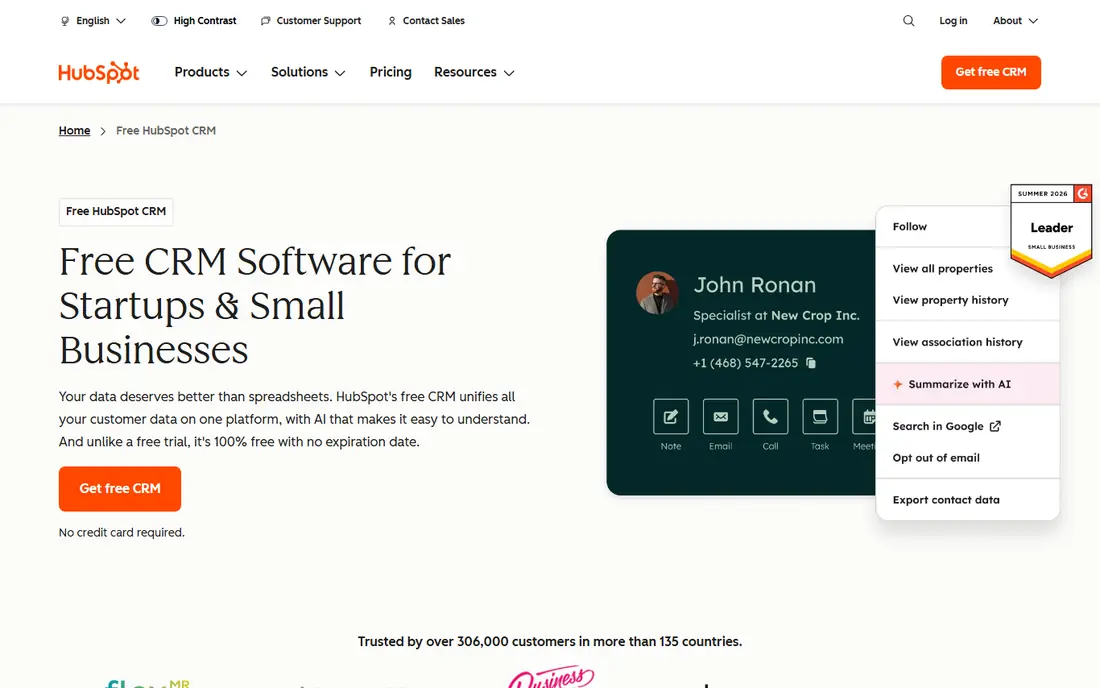
HubSpot CRM gives a small business a real contact database at no cost for core features. Contacts, companies, deals, tasks and email logging sit in one place, and the free plan also covers basic reporting and forms. That makes it easy to move from spreadsheets to a shared system without a budget discussion first.
The catch is the upgrade path. Paid Sales Hub tiers add automation, forecasting and more controls, and prices rise sharply at Professional level. A team that needs only contacts and a pipeline can stay free for a long time, but a team that wants deep automation should price the paid tiers before building workflows around them. As a starting point, HubSpot is hard to beat.
- Free core CRM with contacts and deals
- Email logging and templates
- Many integrations
- Paid tiers escalate fast
- Some limits appear as usage grows

Zoho CRM offers a free edition for up to three users, with paid Standard pricing near 20 dollars per user per month in published comparisons. It covers contacts, leads, deals, tasks, email and custom reports, and it connects with other Zoho apps for finance, support and marketing. That depth suits a team that wants one system to grow into, rather than a tool to replace in a year.
The trade off is complexity. The range of settings and custom fields can overwhelm a team that only needs a tidy contact book, and some automation and AI tools need higher tiers. If you have time to set it up once, Zoho gives strong value. If you want to start in an afternoon, a simpler tool may fit better.
- Free edition for up to three users
- Deep customisation
- Wide app ecosystem
- Setup can feel complex
- Advanced AI features sit on higher tiers
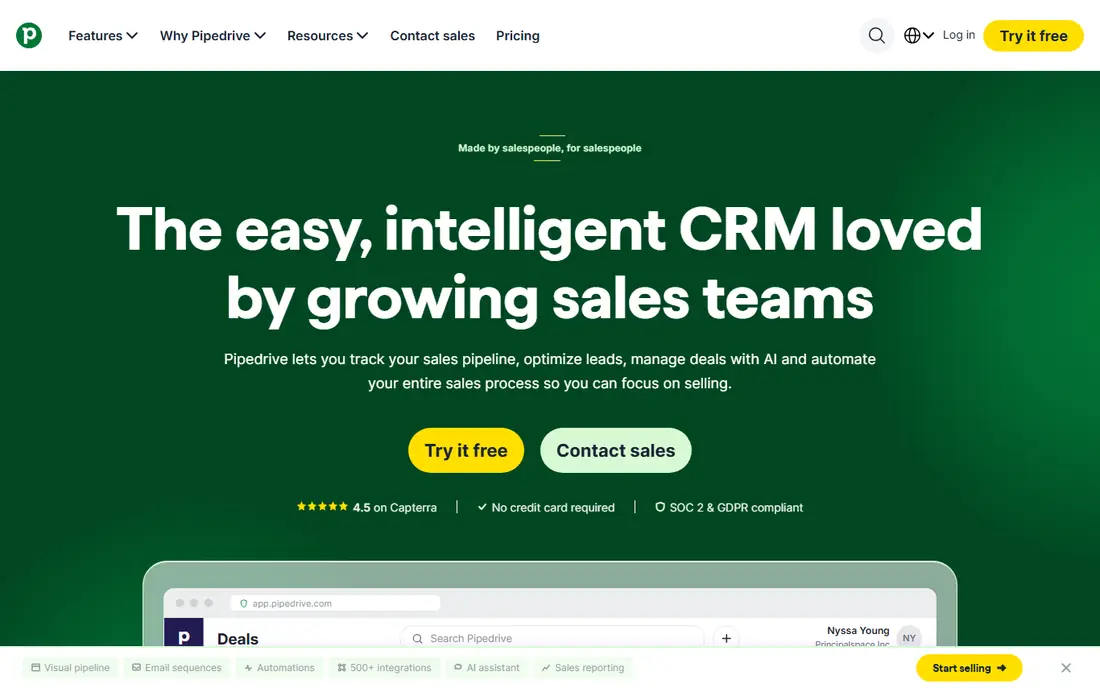
Pipedrive is built around a visual sales pipeline, where deals move across stages and each deal shows value, owner and next activity. That view helps a small sales team see at a glance which deals need attention, which are stuck and where the month stands. Contacts link to deals, emails and activities, so follow up history stays with the person.
There is no free plan, only a 14 day trial, and pricing varies by tier, so check the current price for your team size. Pipedrive also focuses more on deals than on rich contact relationship notes, so a consultancy that lives by long relationship histories may prefer Capsule or Nimble. For pipeline driven selling, it is clear and fast.
- Clear visual pipeline
- Easy deal tracking
- Good activity reminders
- No free plan, only a trial
- Contact depth is weaker than full CRM rivals
Streak turns Gmail into a CRM by adding pipelines, contact boxes and tracking inside the inbox. A team can manage leads, hiring, support or deals from email threads, without opening a separate app or copying notes across systems. That low friction design is why small teams that already live in Gmail adopt it fast.
The limit is scope. Streak is built for Google Workspace users, so teams on Outlook or other mail systems get less value. Deeper reporting, automation and team controls also sit on paid tiers. If Gmail is already your work home, Streak is an excellent fit. If not, a standalone CRM such as HubSpot or Capsule will serve you better.
- CRM inside Gmail
- Pipelines from inbox threads
- Email tracking on paid plans
- Gmail only, so it suits Google teams best
- Deeper CRM reporting needs higher tiers
Freshsales, from Freshworks, combines contact management with a sales pipeline, built in phone and email, and AI tools that score leads and suggest next steps. A free tier covers basic contact and deal work, which lets a small team test the system before paying. Paid tiers add more automation, forecasting and AI capacity.
The catch is tier clarity. Features that look central in marketing may sit on a higher plan, so check the pricing page for the exact tier you need. Freshsales also rewards teams that use its phone and email tools fully. For a team that wants AI to handle routine sorting and follow up reminders, it is a strong mid priced option.
- Free tier for small teams
- AI scoring and suggestions
- Built in phone and email tools
- Pricing and feature tiers need careful checking
- Setup takes time for full use
Less Annoying CRM does exactly what its name promises: one plan, one price, no tiers to decode. At 15 dollars per user per month, every user gets contacts, companies, tasks, calendar, pipeline and reporting, with no setup fees and no contracts. That predictability suits owners who have bounced off complex CRMs and just want a tidy system that staff will actually use.
The trade off is power. Integrations are fewer than HubSpot or Zoho, and heavy automation or complex reporting is not its strength. A team that needs deep marketing automation should look elsewhere. For a small service business that needs contacts, follow ups and a pipeline in one simple place, Less Annoying CRM is refreshingly easy.
- One plan with everything included
- No tiers or contracts
- Simple to learn
- No free plan
- Fewer integrations and automation than larger CRMs
Capsule is a clean, easy CRM for small teams, with contacts, sales pipeline, tasks and history in a simple layout. A free plan covers up to two users with limited contacts, which lets a very small team start without cost, and paid tiers add more contacts, users and features. Integrations cover common email, accounting and marketing tools.
Paid pricing in published comparisons starts near 18 to 21 dollars per user per month depending on source and billing, so check the current page before budgeting. Capsule also leans on integrations for marketing automation rather than building it in. For a team that values clarity over complexity, Capsule is a calm, reliable choice.
- Clean interface and pipeline
- Free plan for up to two users
- Broad integrations
- Paid seats cost more than some rivals
- Marketing automation relies on integrations
Nimble is built for people whose business runs on relationships, such as consultants, coaches and solo operators. Contact profiles pull together email history, social profiles and notes, so you can recall context before a call. A simple pipeline and task system keeps follow ups visible without turning the tool into a heavy sales system.
There is no free plan, only a trial, and pricing is by subscription, so check the current rate for one seat. Nimble is less suited to a large team with complex deal forecasting. For one person or a tiny team that needs to remember people well, it is a thoughtful, relationship first pick.
- Relationship focused contact profiles
- Social and email enrichment
- Simple pipeline
- No free plan, only a trial
- Less suited to large sales teams
How we picked these
We compared official feature pages, pricing pages and recent small business CRM comparisons, and we favoured tools that are still sold in October 2026, serve small teams, and cover contacts, history and follow ups. We used See website where pricing varies by tier or billing, and we noted free plans and trials separately, since a free trial is not the same as a free plan. No tool was listed for a job it does not serve.
What to check before you choose
Start with how your team already works. If you live in Gmail, Streak saves a step. If you need a free system today, HubSpot is the obvious test. If you hate pricing games, Less Annoying CRM removes that worry. Pick the tool that matches your daily habit, because a CRM only works if staff update it.
Next, test with real contacts for two weeks. Import a sample list, log emails and calls, move a deal through the pipeline and try the mobile app. Check if duplicate contacts are easy to merge, if email logging works with your mail provider, and if you can export all data. Those tests reveal friction that a feature list hides.
Finally, count total cost for your team in a year, including paid seats, add ons and any automation tier you will actually need. A free plan that forces an upgrade in month two can cost more than a modest paid plan from the start. Also check support hours and onboarding help, since a small team often needs quick answers more than advanced features.
Frequently asked questions
What is the top contact management software for a small business?
HubSpot CRM is our top free pick for most small businesses, because its core CRM covers contacts, deals and email logging at no cost. Less Annoying CRM is the top simple paid pick at one flat price. The best choice depends on team size, budget and if you need deep automation.
Is there a best contact management tool with a free plan?
Yes. HubSpot CRM, Zoho CRM, Streak, Freshsales and Capsule all offer free plans, although each limits users, contacts or features. HubSpot has the broadest free core CRM, while Capsule free suits up to two users. Check limits before you import a large contact list.
What is the best contact manager software for Gmail users?
Streak is the best pick for Gmail users, because it works inside the inbox and turns email threads into pipelines. HubSpot and Zoho also offer Gmail integrations, but they require a separate app. If your team uses Outlook, a standalone CRM will be a better fit than Streak.
What is the best contact database software for a growing team?
Zoho CRM and HubSpot CRM both scale well, with custom fields, reporting and integrations that grow with a team. Pipedrive and Freshsales suit growth driven by sales pipelines. Compare user limits, automation tiers and export options before you commit to a paid tier.
How much does contact management software cost for a small team?
Free plans cover basic needs at no cost, while paid entry plans range from 15 dollars per user per month for Less Annoying CRM to about 20 dollars for Zoho Standard in published pricing. Other tools vary by tier, so compare the annual total for your seat count, not just the headline price.
Can I switch CRMs later without losing contacts?
Most tools in this list offer contact export and import, but history, notes and deal stages may need mapping during a move. Export a test file before you commit, and check whether emails, tasks and custom fields carry over. Keep a backup export outside the CRM as well.
Sources
See where you really rank - block by block
ProMapRanker scans Google Maps across a grid of your service area. Simple monthly plans from $19, white-label on every plan.
Start freeKeep reading
 zoho inventory alternatives
6 Alternatives to Zoho Inventory, Compared on Price and Fit
Zoho Inventory alternatives: 6 tools compared on price, free plans and fit. Katana leads the list for manufacturers. Fit and flaws are laid out for each entry.
Read → zoho crm alternatives
Best Zoho CRM Alternatives (2026)
Need Zoho CRM alternatives? We compare 7 tools on cost, free access and who each suits. Every pick gets a straight assessment. Built for quick decisions.
Read → zelle alternatives
Best Zelle Alternatives in 2026
Compare the best Zelle alternatives for sending money to friends, paying sellers and moving funds abroad, with honest notes on fees, speed and safety in 2026.
Read →