 ProMapRanker
Best Consumer Video Feedback Software in 2026


Recruited video feedback at scale · Pricing starts at: See website
Key takeaways
- Consumer video feedback means watching and hearing real people use a product, not just reading a rating or a survey answer.
- UserTesting and PlaybookUX suit teams that want recruited participants and recorded video sessions with transcripts.
- Maze and Lyssna suit design teams that want fast prototype tests and quantitative results alongside short video clips.
- Lookback suits moderated research, where a researcher talks with a participant live and probes answers in the moment.
- Free tiers exist, but most are limited to your own participants or a small number of tests, so check panel costs before you budget.
Quick comparison
| Pick | Great for | Pricing starts at | Free tier | |
|---|---|---|---|---|
| UserTesting | Recruited video feedback at scale | See website | No | Visit |
 Maze | Fast prototype and website tests | See website | Yes | Visit |
 Lookback | Live moderated video interviews | See website | No | Visit |
 PlaybookUX | Pay-as-you-go unmoderated video tests | See website | No | Visit |
 Userbrain | Small teams buying tests one at a time | $35 per tester | No | Visit |
 Userfeel | Longer qualitative video sessions | See website | Yes | Visit |
 VideoAsk | Video questions and replies from customers | Free | Yes | Visit |
 Lyssna | Quick tests with video and survey questions | See website | Yes | Visit |
The best consumer video feedback software
Video feedback captures tone, hesitation, and confusion that a written comment often hides. The tools below differ in how they recruit people, whether sessions are live or recorded, and how much analysis they do for you.
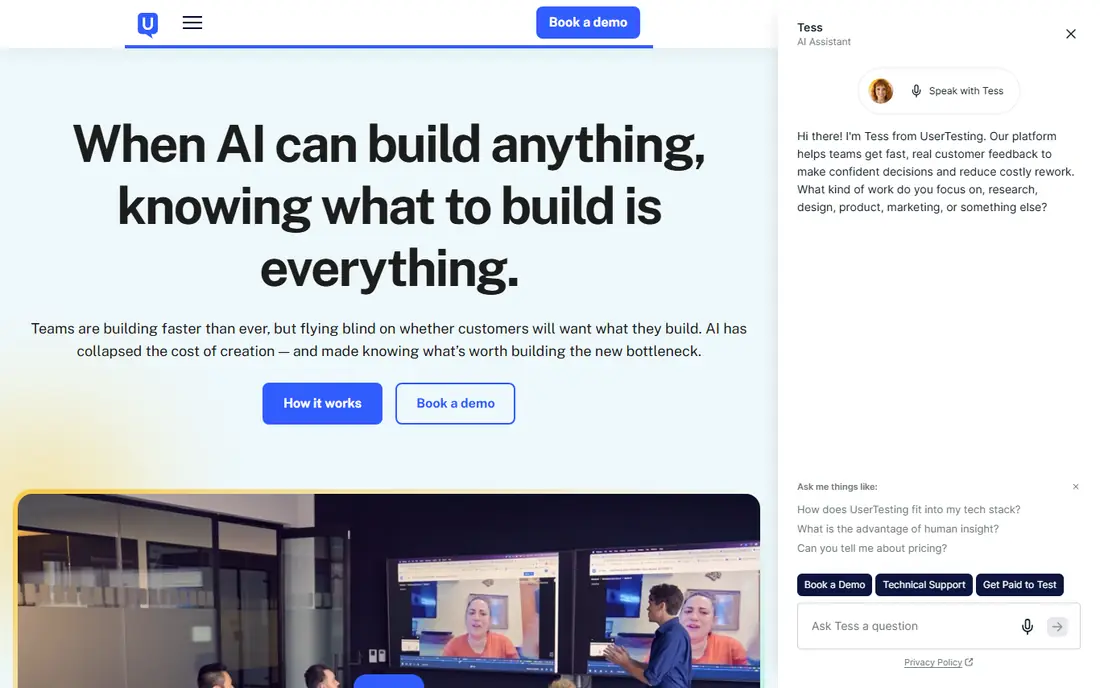
UserTesting is the best-known option for teams that want video feedback from people who match a target audience. You set tasks, participants record their screen and voice as they work through them, and you get video plus a transcript to review. The panel makes it possible to reach specific demographics without recruiting yourself, which saves time when a launch deadline is close. Analysis tools help you pull out clips and patterns across sessions.
The catch is cost and scale. Pricing is handled by quote, and small teams may find it hard to justify for occasional tests. It also works best when you plan tasks carefully, since vague tasks produce vague video. Use it when you need reliable recruiting and a large panel, not for a single quick check with friends.
- Large participant panel
- Recorded video with transcripts
- Highlight clips and analysis tools
- Pricing is quote-based and can be high for small teams
- Setup takes more planning than lighter tools
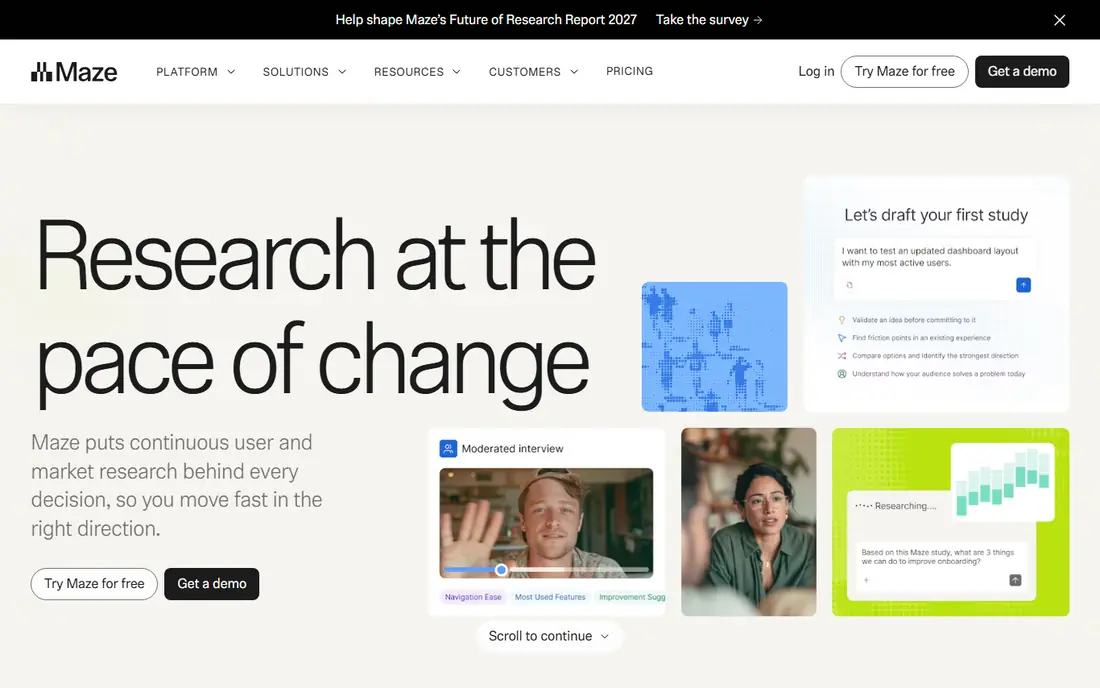
Maze is built for speed. Designers can send a Figma prototype or a live website to testers, collect task success, time, and misclick data, and watch short video feedback alongside the numbers. That blend helps a team decide what to fix first, because a low task score plus a confused video clip is clearer than either signal alone. The free plan lets small teams run tests with their own participants before paying.
The limit is depth. Maze is not a replacement for a long moderated interview, and panel recruiting is a paid add-on. If you need to ask follow-up questions in the moment, pair Maze with a live tool such as Lookback, or choose a moderated platform from the start.
- Free plan for getting started
- Strong Figma integration
- Quantitative results plus video and comments
- Less suited to deep live interviews
- Panel recruiting costs extra
Lookback focuses on the live conversation. A researcher joins a participant, watches their screen, talks through tasks, and asks follow-up questions as problems appear. That live probing is where Lookback earns its place, because it can reveal why a person hesitated, not only that they did. Sessions can be recorded, clipped, and shared with teammates who could not attend.
The trade-off is recruiting. Lookback does not supply participants in the same way a panel tool does, so you need your own customers or a separate recruiting source. Pricing is also handled by quote on many plans, so ask for a clear price for your team size and session volume before committing.
- Live moderated sessions
- Participant screen and face video
- Notes and clips for sharing findings
- No built-in participant panel
- Pricing is quote-based for many plans
PlaybookUX suits teams that test in bursts rather than every week. You can buy unmoderated video tests with recruited participants, get video plus transcription, and use rollover on some plans so unused tests are not lost. Moderated sessions are also available for teams that want a researcher present. That flexibility helps product teams that run research around launches and redesigns.
The honest weakness is cost at scale. Paying per tester is simple to understand, but a large study with many participants can quickly become expensive. Plan your sample size in advance, test the task wording with a small group first, and avoid adding participants until the task is clean.
- Recruited participants with video and transcripts
- Rollover of unused tests on some plans
- Moderated options available
- Per-tester costs add up at volume
- Analysis features are lighter than enterprise platforms
Userbrain is one of the simplest ways to buy consumer video feedback. You pay per tester, participants record themselves completing tasks, and you receive video with a transcript. That simplicity appeals to small teams and solo founders who want a few honest reactions without a subscription or a sales call. Delivery is usually fast, which helps when a decision cannot wait for a long research cycle.
The limit is depth. Userbrain is not built for complex studies, large panels, or deep analysis across hundreds of sessions. It works best as a regular check on a website or prototype, with findings shared as clips and notes rather than a full research report.
- Simple pay-as-you-go pricing
- Quick video delivery
- Transcripts included
- Smaller panel and feature set than enterprise tools
- Limited analysis depth
Userfeel gives participants more time than many quick-test tools, which matters when a task has several steps or a product needs explanation. Sessions can run up to about 20 minutes, and the panel covers multiple languages, so international teams can test beyond English-speaking users. Transcription helps reviewers scan sessions without watching every minute at full length.
The drawback is pricing structure. Annual credit bundles suit teams that test often, but they can be a stretch for a team that needs only a handful of sessions a year. Check the free credits, the per-credit cost, and the expiry rules before buying, and match the bundle to a realistic testing calendar.
- Longer test sessions up to about 20 minutes
- Multilingual panel
- Voice transcription
- Credit bundles can be costly for small teams
- Less suited to quick quantitative tests
VideoAsk takes a different approach. Instead of recruiting strangers, you send video questions to your own customers, and they reply by video, audio, or text. That makes it a strong choice for gathering testimonials, post-purchase feedback, and support follow-ups, where the people you want to hear from are already your customers. Setup is simple, and the free plan lets small teams start without a budget.
The honest limit is that VideoAsk is not a user-testing panel. You will not get recruited strangers matched to a demographic, and you will not get task-based usability metrics. Use it when you want direct video replies from known customers, and use a panel tool when you need unbiased first-time reactions.
- Free plan available
- Easy video question flows
- Good for customer stories and feedback collection
- Not a recruited user-testing panel
- Analysis is lighter than research platforms
Lyssna, formerly known as UsabilityHub, combines short tests, surveys, and video feedback in one place. Teams can run first-click tests, preference tests, and short video responses, then compare results across options. That mix helps when a team needs both a quick vote on two designs and a few spoken reactions to explain the vote. A free plan makes it easy to try the format with your own audience.
The catch is that Lyssna is a general testing tool, not a deep interview platform. Long moderated sessions and complex analysis are better handled elsewhere. Treat it as a fast, flexible option for early design decisions, and move to a moderated tool when you need to dig into why users behave a certain way.
- Free plan for starting
- Mix of video, survey, and task questions
- Panel recruiting available
- Video depth is lighter than dedicated interview tools
- Paid panel costs add up
How we picked these
We compared official pricing and feature pages, plus public reviews, for tools that collect video feedback from consumers, whether through recruited panels, live interviews, or video replies from known customers. We favoured tools that exist and work today, record video with audio, and provide transcripts or clips for review. We did not claim hands-on testing, and we marked pricing as See website where the vendor prices by quote or where published prices differed across sources.
How to get useful video feedback
Start with one clear question per test. A task such as finding a product, completing checkout, or explaining a homepage in your own words produces clearer video than a vague request to explore a site. Keep tasks short, avoid leading wording, and test the task with a colleague first. If your colleague is confused, participants will be too, and the video will show confusion about the task rather than about your product.
Next, decide who should appear on video. Recruited panel participants give fresh eyes, while your own customers give context about real use. Both are useful, but they answer different questions. Tell participants what will be recorded, how clips will be used, and how their data is handled, and only record what you need. Consent and privacy handling should be clear before a session starts, not added afterwards.
Finally, watch for patterns, not single moments. One confused participant may be an outlier, but three people pausing at the same step is a signal. Clip those moments, note the task and the screen, and share the clip with the exact fix you propose. Video feedback earns its cost when it changes a decision, so close each study with a short list of changes, owners, and dates.
Frequently asked questions
Is there really free consumer video feedback software?
Yes, but free usually means limited. Maze and Lyssna offer free plans for tests with your own participants, and VideoAsk offers a free plan for video question flows. Free plans rarely include recruited panel participants, so expect to recruit yourself or pay per tester for panel feedback.
What is the best free consumer video feedback software?
For teams testing with their own audience, Maze and VideoAsk are strong free starting points, depending on whether you need prototype testing or video replies. For recruited strangers, free options are rare, and pay-as-you-go tools such as Userbrain may be cheaper than a subscription for occasional tests.
Should I choose moderated or unmoderated video feedback?
Choose moderated sessions when you need follow-up questions and deeper reasons behind behaviour. Choose unmoderated sessions when you need many quick reactions, a faster turnaround, or a lower cost per session. Many teams use both: unmoderated tests to find problems, moderated sessions to understand the most important ones.
How many participants do I need for video feedback?
Small qualitative studies often use five to ten participants per task to surface common problems, while larger studies need more for reliable comparisons. Start small, fix the clear problems, and test again rather than recruiting a large group for a task that still has wording problems.
Do I need consent to record participants?
Yes. Tell participants what will be recorded, who will see it, and how long it will be kept, and get their agreement before recording starts. Panel tools usually handle consent as part of recruiting, but you should still confirm how clips can be shared inside and outside your team.
Sources
See where you really rank - block by block
ProMapRanker scans Google Maps across a grid of your service area. Simple monthly plans from $19, white-label on every plan.
Start freeKeep reading
 what’s the best risk software for enterprises
What Is the Best Risk Software for Enterprises in 2026
We compared what’s the best risk software for enterprises on risk registers, controls, third-party risk, and reporting, with pricing notes for large teams.
Read → what's the best pam software for enterprises
What is the Best PAM Software for Enterprises in 2026
Find what's the best pam software for enterprises, with vaulting, session recording, just in time access and pricing compared for large enterprise IT teams.
Read → what’s the best grc software
What Is the Best GRC Software in 2026
We compared what’s the best grc software on risk, compliance, audit and vendor risk, so teams can pick a platform that fits their frameworks and budget.
Read →