 ProMapRanker
Best Consumer Banking Companies Security in 2026

Key takeaways
- This article is a guide based on publicly reported security practices, not a verified security ranking, and it is general information only, not financial advice.
- Most large consumer banks now offer biometric login, transaction alerts, card locks, and fraud monitoring in their mobile apps.
- Passkey support differs by bank, so check whether your bank offers passkeys on both its app and website before you rely on them.
- The strongest setup is usually a mix of a strong login method, alerts for new devices and large transactions, and a locked card when it is not in use.
- No bank feature replaces basic habits, such as never sharing a password or code with a caller who claims to be from your bank.
Quick comparison
| Pick | Great for | Pricing starts at | Free tier | |
|---|---|---|---|---|
 Chase | Broad branch and app controls | See website | No | Visit |
 Bank of America | Wide alert choices | See website | No | Visit |
 Wells Fargo | Passkey support | See website | No | Visit |
 Capital One | Passkey and alert support | See website | No | Visit |
 Citibank | Last-login visibility | See website | No | Visit |
 USAA | Military community members | See website | No | Visit |
 Ally Bank | Online-only banking | See website | No | Visit |
 PNC Bank | Branch plus digital controls | See website | No | Visit |
 Discover Bank | Online banking with card controls | See website | No | Visit |
The best consumer banking companies security
We compared banks on security features they publicly describe, such as login methods, alerts, card controls, and fraud monitoring. This is not a test of internal bank systems, which banks do not publish in full, and it is not a verified ranking. Use it to compare the tools you can actually turn on, then check the current security page for any bank you shortlist.
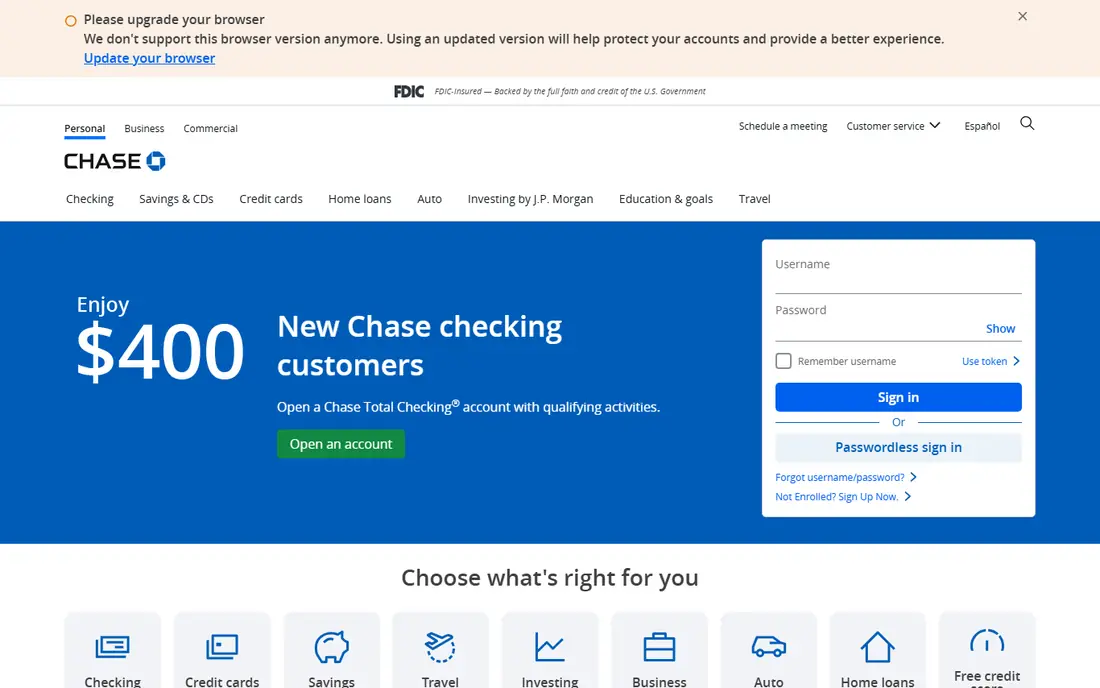
Chase describes biometric login, real-time activity alerts, and instant debit card lock control in its mobile app, alongside fraud monitoring. Its published fraud prevention material also mentions expanded passkey use and a trusted contact option for certain customers. For a customer who wants branches, ATMs, and app controls in one bank, that combination is hard to ignore.
The honest catch is that public descriptions do not tell you how every control works on every account. Check whether passkeys, trusted contacts, and specific alert types are available on the exact account you plan to open. Also confirm any monthly account fee and how it can be waived, since security features alone do not make an account good value.
- Biometric login in its mobile app
- Real-time alerts
- Instant card lock control
- Published fraud prevention work
- Some published password limits have drawn criticism in third-party reviews
- Features vary by account type
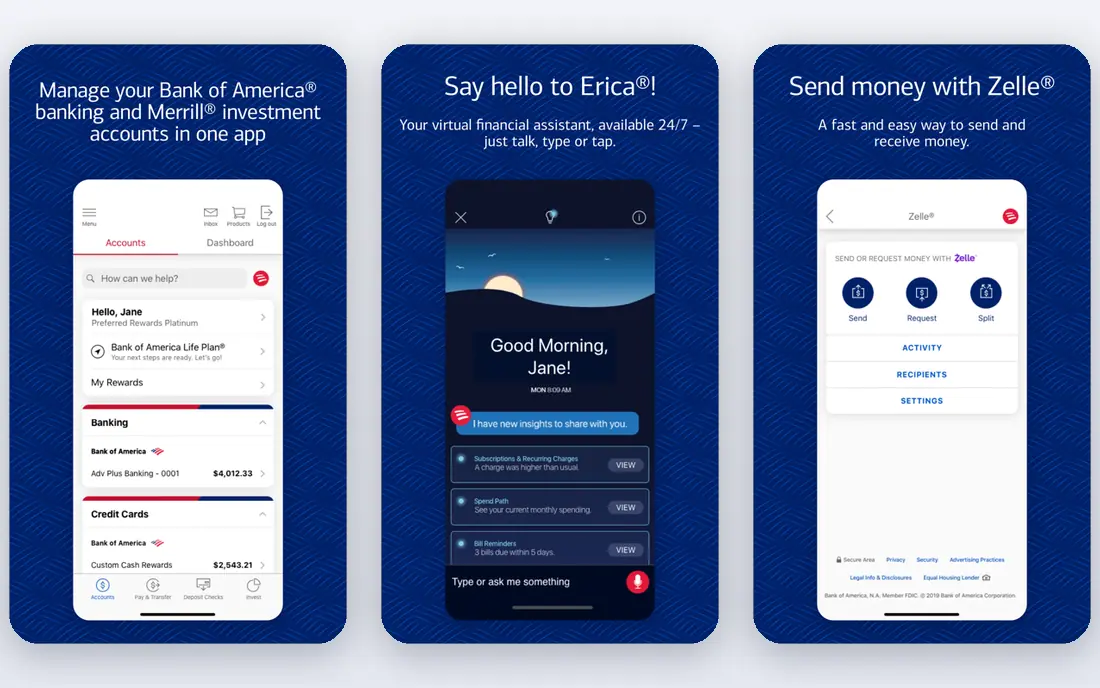
Bank of America offers a Security Center where customers can manage security settings, plus customisable alerts and a card lock feature in its app. Published comparisons list more than twenty alert types, covering deposits, balances, security events, and card changes. That breadth helps customers who want to hear about activity quickly, rather than discovering it on a statement.
Third-party security reviews have noted limits in this area, including a password length range and no support for authenticator apps in the review period. Those details may have changed, so check the current login settings before you judge. If you rely on an authenticator app, confirm support directly with the bank.
- Central Security Center in published material
- Customisable alerts
- Card lock feature
- Large branch network
- Third-party reviews note limits on password length and authenticator app support
- Check current login options
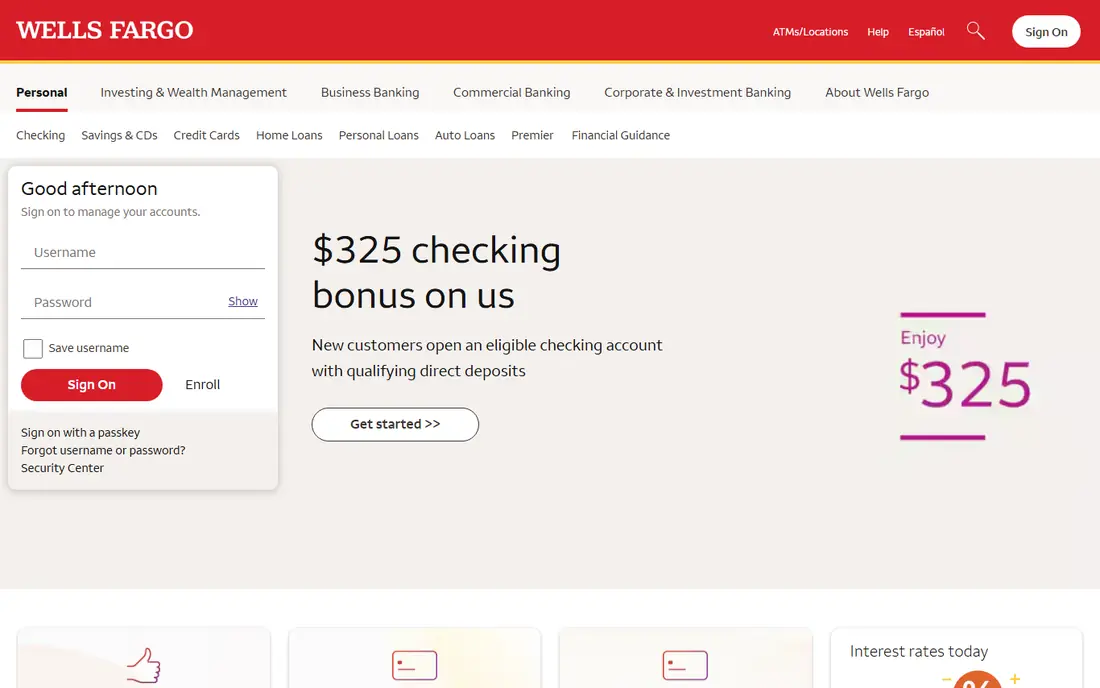
Wells Fargo is reported to support passkeys on its mobile app and website, with sign-in by biometrics or device PIN instead of a password. Passkeys are phishing-resistant in design, because the private key stays on the device and is not typed into a fake site. That makes passkey support a meaningful point in its favour for customers who want stronger login protection.
Passkeys still depend on device, operating system, and browser support, so setup is not identical for every customer. Wells Fargo also offers alerts for low balances, deposits, payments due, card activity, and online access, which help catch problems early. Turn on the alerts you will actually read, rather than every alert offered.
- Passkeys reported on mobile app and website
- Alerts for card activity and online access
- Biometric sign-in options
- Account fees and alert setup vary by account
- Passkey availability depends on device and browser
Capital One is reported to support passkeys for eligible customers, with sign-in by facial recognition, fingerprint, or device PIN. Its published security guidance also stresses two-factor authentication and alerts for sign-in from a new device or unusual card activity. Customers can set custom notifications in the mobile app, which helps tailor alerts to spending habits.
As with other banks, passkey availability is not universal on day one, so eligible customers should check security settings after signing in. Capital One covers both banking and credit cards, and controls can differ between products. Review each product separately, rather than assuming one setting covers every account.
- Passkeys reported for eligible customers
- Fraud and security alerts
- Custom notifications in its app
- Passkey eligibility must be confirmed
- Features differ between banking and credit card products
Citibank describes biometric login, instant card controls, and continuous account monitoring in published material. A useful detail is the last-login display, which shows the date and time of the previous sign-in each time you log in. That small check can reveal access you did not make, even if no transaction has yet appeared.
Published reviews have also noted that Citibank allows authenticator hardware in the review period but not authenticator apps, and that it does not always require sign-in with a new password after a reset. Check the current settings page for your account, and use the strongest login method the bank currently offers.
- Biometric login and instant card controls in published material
- Last-login display
- Automatic blocks on suspected compromise
- Third-party reviews note no authenticator app support in the review period
- Check current options
USAA serves members of the military community and eligible family members, so it is not an option for every reader. For eligible members, published material describes transaction alerts, card controls, and fraud support, alongside banking, insurance, and investment products in one membership. That single membership can simplify security settings across products.
Eligibility is the main limit, and it should be checked first. If you are not eligible, the other banks in this guide offer similar alert and card control tools. If you are eligible, compare USAA account fees, ATM access, and branch-free service with your current bank before switching.
- Security alerts and card controls in published material
- Strong reputation for member service
- Military-focused products
- Eligibility is limited to the military community and eligible family members
- Not open to the general public
Ally Bank is an online-only bank, and published material describes biometric login, alerts for access from unrecognised devices or locations, data encryption, and a zero liability policy for unauthorised transactions reported within the stated timeframe. For customers comfortable banking entirely online, those tools cover the main daily security needs.
The trade-off is support style. With no branches, a locked account or identity problem must be solved by phone or online, which can feel slow in an urgent moment. Ally also suits customers who want simple savings tools, such as savings buckets, alongside checking. If branch access matters to you, a bank with branches may be a better fit.
- Biometric app login in published material
- Alerts for unrecognised devices
- Zero liability policy described
- No branches for in-person help
- Locked-out customers must rely on phone and online support
PNC describes biometric authentication, multi-factor authentication, fraud monitoring, and AutoAlerts for account activity in its published security material. It also describes zero liability for check cards and credit cards, and an online banking guarantee for verified unauthorised transactions in stated terms. Combined with branches and ATMs, PNC suits customers who want digital controls plus a place to go in person.
Some of the published PNC security material is older, so current passkey support and alert options should be confirmed on the bank site or in the app. Also check the Virtual Wallet structure, since PNC organises spending, reserve, and growth accounts in a way that differs from a simple checking account.
- Biometric login and multi-factor authentication in published material
- AutoAlerts
- Fraud monitoring and zero liability for cards
- Published security detail is older in some sources
- Confirm current passkey and alert options
Discover Bank offers online checking and savings with app-based controls, alerts, and fraud monitoring, in line with other online banks in this guide. Its model suits customers who bank mainly by app and web, and who do not need frequent branch visits or cash deposits. Card controls and alerts help customers spot and respond to unusual activity without waiting for a statement.
The limits are the usual online-bank trade-offs: no branches, and cash handling that depends on partner networks or transfers. Before opening an account, confirm the current login methods, alert types, and any account fees or minimums on the Discover site. Security tools matter, but so do the everyday banking features you will use most.
- Online banking with alerts and card controls
- Fraud monitoring
- No-branch model with phone and online support
- No branches
- Cash deposit options are more limited than branch banks
- Confirm current login methods
How we picked these
We compared large US consumer banks on security features they publicly describe, using bank security pages, published guides, and third-party security reviews. We looked for login methods, including passkeys and biometrics, alerts, card locks, fraud monitoring, and published liability protections. We did not test internal bank systems, and we did not rank banks by an invented security score. This guide is based on publicly reported security practices, not a verified security ranking, and it is general information only.
How to compare bank security in practice
Start with login. Check whether the bank offers passkeys, biometric login, and a second factor you will actually use, and whether those options work on both app and website. A strong login method that you skip because it is awkward will not protect you. If you use a password manager, check password length and paste support, since those details affect how strong a password you can set.
Next, turn on alerts that match your habits. Alerts for new devices, password changes, large transactions, and card activity give early warning, but too many alerts lead to ignoring them. Choose a small set you will read, and review them for a week. Also test the card lock: lock and release the card in the app, so you know the steps before you need them in a hurry.
Finally, protect yourself outside the bank app. Never share a password, one-time code, or full account number with a caller, even one who claims to be from your bank. Banks will not ask for those details by phone. If a call worries you, hang up and call the number on the back of your card. That habit protects every account, whatever bank you choose.
Frequently asked questions
Which consumer banking companies have the best security?
This guide does not claim a verified winner, because banks do not publish full details of internal security systems. On publicly reported features, Chase, Wells Fargo, and Capital One stand out for passkey or biometric work, while Bank of America, PNC, and Ally offer wide alerts and card controls. Compare the tools you can turn on for your own account.
What is consumer banking security?
Consumer banking security covers login protection, fraud monitoring, alerts, card controls, and liability rules for unauthorised transactions. It also covers how a bank handles suspicious activity, such as blocking access and asking for a password reset. The features in this guide are the parts a customer can see and control.
Do banks offer passkeys?
Some do, and availability is growing. Wells Fargo and Capital One are reported to support passkeys for eligible customers, and Chase has published work on expanded passkey use. Check security settings in the app or website, since passkey support depends on device, browser, and account type.
Are online banks as secure as branch banks?
Online banks such as Ally and Discover offer similar app controls, alerts, and fraud monitoring to branch banks in published material. The main difference is support style, not a published security gap. Branch banks add in-person help for identity problems, while online banks rely on phone and online support.
What should I do if I see an unauthorised transaction?
Lock the card in the app if the transaction involves a card, then contact the bank through the app or the number on the back of your card. Note the date, amount, and merchant, and ask the bank to confirm the dispute in writing. Do not share passwords or codes with anyone who calls about the transaction.
Is this article financial advice?
No. This article is general information about publicly reported security features, not financial advice and not a verified security ranking. Account fees, eligibility, and features change, so check the bank site and account terms before opening or switching accounts.
Sources
- https://www.chase.com/personal/security
- https://www.bankofamerica.com/security-center/
- https://www.wellsfargo.com/privacy-security/
- https://www.capitalone.com/learn-grow/privacy-security/protect-your-bank-account/
- https://www.citi.com
- https://www.usaa.com
- https://www.ally.com
- https://www.pnc.com
- https://www.discover.com
See where you really rank - block by block
ProMapRanker scans Google Maps across a grid of your service area. Simple monthly plans from $19, white-label on every plan.
Start freeKeep reading
 zoro.to alternatives
Best Zoro.to Alternatives in 2026
We compare the best zoro.to alternatives in 2026, listing only legal licensed anime streaming services, from Crunchyroll to free options for fans today.
Read → zip alternatives
Best Zip Alternatives in 2026
We compare the best zip alternatives for buy now, pay later in 2026, covering pay-in-4 plans, fees, spending limits, and credit reporting options today.
Read → yesware alternatives
Best Yesware Alternatives in 2026
Compare the best yesware alternatives for sales email tracking, templates, and sequences, with current pricing and honest tradeoffs for small sales teams.
Read →