 ProMapRanker
Best Construction Safety Software in 2026


Flexible field inspections · Pricing starts at: $24 per user per month
Key takeaways
- SafetyCulture suits teams that need flexible checklists and offline field inspections without a full project platform.
- Procore and Autodesk Build suit firms already running those project platforms, since safety tools sit inside project data.
- HammerTech and Highwire suit large general contractors managing many subcontractors and prequalification checks.
- VelocityEHS suits enterprise safety teams with heavy compliance and incident workflows.
- Price is mostly quote-based in this category, so a demo and a written quote matter more than a headline price.
Quick comparison
| Pick | Great for | Pricing starts at | Free tier | |
|---|---|---|---|---|
| SafetyCulture | Flexible field inspections | $24 per user per month | Yes | Visit |
 Procore | Safety inside project management | See website | No | Visit |
 Autodesk Build | Safety tied to drawings and issues | See website | No | Visit |
 HammerTech | Subcontractor onboarding at scale | See website | No | Visit |
 VelocityEHS | Enterprise compliance workflows | See website | No | Visit |
 Safesite | Simple inspections and incidents | See website | Yes | Visit |
 Fluix | Inspections, permits, and approvals | See website | No | Visit |
 Fieldwire | Field task and inspection tracking | See website | Yes | Visit |
 Highwire | Contractor prequalification | See website | No | Visit |
The best construction safety software
Construction safety software has to work where the work happens, which is often a dusty site with weak signal and gloved hands. The tools below cover inspections, incident reports, permits, observations, and training in different mixes, and the right pick depends on whether you need a standalone safety tool or safety inside a larger project system.
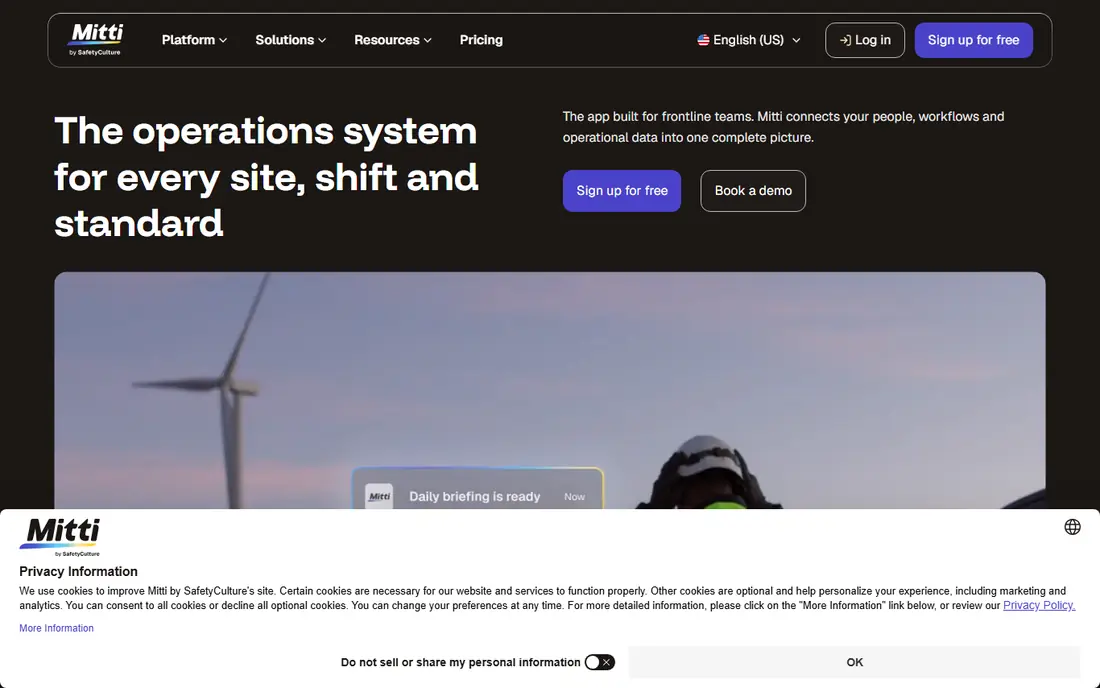
SafetyCulture, formerly known under the iAuditor name, is a strong first pick for teams that want inspections to work well on a phone. You can build checklists from templates or from scratch, complete them offline, add photos, and assign corrective actions when a check fails. That loop, from finding a hazard to fixing it and recording the fix, is the core of daily site safety.
The free plan suits small teams testing the idea, while paid plans add analytics and integrations. The main cost risk is seat count, since field teams grow fast. Start with one project and a small set of core checklists, then expand only the templates crews actually complete.
- Large template library
- Offline mobile inspections
- Corrective actions and photo evidence
- Pricing rises with team size
- Advanced analytics sit in higher tiers
- Setup takes time for large template sets
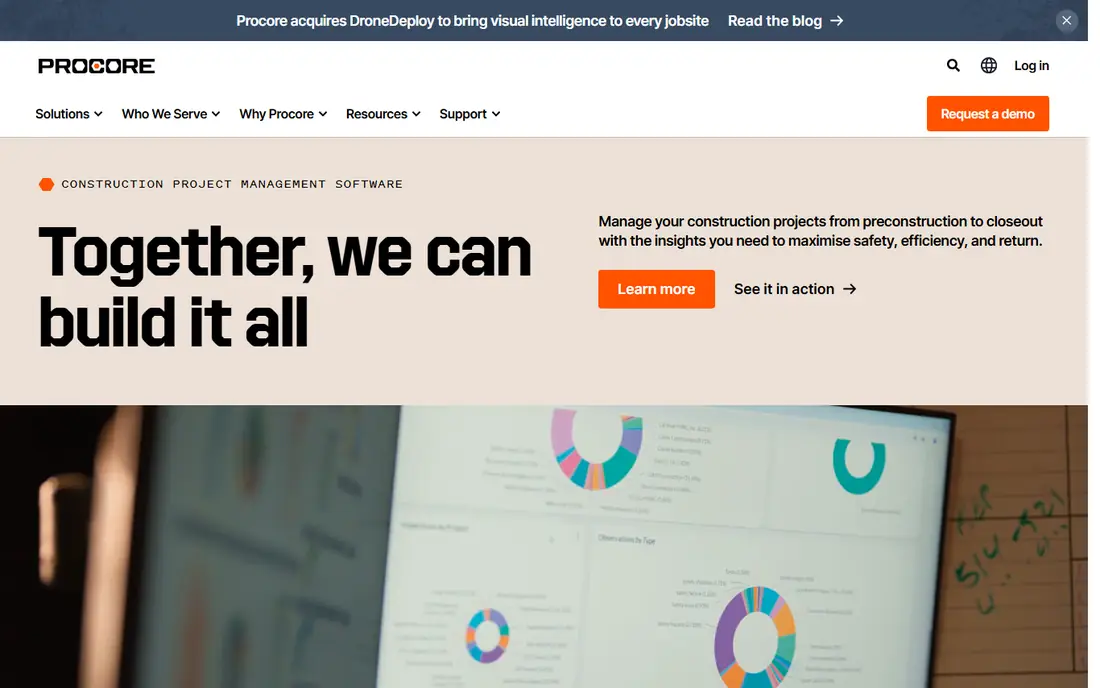
Procore is a full construction management platform, and its safety tools, including observations, inspections, incidents, and toolbox talks, live where project data already lives. For a firm already running Procore, turning on safety features is usually faster and cheaper than adding a separate system, and field crews avoid learning a second app.
Buying Procore for safety alone rarely makes sense, since pricing is custom and tied to annual construction volume. Smaller firms with a safety-only need will get better value from a dedicated tool on this list. If you already use Procore, though, the safety module is the natural place to start.
- Safety tools sit with drawings, daily logs, and RFIs
- Strong mobile apps
- Unlimited users on volume pricing
- Quote-based pricing tied to construction volume
- Overkill for safety-only needs
- Setup is a larger project
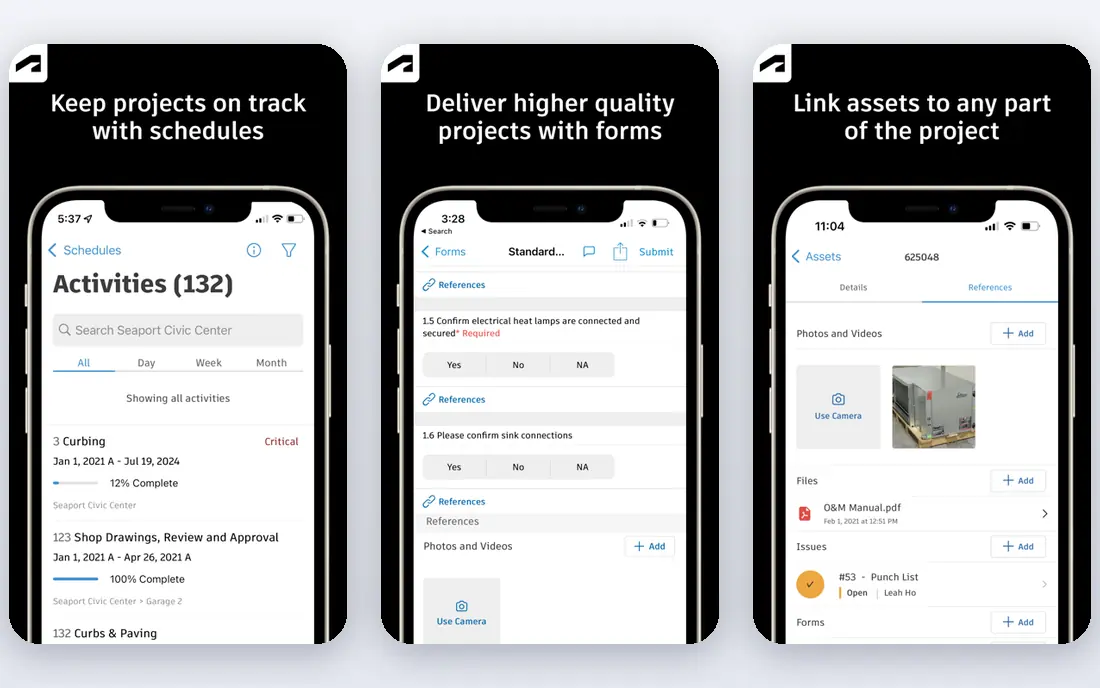
Autodesk Build suits teams that already work in Autodesk Construction Cloud, because safety tasks connect directly to drawings, issues, and project records. An inspection finding can sit on the drawing location where it was found, which makes follow-up clearer than a standalone checklist note. Document control is also a strength, which matters for audits.
The catch is scope. Autodesk Build is a broad platform, and safety is one part of it, so teams that only need safety may find the setup heavy. Pricing is quote-based, so ask for a quote tied to your project count and user mix, not just a per-user figure.
- Safety tasks link to drawings, RFIs, and issues
- Strong document control
- Good for design-led projects
- Quote-based pricing
- Works best inside Autodesk Construction Cloud
- Learning curve for new admins
HammerTech is built for general contractors running large sites with many subcontractors. Onboarding, inductions, permits to work, and site access sit in one workflow, so a subcontractor crew can be checked, briefed, and given access without paper forms at the gate. That control is hard to match with a simple checklist app.
Smaller projects may not need that depth, and the quote-based pricing reflects an enterprise focus. For a large, multi-subcontractor site, though, the time saved at onboarding and the audit trail for permits can justify the cost. Plan the induction content and permit types before rollout, since they shape the whole setup.
- Strong subcontractor onboarding and permits
- Site access controls
- Safety workflows for large sites
- Quote-based pricing
- Best value on larger projects
- Admin setup needs planning
VelocityEHS covers safety as part of a wider environment, health, and safety suite, with incident management, audits, risk assessment, and compliance tracking in one system. Enterprise safety teams with many sites and formal reporting needs will find the depth here, including dashboards that roll site data up to company level.
That depth comes with implementation work. Data migration, workflow design, and training take longer than with a simple inspection app, and pricing is quote-based. Small contractors should look at lighter tools first, while larger firms with compliance teams will get the most from VelocityEHS.
- Broad environment, health, and safety coverage
- Incident and audit workflows
- Strong reporting
- Quote-based pricing
- Implementation takes time
- May be heavy for small contractors
Safesite suits small and mid-size contractors who want inspections, incidents, and observations without enterprise complexity. The mobile app is straightforward, the free plan lets a small crew test real workflows, and the core loop of finding, reporting, and fixing hazards works well. For a firm moving off paper forms, that simplicity is a plus.
Larger firms with complex permit, prequalification, or multi-site reporting needs will hit limits sooner. Integrations are also narrower than at the enterprise end of this list. Treat Safesite as a strong safety-only pick, and move up only when your reporting or subcontractor needs outgrow it.
- Simple inspection and incident tools
- Free plan for small teams
- Mobile-first design
- Less depth than enterprise suites
- Integrations are limited
- Advanced reporting sits in paid plans
Fluix focuses on the document and approval side of field safety, with inspections, permits, and sign-offs that move through defined steps. Guest access is a practical strength, since subcontractors and visitors can complete forms through a link without a paid seat. Offline use helps on sites with poor connectivity.
Fluix is not a full project management platform, so firms that want drawings, budgets, and safety in one place should look at Procore or Autodesk Build instead. For safety and field document workflows on their own, Fluix is a focused and capable choice.
- Inspections, permits, and approvals in one flow
- Guest access for outside users
- Offline field use
- Quote-based pricing
- Setup needs workflow design
- Less of a full project platform
Fieldwire started as a field task tool, and its safety value comes from tying checklists, tasks, and punch items to drawing locations. Crews can see what needs fixing, where it is, and who owns it, without switching apps. The free plan suits small teams, and the mobile app works well on site.
The limit is depth. Fieldwire does not offer the full incident, audit, and compliance suite of VelocityEHS or the subcontractor onboarding depth of HammerTech. It suits firms that need task-driven safety tracking inside field work, rather than a standalone safety system.
- Tasks and checklists tied to drawings
- Free plan for small teams
- Strong mobile use
- Safety is part of a task tool, not a dedicated safety suite
- Advanced features are paid
- Reporting is basic
Highwire, formerly ConstructSecure, helps owners and general contractors check a subcontractor safety record before hiring. Prequalification, insurance checks, and safety data sit in one network, so hiring decisions use verified records rather than self-reported forms. For capital projects with many bidders, that screening step reduces risk before work starts.
Highwire does not replace daily field inspections, so pair it with a field tool from this list if you need both. Pricing is quote-based, and contractors should check any network fees before joining. Used for its purpose, prequalification, it is a strong complement to field safety software.
- Contractor prequalification and risk checks
- Owner and contractor network
- Safety data for hiring decisions
- Quote-based pricing
- Prequalification focus, not daily field inspections
- Contractors may face network fees
How we picked these
We compared official feature pages, pricing pages, and current construction safety roundups, and we kept tools that are live in October 2026 with a clear safety use, mobile field access, and a real customer base in construction. Tools that only handle generic forms, or that have closed or merged into another product, were left out. We did not claim hands-on testing, and we did not invent prices, user counts, or feature claims. Where pricing is quote-based, we wrote See website rather than guessing a figure.
What to look for when you choose safety software
Start with the workflow you will use every day, not the feature list. Check offline mobile use, photo evidence, corrective actions, and how fast a supervisor can see an open hazard. Then check permits, inductions, and prequalification only if your projects need them. Run a trial on one live project, with real crews and real checklists, and measure completion rates before you buy for the whole company. Finally, confirm data export and audit reporting, since safety records may be needed long after a project closes.
Frequently asked questions
What is the best construction safety software?
SafetyCulture is a strong general pick for field inspections, while Procore and Autodesk Build suit firms already on those platforms. HammerTech suits large subcontractor sites, and VelocityEHS suits enterprise compliance teams. The best pick depends on project size, existing software, and whether you need prequalification as well as field checks.
What is the best construction safety app?
For a mobile-first safety app, SafetyCulture and Safesite are good starting points, thanks to simple inspections and offline use. Fieldwire also works well when safety tasks need to sit on drawings. Test the app on site with gloves and weak signal before you commit, since field conditions decide whether crews actually use it.
What is the best construction safety platform?
A platform, rather than a single app, means safety plus project or compliance tools in one system. Procore and Autodesk Build are the main platform picks here, with VelocityEHS as the compliance-led platform. A platform costs more and takes longer to set up, so only choose one if you will use the wider tools, not just inspections.
What is the best safety software for construction?
The best safety software for construction covers inspections, incidents, observations, and corrective actions, with mobile access and clear reporting. SafetyCulture covers that core well for most firms, while larger firms add HammerTech for onboarding or Highwire for prequalification. Avoid tools that only store forms without tracking fixes to completion.
Is construction safety software worth the cost?
For firms still using paper forms, the time saved on inspections, follow-up, and audit preparation often covers the cost, and the audit trail helps after an incident. For a very small crew with few projects, a free plan may be enough. Measure time saved and inspection completion rates during a trial before you judge value.
Can construction safety software replace safety training?
No. Software records training, inductions, and toolbox talks, but it does not replace the training itself. Use the software to track who completed which induction or talk, and keep classroom and site training as the core of your safety program. Software supports compliance, it does not create a safe site on its own.
Sources
See where you really rank - block by block
ProMapRanker scans Google Maps across a grid of your service area. Simple monthly plans from $19, white-label on every plan.
Start freeKeep reading
 zscaler alternatives
Best Zscaler Alternatives in 2026
Looking for zscaler alternatives? We compare 9 SASE and zero trust platforms on architecture, data protection, pricing, and fit for your network and team.
Read → zapier alternatives free
Best Zapier Alternatives Free in 2026
Nine automation tools for zapier alternatives free in 2026, all with genuinely free tiers, plus free plan limits, starting prices and upgrade paths explained.
Read → which platform is best for online reputation
Which Platform Is Best for Online Reputation in 2026
Wondering which platform is best for online reputation? We compare 8 review, listing, and response tools for small and multi-location businesses and agencies.
Read →