 ProMapRanker
Best Construction Job Costing Software in 2026

Key takeaways
- Procore leads for large commercial work, while Buildertrend and JobTread lead for residential builders.
- Knowify and Planyard suit firms that need committed-cost tracking on top of QuickBooks or Sage.
- Sage 100 Contractor and Foundation Software lead for accounting-led job costing.
- Always compare budgeted cost, committed cost, and actual cost, not only invoices paid.
Quick comparison
| Pick | Great for | Pricing starts at | Free tier | |
|---|---|---|---|---|
 Procore | Large commercial construction firms | See website | Free trial | Visit |
 Buildertrend | Residential builders and remodelers | $499 per month | Free trial | Visit |
 Sage 100 Contractor | Established firms needing construction accounting | See website | No | Visit |
 JobTread | Residential and specialty contractors | $199 per month | Free trial | Visit |
 Knowify | Small contractors needing AIA billing | $99 per month | Free trial | Visit |
 Foundation Software | Accounting-first construction firms | See website | No | Visit |
 Jonas Premier | Mid-size contractors needing ERP depth | See website | No | Visit |
 Viewpoint Vista | Large contractors on Trimble systems | See website | No | Visit |
 CoConstruct | Custom home builders | See website | Free trial | Visit |
 Planyard | Contractors controlling subcontract costs | $105 per project manager per month | Free trial | Visit |
The best construction job costing software
We compared official pricing pages, feature lists, and public documentation for each option below, then sorted them by fit for different team sizes and budgets. Use the table above for a fast scan, then read the full write-up for the option that matches your work.

Procore is the large-project standard for construction financials, covering budgets, commitments, change orders, invoices, and job cost reporting in one platform. It suits general contractors and owners managing complex commercial work across many subcontractors.
Pricing is quoted, usually based on annual construction volume, with a free trial or demo available. The total cost is high for small firms, but for large projects, the shared financial record across field and office teams is the reason firms stay with it. Price it against your project volume, not a per-user guess.
- Project financials with job costing
- Commitments and change orders
- Large integration library
- Quote-only pricing based on volume
- Implementation and training take time

Buildertrend combines scheduling, client communication, selections, and financial tools for residential builders and remodelers. Clients can approve selections and change orders in a portal, which reduces email chains and version confusion.
Pricing has been listed from $499 per month, with a free trial available. That price suits an established builder with steady project volume, while a very small builder may find it steep. The strength is the client-facing workflow, while the trade is lighter accounting depth than a dedicated construction accounting system.
- Scheduling, client portal, and financial tools together
- Change orders and selections
- Entry price is high for small builders
- Accounting depth is lighter than Sage
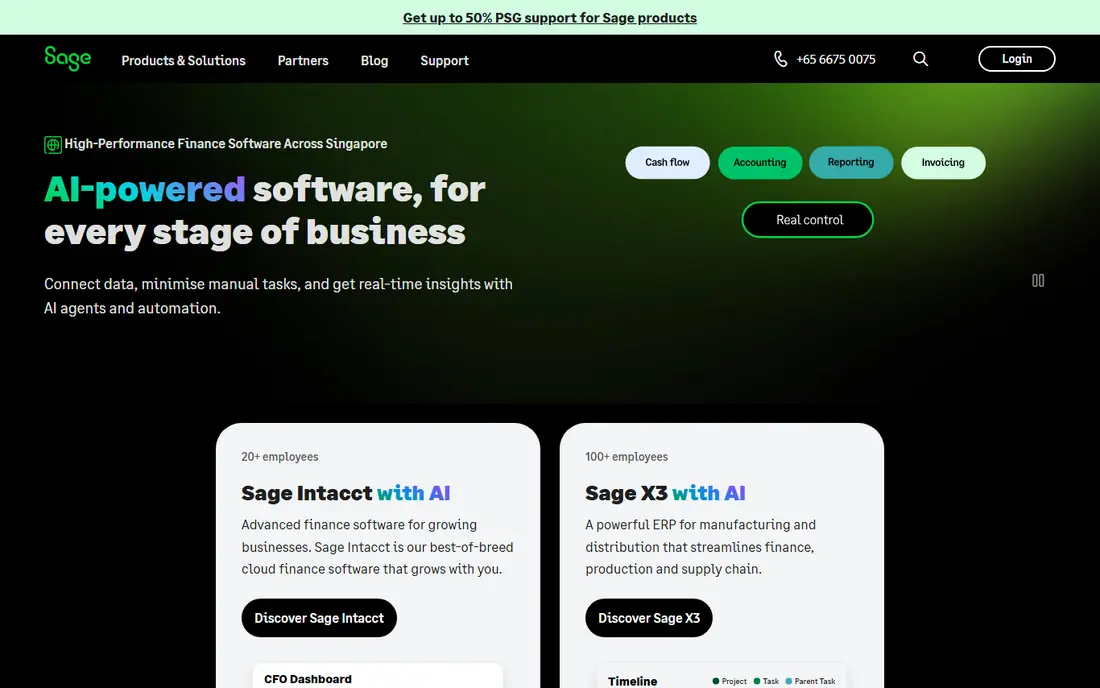
Sage 100 Contractor brings construction accounting, job costing, estimating, payroll, and project management into one system for established firms. Job costs can be tracked by cost code and cost type, with reports for overrun projections and progress billing.
Pricing is quoted, with no free trial in many cases, so request a quote tied to user count and modules. The system is deeper on accounting than most project platforms, while the trade is setup effort and an older interface feel. It suits firms that already think in cost codes and accounting periods.
- Full construction accounting
- Job costing by cost code
- Payroll and estimating
- Quote-only pricing
- On-premise roots
- Learning curve and setup time
JobTread covers estimates, budgets, job costing, change orders, and billing for residential and specialty contractors, with AIA pay applications for owners who require them. The workflow moves from estimate to budget to actual cost without re-entering data.
Pricing has been listed from $199 per month including one user, with a free trial available. QuickBooks Online integration keeps accounting in sync. For a residential contractor that needs real job costing without enterprise pricing, JobTread is a strong value pick.
- Estimates, budgets, and job costing in one workflow
- AIA pay applications
- QuickBooks link
- Smaller ecosystem than Procore
- Advanced commercial features are lighter
Knowify adds job costing, commitments, and AIA pay applications on top of QuickBooks, which suits a small commercial contractor that already uses QuickBooks for accounting. It tracks committed costs from signed subcontracts, not only costs already paid.
Pricing has been listed from $99 per month, with a free trial available. That entry price makes it accessible for a small firm, while the trade is a narrower project-management set than Buildertrend or Procore. If AIA billing and committed costs are the gap, Knowify fills it directly.
- Job costing with commitments
- AIA billing
- QuickBooks integration
- Smaller feature set than full project suites
- Per-user costs add up
Foundation Software, known for FOUNDATION accounting software, serves construction firms that want accounting-led job costing, payroll, and project controls in one system. Costs flow from accounting into job cost reports, which keeps financials and field costs aligned.
Pricing is quoted, with no free trial in many cases. The accounting focus is the strength for firms with dedicated accounting staff, while field teams may find the interface less modern than project-first tools. Request a quote tied to users, payroll needs, and modules.
- Construction accounting and job costing
- Payroll
- Project management modules
- Quote-only pricing
- Implementation takes planning
- Interface is accounting-focused
Jonas Premier is a construction ERP with job costing, project management, service work, and financial reporting for mid-size contractors. It suits firms that have outgrown a project tool plus QuickBooks and need one system for operations and accounting.
Pricing is quoted, and implementation is a project rather than a quick signup. Small firms will usually find it heavier than needed. Mid-size firms should judge it on reporting, service workflows, and how cleanly it replaces separate accounting and project tools.
- Construction ERP with job costing
- Service management
- Reporting depth
- Quote-only pricing
- Implementation is a project
- Heavier for small firms
Viewpoint Vista, from Trimble, is an enterprise construction ERP covering job costing, project management, human resources, and equipment. It suits large contractors that already use Trimble tools and need deep project controls across many jobs.
Pricing is quoted, with implementation taking significant time. The value is highest inside a Trimble estate, where data flows between field, office, and equipment systems. Outside that estate, a smaller contractor may get faster value from a project-first tool.
- Enterprise job costing and project controls
- HR and equipment modules
- Trimble links
- Quote-only enterprise pricing
- Long implementation
- Best inside a Trimble estate
CoConstruct, now part of Buildertrend, serves custom home builders with client selections, communication, estimating, and scheduling. Clients can make selections and approve changes in a portal, which keeps the build record clear.
Pricing is quoted, with a free trial available. Because CoConstruct is now under Buildertrend, buyers should confirm current product direction, support, and migration plans before signing. For a custom builder that values the client portal, it remains worth a demo alongside Buildertrend itself.
- Client selections and communication
- Estimating and scheduling
- QuickBooks link
- Now part of Buildertrend, so future direction needs checking
- Pricing is quoted
Planyard focuses on cost control for main contractors, keeping subcontracts, change orders, and pay applications current between month-end closes. It connects with QuickBooks, Xero, and Sage, so it adds job costing without replacing the accounting system.
Pricing has been listed from $105 per project manager per month, with a free trial available. Subcontractor applications are billed separately in some plans, so price the full workflow. For a contractor whose main pain is committed cost visibility, Planyard targets that gap directly.
- Commitments and change orders kept current
- Budget tracking
- Accounting links
- Per-manager pricing adds up
- AIA forms were still in development in some listings
How we picked these
We compared official pricing pages, product documentation, and public reviews for construction job costing tools. We kept only tools that exist today, that track job costs by project and cost code in some form, and that publish enough detail to judge fit. Where pricing is quoted, we wrote See website rather than guessing. We did not claim hands-on project testing, and we treated accounting-led systems and project-led systems as different fits, noting which job each tool serves best.
How to choose job costing software for your construction firm
Start with your cost structure. A residential builder needs estimates that become budgets, then actual costs by job. A commercial general contractor needs commitments from subcontracts, change orders, and AIA pay applications. List your cost codes, billing method, and accounting system, then test each tool against that list.
Check committed costs, not only paid costs
Many tools track invoices well but miss committed costs, which is money already promised under signed subcontracts. Without commitments, a job can look profitable until subcontractor bills arrive. During a demo, enter a subcontract, approve a change order, and check whether the forecast cost updates immediately.
Price the full accounting workflow
Some tools replace accounting, while others sit on top of QuickBooks, Xero, or Sage. Confirm which model fits your firm, whether AIA forms are included, and whether payroll, purchase orders, and retention are handled. A low project-tool price means little if accounting still needs manual re-entry each month.
Frequently asked questions
What is the best job costing software?
JobTread is a strong value pick for residential contractors, Procore leads for large commercial work, and Sage 100 Contractor leads for accounting-led firms. The best choice depends on project type and accounting setup.
What is the best job costing software for construction?
For general construction, Procore, Buildertrend, and JobTread cover the most common workflows, with Knowify and Planyard adding committed-cost control on top of existing accounting. Check AIA billing needs before choosing.
What are the top construction job costing software reviews focused on?
Reviews focus on estimate-to-actual tracking, commitment handling, change orders, and accounting integration. Test those four areas in a demo with a real past job, rather than judging by dashboards alone.
How much does construction job costing software cost?
Entry prices in this list range from $99 to $499 per month, with Procore, Sage, Foundation, Jonas, and Viewpoint quoted by volume or users. Always price the full user count and required modules.
Can QuickBooks handle construction job costing alone?
QuickBooks tracks income and cost by project, but it does not track committed costs from signed subcontracts or produce AIA pay applications on its own. Most firms add a construction tool such as Knowify, JobTread, or Planyard on top.
Sources
See where you really rank - block by block
ProMapRanker scans Google Maps across a grid of your service area. Simple monthly plans from $19, white-label on every plan.
Start freeKeep reading
 zscaler alternatives
Best Zscaler Alternatives in 2026
Looking for zscaler alternatives? We compare 9 SASE and zero trust platforms on architecture, data protection, pricing, and fit for your network and team.
Read → zapier alternatives free
Best Zapier Alternatives Free in 2026
Nine automation tools for zapier alternatives free in 2026, all with genuinely free tiers, plus free plan limits, starting prices and upgrade paths explained.
Read → which platform is best for online reputation
Which Platform Is Best for Online Reputation in 2026
Wondering which platform is best for online reputation? We compare 8 review, listing, and response tools for small and multi-location businesses and agencies.
Read →