 ProMapRanker
Best Construction Equipment Maintenance Software in 2026

Key takeaways
- Construction-first tools such as Clue, Tenna, and HCSS Equipment360 handle engine hours and job costing better than general maintenance tools.
- General CMMS tools such as MaintainX, Limble, UpKeep, and Fiix are faster to start and cheaper for smaller crews.
- Hour-based preventive maintenance is the feature to test first, since calendar-only schedules miss machines that work uneven hours.
- Count paid seats, telematics feeds, and ERP links before choosing, since those items often change the real monthly total.
Quick comparison
| Pick | Great for | Pricing starts at | Free tier | |
|---|---|---|---|---|
 Clue | Mixed owned and rented heavy fleets | See website | No | Visit |
 Tenna | Mixed construction fleets and tools | See website | No | Visit |
 HCSS Equipment360 | Heavy civil job costing | See website | No | Visit |
 B2W Maintain | Heavy contractors on Trimble workflows | See website | No | Visit |
 Fleetio | Mixed vehicle and equipment fleets | $4 per vehicle per month | Free trial | Visit |
 MaintainX | Mobile-first work orders | $20 per user per month | Yes | Visit |
 Limble | Easy adoption for small teams | $28 per user per month | Yes | Visit |
 UpKeep | Phone-first maintenance teams | $24 per user per month | Free trial | Visit |
 Fiix | Small shops wanting a free start | $45 per user per month | Yes | Visit |
The best construction equipment maintenance software
Good equipment maintenance software keeps machines working, records every repair, and ties costs to jobs. The tools below split into construction-first platforms and general maintenance systems, and the right pick depends on fleet size, telematics, and how your shop already works.
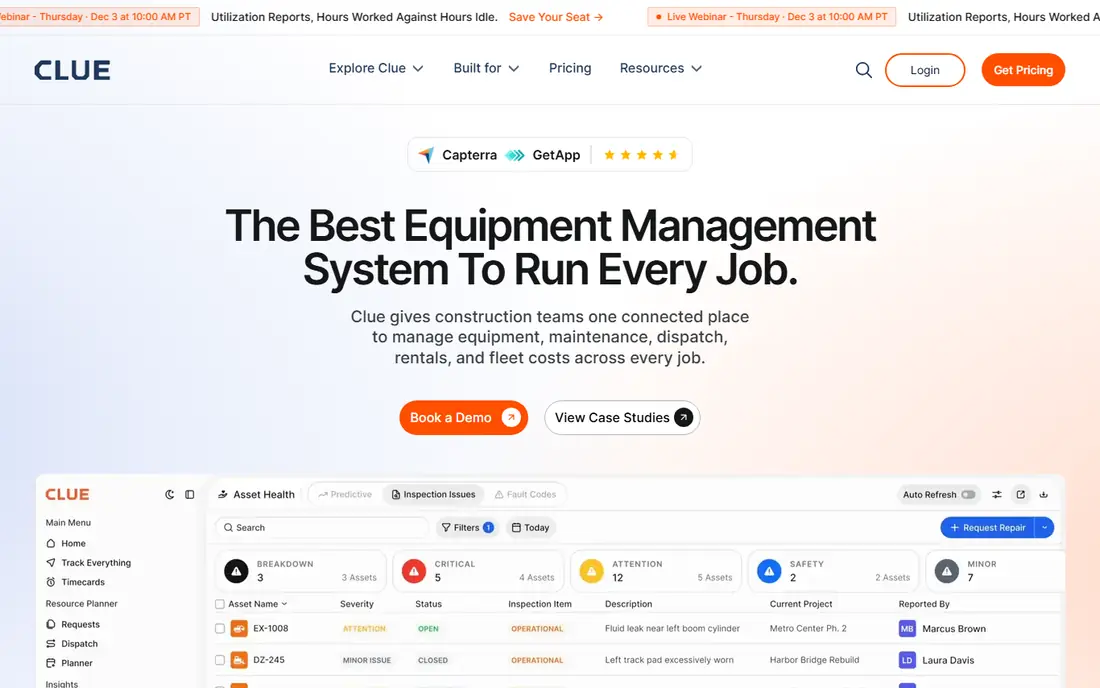
Clue is built around a single record for each machine, whether your company owns it or rents it. Preventive maintenance can run by engine hours, mileage, dates, or custom intervals, and hours can sync from major OEM telematics feeds. Failed inspection items can become work order tasks with photos attached, which helps crews in the field record problems at the moment they find them.
The platform also covers dispatch, rentals, and fleet costs, so a contractor can follow a machine from hire to off-hire in one place. Pricing is quoted by fleet size and modules, so a small contractor should ask for a firm figure early. If your fleet mixes owned and rented heavy equipment across many jobsites, Clue is a strong first demo.
- One record per machine
- Hour-based PM from telematics
- Rented and owned units in one view
- Quote-based pricing
- Smaller review base than general CMMS tools
- Built for construction, not fixed plant
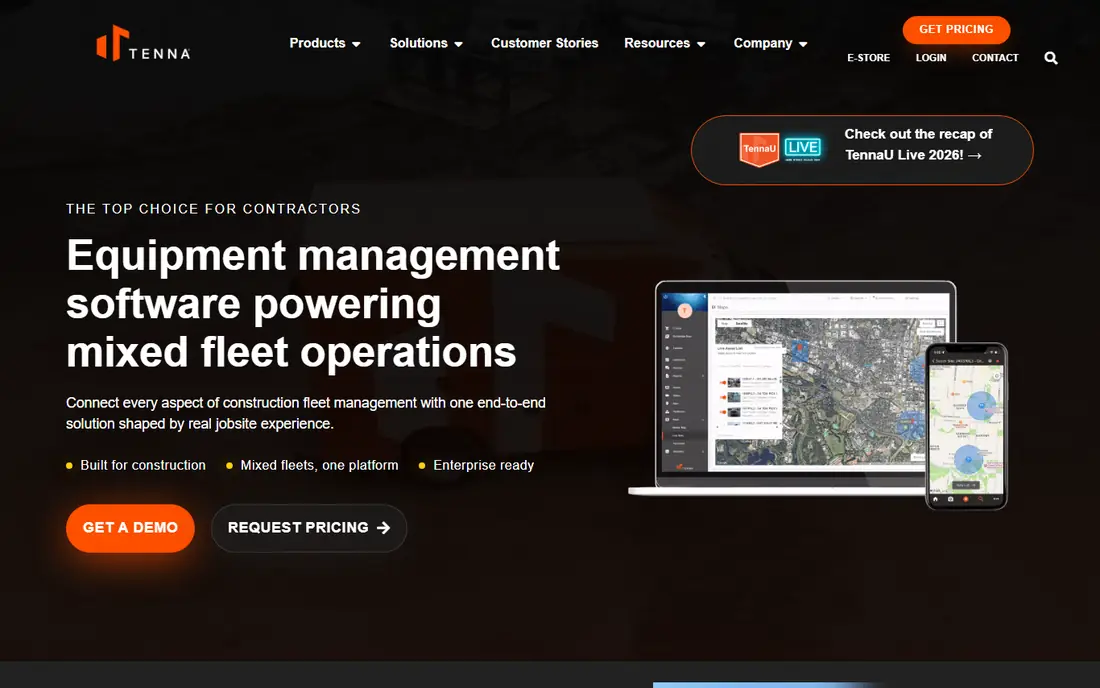
Tenna combines asset tracking with maintenance scheduling, so a team can see where a machine is and when it is due for service in the same view. PM can be set by hours, miles, or dates, and inspections can be completed from a phone in the field. The platform also tracks smaller tools and materials, which matters for contractors whose losses often sit in the tool crib rather than the yard.
Integration with construction ERPs helps larger firms keep costs aligned with job records. The trade-off is that Tenna is a broad platform, so a very small crew may pay for tracking depth it rarely uses. Note that ownership in this market can change, so confirm the current product roadmap and support terms during a demo.
- GPS and asset tracking plus PM
- Covers tools and materials as well as machines
- ERP links for larger firms
- Quote-based pricing
- Breadth can slow setup
- Best value for mid-size and larger fleets
HCSS Equipment360 is the maintenance piece of a suite that heavy civil contractors have used for decades. Equipment hours, fuel, parts, and repair costs flow into job costing, so managers can see true owning and operating cost per job. Mechanic planning, work orders, and inspections sit alongside that cost view, which helps shops schedule work around project demands.
The platform shines brightest for firms already using HCSS HeavyJob or HeavyBid, since the shared cost data is the main advantage. As a standalone purchase it still works, but the value narrows. Pricing is quoted, and implementation takes commitment, so treat it as a suite decision rather than a quick app purchase.
- Deep job-cost link
- Mechanic planning and work orders
- Strong parts and fuel tracking
- Quote-based pricing
- Best inside the HCSS suite
- Interface reflects a long-established product
B2W Maintain, now part of Trimble, is aimed at heavy construction firms that already plan and track work in the B2W family. Maintenance schedules can draw on AEMP telematics data, work orders carry job and cost coding, and the link to estimating and field tracking keeps repair costs visible. That connection helps firms that bill equipment time to projects and need clean cost history.
For a small shop without other Trimble tools, the ecosystem advantage fades, and a general CMMS may be simpler. Pricing is quoted, so ask how many users, assets, and integrations are included. If your estimating and tracking already live in B2W, Maintain is a natural next step.
- AEMP telematics support
- Links to B2W estimating and tracking
- Strong heavy-equipment focus
- Quote-based pricing
- Trimble ecosystem fit matters
- Less suited to small general shops
Fleetio started with vehicles and now covers equipment well enough for mixed fleets. Its entry price is low per vehicle, and maintenance reminders can draw on engine-hour data from major equipment brands. Fuel tracking, inspections, and cost analytics help managers compare total cost across trucks, trailers, and machines in one report.
The catch is that Fleetio is still vehicle-first in feel, so a pure heavy-equipment shop may prefer a construction-first tool. Higher tiers are needed for API access and deeper integrations, which can raise the total. For a fleet that mixes road vehicles with yellow iron, Fleetio offers a tidy single system at a clear entry price.
- Low per-vehicle entry price
- PM reminders from telematics
- Fuel and cost analytics
- Vehicle-first design
- Equipment depth varies by plan
- API access sits on higher tiers
MaintainX wins on adoption. Technicians can scan a QR code on a machine, open its record, and complete a work order, checklist, or inspection from a phone. The free Basic plan covers core work for small teams, which makes it a low-risk first step away from paper and spreadsheets. In-app messaging keeps the conversation about a repair attached to the job itself.
Meter-based preventive maintenance and custom ERP integrations sit on Premium tiers, so a shop with complex reliability needs should price the higher plan from the start. For distributed crews and mixed fleets that also maintain plant equipment, MaintainX is often the fastest path to consistent records.
- Free Basic plan
- Fast technician adoption
- QR codes and in-app messaging
- Meter-based PM needs Premium
- ERP links sit on higher tiers
- Reporting depth grows with price
Limble is designed for teams that need technicians to actually use the system. Work orders, asset history, and preventive maintenance are presented in plain screens, and QR scanning gets a technician to the right asset quickly. Custom dashboards help supervisors see overdue work without building reports from scratch.
The entry plan covers the basics, but meter-based PM and some integrations need higher tiers, so check the plan that matches your fleet. The free plan is useful for a trial with a small crew, though limits apply. If ease of use is your main risk, Limble deserves a place on the shortlist.
- Very easy setup
- Clear work order flow
- Custom dashboards
- Meter PM sits on higher tiers
- ERP links can cost extra
- Free plan has limits
UpKeep gives technicians a phone-first workflow for work orders, asset records, and inspections, with a request portal so operators can report faults without chasing the shop. The Essential plan is clearly priced, and the mobile experience is a common reason teams choose it. For a small maintenance team that wants to be live in days rather than weeks, that speed matters.
Meter readings and stronger API access sit on higher plans, so price the tier that covers your PM method. Large crews should also model per-user totals, since a low headline price can grow with headcount. For phone-led teams, UpKeep balances ease of use with enough structure for real maintenance history.
- Strong mobile app
- Request portal for operators
- Meter readings on Professional
- Depth grows with tier
- Some integrations need Enterprise
- Per-user costs add up for large crews
Fiix, part of Rockwell Automation, offers a free CMMS plan that covers core work orders and asset records, which suits a small shop testing digital maintenance. Meter readings are available across plans, a useful point for equipment teams that schedule by hours. The paid Basic plan adds more users, reporting, and controls for growing shops.
The paid entry price is higher than MaintainX or UpKeep, so compare the plan that matches your team size rather than the free tier alone. ERP integrations need the Enterprise tier and can add cost. If a free start and hour-based scheduling matter most, Fiix is a credible option.
- Free CMMS plan
- Meter readings on all plans
- Backed by Rockwell Automation
- Higher paid entry price
- ERP links sit on Enterprise
- Setup help varies by plan
How we picked these
We compared official feature and pricing pages, construction CMMS reviews, and fleet maintenance guides, and we favoured tools that are live in October 2026 and handle work orders, preventive maintenance, asset history, and parts. We mixed construction-first platforms with general CMMS tools so readers can see the trade between depth and ease of use. We did not run hands-on shop trials, and prices marked as quoted reflect vendors that do not publish a rate.
What to check before you buy
Start with your PM trigger. If your machines work uneven hours, test hour-based scheduling with your actual telematics feed, not a demo feed. A tool that only schedules by calendar will either service machines too early or miss overdue work on hard-working units.
Next, map parts and costs. Confirm that parts used on a work order reduce inventory, that repair costs carry job codes, and that the history exports cleanly for audits or resale. A system that records work but loses cost detail will not help at budget time. Also check offline mobile use, since yards and jobsites often have weak signal.
Finally, count the full seat list. Include planners, supervisors, and read-only managers, and ask which integrations need a higher tier. A short pilot with one crew and a dozen machines will reveal adoption problems faster than a feature checklist, and it gives you real history to compare at renewal.
Frequently asked questions
What is construction equipment maintenance software?
It is software for scheduling, recording, and costing maintenance on machines such as excavators, loaders, dozers, and cranes. Most tools combine work orders, preventive maintenance, inspections, asset history, and parts tracking. Construction-first versions add engine-hour scheduling and job costing.
How much does it cost?
Entry prices range from free plans to about $45 per user per month for general CMMS tools, while construction-first platforms are usually quoted. Per-vehicle pricing, such as Fleetio from $4 per vehicle per month, suits mixed fleets. Always add telematics, integrations, and implementation to the headline price.
Do I need telematics for PM scheduling?
Telematics helps, since it feeds real engine hours into the schedule, but it is not required. Machines without a feed can join the same system with manual hour entry. The key point is to schedule by hours where hours drive wear, and by calendar where they do not.
Can a general CMMS handle heavy equipment?
Yes, for many small and mid-size fleets, since work orders, inspections, and parts are similar across asset types. A construction-first tool earns its place when you need OEM telematics, rented-unit handling, and tight job costing across many jobsites.
How long does setup take?
Small teams can be live in days on a general CMMS with a free or low-cost plan. Construction-first platforms and ERP-linked rollouts take longer, since asset imports, cost codes, and telematics feeds need mapping. Start with one crew and a limited asset list to keep the pilot manageable.
Should I choose per-user or per-asset pricing?
Per-user pricing suits stable technician teams, while per-asset pricing suits fleets with many machines and few paid users. Model both for your actual headcount and fleet size, and check whether requesters, viewers, and managers need paid seats.
Sources
See where you really rank - block by block
ProMapRanker scans Google Maps across a grid of your service area. Simple monthly plans from $19, white-label on every plan.
Start freeKeep reading
 worlds best local seo company
8 Worlds Best Local SEO Companies for Map Pack Growth in 2026
Compare the worlds best local seo company options for Google Business Profile work, citations, reviews, and multi-location rankings and reporting in 2026.
Read → world's best web hosting company
World's Best Web Hosting Company in 2026
Searching for the world's best web hosting company? We compared 10 hosts on price, renewal rates, speed, and support to help you choose well today in 2026.
Read → who's got the best nanny tax services
Who's Got the Best Nanny Tax Services in 2026
We answer who's got the best nanny tax services, comparing full filing, back taxes, software, and pricing so families can handle nanny taxes correctly.
Read →