 ProMapRanker
Best Construction Cost Estimating Software in 2026

Key takeaways
- ProEst and Sage Estimating suit larger commercial teams, while STACK, Buildxact, and Clear Estimates fit smaller firms and remodelers better.
- Takeoff speed matters as much as cost data, so test both on a real past project before you commit to a yearly plan.
- Most enterprise tools do not publish prices, so budget time for a demo and a written quote rather than expecting a simple checkout price.
- A tool that matches your accounting software will save more time over a year than a slightly cheaper tool that needs manual re-entry.
Quick comparison
| Pick | Great for | Pricing starts at | Free tier | |
|---|---|---|---|---|
 ProEst | Large commercial estimating teams | See website | No | Visit |
 STACK | Cloud takeoff for small and mid-size teams | Free | Yes | Visit |
 PlanSwift | Fast desktop takeoff | See website | No | Visit |
 Sage Estimating | Firms already using Sage accounting | See website | No | Visit |
 Buildxact | Residential builders and remodelers | $133 per month | No | Visit |
 Clear Estimates | Solo remodelers and quick quotes | $59 per month | No | Visit |
 JobTread | Estimating plus project management | See website | No | Visit |
 Buildertrend | Client-facing residential builders | See website | No | Visit |
The best construction cost estimating software
We compared takeoff tools, cost databases, accounting links, and published pricing for general contractors and specialty firms. The picks below cover commercial work, residential remodeling, and firms that want estimating inside a wider project system.
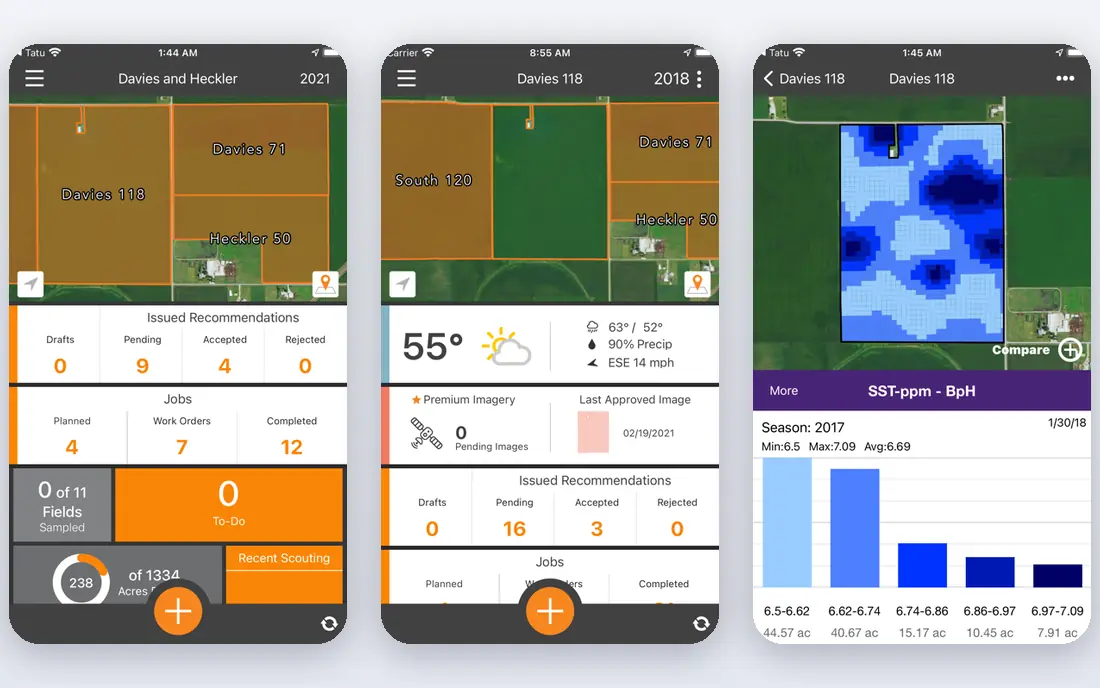
ProEst now sits inside the Autodesk preconstruction offer, and that link shapes its appeal for commercial teams. Estimators can build detailed estimates from cost databases, including RSMeans data, and keep bid packages organized in one place. For a firm that bids complex commercial work, that structure beats a spreadsheet that grows messy with each revision.
The trade-off is commitment. Pricing is quote based, and the full setup works best when a firm has a clear estimating process already. Smaller teams may find the depth more than they need. Larger teams, by contrast, get a system that can hold historical costs and support consistent pricing across estimators.
- Deep cost databases
- Strong preconstruction workflow
- Broad integrations with construction platforms
- Pricing is not published
- Setup can take time for a new team
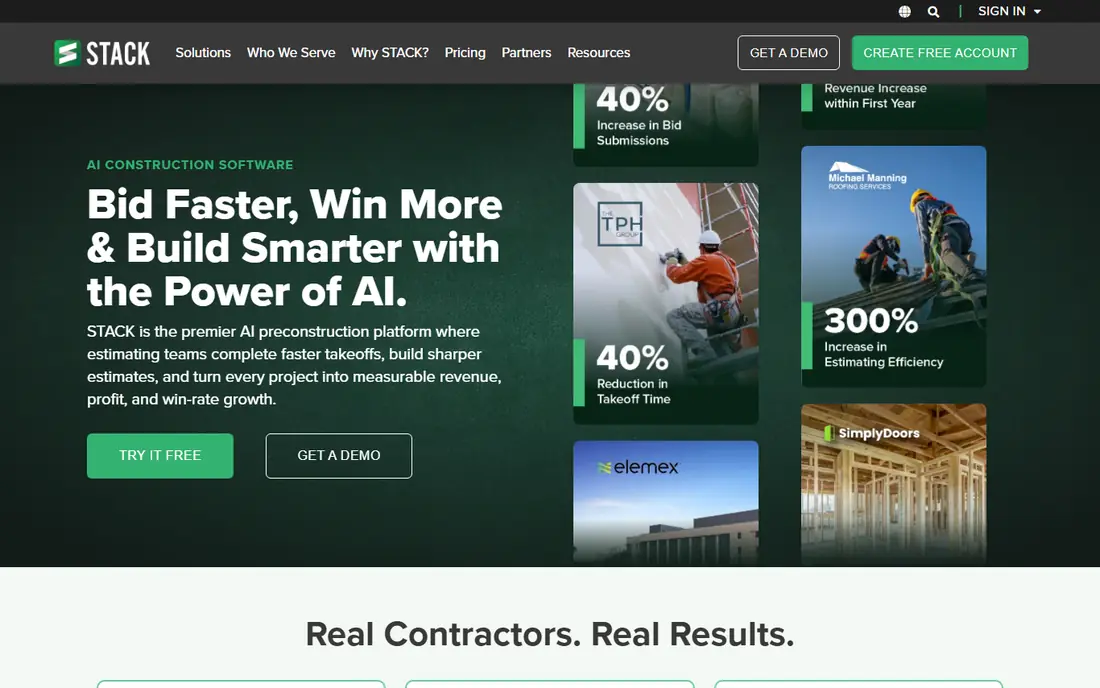
STACK starts with the job most estimators do first, which is measuring plans. You upload drawings, mark areas and lengths, and turn those quantities into an estimate without installing desktop software. The free plan gives small teams a real way to test that workflow before paying. Cloud access also helps when an estimator works from the office one day and a job site the next.
The catch is per-user pricing on paid plans, which can add up for a larger crew. STACK is also stronger on takeoff than on deep cost modeling. If your work needs complex assemblies and long cost histories, pair it with a stricter review step or look at a heavier tool.
- Free plan for basic takeoff
- Cloud access from any browser
- Easy plan markup and measurement
- Paid plans are priced per user
- Advanced estimating depth is thinner than enterprise tools

PlanSwift has a loyal following among estimators who value speed on screen. Point-and-click measurement, drag-and-drop items, and saved assemblies let a practiced estimator work through a set of plans quickly. Custom formulas and templates mean the same scope can be priced the same way job after job. That consistency helps when several people touch one bid.
The limits are worth noting before you buy. PlanSwift runs on Windows, so Mac-based teams need a workaround. Its cloud collaboration is not as central as in newer browser tools. For a single estimator or a small Windows-based team, though, the speed is hard to beat.
- Fast point-and-click takeoff
- Reusable assemblies
- Flexible templates and formulas
- Windows only
- Cloud features are limited compared with newer tools
Sage Estimating is built for firms that want estimating tied closely to job costing. Its cost databases cover trades in detail, and its reporting tools support job cost analysis and custom layouts. When the back office already runs on Sage, that link cuts down on re-keying numbers and chasing version differences. Estimators and accountants can work from related data instead of separate files.
New users should expect a learning period. The interface feels older than some cloud rivals, and setting up custom material libraries takes care. The price is also quote based, so get a firm number early. For a Sage house with steady commercial volume, the fit can still be the deciding factor.
- Trade-specific cost databases
- Links to Sage 300 and Sage 100 Contractor
- Detailed reporting options
- Pricing is not published
- Learning curve is steep for new users
Buildxact suits the residential builder who wants one place for estimating, quoting, and job scheduling. The interface is easier to learn than enterprise estimating software, and supplier pricing helps keep material costs current. A remodeler can move from a takeoff to a client quote without jumping between three apps. That simplicity matters when the estimator is also the project manager.
Commercial firms with complex bid packages may outgrow it. The tool is aimed at residential and light commercial work, not large multi-trade bids. For its target audience, though, the balance of price and ease of use is strong, and the monthly plan is published clearly.
- Clear interface for smaller teams
- Supplier pricing links
- Quoting plus scheduling in one tool
- Less depth for heavy commercial work
- Price rises with added users and features
Clear Estimates takes a different route from plan-based tools. It starts with preloaded cost data tied to a ZIP code, so a solo remodeler can build a quote for a kitchen or bathroom without measuring a full drawing set. That speed is the point. A contractor who answers leads quickly can send a credible quote the same day, then refine it after a site visit.
The weakness shows on larger or unusual projects. It is not a full takeoff system for complex commercial plans, and it does not connect to accounting software as deeply as Sage or ProEst. For small residential quotes, however, it is one of the most direct tools on this list.
- Preloaded cost data by ZIP code
- Fast quote creation
- Low monthly price
- No deep takeoff for large plans
- Accounting links are limited
JobTread appeals to builders who want the estimate to become the job budget, not a separate document that gets forgotten. Estimates feed into budgets, change orders, and job costing, so a price change during construction stays visible. The tool also covers scheduling and client communication, which helps a small firm avoid buying a second system. That joined-up view is useful when one person wears several hats.
The main risk is scope. JobTread is a project platform with estimating inside it, not a pure estimating engine for large commercial bids. Firms that need deep cost databases should check that fit closely. For residential and light commercial builders, the link between estimate and actual cost is a real strength.
- Estimating linked to budgets and job costs
- Client and team communication in one place
- Good for residential and light commercial work
- Pricing is not published on a simple tier page
- Setup needs care to get budgets right
Buildertrend is best known as a home builder platform, and estimating sits inside that wider system. Builders can create estimates, manage selections with clients, schedule work, and share updates in one place. Clients see choices and approvals clearly, which cuts down on the email chains that slow residential jobs. For a builder whose clients expect a polished portal, that matters.
The price is not published as a simple plan, so expect a sales conversation and a quote based on team size. The full platform can also feel large for a one-person remodeler. For a growing residential firm that wants estimating tied to client communication, Buildertrend is a serious option.
- Strong client selections and approvals
- Estimating plus scheduling and communication
- Widely used by home builders
- Pricing is quote based
- Feature set can be more than a small firm needs
How we picked these
We compared official feature pages, pricing pages, and public reviews for each tool, and we favored tools that are actively sold and supported in October 2026. We looked for a real fit with general contractors, not just any tool with an estimating label. That meant checking takeoff, cost data, accounting links, and whether pricing was published or quote based. We did not claim hands-on testing, and we left out tools whose current status could not be confirmed.
What to check before you buy
Start with a past project you already priced. Run it through your top two tools and compare the time it takes, the quantities produced, and the final number. A tool that feels fast in a demo can still slow down on your own drawings. Bring the person who will use it daily to that test, not just the owner. Their view on the interface will predict adoption better than any feature list.
Next, check the cost data and the accounting link. Ask where material and labor rates come from, how often they update, and whether you can import your own rates. Then ask how estimates move into invoices or job costing. Manual re-entry creates errors and wasted hours. Finally, get the full price in writing, including per-user fees, training, and any cost database subscription. A low headline price can hide those extras.
Frequently asked questions
What is the best estimating software for general contractors?
It depends on the work you bid. Commercial firms often suit ProEst or Sage Estimating, while residential and light commercial firms often suit Buildxact, JobTread, or Buildertrend. Test takeoff and cost data on a real past project before you choose.
How much does construction estimating software cost?
Prices range from free plans for basic takeoff to quote-based enterprise plans. Published examples on this list include Buildxact from $133 per month and Clear Estimates from $59 per month. Enterprise tools usually require a quote, so ask for the total including users and training.
Can estimating software replace spreadsheets?
It can replace most spreadsheet estimating, and it adds version control, reusable assemblies, and links to job costing. Some firms still keep a spreadsheet for unusual one-off calculations. The goal is a single system for standard work, not a ban on every spreadsheet.
Does STACK have a free plan?
Yes, STACK offers a free plan for basic takeoff, with paid plans adding more users and features. That makes it a low-risk way to test cloud takeoff. Check the current limits on the vendor site, since free plan details can change.
Is Sage Estimating only for Sage accounting users?
No, it can be used on its own, but its strongest case is for firms already running Sage 300 or Sage 100 Contractor. The link to accounting and job costing is where much of its value sits. Firms on other accounting systems should weigh that link carefully.
Sources
See where you really rank - block by block
ProMapRanker scans Google Maps across a grid of your service area. Simple monthly plans from $19, white-label on every plan.
Start freeKeep reading
 zscaler alternatives
Best Zscaler Alternatives in 2026
Looking for zscaler alternatives? We compare 9 SASE and zero trust platforms on architecture, data protection, pricing, and fit for your network and team.
Read → zapier alternatives free
Best Zapier Alternatives Free in 2026
Nine automation tools for zapier alternatives free in 2026, all with genuinely free tiers, plus free plan limits, starting prices and upgrade paths explained.
Read → which platform is best for online reputation
Which Platform Is Best for Online Reputation in 2026
Wondering which platform is best for online reputation? We compare 8 review, listing, and response tools for small and multi-location businesses and agencies.
Read →