 ProMapRanker
Best Construction Accounting Software in 2026


small to midsize general contractors · Pricing starts at: See website
Key takeaways
- Job costing is the dividing line: purpose built construction tools track costs by job and cost code, while general accounting tools need add-ons or workarounds.
- Foundation and Sage 100 Contractor suit small to midsize contractors who want accounting depth with AIA billing and payroll in one system.
- Viewpoint Vista, Acumatica, and Jonas Premier suit larger contractors who need multi-entity, multi-project, or ERP level control.
- QuickBooks Online and Xero work for small contractors with simple jobs, but progress billing and retainage often need extra tools.
- Most purpose built tools are quote based, so get implementation and training priced separately before signing.
Quick comparison
| Pick | Great for | Pricing starts at | Free tier | |
|---|---|---|---|---|
| Sage 100 Contractor | small to midsize general contractors | See website | No | Visit |
 Foundation Software | accounting first contractors | $500 per month | No | Visit |
 Viewpoint Vista | larger contractors needing ERP depth | See website | No | Visit |
 Acumatica Construction Edition | cloud ERP for multi-entity firms | See website | No | Visit |
 Jonas Premier | accounting centered general contractors | $249 per user per month | No | Visit |
 ComputerEase | back office accounting and payroll | See website | No | Visit |
 QuickBooks Online | small contractors starting out | $38 per month | No | Visit |
 Xero | small firms wanting unlimited users | $27 per month | No | Visit |
 Knowify | trade contractors on QuickBooks | $99 per month | No | Visit |
The best construction accounting software
This is not accounting or tax advice. Construction accounting involves retainage, progress billing, certified payroll, and work in progress rules that vary by contract and jurisdiction, so confirm treatment with your accountant before changing systems. We compared official product pages, pricing reports from October 2026, and public reviews, with a focus on job costing, AIA billing, retainage, payroll, and how each tool fits a contractor of a given size.
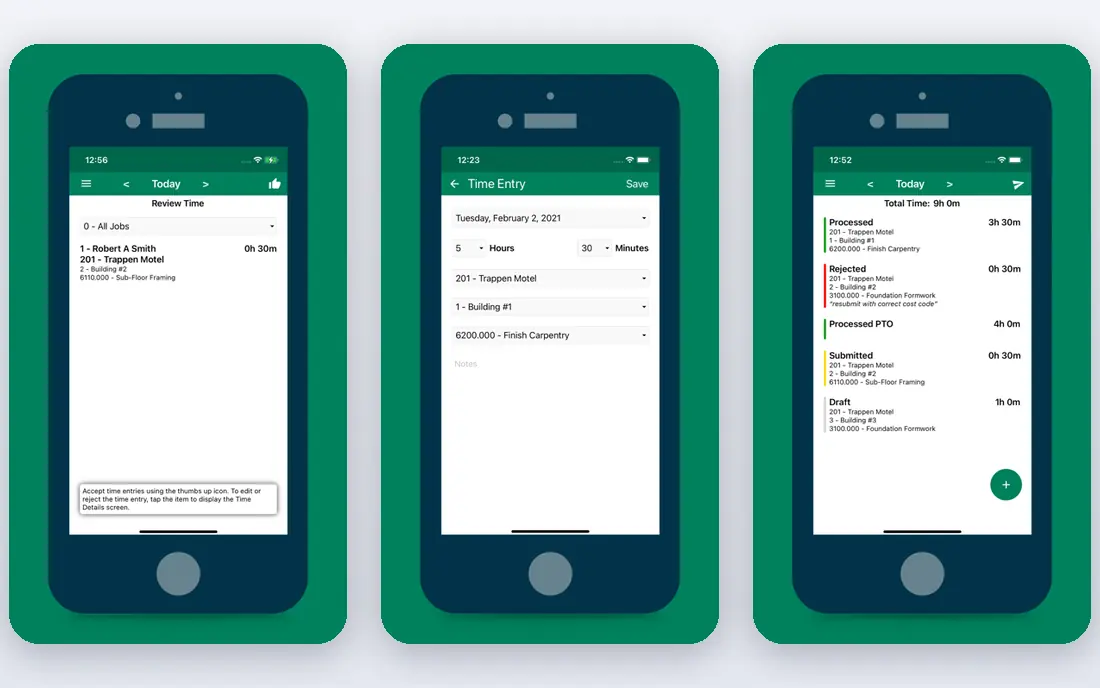
Sage 100 Contractor has served small to midsize contractors for years, and its strength remains depth in construction accounting rather than surface polish. Job cost reports, progress billing, and payroll sit in one system, so labor and subcontractor costs land on the right job without constant spreadsheet fixes. Pre-built reports for job costs, billing, and bonds help owners spot a losing job while work is still under way.
The interface draws the most criticism from users, who describe it as less modern than cloud rivals. Integration with other tools can also take effort. Sage 100 Contractor suits contractors who value accounting depth and are willing to train staff on an older interface, rather than firms that prioritize a modern look above all else.
- Strong job costing and construction reports
- AIA billing and certified payroll
- Integrated project and payroll tools
- Interface feels dated
- Pricing is quote based in most cases
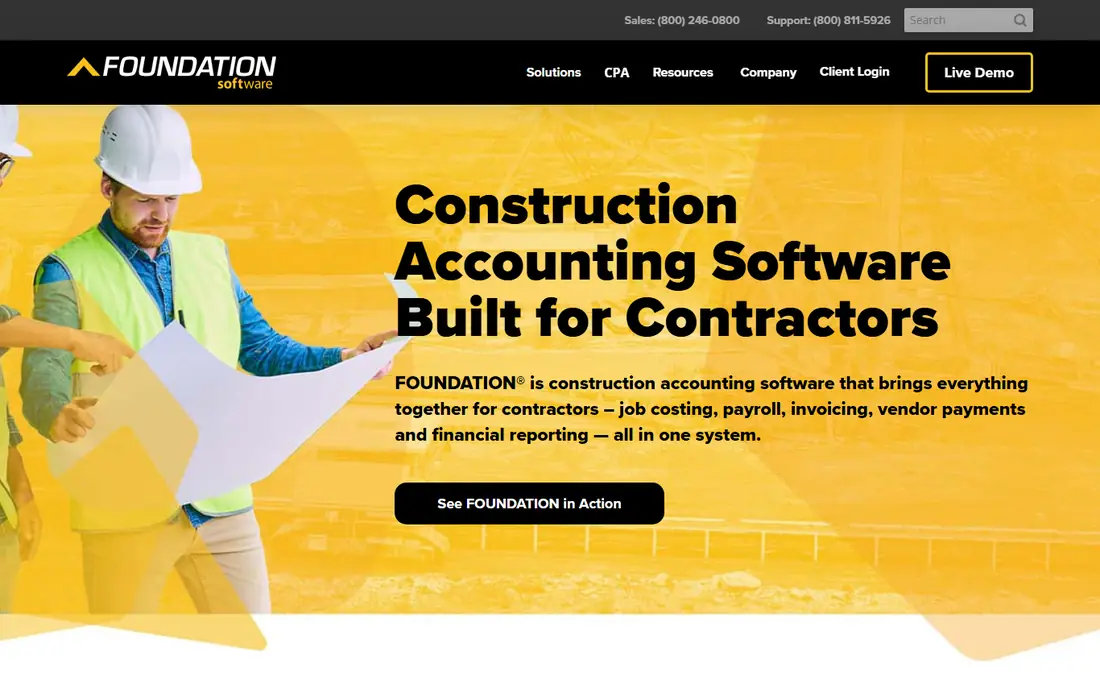
Foundation Software centers on accounting, and users often praise how quickly staff learn the daily workflow. General ledger, job costing, AIA billing, and payroll are built for contractors, including prevailing wage work and union reporting. That focus helps firms that mainly need solid books and payroll, without a sprawling project suite.
Reporting is the weak spot in public reviews, with Excel export issues and requests for richer accounts receivable and payable tools. Mobile coverage also varies by module. Foundation suits a growing contractor that wants accounting first, with responsive support, and that can live with reporting limits or add a reporting tool later.
- Clear interface for core accounting
- AIA billing and retainage
- Prevailing wage and union payroll support
- Reporting exports can frustrate users
- Some modules feel thin on mobile
Vista by Viewpoint, now part of Trimble, targets larger contractors with complex payroll, multi-project work, and deeper compliance needs. It connects accounting, payroll, equipment management, document management, and project tracking, with integrations to Viewpoint One and HR tools. Customization is a real strength for firms with distinct workflows.
That breadth comes with a learning curve and a longer implementation. Users note that new releases can affect customized fields, and that standard reports often need a third party tool for specific analysis. Vista suits contractors with the staff and time to configure an ERP properly, not firms looking for a quick setup.
- Wide ERP coverage across finance, HR, and projects
- Flexible customization
- Subcontract and equipment tracking
- Steep learning curve
- Pricing requires a quote
- Standard reports can feel basic
Acumatica Construction Edition suits contractors that have outgrown single company accounting. As a cloud ERP, it handles actual and committed costs in real time, work in progress, and AIA billing across entities and projects. Finance teams gain a single view of jobs, rather than reconciling separate systems at month end.
Pricing is quote based and varies with users and modules, and implementation is a project in itself, usually with a partner. Small contractors will find it more than they need. Multi-entity general contractors and developers, on the other hand, often find that Acumatica replaces several disconnected tools at once.
- Cloud ERP with real time job costs
- Multi-entity and WIP support
- AIA billing
- Quote based pricing
- Implementation needs planning and partner help
Jonas Premier puts accounting and job costing at the center, with project management, RFIs, submittals, and change orders around that core. Users praise the job dashboard for tracking retainage, accounts payable, and compliance documents in one place. That control helps general contractors and developers who manage many jobs and need to prevent negative cash flow.
The price is high per user, and setup can feel slow because the system covers so much ground. Firms that mainly need scheduling and client portals may find a lighter tool a better fit. Jonas Premier suits firms where financial control is the priority and staff will invest time in learning the system.
- Deep job costing and AP control
- Retainage and compliance dashboards
- Forecast models
- High per user price
- Steep setup learning curve
- QuickBooks integration takes effort
ComputerEase covers the back office end to end, from general ledger and job costing to payroll and HR compliance. Labor flows into the right project automatically, and AIA billing, retainage tracking, and certified payroll are built in rather than bolted on. For contractors tired of stitching a general ledger to a separate project tool, that integration is the appeal.
Published pricing is limited, so budgeting requires a quote and a clear statement of users and modules. Some users also note that field collaboration is less developed than in project led platforms. ComputerEase suits contractors who rank accounting depth, payroll integration, and compliance above client facing project features.
- End to end accounting with payroll
- AIA billing and retainage
- Certified payroll and union reports
- Pricing is not published
- Less deep on some field collaboration features
QuickBooks Online is the easiest starting point for a small contractor, and the most likely system your accountant already knows. Simple Start starts at $38 per month, with higher tiers adding project tracking, inventory, and time features. For a two person trade business with simple jobs, that coverage may be enough.
Construction specific work exposes the limits. Job costing by detailed cost code, AIA billing, and retainage handling are weaker than in purpose built tools, and many contractors add an app like Knowify to fill the gap. QuickBooks Online suits small contractors with straightforward jobs, and firms should plan an upgrade path before job complexity grows.
- Familiar interface and wide accountant support
- Low entry price
- Large app ecosystem
- Construction job costing is limited
- Progress billing and retainage often need add-ons
Xero appeals to small firms that want many staff in the system without per user seat costs climbing fast. Entry pricing starts at $27 per month, with project tracking on higher tiers. The interface is clean, and the app ecosystem covers invoicing, expenses, and bank feeds well.
For construction, the same caveat as QuickBooks applies. Detailed job costing, progress billing, and retainage usually need an add-on or a separate project tool. Xero suits small contractors and bookkeepers who value unlimited users and a simple ledger, and who keep job detail in a connected tool rather than in Xero alone.
- Unlimited users on plans
- Clean interface
- Project tracking on higher tiers
- Construction features need add-ons
- Payroll and job costing depth trails purpose built tools
Knowify fills the construction gap for contractors who want to stay on QuickBooks. It adds job costing, AIA G702 and G703 billing, retainage tracking, and change order handling, then syncs with QuickBooks for the ledger. Trade contractors often find that combination cheaper and faster to adopt than a full ERP switch.
The trade-off is running two systems, with two bills and a sync to maintain. If your jobs are simple, QuickBooks alone may suffice. If your jobs need AIA billing and detailed cost tracking but you are not ready for Sage or Foundation, Knowify is a practical middle step.
- AIA billing and retainage for QuickBooks users
- Job costing by phase and cost code
- Integrates with QuickBooks
- Adds a second subscription
- Still relies on QuickBooks for core accounting
How we picked these
We compared official product pages, October 2026 pricing reports, and public reviews for software that handles construction accounting, not just general bookkeeping or project scheduling alone. We favored tools with job costing, progress billing, or retainage support, and we included general tools only where contractors commonly use them with construction add-ons. Where pricing was quote based, we wrote See website rather than repeating an unverified figure.
What to check before you buy
Start with your job costing needs. List how you track labor, materials, subcontractors, and change orders today, and ask each vendor to show that exact workflow, not a generic demo. If you do AIA billing or retainage, confirm both in the base product, since add-ons change the price and the workflow.
Next, check payroll. Certified payroll, prevailing wage, and union reporting are common deal breakers, and they vary widely by tool. Ask for a sample certified payroll report and confirm how time from the field reaches payroll without rekeying.
Also price the whole project, not just the subscription. Implementation, data migration, training, and report customization can rival the first year license cost for ERP tools. Ask for those figures in writing, with a timeline and a named contact. Finally, run a parallel month if you can. Enter one live job in the new system alongside the old one, and compare job cost reports at month end. That test reveals more than any sales demo.
Frequently asked questions
What is the best accounting software for a construction business?
For small to midsize contractors, Sage 100 Contractor and Foundation Software are the most direct fits, with job costing, AIA billing, and payroll built in. For small firms with simple jobs, QuickBooks Online or Xero with an add-on can work. Larger firms should look at Viewpoint Vista, Acumatica, or Jonas Premier for ERP depth.
What is the best accounting software for construction contractors on a budget?
QuickBooks Online and Xero offer the lowest entry prices, starting at $38 and $27 per month in the pricing reports we checked. Knowify adds construction billing on top of QuickBooks for $99 per month. Purpose built tools like Foundation start higher, so budget firms should weigh job complexity against monthly cost.
Can QuickBooks handle construction accounting?
QuickBooks Online handles simple contractor bookkeeping, but detailed job costing, AIA billing, and retainage usually need add-ons. QuickBooks Desktop Enterprise with a contractor edition handles more construction work for small firms. Past a certain size or complexity, purpose built tools handle the job more cleanly.
What is job costing in construction accounting?
Job costing assigns labor, materials, subcontractor invoices, and other costs to a specific job and cost code, so you can see each project margin while work is running. Without it, you may learn a job lost money only after it closes, when nothing can be fixed. Good job costing also supports change orders, progress billing, and work in progress reporting.
Do I need an ERP or is contractor software enough?
Most small and midsize contractors do fine with contractor software like Sage 100 Contractor, Foundation, or Jonas Premier. An ERP like Viewpoint Vista or Acumatica suits multi-entity firms, large general contractors, and developers with complex payroll, equipment, and compliance needs. If one company, one set of books, and a handful of jobs describe you, contractor software is usually enough.
How much does construction accounting software cost?
Small contractor tools start around $27 to $38 per month, while purpose built mid-market tools are often quote based, with reports suggesting around $500 per month for Foundation and $249 per user per month for Jonas Premier. ERP tools start higher and climb with users and modules. Always get implementation quoted separately, since it can be a large part of the first year cost.
Sources
See where you really rank - block by block
ProMapRanker scans Google Maps across a grid of your service area. Simple monthly plans from $19, white-label on every plan.
Start freeKeep reading
 outreach alternatives
Outreach Alternatives in 2026
Compare outreach alternatives for 2026, from Salesloft and Apollo to HubSpot and Lemlist, with pricing, channels, features, limits, and honest trade-offs.
Read → best web conference tools
Best Web Conference Tools in 2026
Compare the best web conference tools for meetings, webinars and team calls, with current pricing, free plans and honest limits for each option here today.
Read → best voice cloning tools
Best Voice Cloning Tools in 2026
Compare the best voice cloning tools in 2026, from ElevenLabs and Descript to Resemble and Cartesia, with consent rules, pricing, licenses, and limits.
Read →