 ProMapRanker
Best Conference Line Services in 2026


Large free audio calls · Pricing starts at: Free
Key takeaways
- A true conference line service is judged on dial-in access, audio quality, and participant limits, not only on video features.
- Free tiers work for small groups, but large calls and recording usually need a paid plan.
- Teams that already pay for a phone or office suite may already own a conference service they are not using.
- Test the dial-in number, mute controls, and recording playback before an important client or board call.
Quick comparison
| Pick | Great for | Pricing starts at | Free tier | |
|---|---|---|---|---|
| FreeConferenceCall.com | Large free audio calls | Free | Yes | Visit |
 Zoom | All-round meetings with dial-in | See website | Yes | Visit |
 Google Meet | Google Workspace teams | See website | Yes | Visit |
 Microsoft Teams | Microsoft 365 workplaces | See website | Yes | Visit |
 Cisco Webex | Large and regulated organizations | See website | Yes | Visit |
 GoTo Meeting | Simple hosted meetings | See website | No | Visit |
 Dialpad Meetings | Quick audio-first calls | Free | Yes | Visit |
 RingCentral | Phone plus meetings in one system | See website | No | Visit |
 Vast Conference | Operator-assisted and reservationless calls | See website | No | Visit |
The best conference line services
We compared official feature pages, pricing, app store listings, and public reviews, with attention to dial-in numbers, participant limits, recording, and guest access. Some services below are video-first, but each one offers a real conference line or dial-in route that a caller can join from an ordinary phone.
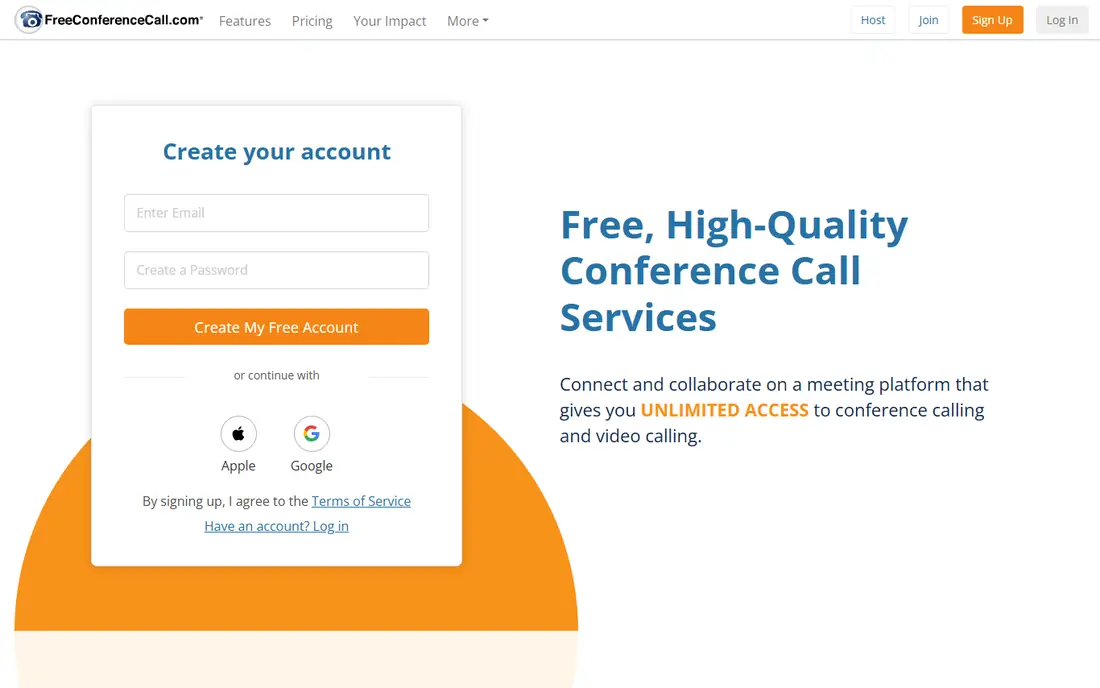
FreeConferenceCall.com remains the simplest answer when the main need is a phone line that many people can join. Guests can dial in without installing software, which helps community groups, nonprofits, and clients who are not comfortable with video apps. Recording and screen sharing cover the common extras, and the free tier removes the budget argument for small organizations.
The weakness shows up after the call. Transcripts, summaries, and polished meeting analytics lag behind paid platforms, so teams that live on searchable notes will need another tool. For a straight conference line, though, that trade is often worth it, and paid business plans exist when support and extra controls matter.
- Free conference lines with large participant capacity
- Screen sharing and recording
- No account needed for guests in many cases
- Interface feels dated next to modern rivals
- Advanced meeting intelligence is limited
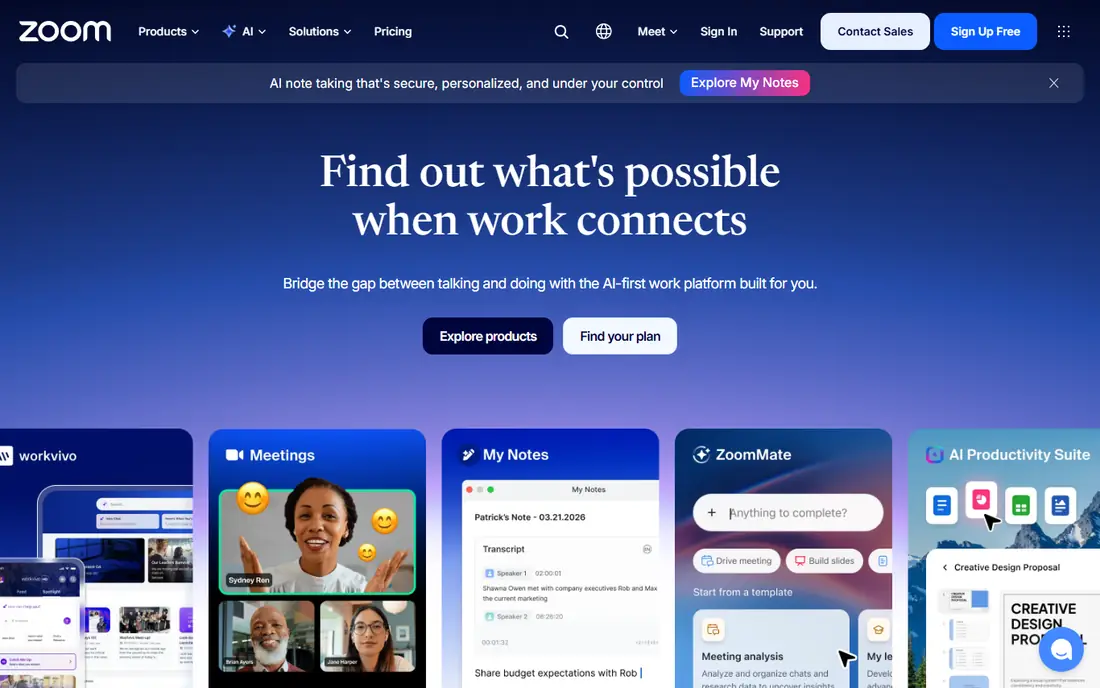
Zoom is the safe default when guests use different devices and networks. Most people have joined a Zoom call before, which cuts down on joining problems, and dial-in access means a participant with a poor connection can still take part by phone. Paid plans add longer meetings, larger groups, recording controls, and admin settings that matter for client work.
Cost is the catch. The free tier suits short internal calls, but regular client meetings, large groups, and phone system features push the bill up. If your team only needs audio, a cheaper dedicated line may serve you better than paying for video features you rarely open.
- Familiar to most guests
- Dial-in numbers in many countries
- Recording, breakout rooms, and polls on paid plans
- Free group meetings are time-limited
- Full phone and webinar features sit on higher tiers
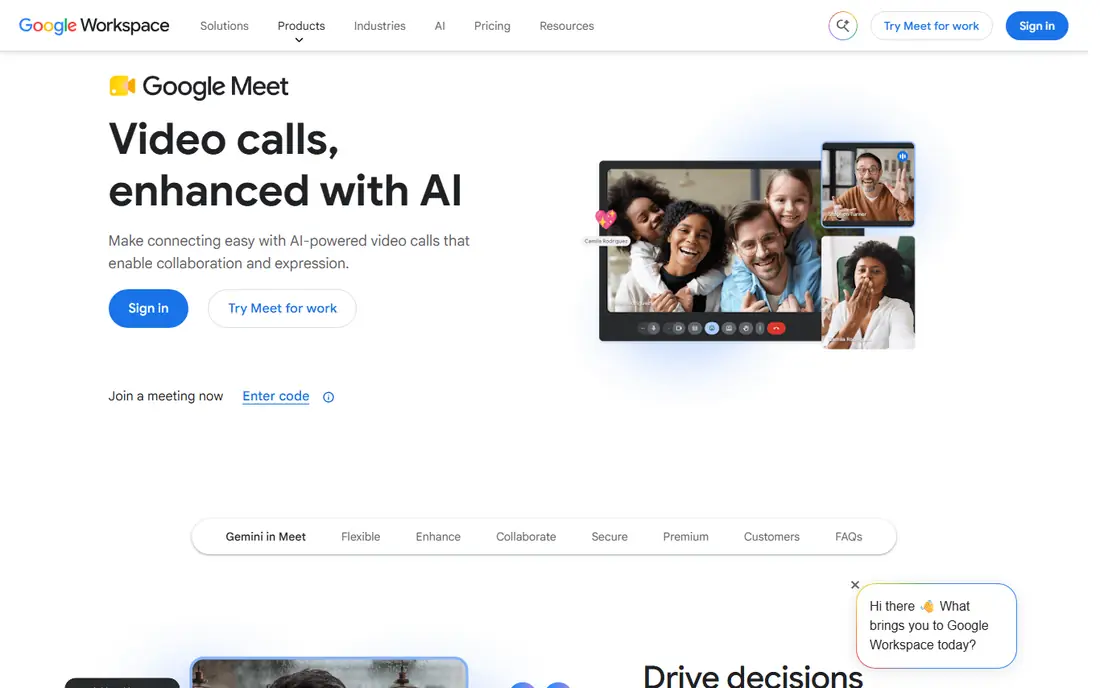
Google Meet fits teams that already live in Gmail and Calendar, since scheduling and joining take very few clicks. Browser-based access helps guests who cannot install apps on a work device, and the interface stays calm even with a large group on screen. For internal standups and client check-ins, it is hard to beat for low friction.
Dial-in is the detail to verify. Free personal accounts do not offer the same phone access as paid Workspace plans, so a team that needs a reliable conference line should confirm dial-in availability in its region before switching. Recording, noise cancellation, and attendance reports also sit behind paid tiers.
- Runs in the browser with no install for guests
- Tight Google Calendar and Gmail integration
- Dial-in on paid Workspace plans
- Dial-in numbers depend on the Workspace plan
- Advanced recording and attendance features need paid tiers
Microsoft Teams makes sense when a company already pays for Microsoft 365, because meetings, chat, and document work share one login. Audio conferencing lets phone-only callers join a meeting, which matters for field staff, suppliers, and clients without a stable internet connection. Admin controls for recording, lobby access, and compliance suit larger workplaces.
Small teams may find Teams more than they need. Channel structure, app permissions, and license options take time to learn, and the exact dial-in route depends on the plan in place. Check the license before promising clients a dial-in number, since that feature is not identical on every Teams plan.
- Chat, files, and meetings in one workplace app
- Dial-in with Teams Phone or audio conferencing add-ons
- Strong admin controls
- Setup can feel heavy for small teams
- Dial-in and phone features vary by license
Cisco Webex is a steady choice for organizations where security, recording policy, and admin control matter as much as call quality. IT teams can set lobby rules, recording permissions, and device policies, while guests join by app, browser, or phone. Large meetings and webinars scale well when the paid plan matches the audience size.
Casual teams may prefer something lighter. Webex rewards a team that will use its admin settings and meeting controls, and the free tier is best treated as a trial rather than a long-term home for regular calls. For board meetings, training sessions, and regulated client work, that structure is a strength rather than a burden.
- Strong security and admin controls
- Large meeting capacity on paid plans
- Dial-in and call-in options
- Free tier limits meeting length and features
- Interface can feel corporate for casual teams
GoTo Meeting appeals to hosts who want a meeting tool without a wider workplace suite attached. Scheduling, dial-in, screen sharing, and recording follow a clear pattern, and hosts can manage participants without learning a full collaboration platform. That focus suits consultants, trainers, and small firms that run scheduled calls all week.
The downside is price for occasional users. Without a free tier, a team that meets only a few times a month pays the same entry cost as a heavy user. GoTo Meeting earns its fee when meetings are frequent, scheduled, and client-facing, rather than occasional and internal.
- Straightforward hosting and scheduling
- Dial-in numbers and toll-free options
- Recording and transcripts on paid plans
- No lasting free tier for regular use
- Smaller ecosystem than Zoom or Teams
Dialpad Meetings, which includes the former UberConference experience, is built for speed. Hosts share a link or a phone number, guests join without a PIN, and the call starts with little setup. That low friction suits freelancers, startups, and lean teams whose meetings are short, frequent, and operational rather than formal presentations.
Larger groups and longer sessions are where the limits appear. Free meetings cap participants below the big free conference lines, and the fuller AI and phone features belong to paid Dialpad plans. For a team that already uses Dialpad for calls, the meetings tool is a natural add-on; for a team that only needs meetings, compare the participant limit first.
- Free meetings with no PINs or downloads for guests
- AI transcripts and notes on some plans
- Ties into Dialpad phone service
- Free participant limits are smaller than dedicated free lines
- Advanced features need a paid Dialpad plan
RingCentral suits a business that wants its phone system and its conference line under one contract. Staff can move from a phone call to a video meeting, share a dial-in number with clients, and keep call handling rules in one admin panel. That unity helps offices where the same team answers calls, hosts meetings, and manages messages all day.
A team that only needs a conference line will likely find RingCentral heavier and pricier than a standalone service. The value appears when the phone system is already on the shopping list, since the meeting features then arrive as part of a system the business would buy anyway.
- Business phone, video meetings, and messaging in one platform
- Dial-in and call controls
- Useful admin and analytics
- Pricing depends on the phone bundle chosen
- More system than a team that only needs a line requires
Vast Conference fits formal calls where a host wants help, not just a link. Reservationless lines work for regular internal calls, while operator-assisted calls add greeting, roll call, and question management for investor calls, town halls, and large announcements. Recording and playback support the kind of call that needs a clean record afterward.
The trade is flexibility and price transparency. Quote-based pricing makes quick comparison harder, and the service leans toward audio and event calls rather than everyday video collaboration. For a company that runs high-stakes calls a few times a quarter, that specialist support can matter more than a low monthly fee.
- Reservationless and operator-assisted options
- Recording and event support
- Suited to formal and large calls
- Pricing is quote-based for many uses
- Less suited to casual internal video meetings
How we picked these
We compared official feature pages, pricing, app store listings, and public reviews, and we kept only services with a real dial-in or conference line route in 2026. Video-only tools without phone access were left out. Prices change by plan and region, so we wrote "See website" where a vendor prices by bundle, seat count, or quote.
How to choose a conference line
Start with how guests will join. If many callers use ordinary phones, put dial-in numbers, toll-free options, and guest access above video extras. If most guests join from a laptop, browser access and screen sharing matter more. Next, check the participant limit on the exact plan you would buy, not the marketing maximum, and confirm whether recording, transcripts, and mute controls are included or paid extras.
Run a test call with a phone-only guest and a guest on a weak connection before the service carries client work. Listen for echo, delay, and background noise, and check that the host can mute a noisy line quickly. A service that passes that test is usually the right one, even if a rival lists more features.
Frequently asked questions
What is the difference between a conference line and a video meeting?
A conference line is an audio-first phone bridge that callers join by dialing a number, while a video meeting adds camera, screen sharing, and chat. Many modern services offer both, but phone access still matters for guests with poor internet.
Do guests need an account to join a conference call?
Not always. FreeConferenceCall.com and Dialpad Meetings let many guests join without an account, while workplace tools may ask guests to sign in or join as a guest. Check the guest route before sending invites to clients.
How many people can join a free conference call?
It varies widely. FreeConferenceCall.com supports large audio groups, while free video tiers often cap groups at 100 participants and limit meeting length. Confirm the limit on the plan you will actually use.
Can I record a conference line call?
Most paid services offer recording, and some free services do as well. Tell participants when recording starts, since recording laws vary by state, and check where recordings are stored.
Is a toll-free dial-in number included?
Sometimes, but not always. Some services include local dial-in numbers and charge extra for toll-free access, while others bundle toll-free numbers into business plans. Confirm this cost if clients will call from across the country.
Which service is best for a nonprofit or community group?
A free conference line often wins, since cost matters and guests may join by phone. FreeConferenceCall.com is a strong starting point, with a paid plan available if recording support and admin controls become important.
Sources
- https://www.freeconferencecall.com
- https://www.zoom.com
- https://meet.google.com
- https://www.microsoft.com/en-us/microsoft-teams/group-chat-software
- https://www.webex.com
- https://www.goto.com/meeting
- https://www.dialpad.com
- https://www.ringcentral.com
- https://www.vastconference.com
- https://www.mightycall.com/blog/best-conference-call-services/
See where you really rank - block by block
ProMapRanker scans Google Maps across a grid of your service area. Simple monthly plans from $19, white-label on every plan.
Start freeKeep reading
 worlds best local seo company
8 Worlds Best Local SEO Companies for Map Pack Growth in 2026
Compare the worlds best local seo company options for Google Business Profile work, citations, reviews, and multi-location rankings and reporting in 2026.
Read → world's best web hosting company
World's Best Web Hosting Company in 2026
Searching for the world's best web hosting company? We compared 10 hosts on price, renewal rates, speed, and support to help you choose well today in 2026.
Read → who's got the best nanny tax services
Who's Got the Best Nanny Tax Services in 2026
We answer who's got the best nanny tax services, comparing full filing, back taxes, software, and pricing so families can handle nanny taxes correctly.
Read →