 ProMapRanker
Best Conference Call Service in 2026

Key takeaways
- Google Meet and Microsoft Teams offer the most generous free plans for small businesses already on those platforms.
- Zoom remains the safest standalone choice when guests need a familiar, dependable meeting link.
- FreeConferenceCall.com and Jitsi Meet suit audio-first or no-account calls where cost matters most.
- Check free-plan time limits and participant caps, since a 40-minute or 60-minute cap changes how a team plans meetings.
Quick comparison
| Pick | Great for | Pricing starts at | Free tier | |
|---|---|---|---|---|
 Zoom | Dependable standalone meetings | See website | Yes | Visit |
 Google Meet | Google Workspace teams | $7 per user per month | Yes | Visit |
 Microsoft Teams | Microsoft 365 organisations | $4 per user per month | Yes | Visit |
 Webex | Security-focused enterprises | $12 per user per month | Yes | Visit |
 GoTo Meeting | Small teams where few people host | $12 per organizer per month | Free trial | Visit |
 RingCentral Video | Teams replacing a phone system | $20 per user per month | Yes | Visit |
 Dialpad Meetings | Small teams that want AI notes | Free | Yes | Visit |
 Zoho Meeting | Budget-conscious small businesses | $1 per host per month | Yes | Visit |
 FreeConferenceCall.com | Free audio and video calls | Free | Yes | Visit |
 Jitsi Meet | No-account calls | Free | Yes | Visit |
The best conference call service
Conference calls now mean audio, video, dial-in, and screen sharing in one service, and the best pick usually depends on the tools a team already uses. The services below cover free plans, business phone bundles, and audio-first options, and we compared them on free limits, participant caps, dial-in access, and price.
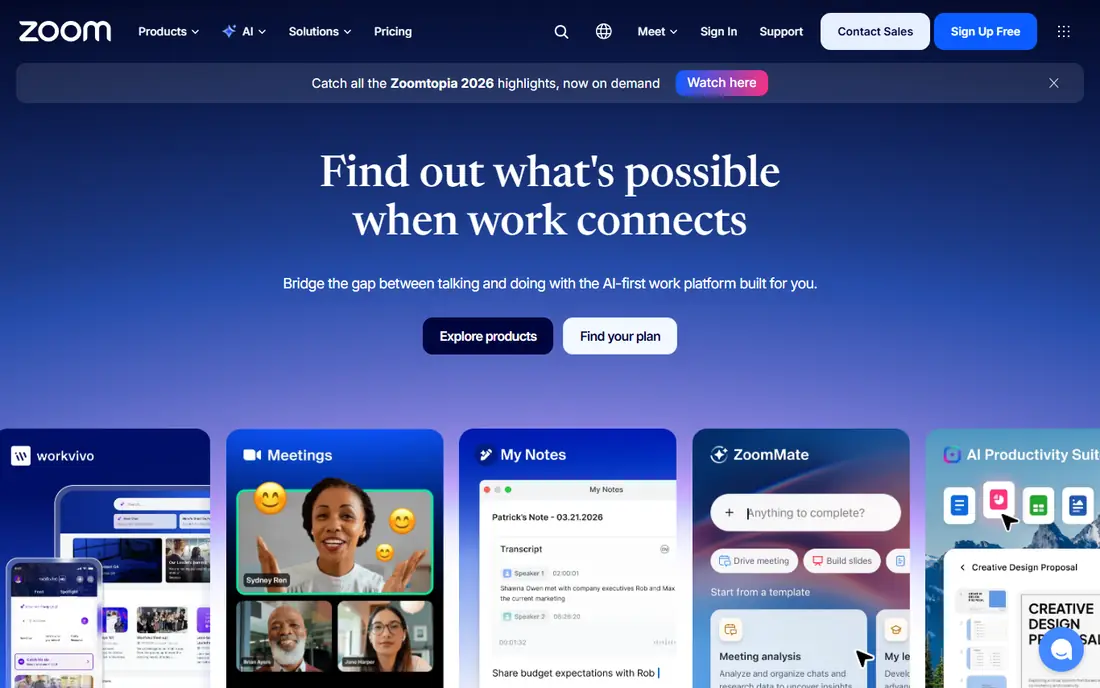
Zoom is the default meeting link for many businesses because guests already know how to join. The free Basic plan covers 100 participants with a 40-minute cap on group meetings, while paid plans lift time limits and add cloud recording, larger meetings, and webinar options. Screen sharing, breakout rooms, and AI meeting summaries are available on paid tiers, and the app works well across desktop and mobile.
The free cap is the main limit for longer team calls, and pricing varies by plan and billing cycle, so check the vendor pricing page for the current Pro rate. For a standalone service that works for clients, partners, and staff without tying the business to one email platform, Zoom remains the safest pick.
- Familiar to most guests
- Dependable video
- Wide range of meeting and webinar tools
- Free group calls cap at 40 minutes
- Paid features and add-ons raise the bill
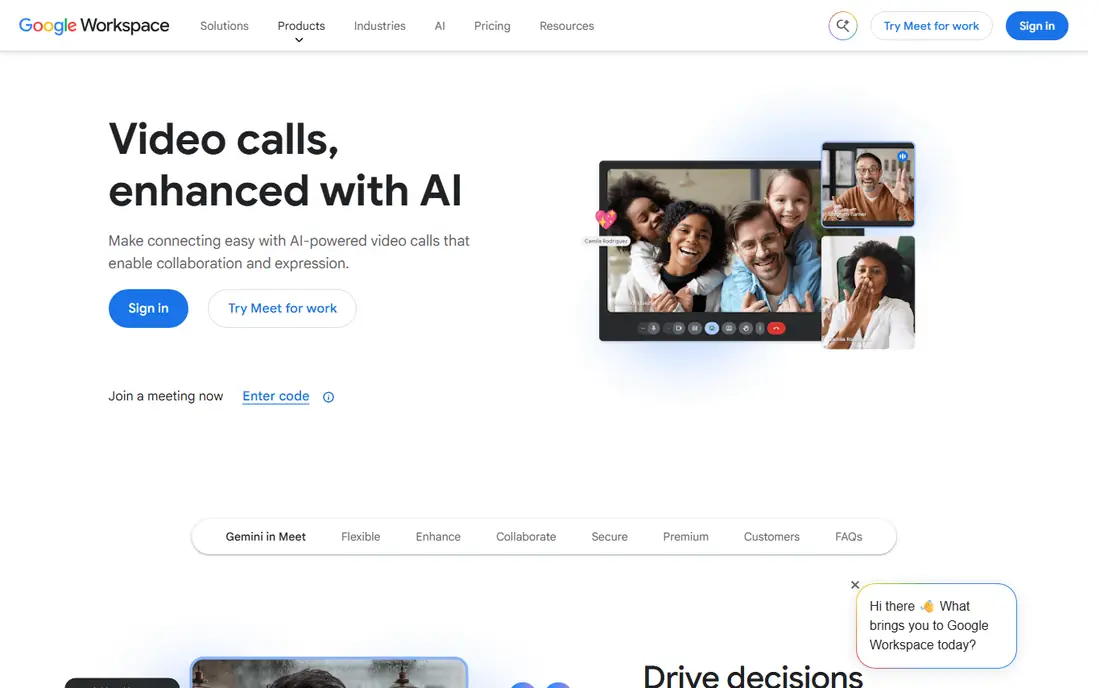
Google Meet is the simplest option for teams on Gmail and Google Calendar. Anyone with a Google account can start a free meeting for up to 100 participants, with group calls capped at 60 minutes and one-to-one calls lasting much longer. Paid Workspace plans lift limits, add recording, noise cancellation, and larger meetings, and Calendar invites carry the meeting link automatically.
It is not a full webinar platform, and some advanced meeting controls sit behind paid tiers. For small businesses that already pay for Workspace, Meet is effectively free and frictionless. Guests join from a browser link, which removes one more barrier to a quick call.
- Runs in a browser with no install for guests
- Generous free plan
- Tight Calendar integration
- Advanced controls need Workspace plans
- No full webinar product
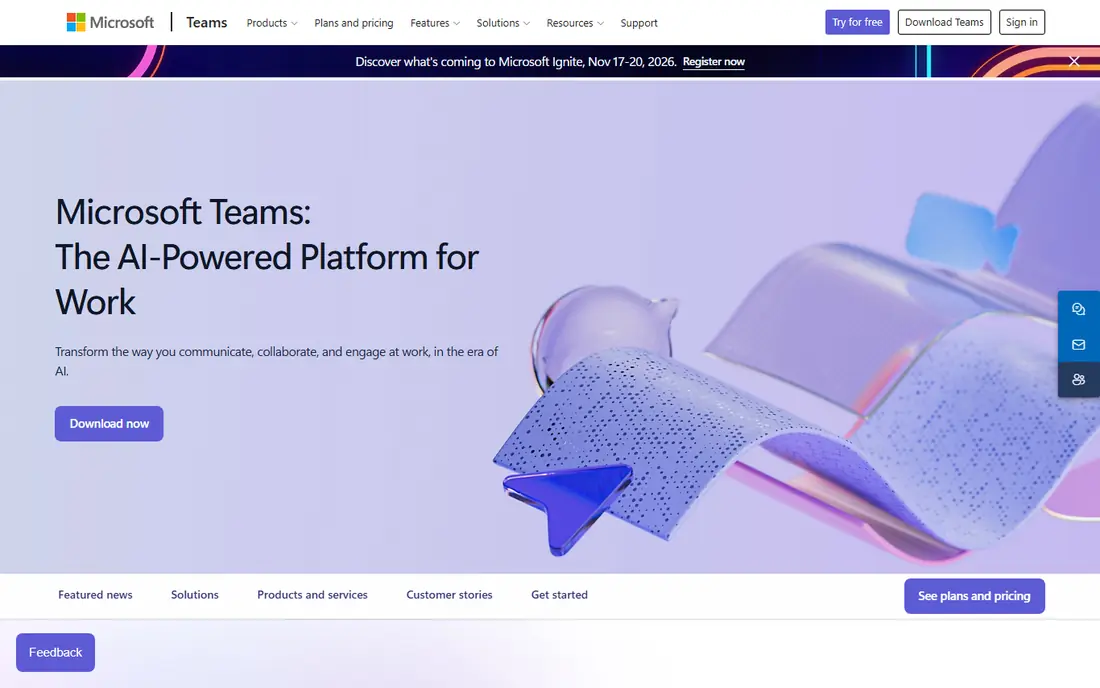
Microsoft Teams combines chat, channels, file sharing, and meetings, so a call is one part of a wider workspace. The free version covers group meetings up to 60 minutes with 100 participants and unlimited chat history, while Teams Essentials starts at $4 per user per month on annual billing. Full Teams is included with Microsoft 365 Business plans, which makes it the lowest marginal cost for organisations already on Microsoft tools.
For a team that just needs a simple call link, Teams can feel heavy, with channels and apps that some users never open. For an organisation already standardised on Outlook, Word, and SharePoint, Teams is the natural conference service, and its compliance and security controls suit larger firms.
- Deep Microsoft 365 integration
- Persistent chat and channels
- Generous free tier
- Can feel heavy for simple calls
- Best value only inside Microsoft 365
Webex by Cisco is built for large organisations, government, healthcare, and education, where security and compliance matter most. The free plan covers meetings up to 40 minutes with 100 attendees, including AI noise cancellation, while paid Webex Meet plans start at $12 per user per month on annual billing. Enterprise plans add calling, webinars, and Cisco room hardware for offices that need it.
Small teams may find Webex more formal than Zoom or Meet, and the price is higher than budget options. For a regulated organisation that needs strong controls, or a firm already invested in Cisco hardware, Webex is a serious, dependable choice.
- Strong security and compliance credentials
- Free plan with 100 attendees
- Cisco hardware options
- Paid plans cost more than some rivals
- Interface feels enterprise-first
GoTo Meeting charges per organizer rather than per user, which keeps costs down when only a few people host calls. The Professional plan starts at $12 per organizer per month on annual billing and covers 150 participants, with dial-in access that suits customer-facing teams. Meetings are simple to start and join, with screen sharing, recording, and drawing tools for live collaboration.
There is no permanent free plan, only a trial, so it is less suited to casual use. It also offers fewer wider collaboration features than Teams or Zoom. For a small business where two or three people host most calls, per-organizer pricing can be the cheapest paid route to unlimited meeting time.
- Per-organizer pricing suits few hosts
- Reliable dial-in
- Simple meeting controls
- No free plan, trial only
- Fewer ecosystem features than Zoom or Teams
RingCentral Video is part of the RingCentral unified communications platform, which combines business phone, video, messaging, and contact centre tools. The free video tier covers meetings with limits, while RingEX Core starts at $20 per user per month on annual billing and adds phone service. That bundle suits businesses replacing a desk-phone system and wanting one vendor for calls and meetings.
The full platform costs more than a standalone meeting app, so teams that only need video should compare Zoom or Meet first. For a business that wants one number, one app, and one bill for phone and video, RingCentral is a strong, well-supported option.
- Phone, video, and messaging in one platform
- Free video tier
- CRM integrations
- Higher starting price for full phone plans
- Some pricing is plan-dependent
Dialpad Meetings, formerly UberConference, offers a free tier with unlimited meetings, AI transcription, and a 45-minute cap on video calls with up to 10 participants. That makes it a useful free option for small teams that want meeting notes without paying for them. Paid Dialpad plans add more participants, phone service, and deeper integrations with CRMs.
The free participant cap rules it out for larger calls, and the full platform is a phone system rather than just a meeting app. For a small team that wants free calls with transcripts, Dialpad is worth trying before paying for a larger service.
- Free tier with AI transcription
- Unlimited meetings on free tier
- Easy guest joining
- Free video caps at 10 participants
- Full features need paid Dialpad plans
Zoho Meeting is one of the cheapest paid meeting services, with Standard plans starting from $1 per host per month on annual billing for 10 participants. The free plan covers 100 participants with 60-minute sessions, screen sharing, and scheduling, which is generous for the price. It fits naturally for teams already using Zoho apps, with browser-based meetings that need no install for guests.
The ecosystem is smaller than Zoom, Teams, or Webex, and some advanced features sit on higher tiers. For a budget-conscious small business, especially one on Zoho, the price and free plan make Zoho Meeting hard to ignore.
- Very low starting price
- Free plan with 100 participants
- Browser-based meetings
- Smaller ecosystem than Zoom or Teams
- Advanced features need higher tiers
FreeConferenceCall.com offers free conference calls with dial-in from phone or computer, video meetings, screen sharing, and recording, with capacity for up to 1,000 participants. There is no subscription needed for the core service, which makes it useful for community groups, large audio calls, and businesses that need a free backup option.
The interface and collaboration tools are more basic than Zoom or Teams, and support is lighter. For pure audio conferencing at scale, or for a free service that anyone can dial into, FreeConferenceCall.com remains a practical choice, especially when toll-free numbers and paid add-ons are priced separately.
- Free audio and video conferencing
- Up to 1,000 participants
- Call recording included
- Interface feels basic
- Fewer collaboration features than paid rivals
Jitsi Meet lets anyone start a meeting from a browser link without an account, which makes it ideal for quick calls with outside guests. The open-source software can also be self-hosted by technical teams that want full control. The public service at meet.jit.si is free, with screen sharing, chat, and recording options depending on setup.
There is no business support contract on the free public service, and admin controls are thinner than paid platforms. For a free, privacy-friendly call link, or for a team that can self-host, Jitsi Meet is a useful option. For a business that needs support and compliance guarantees, a paid service is a better fit.
- No account needed for guests
- Open source
- Browser-based meetings
- No vendor support on the free public service
- Fewer business controls
How we picked these
We compared services that are live in October 2026 and that offer real conference calling, using vendor pricing pages and recent category guides. We kept a mix of free, low-cost, and enterprise services, since readers search for free and business options under the same keyword. Prices shown come from vendor pages or recent guides, and we wrote See website where pricing varied by source. We did not claim hands-on testing.
How to choose the right service
Start with your existing email and office platform, since Meet and Teams are cheapest inside their ecosystems. Next, check the free-plan limits that matter to you: group time caps, participant caps, and whether dial-in audio is included. A 40-minute cap suits short check-ins but not training sessions.
Then test with real guests, not just colleagues. Check how easily an outside client joins, whether dial-in numbers work in their country, and whether recording and transcripts meet your needs. Finally, price the whole team, including hosts versus users, since per-organizer and per-host pricing can be far cheaper than per-user pricing for small hosting teams.
Frequently asked questions
What is the best free conference call service?
Google Meet, Microsoft Teams, and Zoom offer the most generous free plans for small teams, while FreeConferenceCall.com and Jitsi Meet offer free audio and no-account options. Check time and participant caps before choosing.
What is the best conference call service for business?
Zoom is the safest standalone business pick, Teams suits Microsoft 365 firms, and Meet suits Google Workspace firms. Webex suits regulated enterprises, and GoTo Meeting suits businesses where few people host.
What is the best toll free conference call service?
FreeConferenceCall.com offers free conferencing with paid toll-free options, and paid platforms such as Zoom, Webex, and GoTo Meeting offer toll-free dial-in as an add-on. Check toll-free pricing separately, since it is often not included in the base plan.
Can I use a conference call service for audio only?
Yes, most services here support dial-in audio, and FreeConferenceCall.com is built for audio-first calls. Dial-in numbers, toll charges, and international access vary by provider, so confirm coverage for your callers.
Do I need a paid plan for longer meetings?
Free plans usually cap group calls at 40 or 60 minutes. If your meetings run longer, a paid plan, a per-organizer plan such as GoTo Meeting, or a low-cost plan such as Zoho Meeting will lift the cap.
Sources
- https://zoom.us
- https://meet.google.com
- https://www.microsoft.com/microsoft-teams
- https://www.webex.com
- https://www.goto.com/meeting
- https://www.ringcentral.com
- https://www.dialpad.com
- https://www.zoho.com/meeting
- https://www.freeconferencecall.com
- https://meet.jit.si
- https://meetgeek.ai/blog/top-8-virtual-meeting-platforms
- https://rankite.com/blog/best-video-conferencing-software
See where you really rank - block by block
ProMapRanker scans Google Maps across a grid of your service area. Simple monthly plans from $19, white-label on every plan.
Start freeKeep reading
 outreach alternatives
Outreach Alternatives in 2026
Compare outreach alternatives for 2026, from Salesloft and Apollo to HubSpot and Lemlist, with pricing, channels, features, limits, and honest trade-offs.
Read → best web conference tools
Best Web Conference Tools in 2026
Compare the best web conference tools for meetings, webinars and team calls, with current pricing, free plans and honest limits for each option here today.
Read → best voice cloning tools
Best Voice Cloning Tools in 2026
Compare the best voice cloning tools in 2026, from ElevenLabs and Descript to Resemble and Cartesia, with consent rules, pricing, licenses, and limits.
Read →