 ProMapRanker
Best Conference Apps in 2026: 8 Apps Compared

Key takeaways
- Zoom and Google Meet are the easiest starting points for most teams, because guests already know how to join them.
- Microsoft Teams makes the most sense when a team already pays for Microsoft 365, since meetings come with mail, files and chat.
- Webex and GoTo Meeting suit larger or more formal meetings, where admin controls and reliability matter more than a low entry price.
- Zoho Meeting and Whereby are worth a close look for smaller teams that want a lower bill and a simpler setup.
Quick comparison
| Pick | Great for | Pricing starts at | Free tier | |
|---|---|---|---|---|
 Zoom | Most teams and outside guests | $14.16 per user per month | Yes | Visit |
 Microsoft Teams | Microsoft 365 teams | $4 per user per month | Yes | Visit |
 Google Meet | Google Workspace teams | $7 per user per month | Yes | Visit |
 Webex | Regulated and large organisations | See website | Yes | Visit |
 GoTo Meeting | Small teams with a few hosts | $12 per organizer per month | Free trial | Visit |
 RingCentral Video | Teams replacing a phone system | $20 per user per month | Yes | Visit |
 Zoho Meeting | Budget-conscious small teams | $1 per host per month | Yes | Visit |
 Whereby | Freelancers and coaches | $10.99 per month | Yes | Visit |
The best conference apps
These eight options cover the main ways people run online conferences in 2026, from a quick team call to a large webinar style session. We compared official pricing pages, plan limits and the features each vendor lists for meetings, recording and admin controls.
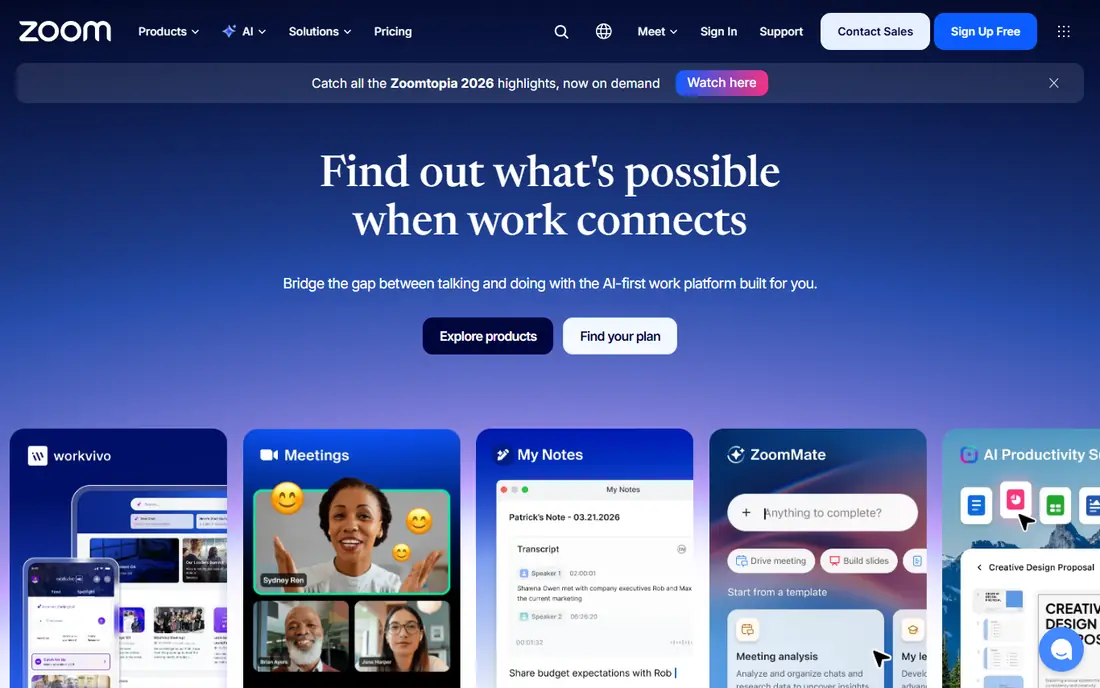
Zoom is our pick for most people because joining is rarely the problem. Guests can open a link in a browser or app without a long setup, and hosts can share a screen, run breakout rooms and record to the cloud on paid plans. The Pro plan, at $14.16 per user per month when billed annually, removes the 40 minute group limit and allows meetings of up to 30 hours with 100 participants. That combination suits small businesses, classes and client calls alike.
The catch is the total bill. Phone, webinars, large meetings and extra storage are sold separately, so a team that needs all of them should price the full bundle before committing. The free Basic plan still works well for short calls, with up to 100 participants and local recording. For a team that meets with clients every day, the paid plan is the more practical choice.
- Widely familiar to guests
- Long meetings on paid plans
- AI meeting summaries on paid plans
- Add-ons for phone and webinars raise the bill
- Free group meetings end after 40 minutes
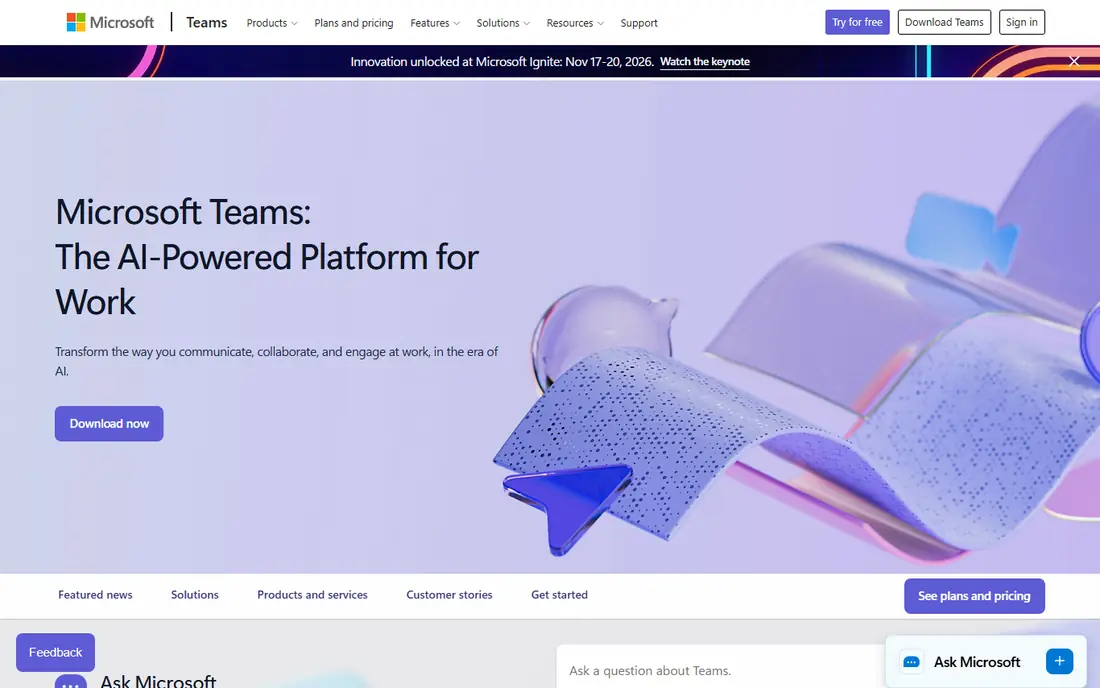
Microsoft Teams is less a single meeting app and more a work hub, with chat, file sharing and video in the same window. That matters for teams that already live in Outlook, Word and OneDrive, because a meeting can pull in a document, a chat thread and a calendar invite without switching tools. Teams Essentials starts at $4 per user per month, and paid plans allow meetings of up to 30 hours with 300 participants.
The drawback is scope. A small team that only wants a clean video call may find the channels, tabs and settings more than it needs, and the full value only appears when the wider Microsoft 365 bundle is in use. The free plan covers chat and meetings of up to 60 minutes with 100 participants, which is enough to test it. For Microsoft shops, though, Teams is usually the lowest friction option.
- Chat, files and meetings in one place
- Strong Microsoft 365 integration
- Long meetings on paid plans
- Can feel heavy for a team that only needs video calls
- Pricing varies by Microsoft 365 bundle
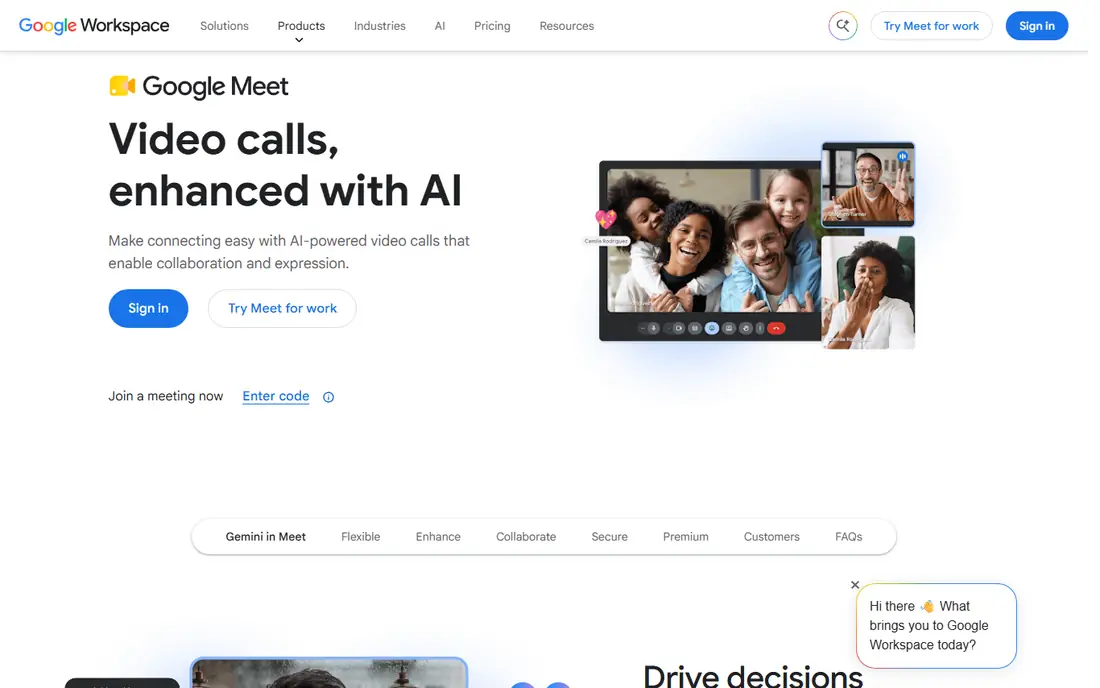
Google Meet wins on simplicity. Anyone with a Google account can start a meeting, and guests join from a link with no account needed in many cases. Paid access comes through Google Workspace, starting at $7 per user per month for Business Starter, which also adds business email, Drive storage and Docs. That bundle makes Meet a strong value pick for a small business that needs email and meetings together.
The limits are clear. The free plan caps group meetings at 60 minutes with 100 participants, and recording starts at the Business Standard tier. Meet also lacks some of the advanced webinar controls found in dedicated event platforms. For internal meetings, interviews and client calls, it is hard to beat for ease of use.
- No install for most guests
- Simple joining from Gmail and Calendar
- Gemini features on paid Workspace plans
- Recording needs a paid Workspace plan
- Fewer large event controls than dedicated webinar tools
Webex, from Cisco, is built for organisations where security, compliance and control are part of the buying decision. It offers meetings, messaging and calling in one suite, with admin tools that let IT teams manage users, devices and policies from one place. The free plan allows meetings of up to 40 minutes with 100 participants, which is enough for a trial, while paid plans raise participant limits and add cloud recording and AI assistance.
The trade-off is complexity and cost. Webex pricing varies by plan and region, so we list it as See website rather than quoting a figure that may not match a reader's location. Smaller teams may also find the setup heavier than Zoom or Meet. For government, health care, education and large companies, that control is the point, and Webex earns its place here.
- Strong security and admin controls
- Reliable large meetings
- Cisco hardware options
- Pricing pages and plan names can be confusing
- More than a small team needs
GoTo Meeting takes a different pricing approach that suits teams where only a few people host. Plans are priced per organizer, so attendees join free, and the Professional plan starts at $12 per organizer per month when billed annually. Hosts get screen sharing, meeting recording, drawing tools and the ability to run meetings from a browser or app. For a training company or consultancy with two or three presenters, that model can keep costs down.
The weakness is breadth. GoTo Meeting does not try to be a full chat and file hub in the way Teams does, and there is no permanent free plan, only a trial. Teams that want one tool for every kind of daily collaboration may prefer a broader platform. For straightforward, dependable hosted meetings, it remains a solid choice.
- Pricing by organizer, not every attendee
- Simple hosting
- Screen sharing and recording
- No permanent free plan
- Fewer chat and collaboration tools than Teams or Zoom
RingCentral Video is part of RingCentral's wider communications platform, which also covers business phone calls and team messaging. That makes it a natural pick for a business that wants to retire a desk phone system and run calls, video and messages under one vendor. The Core plan starts at $20 per user per month when billed annually, and a free video tier is available with limits.
The catch is price. A team that only needs video will pay more here than with Zoom or Meet, and the full phone features matter most to teams that actually use them. Setup also takes more care than a simple meeting link, since phone numbers and call routing are involved. For a growing office that wants one communications bill, the bundle can still be good value.
- Video, phone and messaging in one subscription
- Good for office phone replacement
- Team messaging included
- Entry price is higher than a video only tool
- Some features need higher tiers
Zoho Meeting is the budget pick in this list, with paid meeting plans starting at $1 per host per month when billed annually, and a free plan for meetings of up to 100 participants for 60 minutes. It runs in a browser, covers screen sharing, recording on paid plans and chat, and offers a separate webinar tier for larger sessions. Teams already using Zoho apps for mail or CRM will find the shared sign in convenient.
The limit is scale and reach. Zoho Meeting does not have the same guest familiarity as Zoom, and its integration list is smaller than the major platforms. That matters less for internal meetings and regular client calls, where a link and a stable connection are the main needs. For a small team watching every dollar, it is a strong option.
- Very low entry price
- Simple browser based meetings
- Webinar option available
- Smaller ecosystem than Zoom or Teams
- Fewer third party integrations
Whereby is designed around personal rooms. A coach, consultant or freelancer gets a room link that stays the same, so clients can join without a new invite each time. The Pro plan starts at $10.99 per month, and a free plan offers one room with time capped group meetings. Guests join from a browser, and hosts can share a screen, record and use breakout groups on paid plans.
The trade-off is size. Whereby is not the best fit for a 500 person company event, and large organisations will want the admin controls found in Teams or Webex. For one to one sessions, small group coaching and client check ins, its simplicity is a real advantage. It is the least fussy tool in this list, and for solo workers that counts for a lot.
- Personal meeting rooms with a custom link
- No install for guests
- Simple pricing
- Not built for very large conferences
- Fewer enterprise admin controls
How we picked these
We compared official pricing pages, plan limits and feature lists for video conferencing tools that are widely available in the United States in October 2026. We looked for tools that support scheduled meetings, screen sharing, guest joining without a paid account for attendees, and recording or notes on at least one paid plan. We left out tools that are no longer maintained, tools that only do webinars with no regular meeting mode, and tools with no clear public pricing or free trial path. We did not claim hands-on testing, and we based our view on vendor pages, app store listings and public reviews.
What to check before you buy
Start with how your guests join. If most of your meetings are with outside clients, pick a tool they already know, because every extra install step costs you attendance. If most meetings are internal, pick the tool that matches your email and file system, since that saves more time than any single video feature.
Next, price the full setup, not just the headline plan. Check the participant limit, the meeting length limit, whether recording is included, and whether phone or webinar features cost extra. A low entry price can rise fast once add-ons are added, so run a quick total for your actual team size and meeting pattern.
Finally, test the free plan or trial with a real meeting. Check audio on a weak connection, try screen sharing with the files you actually use, and confirm that recording and captions work as expected. A short trial with two or three colleagues will reveal more than any feature list, and it costs nothing but an hour.
Frequently asked questions
What is the best conference app for most people?
Zoom is a safe default, because guests know it and paid plans cover long meetings and recording. Google Meet is a close alternative for Google Workspace teams, and Microsoft Teams is the natural pick for Microsoft 365 teams. The best choice depends on who you meet with and which office tools you already pay for.
What is the best online conference platform for large events?
For large events, look at the webinar or event tiers of Zoom, Webex or GoTo, rather than a basic meeting plan. Those tiers add registration, larger audiences and presenter controls that a standard meeting plan lacks. Check the audience cap and the recording options before you commit to a date.
Do I need a paid plan for video conferencing software?
Not always. Free plans from Zoom, Meet, Teams, Webex, Zoho Meeting and Whereby cover short meetings with up to 100 participants. A paid plan becomes worth it when meetings run longer than the free cap, when you need cloud recording, or when you need admin controls for a team.
Which virtual meeting platform is best for small business?
For a small business, Google Meet through Workspace and Zoho Meeting offer strong value, because meetings come with email and other tools. Zoom Pro is also a good fit when most meetings are with outside clients. Compare the total monthly cost for your team size, not just the per user headline price.
Can guests join without creating an account?
In most cases, yes. Zoom, Meet, Webex, GoTo Meeting and Whereby all allow guests to join from a link, often in a browser, without a paid account. Some features, such as hosting or recording, still need a host account, so check the guest rules for the tool you pick.
Sources
See where you really rank - block by block
ProMapRanker scans Google Maps across a grid of your service area. Simple monthly plans from $19, white-label on every plan.
Start freeKeep reading
 zoho inventory alternatives
6 Alternatives to Zoho Inventory, Compared on Price and Fit
Zoho Inventory alternatives: 6 tools compared on price, free plans and fit. Katana leads the list for manufacturers. Fit and flaws are laid out for each entry.
Read → zoho crm alternatives
Best Zoho CRM Alternatives (2026)
Need Zoho CRM alternatives? We compare 7 tools on cost, free access and who each suits. Every pick gets a straight assessment. Built for quick decisions.
Read → zelle alternatives
Best Zelle Alternatives in 2026
Compare the best Zelle alternatives for sending money to friends, paying sellers and moving funds abroad, with honest notes on fees, speed and safety in 2026.
Read →