 ProMapRanker
Best Completely Free AI Text to Video Tools in 2026

Key takeaways
- Every tool in this list has a real free plan or free access tier, and none is included here only because it offers a short paid trial.
- Free does not mean unlimited, because most tools cap minutes, credits, resolution or commercial use, and several watermark free exports.
- CapCut and Canva give the most practical free workflow for finished social videos, because editing, captions and exports sit in the same tool.
- InVideo and Fliki are better for turning a script into a voiced video, but their free exports are watermarked and capped at 720p.
- Kling AI and Pika suit short generated clips, while Google AI Studio suits creators who want raw generated footage to edit elsewhere.
Quick comparison
| Pick | Great for | Pricing starts at | Free tier | |
|---|---|---|---|---|
 CapCut | Social shorts with editing included | Free | Yes | Visit |
 Canva | Brand-matched social videos | Free | Yes | Visit |
 Clipchamp | Windows users wanting simple editing | Free | Yes | Visit |
 InVideo | Script-to-video with stock and voiceover | Free | Yes | Visit |
 Fliki | Voiced videos from scripts | Free | Yes | Visit |
 Kling AI | Short realistic generated clips | Free | Yes | Visit |
 Pika | Short stylized social clips | Free | Yes | Visit |
 Google AI Studio | Raw generated footage to edit elsewhere | Free | Yes | Visit |
The best completely free ai text to video tools
Free AI video tools fall into two groups, and mixing them up causes disappointment. Some tools turn a script into a finished video with stock footage, voiceover and captions, while others generate short clips from a text prompt that still need editing. This list includes both kinds, but each entry states its free limit plainly, so readers can tell which tool fits a finished social post and which tool fits a test clip.

CapCut is the most practical free starting point for social video, because generation and editing live in one place. A creator can type a script or topic, let the AI build a draft with stock footage, voiceover and captions, then trim clips, change text, add effects and export without switching apps. That full workflow matters more than raw generation quality alone, since most social videos need edits before they are ready to post.
The free plan is not unlimited. Premium stock footage, some AI voices and longer durations sit behind paid plans, and results vary with prompt quality. Still, for short-form content on TikTok, Reels and Shorts, CapCut free plan covers the core job, which is turning text into a finished, shareable video without paying first.
- Free AI video generation plus a full editor
- High-resolution exports without a watermark on the free plan for many workflows
- Strong captions and templates
- Premium stock, voices and longer durations need a paid plan
- Generated clip quality depends heavily on prompt wording
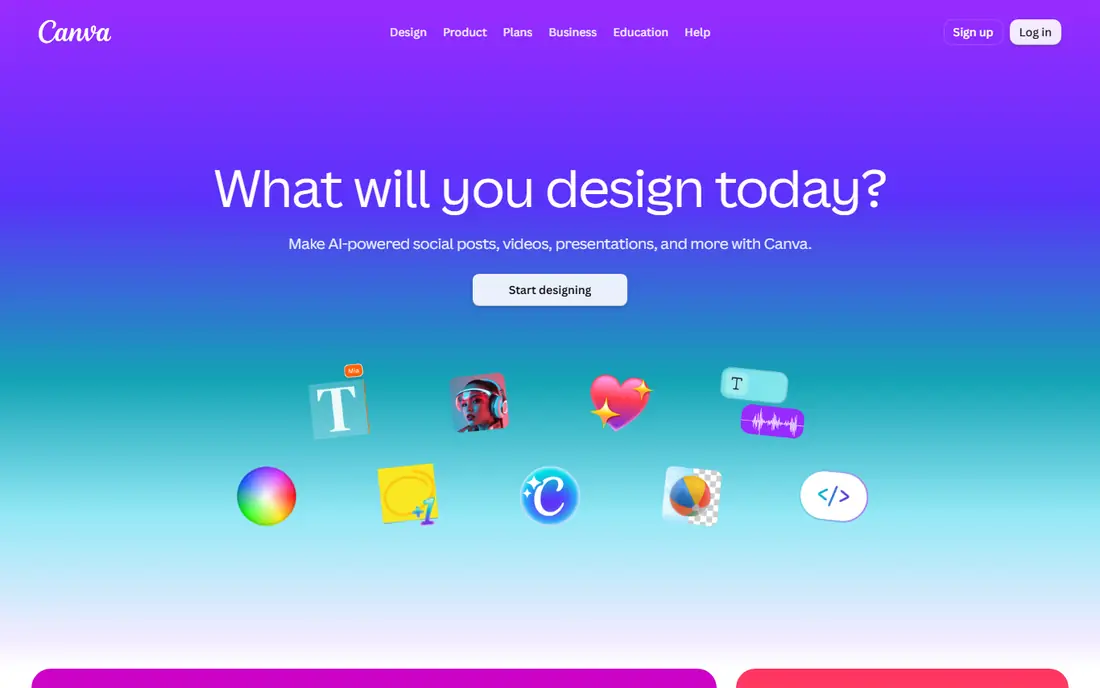
Canva suits creators who already design social graphics and want video to match the same brand look. The free plan includes a video editor, templates, stock elements and text tools, so a script can become a captioned social video with consistent colors and fonts. For a small business that posts regularly, that brand consistency is often more valuable than a single generated clip.
AI generation itself is limited on the free plan, and generated clips are short, so Canva works best as an assembly and finishing tool rather than a pure prompt-to-video engine. Creators should expect to combine generated clips, stock footage, text and music in the editor. For finished social videos that look on-brand, Canva free plan is a strong and honest choice.
- Free video editor with templates, brand colors and text tools
- Easy path from design to video
- No watermark on most free exports
- AI generation allowances on the free plan are limited
- Generated clips are short and need assembly into a full video
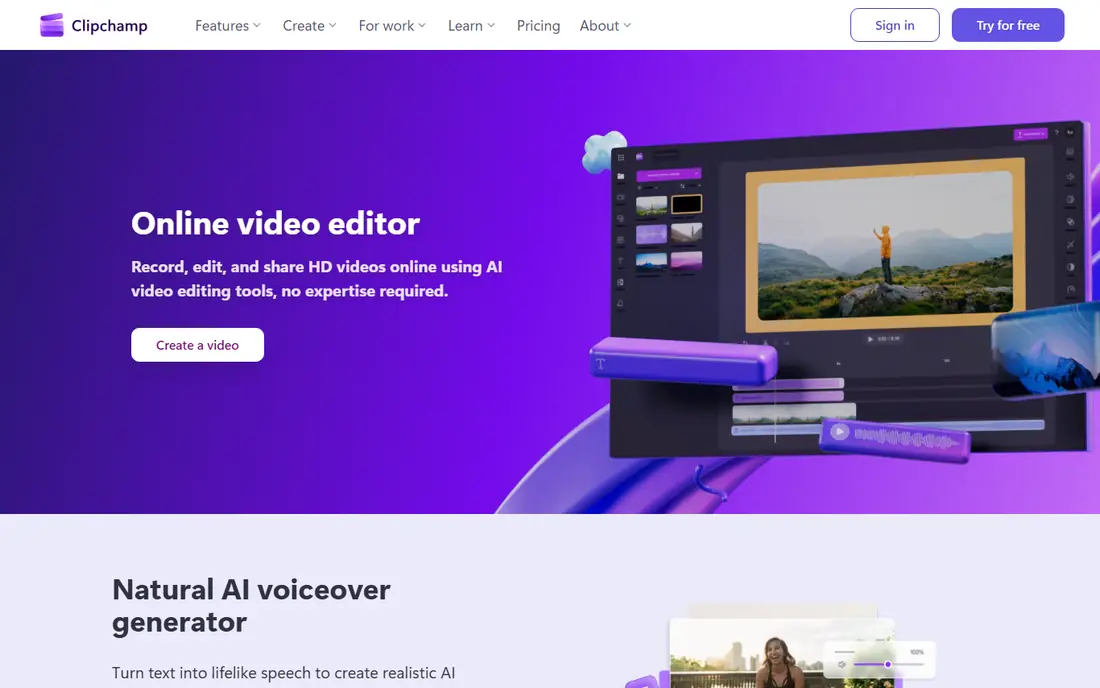
Clipchamp, from Microsoft, is a straightforward free editor for creators who want to turn text, stock and clips into a finished video without learning a complex tool. The free plan supports editing, templates, captions and exports, and it fits naturally into a Windows and Microsoft 365 workflow. For a beginner, the simple timeline and guided templates reduce the time from idea to export.
The trade-off is generation depth. Clipchamp does not match dedicated AI generators for prompt-to-clip creativity, and some premium stock and features require payment. It works best when the creator supplies a script and structure, then uses Clipchamp to assemble, caption and export the result. For a free, no-fuss finishing tool, it earns its place here.
- Free editor with 1080p exports reported for free workflows
- Simple timeline and templates
- Works well with Microsoft accounts
- AI text-to-video depth is thinner than dedicated generators
- Some stock and premium features need a paid plan
InVideo free plan is one of the more generous script-to-video options, with about 10 AI-generated video minutes per week reported in recent guides. A creator can paste a script, choose a style, and get a video with stock footage, music, captions and transitions, which makes it useful for testing ad concepts, explainers and social posts before paying.
The limits are clear and should shape expectations. Free exports carry a watermark, resolution is capped at 720p, and commercial use terms for free exports are restricted, so free videos suit testing and drafts rather than a monetized channel. Credit pools for voiceover, generation and stock also run separately, so one pool can run out while others remain. For learning the workflow and judging output quality, InVideo free plan is genuinely useful.
- Free plan with weekly video minutes
- Script-to-video workflow with stock, music and captions
- Templates for marketing and social posts
- Free exports are watermarked and capped at 720p
- Credits split across voiceover, generation and stock, which can confuse new users
Fliki focuses on voice. A creator can turn a script, blog post or slide deck into a voiced video, choosing from hundreds of voices across many languages, with captions and stock visuals added in the same project. That voice-first approach suits faceless explainers, short lessons and social videos where narration carries the message.
The free plan is tight. It offers 3 credits per month, with no card required, and free exports are 720p with a watermark. Editing a script can cost credits again, because voice generation runs on each change. Fliki free plan is therefore best for hearing voice quality, testing a workflow, and making a short draft, not for a weekly publishing schedule. For voice quality on a free test, it still stands out.
- Free plan with no card required
- Large voice library across many languages
- Script, blog and slide workflows in one place
- Free allowance is small, at 3 credits per month
- Free exports are watermarked at 720p
- Commercial rights sit on paid plans
Kling AI is the strongest free option for creators who want realistic generated footage rather than a finished narrated video. Daily free credits let a creator test prompts every day, rather than spending a one-time allowance in a single session, and the model handles motion and physical detail better than many free rivals. That makes Kling useful for concept clips, product shots and short cinematic sequences.
The limits matter for publishing. Free exports carry a watermark, commercial use is not included on the free tier, and daily credits expire, so a creator cannot save credits for a large project. Generated clips also need editing, captions and sound added elsewhere. For free experimentation and short test footage, Kling AI offers more volume than most tools in this list.
- Daily free credits reported at about 66 per day
- Realistic motion and physics in generated clips
- Longer clips than some rivals
- Free exports are watermarked and not licensed for commercial use
- Credits expire daily, so unused credits do not carry over
Pika suits creators who want quick, stylized clips for social posts, effects and concept tests. The free Basic plan gives regular credits, the prompt workflow is simple, and generation is fast enough to try several variations of one idea. For a creator testing a visual style or a short hook, that speed matters more than long-form video features.
Free output is limited in resolution and length, and commercial use requires a paid plan, so Pika free clips suit drafts, social tests and personal projects rather than client work. Pika also generates clips, not finished narrated videos, so captions, voiceover and editing still need another tool. For fast, fun, short-form generation at no cost, Pika is a solid free pick.
- Free Basic plan with regular credits
- Fast generation for stylized and effect-driven clips
- Simple prompt workflow
- Free clips are lower resolution and watermarked in many cases
- Commercial use sits on paid plans
- Clip length is short
Google AI Studio gives creators rate-limited free access to Veo video generation, which produces raw footage from a text prompt. For pure generation quality, Veo output is strong, with coherent scenes and motion that suit short cinematic clips. Creators who already edit in CapCut, Canva or another editor can use AI Studio as a footage source and finish the video elsewhere.
The tool is not a finished video maker. There is no timeline editor, no template library and no avatar workflow, and rate limits mean it suits a few short clips per day rather than a full content schedule. Terms and limits also change, so creators should check the current rate limits in their account. For free, high-quality raw clips to edit by hand, Google AI Studio is a useful and honest entry.
- Rate-limited free access to Veo generation
- High-quality raw footage without a visible watermark in many cases
- No paid trial gate for basic access
- No editor, templates or avatars included
- Rate limits suit a few short clips per day, not bulk production
- Output still needs editing
How we picked these
We compared official pricing and free plan pages, plus recent guides, for tools that offer a continuing free plan or free access tier for text-to-video work in October 2026. We kept only tools where the free tier is ongoing, not a trial that ends after a set number of days, and we left out tools that require payment before any generation. We also left out any tool that no longer offers a free tier in 2026, even when older reviews still describe one, because a list titled completely free must match current terms.
What to check before you publish a free video
Start with the license, not the watermark. Several free plans in this list watermark exports, cap resolution at 720p, or exclude commercial use, which means a free video may suit a test or a personal post but not a monetized channel, an ad or client work. Read the license terms in the account before publishing, and upgrade when a video will earn money or represent a client.
Next, plan around caps. A tool that gives a few minutes or credits per month will not cover a weekly schedule, while a tool with daily credits rewards short, regular testing. Match the tool to the publishing pace, and keep a second free tool in reserve for weeks when the first tool runs out. Finally, label AI-generated content where the platform requires it, and check generated footage for errors in hands, text and faces before posting, because free generation still produces artifacts.
Frequently asked questions
What are the best completely free text to video ai tools?
CapCut and Canva are the best free picks for finished social videos, InVideo and Fliki are the best free picks for voiced script-to-video drafts, and Kling AI, Pika and Google AI Studio are the best free picks for short generated clips. The right tool depends on whether the goal is a finished post or raw footage to edit.
Are these tools really free, or just free trials?
Every tool in this list offers a continuing free plan or free access tier, not only a trial that ends after a set number of days. Free tiers still carry limits on minutes, credits, resolution, watermarks or commercial use, and those limits are stated in each product section above.
Can I use free AI video tools for commercial work?
It depends on the tool and the plan. Several free tiers in this list exclude commercial use or watermark exports, so a free video may not be licensed for ads, client work or a monetized channel. Check the license terms in the account, and move to a paid plan when a video will earn money or represent a business.
Which free tool gives the most video per month?
Kling AI, with daily free credits, and InVideo, with weekly video minutes, give more regular free volume than Fliki, whose free plan is limited to 3 credits per month. CapCut and Canva do not publish a simple monthly minute cap for all free workflows, so their practical limit depends on which premium features a project uses.
Do free AI video tools add a watermark?
Some do and some do not. InVideo, Fliki, Kling AI and Pika watermark free exports in many cases, while CapCut and Canva free exports often carry no watermark for standard workflows. Check the export in the account before publishing, because watermark rules can vary by feature and export type.
Sources
See where you really rank - block by block
ProMapRanker scans Google Maps across a grid of your service area. Simple monthly plans from $19, white-label on every plan.
Start freeKeep reading
 zscaler alternatives
Best Zscaler Alternatives in 2026
Looking for zscaler alternatives? We compare 9 SASE and zero trust platforms on architecture, data protection, pricing, and fit for your network and team.
Read → zapier alternatives free
Best Zapier Alternatives Free in 2026
Nine automation tools for zapier alternatives free in 2026, all with genuinely free tiers, plus free plan limits, starting prices and upgrade paths explained.
Read → which platform is best for online reputation
Which Platform Is Best for Online Reputation in 2026
Wondering which platform is best for online reputation? We compare 8 review, listing, and response tools for small and multi-location businesses and agencies.
Read →