 ProMapRanker
Best Company to Remove Personal Information From Internet in 2026

Key takeaways
- Incogni and DeleteMe lead on automated broker coverage and regular follow-up, with different reporting styles.
- Optery gives the most control over which sites are checked, including a free scan tier for self-service users.
- Aura suits buyers who also want identity protection, antivirus, and a VPN in one bundle.
- No service can remove everything, since public records, news, and social posts you control need separate handling.
Quick comparison
| Pick | Great for | Pricing starts at | Free tier | |
|---|---|---|---|---|
 Incogni | Hands-off broker removal | $7.99 per month | No | Visit |
 DeleteMe | Detailed privacy reports | $10.75 per month | No | Visit |
 Optery | Flexible coverage and screenshots | Free | Yes | Visit |
 Aura | Identity protection bundle | $12 per month | No | Visit |
 Kanary | Guided privacy management | See website | Yes | Visit |
 OneRep | People-search site focus | See website | No | Visit |
 EasyOptOuts | Lowest cost basic removal | $19.99 per year | No | Visit |
 Mozilla Monitor | Breach alerts and simple removal | See website | Yes | Visit |
The best companies to remove personal information from the internet
We compared these services on broker coverage, rescan frequency, proof of removal, family plans, and price. Remember that removal takes time, and listings can return when broker databases refresh, so ongoing monitoring matters more than a one-time cleanup.
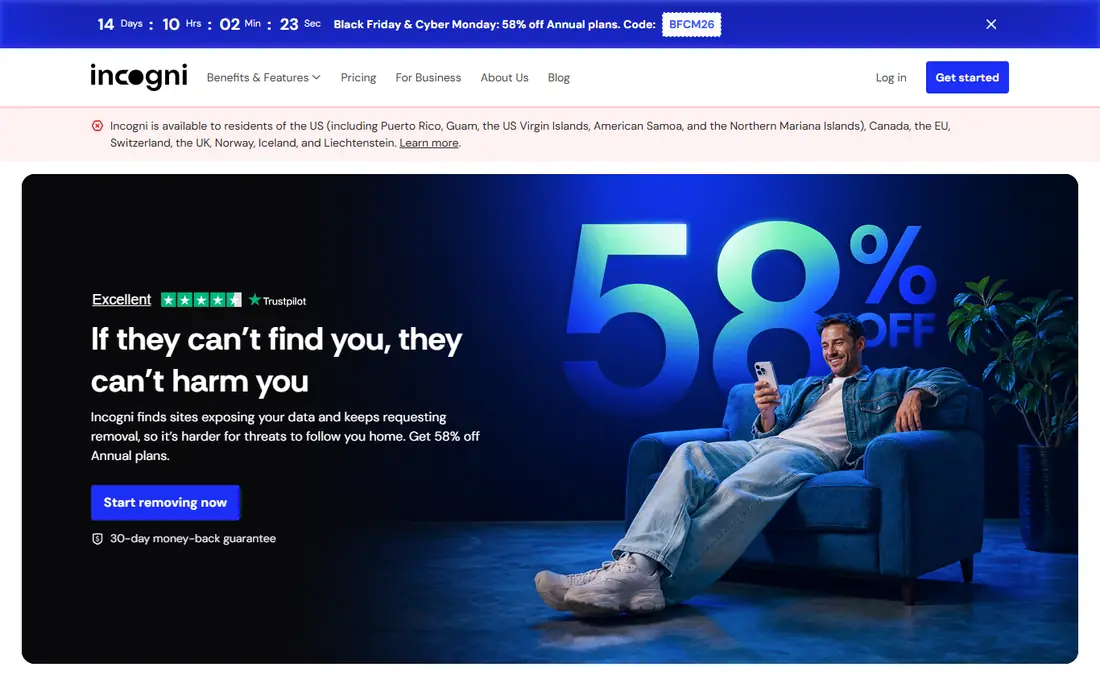
Incogni fits a person who wants to set up removal once and let the service keep chasing brokers. After you confirm your identity, it sends removal requests to data brokers and people-search sites, then repeats those requests over time as listings reappear. That repeat cycle matters, because a single removal rarely holds for long when brokers refresh their data from public records and other sources.
The main limit is tiering. The standard plan covers its automated broker list, while custom removals for additional sites need a higher plan. Check the current broker list before you pay, and look for the sites that actually publish your details, rather than judging the service by the headline count alone.
- Automated requests to a large broker list
- Recurring follow-up
- Clear in-app request tracking
- No free plan
- Custom removals sit on higher tiers
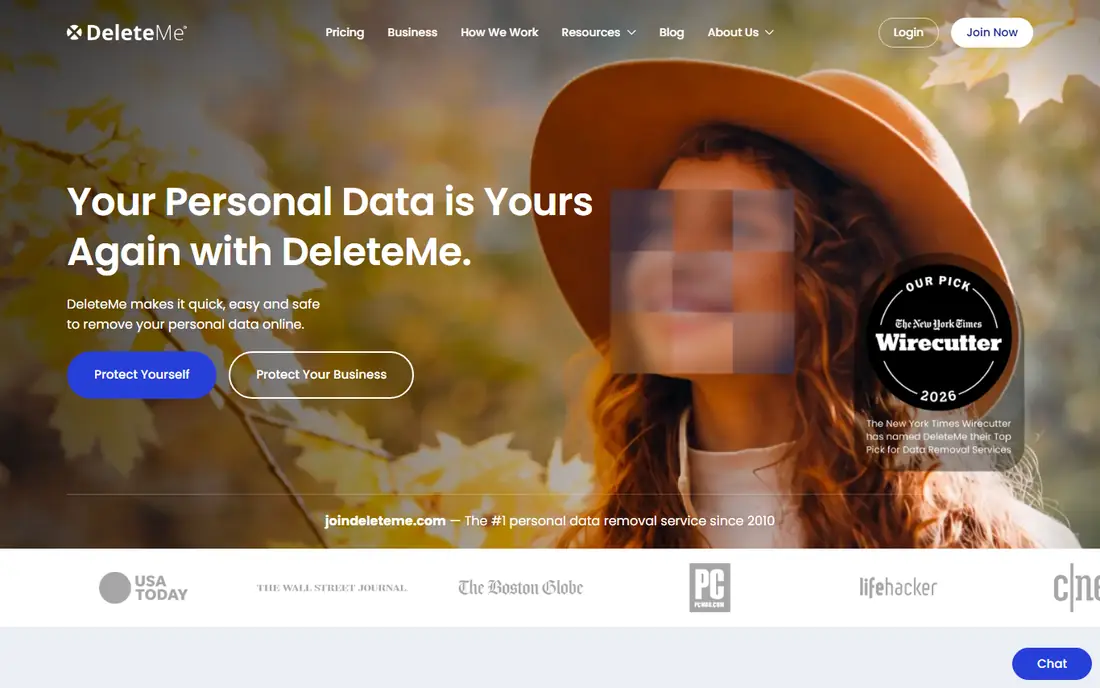
DeleteMe suits a user who values human oversight and a readable report over a bare dashboard. Its team reviews broker listings and submits removals, then summarizes progress in a quarterly privacy report. That report style helps if you want a record to keep, or if you are cleaning up details for a household and want to see what changed over a period.
Quarterly reporting also means you may not see each removal as it happens, which can feel slow if you are dealing with an urgent listing. For urgent cases, contact support directly and ask about expedited handling for specific sites. Also note that DeleteMe cannot remove information from sources that are legally public, such as court records, and it cannot control what you post yourself.
- Human-reviewed removal work
- Quarterly privacy reports
- Family and couples plans
- Higher annual cost than some rivals
- Reports arrive quarterly rather than in real time
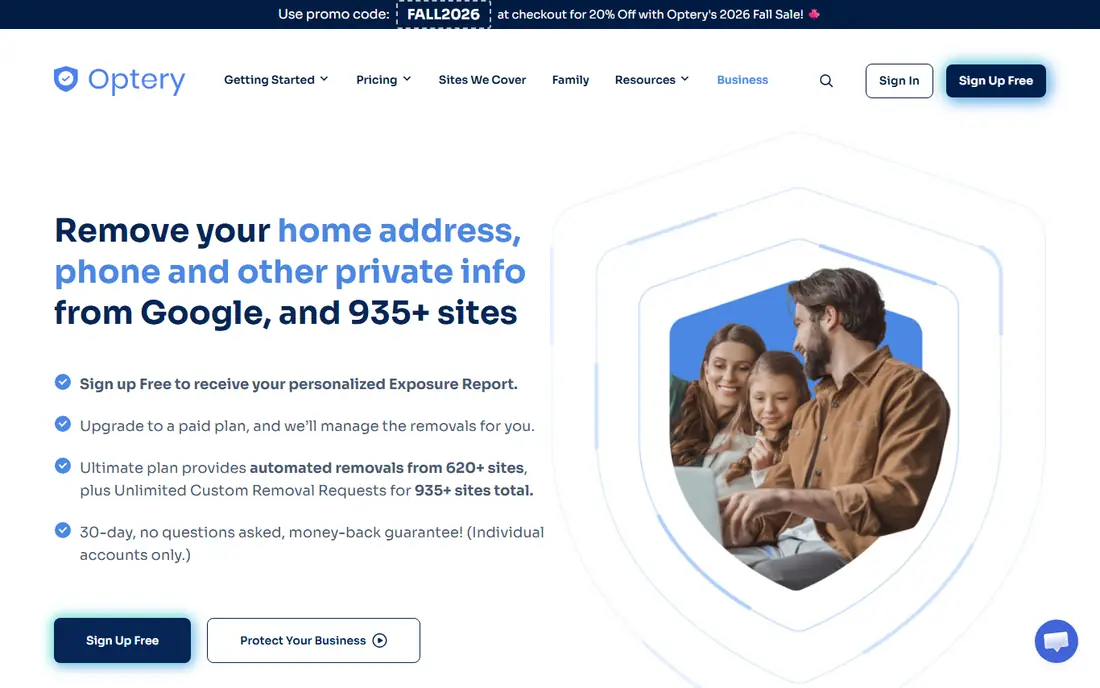
Optery is a good starting point if you want to see where your details appear before paying. Its free tier scans and reports exposures, while paid tiers submit removals and, on higher tiers, provide screenshots as proof. That proof is useful, since a broker page can look removed in one search and still show your details under a slightly different spelling or address.
The tier range can be confusing, so compare the site count and rescan frequency for each plan, not just the price. If you have several old addresses or name variations, a higher tier with more sites and custom requests will likely serve you better than the lowest paid tier. Keep your own list of sites where you have seen your details, and check those first after signup.
- Free exposure scan
- Tiered plans up to broad coverage
- Screenshot proof on higher tiers
- Free tier is limited to reports
- Paid tiers vary widely in price
Aura fits a household that wants removal plus wider identity protection in one subscription. Alongside data broker removal, its plans include credit monitoring, identity theft protection, dark web monitoring, a VPN, and antivirus on higher tiers. For a family, that bundle can replace several separate tools, and a single app for alerts is easier to keep up with.
If you only want broker removal, the bundle price is harder to justify, and a focused service may cost less. Check which identity features are included in the exact plan you choose, since tiers differ. Also confirm coverage for children on a family plan, since some features apply to adults only.
- Broker removal plus credit, identity, and dark web monitoring
- VPN and antivirus included
- Family plans
- Removal is one part of a larger bundle
- Higher cost if you only want removal
Kanary suits a user who wants guidance beyond broker removal, including search, social, and AI-related exposures. Its scan shows where personal details appear, and paid plans monitor those exposures on a schedule that depends on the tier. That broader view helps if your concern is not just people-search sites, but also old social profiles and forum posts that still show up in search results.
Because pricing and plan names have changed in third-party listings, treat any older price you see elsewhere as out of date and confirm the current offer on Kanary's own site. For the best result, complete the profile details the service asks for, including past addresses and name variations, since incomplete details lead to missed listings.
- Free initial scan
- Monthly to daily monitoring by plan
- Guided steps for social and search exposures
- Pricing has varied across sources, so confirm the current plan on the site
- Advanced monitoring costs more
OneRep fits a buyer whose main problem is people-search sites that publish a home address, phone number, and relatives. Its service concentrates on that category, with ongoing removals rather than a one-time sweep. That focus can be an advantage if you do not need credit monitoring or a VPN, and you would rather pay for the specific problem you have.
The trade-off is scope. OneRep does not replace a full identity protection bundle, and it cannot remove public records or content you posted yourself. Before paying, list the people-search sites that worry you most and confirm they sit inside its current coverage. If your exposures are mostly on social or shopping sites, a broader service may fit better.
- Focused people-search coverage
- Ongoing monitoring
- Straightforward setup
- Narrower scope than all-in-one bundles
- Pricing and plan details need checking on the site
EasyOptOuts is the pick for a tight budget or a first test of paid removal. At a low annual price, it covers major people-search sites and resubmits removals on its schedule. For many users, the sites that cause the most unwanted contact are the large people-search sites, so a basic service that covers those well can be enough.
Expect less hand-holding than premium rivals. Rescans are less frequent, and reporting is simpler, so you may need to check key sites yourself from time to time. That is a fair trade at this price, but it is not the right choice if you need fast handling, custom removals, or detailed proof for many sites. Pair it with free breach alerts and a manual check of your most sensitive listings.
- Very low annual price
- Covers major people-search sites
- Simple setup
- Less frequent rescans than premium services
- Thinner reporting and dashboard detail
Mozilla Monitor suits a user who wants a trusted, low-friction start, especially for breach alerts. Its free tier monitors your email addresses for data breaches and tells you where your details were exposed. The paid tier adds data broker removal, which makes it a natural step up if you already use the free alerts and want the same provider to handle removals.
Do not expect the same broker depth as Incogni, DeleteMe, or Optery. Mozilla Monitor is best as a first layer, or as a companion to a specialist removal service, rather than as the only tool for a serious exposure problem. Use its breach alerts to change passwords and enable two-factor authentication on affected accounts, since removal alone does not undo a breach.
- Free breach monitoring
- Trusted brand
- Simple paid removal option
- Removal coverage is narrower than specialist services
- Not a full identity bundle
How we picked these
We compared official pricing pages, broker coverage claims, rescan schedules, and reporting features, and we cross-checked those claims against current independent comparisons from 2026. We favored services that are still operating, that state their coverage and rescan frequency in plain terms, and that offer a free scan or free tier where claimed. We left out services with unclear current pricing, thin coverage information, or no verifiable operating site.
How to get the most from a removal service
Start by searching your own name, phone number, and old addresses to find the sites that actually publish your details. That list tells you more than any headline broker count, since a service that covers 400 sites you never appear on is less useful than one that covers the ten sites where you do appear. Save screenshots of listings before removal, in case you need them later for a complaint or a follow-up.
Next, clean up what only you can control. Set old social profiles to private or delete them, remove personal details from forum signatures, and ask site owners directly to remove posts that you published. A removal service cannot delete your own posts or legally public records, so that manual step closes a gap no subscription can close. After signup, check your most sensitive listings yourself after a few weeks, and keep the service running for at least several months, since listings often return.
Finally, protect the accounts behind the data. Use unique passwords, turn on two-factor authentication, and set up breach alerts for your main email addresses. Removal reduces exposure, but it does not stop phishing, account takeover, or misuse of data that was already copied. Treat removal as one layer, alongside strong account security and careful sharing of your phone number and address.
Frequently asked questions
Can a service remove all my personal information from the internet?
No service can remove everything. It can request removal from data brokers and people-search sites, but it cannot remove public records, news articles, or content you posted yourself. Think of it as reducing exposure over time, not erasing your online presence in full.
How long does removal take?
Initial removals often take several weeks, since each broker has its own process and response time. Some listings disappear quickly, while others need follow-up requests. Listings can also return when broker databases refresh, which is why ongoing rescans matter.
Do I still need a removal service if I opt out manually?
You can opt out manually for free, and for a small number of sites that is a sound choice. A paid service saves time when your details appear on many sites, and it handles repeat removals that manual opt-outs often miss. If your budget is tight, start with the largest people-search sites yourself.
Will removal stop spam calls and scam messages?
It can reduce them, since fewer public listings mean fewer sources for callers and scammers to harvest. It will not stop all spam, since numbers also spread through breaches, forms, and shared lists. Use call blocking, do not answer unknown numbers, and report scam messages to your carrier.
Is it safe to give a removal service my personal details?
A removal service needs your name, addresses, and sometimes a phone number or date of birth to find and remove matching listings. Choose a service with a clear privacy policy, a stated data handling practice, and a way to delete your account data. Avoid services that ask for more sensitive details than the removal task requires.
Sources
See where you really rank - block by block
ProMapRanker scans Google Maps across a grid of your service area. Simple monthly plans from $19, white-label on every plan.
Start freeKeep reading
 zoro.to alternatives
Best Zoro.to Alternatives in 2026
We compare the best zoro.to alternatives in 2026, listing only legal licensed anime streaming services, from Crunchyroll to free options for fans today.
Read → zip alternatives
Best Zip Alternatives in 2026
We compare the best zip alternatives for buy now, pay later in 2026, covering pay-in-4 plans, fees, spending limits, and credit reporting options today.
Read → yesware alternatives
Best Yesware Alternatives in 2026
Compare the best yesware alternatives for sales email tracking, templates, and sequences, with current pricing and honest tradeoffs for small sales teams.
Read →