 ProMapRanker
Best Company to Digitize Home Movies in 2026

Key takeaways
- Capture and iMemories suit per-tape pricing, while Legacybox and Kodak Digitizing suit box pricing for mixed collections.
- ScanCafe suits large photo and film batches where you want to reject scans you do not want to keep.
- EverPresent suits fragile or local drop-off jobs, while ScanMyPhotos suits very large photo-only batches.
- Turnaround, shipping and quality vary, and originals should be handled with care, so keep a list and photos of what you send.
Quick comparison
| Pick | Great for | Pricing starts at | Free tier | |
|---|---|---|---|---|
 Legacybox | Mixed media in one box | $69.98 for 2 items | No | Visit |
 iMemories | Fast per-tape digitising | $29.99 per tape | No | Visit |
 ScanCafe | Bulk photos and film | $28 per tape | No | Visit |
 Southtree | Simple box service | See website | No | Visit |
 Capture | Per-tape HD and 4K options | $19.99 per tape | No | Visit |
 Kodak Digitizing | Brand box service | $69.99 for 2 items | No | Visit |
 EverPresent | Hands-on and fragile items | $24 per tape | No | Visit |
 ScanMyPhotos | Large photo batches | See website | No | Visit |
 Legacy Digital | Smaller tape batches | $28.50 per tape | No | Visit |
The best companies to digitize home movies
Digitising home movies turns tapes, film reels and photos into files you can watch, share and back up. We compared official pricing pages, service descriptions and public reviews, and we focused on formats accepted, pricing model, turnaround and how originals are returned. Turnaround, shipping and quality vary, and originals should be handled with care.
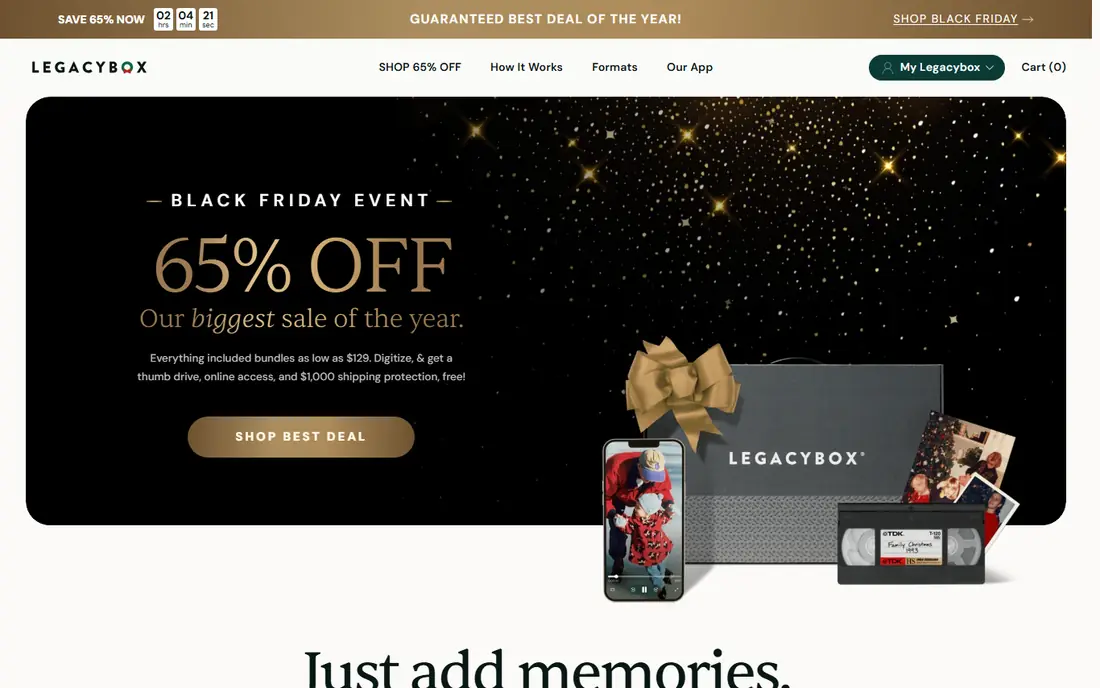
Legacybox is the best-known name for a reason: one box can hold a mix of formats, which suits a family clearing out a cupboard of tapes, reels and photos at once. Published prices list a 2-item box at $69.98, with larger boxes at $319.98 for 10 items, $639.98 for 20 items and $1,249.98 for 40 items. That model is simple when you have a mixed collection and want one shipment.
The downside is cost for a small or single-format job. If you only have three tapes, a per-tape service will usually cost less. Turnaround has also been a common complaint in public reviews, with reports of waits longer than the headline estimate. Order well ahead of any event, and keep a clear inventory before you seal the box.
- Accepts tapes, film, photos, slides and audio in one box
- Well-known national service
- Originals returned
- Box pricing can be costly for a small job
- Turnaround is not always stated clearly
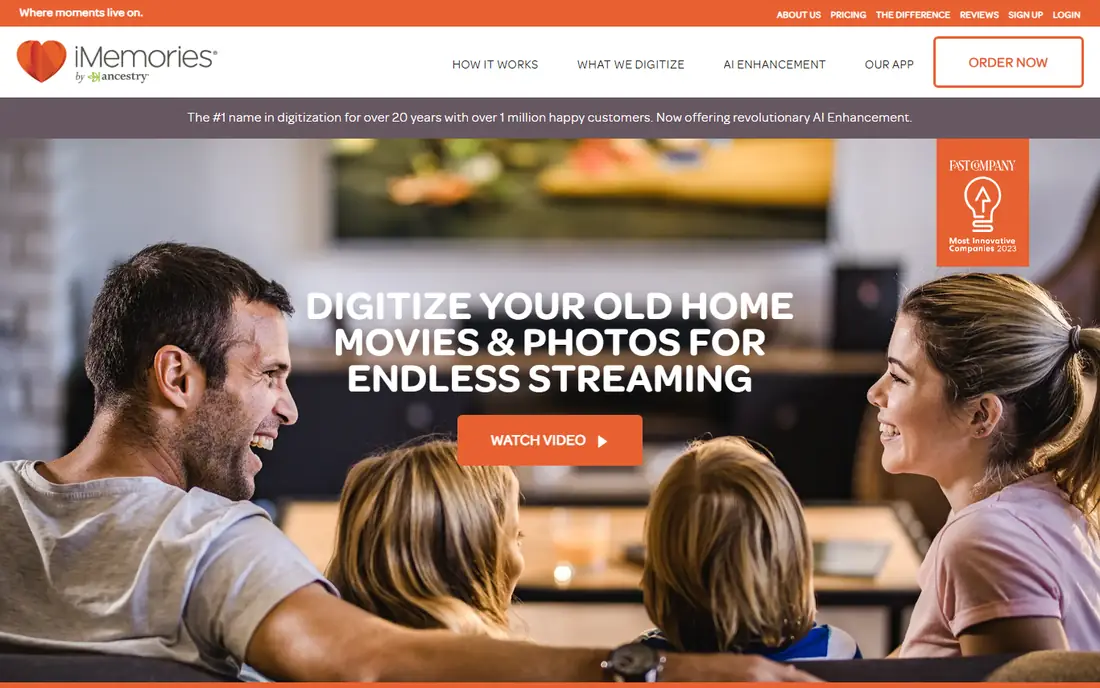
iMemories suits a family that wants to approve a quote before work starts. You send a SafeShip Kit, the firm inventories your items, and you approve the digitising quote item by item. Published standard pricing lists $29.99 per tape and $29.99 per 50 feet of film, with photos at $0.99 each, while promotions often lower those figures. The firm also describes about a week for digitising once items arrive and the order is approved.
The catch is the total bill. The kit, return shipping, USB or disc outputs and the optional cloud plan are separate, so the per-tape price is not the full cost. The cloud plan is optional if you download your masters, so back up those files in at least two places. For speed and quote control, iMemories is a strong pick.
- Per-item pricing with a quote to approve
- Fast turnaround described by the firm
- Free digital download of masters
- SafeShip Kit and cloud costs are separate
- Standard definition only in the basic offer described
ScanCafe is the budget pick for a large, uneven collection. Its distinctive model lets you preview scans and reject a portion before paying, so you do not pay full price for blank or damaged images. Published rates list $0.48 per photo, $0.34 per foot of film and $28 per tape, which makes it easy to estimate a large photo or film job.
The trade-off is time. ScanCafe has historically processed work with longer waits than some domestic services, and its video output is standard definition in published comparisons. If you need 4K video or a fast deadline, Capture or EverPresent may fit better. For a large photo archive where cost and the reject option matter most, ScanCafe is hard to beat.
- Preview and reject model for scans
- Bulk photo pricing at $0.48 per image in published comparisons
- Film at $0.34 per foot
- Turnaround can be longer than domestic rivals
- Video output is standard definition in published comparisons
Southtree offers a straightforward box service for families that do not want to price every item separately. You fill a converter box with tapes, reels or packs of photos, and the firm digitises the contents to MP4 files, cloud or DVD. Its service pages describe standard definition capture at 640 by 480 for analog tape, which is honest about what an old tape can deliver.
The limit is that box pricing and promotions change often, so check the current box price and item definition before you order. One item means one tape, one reel or one pack of 25 photos in the firm's description, which helps you estimate a job. Southtree suits a simple mixed job where ease matters more than 4K output or a detailed quote step.
- Simple converter box model
- Tapes, reels and photo packs counted as items
- MP4 output described by the firm
- Pricing varies by promotion and box size
- Less detail on HD options than some rivals
Capture is our pick for a family that wants a clear per-tape price plus a higher-quality option. It charges $19.99 per tape in standard definition and $39.99 per tape in 4K in published comparisons, with a turnaround of two to three weeks after arrival and under 30 days door to door. It also includes 90 days of free cloud access in the description, which gives you time to download and back up files.
The catch is that photo pricing starts as a batch, not a single photo, so a tiny photo job may cost more than a per-photo rival. USB, DVD and extra outputs also add cost. Capture also fulfils retail digitising services for several large stores, so the direct service and the store service share a facility but may differ in output options. Check the direct offer carefully before you order.
- Per-tape pricing from $19.99 in standard definition
- 4K option at $39.99 per tape in published comparisons
- 90 days of free cloud access described
- Photo pricing is batch based, not purely per photo
- Add-ons for USB and discs cost extra
Kodak Digitizing suits a first-time sender who wants a familiar brand and a predictable box model. Published list prices run $69.99 for 2 items, $299.99 for 10 items, $599.99 for 20 items and $1,199.99 for 40 items, with 25 photos counting as one item. It accepts tapes, film, slides and photos, and delivers by USB, DVD or download with originals returned.
The limit is the same as Legacybox: box pricing is poor for a tiny job, and sale prices can make the list price hard to judge. Turnaround is quoted at about four to six weeks in published comparisons, which is clearer than some rivals. If brand trust and a simple box matter most, Kodak Digitizing is a safe choice. If you have only a few tapes, compare per-tape prices first.
- Trusted brand name
- Wide media range in one box
- Turnaround quoted at about four to six weeks in published comparisons
- Box pricing, not per-item pricing
- Sale prices change often, so list price can mislead
EverPresent is the premium, hands-on option, and it suits fragile, oversized or valuable originals. You can drop items off locally where it has shops, arrange pickup in its areas, or mail items in with a prepaid label. Published tape pricing lists $24 per tape for the first 10 tapes and $19 per tape beyond 10, with photos at $0.98 each for the first 200 and $0.68 after that, plus a $50 service fee per order in published comparisons.
That care costs more than a bulk national service, especially for photos. The value is human handling, a quality check by eye, and easier access to staff if a tape is damaged or unusual. If your originals are fragile, or you want to hand them to a person rather than a shipping label, EverPresent justifies its higher price.
- Local drop-off and pickup in its service areas
- Careful handling of fragile items
- Volume discount for more than 10 tapes
- $50 service fee per order in published comparisons
- Premium per-photo pricing
ScanMyPhotos suits a family with boxes of prints and slides, rather than a handful of tapes. Its workflow is built for bulk photo scanning, which helps when you have thousands of images and want them digitised in organised batches. That photo focus makes it a good partner to a tape service, rather than a replacement for one.
The limit is range. If tapes and film are your main job, a mixed service such as Legacybox, Capture or EverPresent will cover more formats in one order. Also check current batch pricing, since bulk photo pricing depends on volume, resolution and output options. For a photo mountain, ScanMyPhotos is a practical and focused pick.
- Built for very large photo scanning batches
- Fast bulk workflow
- Photo-focused service
- Photo-first, not the widest tape and film range
- Pricing depends on batch size and options
Legacy Digital suits a smaller tape job where you want clear handling of damaged tapes. Published pricing lists $28.50 per tape at the regular rate, with a $50 minimum order, and tapes longer than two hours count as multiple units. Its service pages stress assessing moldy or snapped tapes before playback, which is the right approach for fragile originals.
The downside is the minimum order and the two-hour unit rule, which can raise the cost of a long tape collection. Turnaround is also not fixed, since it shifts with volume and tape condition, so ask for a date when you order. For a modest, careful tape job, Legacy Digital is a solid and transparent option.
- Clear per-tape pricing
- Damaged-tape assessment before playback
- MP4 as the default file format
- $50 minimum order in published comparisons
- Tapes over two hours count as multiple units
How we picked these
We compared official pricing pages, service descriptions and published 2026 comparisons, and we kept only companies that still offer home movie digitising in October 2026. We favoured firms with clear format lists, stated pricing models and a returns policy for originals, and we avoided firms with no current service page. Where pricing varied by promotion or box size, we used the published list figure or See website rather than inventing a sale price. Turnaround, shipping and quality vary, and originals should be handled with care.
How to prepare your originals
Start with an inventory. List every tape, reel and photo batch, note the format, and take photos of labels and boxes before you pack anything. That list helps you check the return shipment, and it helps the lab if a label is unclear. Keep a copy of the list at home, not just in the box.
Next, pack for transit. Use sturdy boxes, padding and waterproof bags where the service provides them, and keep tapes in their cases. Do not send your only copy of anything without a plan for loss or damage, and read the terms on liability before you ship. For fragile or moldy tapes, flag them in advance and ask how the firm handles them.
Finally, plan your backup before the files arrive. Download masters as soon as they are ready, copy them to two separate places, and check that the files play. Cloud access from a digitising firm is a delivery method, not a permanent archive, and free cloud windows expire. A simple backup habit protects the work you just paid for.
Frequently asked questions
How much does it cost to digitize home movies?
It depends on format, pricing model and add-ons. Per-tape prices in this list range from about $19.99 to $29.99, while box services charge by box size and photo services charge per image or per batch. Add kit, shipping, USB, disc and cloud costs to get the true total, and approve any itemised quote before work starts.
How long does digitising take?
It varies by firm, volume and tape condition. Published turnarounds in this list range from about one week for iMemories digitising after arrival to four to six weeks for box services, plus shipping both ways. Order well ahead of a birthday, anniversary or memorial event, and send the most important items first if time is tight.
Will I get my originals back?
Most firms in this list say they return originals, but shipping always carries some risk, and terms on liability vary. Keep an inventory and photos of what you send, use the packing materials provided, and read the return and liability terms before you order. For very fragile items, a local drop-off service may feel safer than shipping.
What file format should I ask for?
MP4 with H.264 is the safe default, since it plays on most phones, TVs and computers. Ask for digital files first, and treat DVDs only as an extra playback copy, not as your archive. Check the resolution offered, since standard definition, HD and 4K options differ in price and in what an old tape can actually deliver.
Can damaged or moldy tapes be digitised?
Sometimes, but not always, and playing a damaged tape without assessment can make it worse. Flag mold, snapped tape or sticky tape when you order, and ask how the firm assesses and quotes handling before playback. Some firms will not repair heavily damaged housings, so set expectations before you send them.
Should I use the cloud plan offered by a digitising firm?
Use it for delivery and sharing, but do not rely on it as your only copy. Download your masters, back them up in two places, and check whether a free cloud window renews as a paid plan. If you do not need ongoing cloud access, a free download plus your own backup is usually enough.
Sources
See where you really rank - block by block
ProMapRanker scans Google Maps across a grid of your service area. Simple monthly plans from $19, white-label on every plan.
Start freeKeep reading
 worlds best local seo company
8 Worlds Best Local SEO Companies for Map Pack Growth in 2026
Compare the worlds best local seo company options for Google Business Profile work, citations, reviews, and multi-location rankings and reporting in 2026.
Read → world's best web hosting company
World's Best Web Hosting Company in 2026
Searching for the world's best web hosting company? We compared 10 hosts on price, renewal rates, speed, and support to help you choose well today in 2026.
Read → who's got the best nanny tax services
Who's Got the Best Nanny Tax Services in 2026
We answer who's got the best nanny tax services, comparing full filing, back taxes, software, and pricing so families can handle nanny taxes correctly.
Read →