 ProMapRanker
Best Company Password Managers in 2026

Key takeaways
- Bitwarden gives small companies the lowest clear per-user price we found, while 1Password is the easiest for most teams to adopt.
- Shared vaults, guest access, and one-click offboarding matter more than a long feature list for a company account.
- SSO and SCIM are often gated to higher tiers, so check the exact plan before you assume they are included.
- A free personal plan does not mean a free company plan, and several business plans have minimum seat counts.
Quick comparison
| Pick | Great for | Pricing starts at | Free tier | |
|---|---|---|---|---|
 1Password | Most companies | See website | Free trial | Visit |
 Bitwarden | Best value | $4 per user per month | Yes | Visit |
 Keeper | Admin controls | See website | Free trial | Visit |
 Dashlane | Credential risk alerts | $8 per user per month | Free trial | Visit |
 NordPass | Simple team setup | See website | Free trial | Visit |
 Proton Pass | Privacy focused teams | See website | Free trial | Visit |
 Zoho Vault | Zoho users | See website | Free trial | Visit |
 LastPass | Large established teams | See website | Free trial | Visit |
 RoboForm | Small teams on a budget | See website | Free trial | Visit |
The best company password managers
These tools help a company store, share, and revoke logins in one place, instead of leaving passwords in chats, spreadsheets, and browser notes.
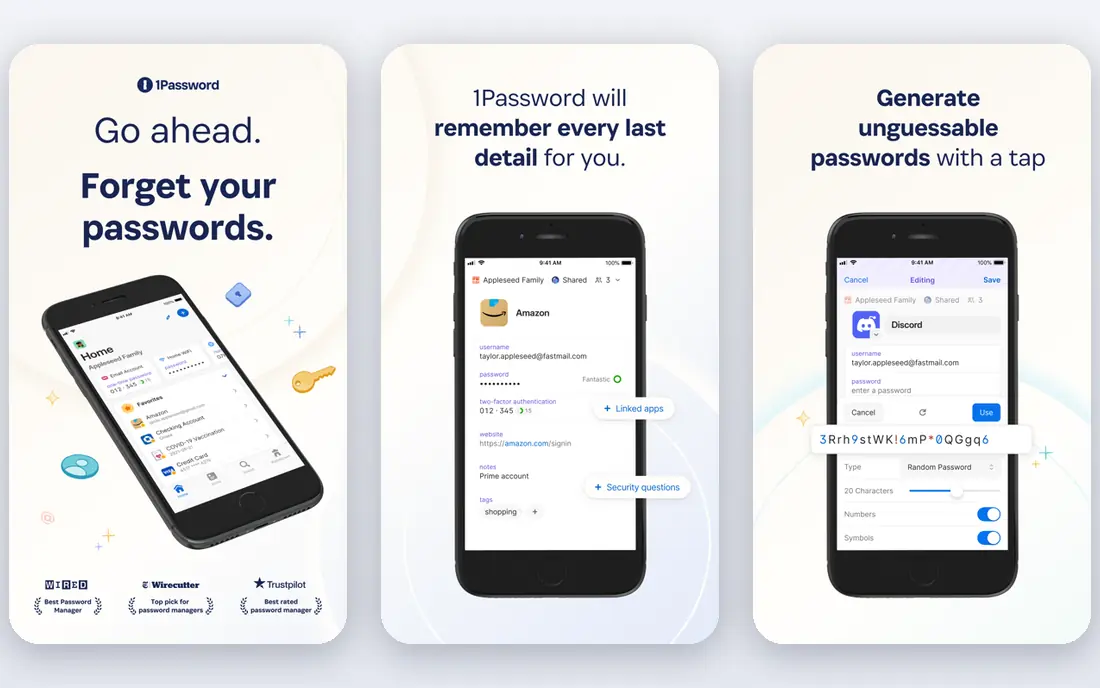
1Password is our pick for most companies because the day-to-day experience is plain and consistent. Staff can save logins, passkeys, and secure notes, and managers can share vaults with specific teams rather than handing out one master list. Admins get activity logs, vault reports, and tools for removing access when someone leaves, which is the part that saves real trouble later.
The catch is price and plan tiers. Smaller teams can start with a starter pack for up to ten members, but growing companies should check the business plan price and confirm which identity features are included. If your company already uses a single sign-on provider, confirm that the tier you plan to buy supports it before you roll the tool out to everyone.
- Clear shared vaults
- Strong admin controls
- Wide app and browser support
- Higher cost than budget rivals
- SSO and advanced provisioning sit on higher plans
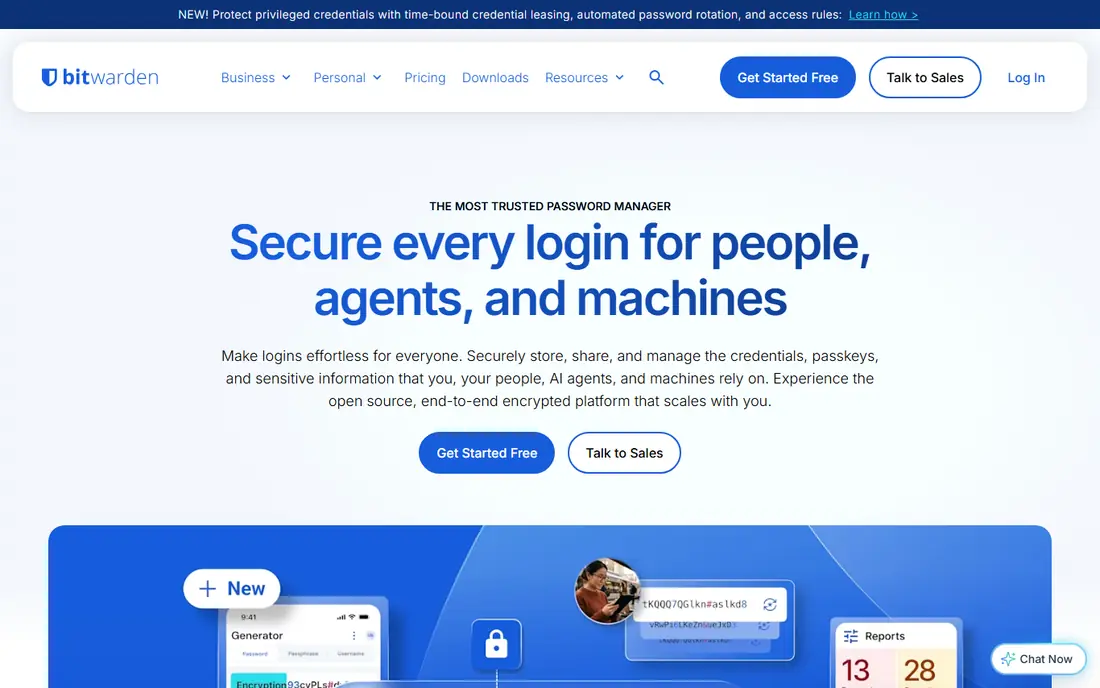
Bitwarden stands out on value. Its Teams plan is priced at $4 per user per month when billed annually, and it includes shared collections, directory sync, and event logs for admin review. The code is open source, which lets security teams and outside reviewers inspect how it works, and that openness is a genuine point in its favor for careful buyers.
The trade-off is polish. The interface is functional rather than flashy, and staff who expect a consumer-style app may need a short onboarding session. Companies that need single sign-on should look at the Enterprise plan, since that feature is not part of the lowest team tier. For a small company that wants solid controls without a large bill, Bitwarden is hard to beat.
- Low team price
- Open source code
- Self-hosting option for larger plans
- Interface feels plainer than rivals
- Some admin features need the higher plan
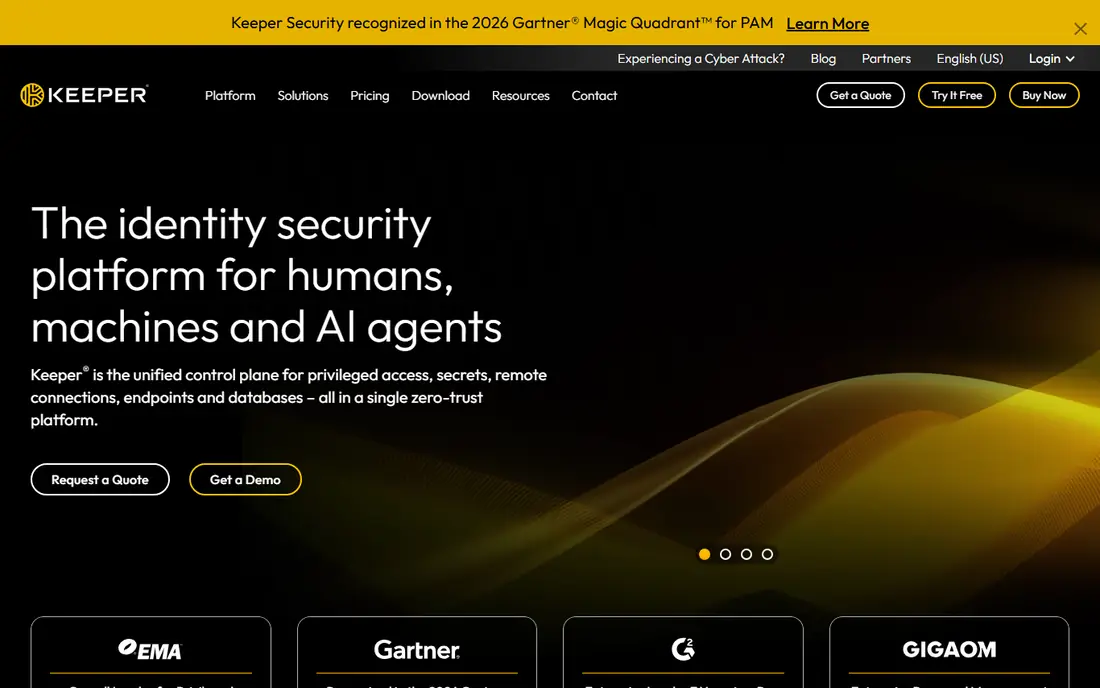
Keeper suits companies that want tight control over who sees what. Admins can set roles, limit folder access, require policies, and review detailed reports on vault activity. It also offers a path toward privileged access management for companies that later need to protect admin accounts and servers, not just web logins.
That depth comes with a more complex buying decision. Several useful tools are sold as add-ons, so the headline plan price may not reflect the final bill. We suggest listing the exact controls you need, such as single sign-on, provisioning, and reporting, and asking for a written quote that covers all of them before you commit.
- Detailed role and folder controls
- Strong reporting
- Privileged access add-ons
- Useful extras can add cost
- Pricing varies by plan and quote
Dashlane is a good fit for companies that want a polished product with proactive alerts. Staff get an easy vault and autofill, while admins can see weak, reused, and compromised passwords across the team. Higher tiers add phishing alerts and deeper credential risk detection, which helps a company spot a problem before it turns into an account takeover.
The main drawback is cost. At $8 per user per month for its password management tier when billed annually, it sits above Bitwarden and several budget rivals. Companies that only need basic sharing may not need the risk features, so compare the lower tier against the higher tier carefully and pay for the risk tools only if someone will act on the alerts.
- Polished apps
- Dark web monitoring
- Phishing alerts on higher tiers
- Higher price than budget options
- Best risk tools need a higher plan
NordPass keeps team setup simple, which matters when the person running it also runs several other jobs. Admins can invite staff, organize shared items, and check for passwords that have appeared in known breaches. Teams that already use Google Workspace often find the onboarding smooth, since the identity options line up well with that setup.
The limits show up at scale. Single sign-on with some providers and automated provisioning are tied to higher plans, so larger companies should map those needs early. Pricing also changes with billing term and seat count, so confirm the total for your actual team size rather than relying on a headline rate.
- Simple admin panel
- Breach scanner
- Works well for Google Workspace teams
- Advanced identity features need higher tiers
- Pricing varies by term and seat count
Proton Pass appeals to companies that put privacy first. Vault items are end-to-end encrypted, the apps are open source, and the service sits alongside Proton Mail, VPN, and Drive for teams that want one privacy focused account. Shared vaults and admin controls cover the basics a small company needs, and the design is clean enough for non-technical staff.
The business side is newer than 1Password or Keeper, so companies with complex compliance checklists should test the admin tools and export options during a trial. Single sign-on and automated provisioning are part of the higher professional tier, not the entry tier. For a small team that values privacy and a simple vault, it is a strong option.
- End-to-end encryption
- Open source apps
- Swiss based provider
- Newer business ecosystem than older rivals
- Some features need the higher plan
Zoho Vault is the natural choice for companies already running Zoho apps. It stores team passwords, shares them by group, and tracks access in a straightforward admin panel, and it pairs naturally with Zoho's wider business suite. The price is also low compared with many rivals, which makes it easy to justify for a small team.
Outside the Zoho world, the case is weaker. Companies that rely on Google Workspace or Microsoft 365 may find deeper identity integrations elsewhere, and advanced provisioning options are thinner. If your company already pays for Zoho, try Vault first. If not, weigh it against Bitwarden on price and against 1Password on ease of use.
- Low cost
- Tight Zoho integration
- Simple sharing controls
- Less suited to companies outside Zoho
- Fewer advanced identity options
LastPass remains a familiar name, and many staff have used it before, which can shorten training. Its business plans offer shared folders, admin policies, single sign-on, and directory sync, and the apps cover the major browsers and mobile platforms. For a large team that wants a well-known vendor and a mature console, it still belongs on a shortlist.
Buyers should also weigh its history. LastPass has disclosed security incidents in the past, and some companies now prefer a vendor with a cleaner recent record. We suggest asking for current security documentation, checking the exact plan features, and running a trial with a small group before moving a whole company vault to it.
- Wide platform support
- Mature admin console
- Familiar to many staff
- Past security incidents concern some buyers
- Pricing needs a quote check
RoboForm is a budget friendly way to get a company out of shared spreadsheets. It stores logins, fills web forms, and lets small teams share credentials without passing them around in chat. Setup is quick, and staff who only need a vault and sharing will find little to learn.
The limits matter for larger companies. Admin reporting, provisioning, and policy controls are not as deep as those from 1Password, Keeper, or Bitwarden Enterprise. RoboForm fits a small team with simple needs and a tight budget. Companies that expect to grow past a handful of staff should check the upgrade path before they build their whole process around it.
- Low cost
- Simple form filling
- Easy sharing for small teams
- Business features are thinner than leaders
- Admin reporting is basic
How we picked these
We compared official pricing pages, feature pages, and public security documentation for business password managers in October 2026, and we focused on tools that offer shared vaults, admin controls, and a real business plan. We favored products that are still sold and supported, that publish clear business pricing or a clear quote route, and that cover the major browsers and mobile platforms. We left out consumer-only tools and tools without a company plan.
What to check before you buy
Start with sharing and offboarding, not with the password generator. Ask how a manager shares a login with one team, how guest access works for contractors, and how fast access is removed when someone leaves. Test the import from your current setup, and confirm that staff can still reach critical logins if the admin is away. A tool that is hard to leave is a risk, so check export options during the trial.
Next, match the plan to your identity setup. If you use single sign-on or automated provisioning, confirm those features are in the plan you will actually buy, not just in the top tier shown on a comparison page. Check minimum seat counts, annual billing terms, and whether passkey sharing is supported for the services your team uses most. Finally, set a simple policy: every shared login goes in the vault, personal and work vaults stay separate, and weak or reused company passwords get fixed on a set schedule.
Frequently asked questions
What is the best password manager for my company?
For most companies, 1Password is the easiest to roll out, while Bitwarden is the best value. The right answer depends on team size, identity tools, and budget, so run a short trial with the staff who resist new tools most.
How much does a company password manager cost?
Prices range from a few dollars per user per month to a quote-based enterprise price. Bitwarden Teams is listed at $4 per user per month billed annually, while other vendors vary by plan, seat count, and billing term, so confirm the total for your team.
Does my company need SSO and SCIM?
Larger companies usually do, since single sign-on and automated provisioning reduce manual account work and speed up offboarding. Small teams can often start without them and add them later, but check the upgrade cost before you choose a low tier.
Can staff keep personal passwords separate from work passwords?
Yes, most business tools on this list let staff keep a private vault beside shared company vaults. Admins should still set a clear rule that work logins live in company vaults, so access can be revoked when a role changes.
Is a free plan enough for a company?
A free personal plan is not a company plan, since it lacks shared vaults, admin controls, and offboarding tools. Some vendors offer a free tier for individuals, but a company should buy a business plan once more than a few people share logins.
How do we move from spreadsheets to a password manager?
Import the spreadsheet into a trial vault, clean up duplicates and old logins, then invite one team at a time. Change shared passwords as you import them, set vault owners for each team, and remove the old spreadsheet once the move is done.
Sources
See where you really rank - block by block
ProMapRanker scans Google Maps across a grid of your service area. Simple monthly plans from $19, white-label on every plan.
Start freeKeep reading
 zscaler alternatives
Best Zscaler Alternatives in 2026
Looking for zscaler alternatives? We compare 9 SASE and zero trust platforms on architecture, data protection, pricing, and fit for your network and team.
Read → zapier alternatives free
Best Zapier Alternatives Free in 2026
Nine automation tools for zapier alternatives free in 2026, all with genuinely free tiers, plus free plan limits, starting prices and upgrade paths explained.
Read → which platform is best for online reputation
Which Platform Is Best for Online Reputation in 2026
Wondering which platform is best for online reputation? We compare 8 review, listing, and response tools for small and multi-location businesses and agencies.
Read →