 ProMapRanker
Best Company Logos in 2026

Key takeaways
- This article covers logo design services and tools, not a ranking of famous company logos, so you can buy or build a mark for your own business.
- Pay for vector files and full rights if the logo will go on print, signs, packaging, or products, since a small PNG will not stretch well.
- Looka and Brandmark suit founders who want a fast, one-time purchase, while 99designs and Fiverr suit buyers who want original work from a person.
- Free tools can work for a first draft or a side project, but check what you can download and use before you spend time on a design.
- Read the refund terms before you pay, because several logo tools only refund before you download files.
Quick comparison
| Pick | Great for | Pricing starts at | Free tier | |
|---|---|---|---|---|
 Looka | Logo plus a full brand kit | $20 one-time | Free to design | Visit |
 Brandmark | One-time purchase with no subscription | See website | Free to design | Visit |
 Canva | Everyday design plus a logo | Free | Yes | Visit |
 Adobe Express | Editing a logo inside a design suite | Free | Yes | Visit |
 LogoAI | Low-cost AI concepts and brand files | $29 one-time | Free to design | Visit |
 Tailor Brands | Logo as part of starting a business | See website | No | Visit |
 99designs | Original concepts from many designers | See website | No | Visit |
 Fiverr | Hiring a freelance designer directly | See website | No | Visit |
The best company logos
We read this topic plainly as logo design services and tools that help a company create its own logo. The list below mixes AI makers, design software, and services where a person does the work, so you can match the route to your budget and your need for originality.
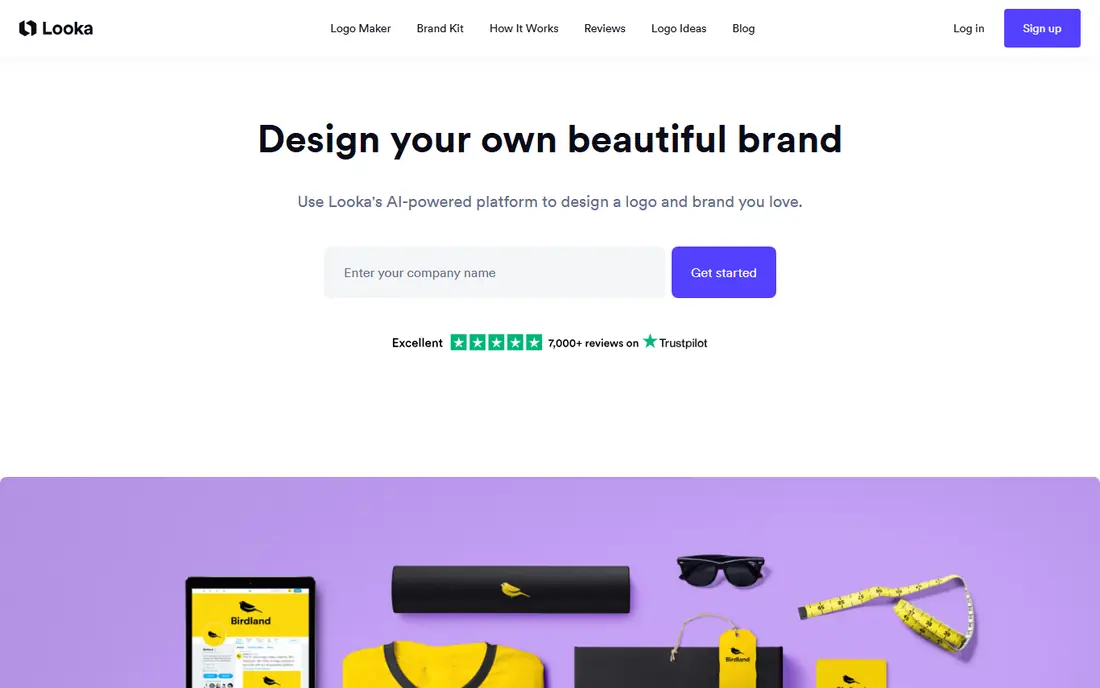
Looka asks about your industry, style, colors, and symbols, then shows a large set of concepts to edit. The editor lets you change fonts, spacing, layout, and icon placement, which helps a non-designer reach a clean result without starting from a blank page. Mockups for cards, shirts, and signs help you judge the mark in real settings before you buy.
The Premium package at $65 one-time is the sensible buy for most businesses, because it adds high-resolution files in PNG, SVG, EPS, and PDF form, with transparent versions and unlimited post-purchase edits. The Brand Kit subscription adds matching social templates, business cards, letterheads, and email signatures. The catch is the refund rule, since payment is generally not refunded once files have been downloaded, so check spelling and spacing closely first.
- Guided setup for beginners
- Wide set of brand templates
- Vector files on the Premium package
- Basic package gives only a low-resolution PNG
- Downloads require payment
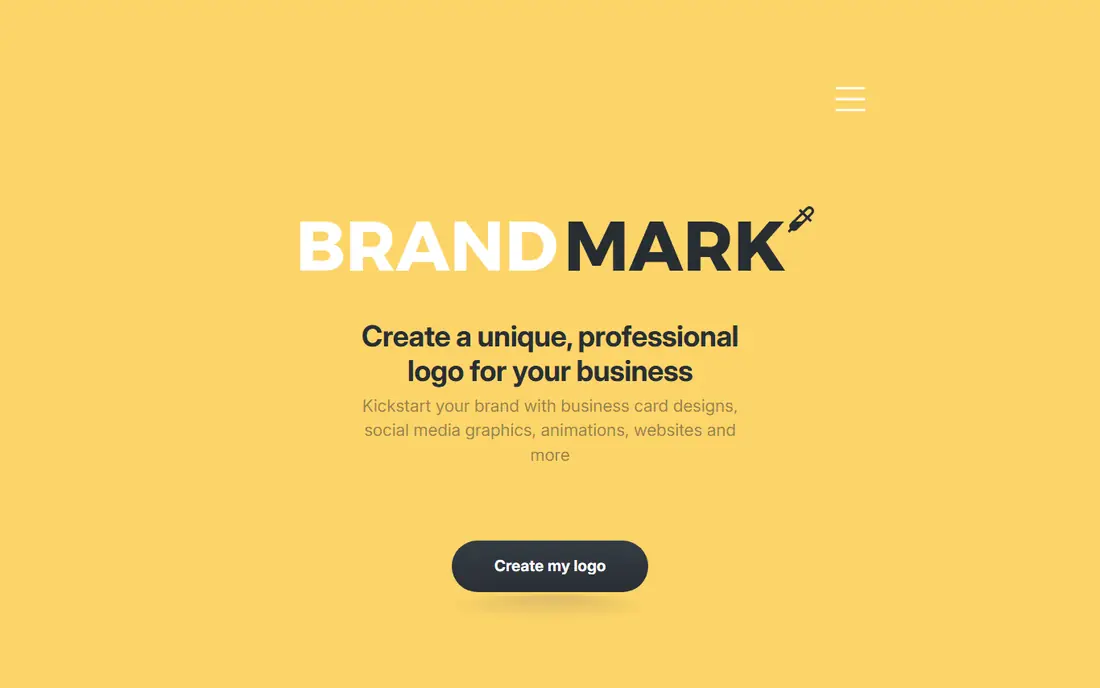
Brandmark generates logo concepts from a short brief and lets you refine colors, fonts, and layouts in the browser. The appeal is simple: you pay once for a package instead of taking on another monthly bill for a logo you may only need once. Higher packages add more file types, social assets, and brand guidance, which matters if other people will use the logo later.
The limit is shared by most AI makers. Concepts come from a shared library of shapes and styles, so two businesses can end up with marks that look related. Heavy customization, or a higher tier with more design help, reduces that risk. For a funded brand that needs a truly distinct mark, a human designer may still be the better spend.
- One-time pricing
- Clean editor
- Brand guide options on higher tiers
- AI output can still feel template-based
- Price varies by package
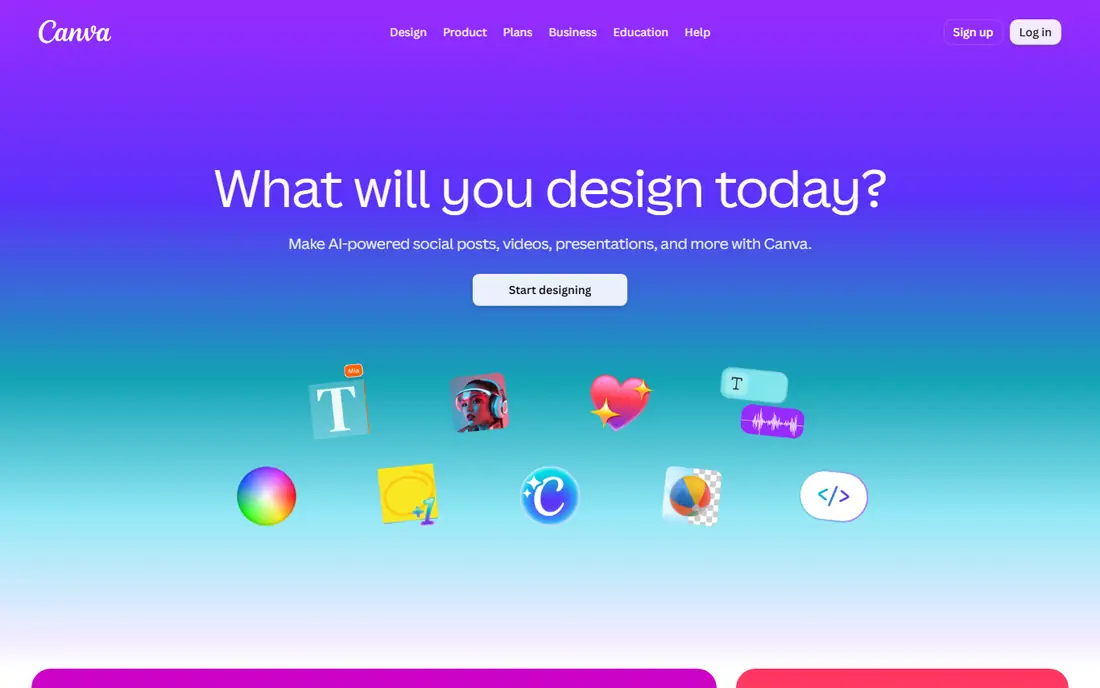
Canva is the practical choice if you already design social posts, flyers, or presentations and want the logo in the same account. You can start from a logo template, swap the icon and text, and adjust colors to match your site. The drag-and-drop editor is forgiving, and brand colors and fonts can be saved on paid plans for repeat use.
The honest trade-off is that a template-based logo is less distinct than a custom mark, and some premium elements require a paid plan for full commercial use. Check the license for any stock icon or image you use, and export a transparent PNG or SVG where your plan allows it. For a new local business that needs a decent mark this week, Canva is hard to beat on speed and cost.
- Huge template library
- Easy editing
- Useful for social posts and decks too
- Free exports are limited
- Logo originality depends on the template you pick
Adobe Express gives you more control than a simple wizard, with text, shape, and image tools that let you shape a mark rather than only pick one. Templates cover many industries, and you can resize the result for social profiles, cards, and web headers. If your team already uses Adobe tools, keeping the logo in that system keeps files and fonts consistent.
The downside is effort. Express does not hand you a finished identity in the same way a guided logo maker does, and a beginner may need extra time to reach a polished result. Premium features and some assets require payment, and export options vary by plan and region. It fits owners who enjoy editing and want one tool for logos and marketing graphics.
- Strong editing tools
- Good template range
- Works well with other Adobe tools
- More decisions fall on you
- Premium features sit behind a paid plan
LogoAI builds concepts from your business name and preferences, then lets you edit fonts, colors, and layouts before purchase. The low entry price makes it a good test bed: you can see many directions without paying, then pay only for the package that gives you the files you need. Higher packages add brand guidelines, mockups, and more file formats.
As with other AI tools, the first set of results needs a critical eye. Check the mark at small sizes, in one color, and on a dark background, since a logo that looks good large can fail as a favicon or a stamp. If you plan to trademark the mark, ask what rights the package gives you and keep the purchase receipt with the final files.
- Low entry price
- One-time packages
- Brand kit options on higher tiers
- Lower tiers limit file size and formats
- Concepts need careful selection
Tailor Brands suits a founder who is forming a business and wants a logo, a domain, a website, and compliance help in one account. The logo maker itself is quick, with AI concepts and editing tools, but its real value is the bundle around it. If you only need a logo file, a one-time maker will usually cost less.
Pricing has shifted over time toward business formation plans, so read the current plan page before you commit and note what is billed yearly. The logo you get is still template-based, so customize it enough to avoid looking like every other new business in your niche. For a US founder starting an LLC, the bundle can save time, but compare each piece against buying it separately.
- Bundles logo, website, and business tools
- Guided setup for new founders
- Logo is now tied to broader business plans
- Pricing changes often
99designs runs design contests and one-to-one projects where real designers submit concepts for your brief. You pick a winner, request revisions, and receive final files, which gives you originality that AI libraries cannot match. The range of styles in a contest also helps when you are unsure what direction suits your brand, since you can compare distinct ideas side by side.
The price and timeline are the trade-offs. A contest costs far more than an AI package and takes several days, and the quality of entries depends on how clear your brief is. Write down your audience, your competitors to avoid copying, your must-have colors, and where the logo will appear. That brief work pays off in fewer revision rounds and a stronger final mark.
- Many original concepts
- Direct work with designers
- Full file handover
- Costs more than AI tools
- Contests take days, not minutes
Fiverr is a marketplace, not a single design service, so the result depends on the designer you hire. Browse portfolios for work in your industry, read recent reviews, and message the seller before ordering to confirm file types, revision count, and commercial rights. A good designer will ask about your audience and where the logo will be used, not just your favorite colors.
Prices range from low-cost gigs to professional packages, and the cheapest option is rarely the best value if it delivers only a PNG with no source files. Ask for vector files, transparent versions, and a simple brand sheet with fonts and colors. Set a clear deadline and a revision limit in the order, and keep all final files in one folder for future designers and printers.
- Wide price range
- You pick the designer
- Direct messages and revisions
- Quality varies a lot
- You must vet portfolios and reviews
How we picked these
We compared official pricing pages, product pages, and public reviews for logo makers, design suites, and designer services, and we kept only options that are live and usable in October 2026. We favored tools that state file types and rights clearly, because a logo you cannot print or legally use is a poor buy at any price. We also mixed AI speed, software control, and human design, since no single route fits every budget or every brand stage.
What to check before you pay
Start with use, not style. List every place the logo must work, such as a website header, a social avatar, a printed card, a shirt, and a sign, then check that your package includes files for each one. Vector files in SVG, EPS, or PDF form matter for print and signs, while a transparent PNG covers most web uses. A logo that only exists as a small PNG will look soft when enlarged, and fixing that later costs more than buying the right package first.
Next, check rights and originality. Read what the package says about commercial use, whether you own the final mark, and whether any icon in it is licensed to other buyers too. If you plan to register a trademark, keep the purchase record, note the designer or tool, and consider a trademark search before you print large runs. For AI tools, heavy customization helps, but a human designer remains the safer route for a mark that must stand alone in a crowded market.
Finally, test the design in the real world. View it at favicon size, in black and white, on a dark background, and next to competitor logos. Ask a few customers what they read from it in three seconds, since that first impression is close to how the mark will work in ads and on shelves. If it fails any of those tests, revise before you pay for downloads or print, because changes after purchase are often limited.
Frequently asked questions
What is the best logo company for a small business?
There is no single winner, since it depends on budget and need for originality. Looka or Brandmark work well for a fast, affordable mark with a brand kit, while 99designs or a vetted Fiverr designer work better when originality matters more than speed. Start with how the logo will be used, then pick the route that gives you the right files and rights.
What is the best logo design service online?
For a contest with many original concepts, 99designs is a strong online service. For hiring one designer directly, Fiverr gives you more control over price and style, as long as you vet the portfolio. For a guided AI result, Looka and Brandmark are the most direct online options in this list.
What is the best software to create logos?
Canva suits most non-designers because it is fast and covers other marketing design too. Adobe Express suits users who want more editing control and already use Adobe tools. For a finished logo from scratch with full vector control, a professional vector editor is best, but it has a steeper learning curve than the tools listed here.
Are AI logo makers good enough for a real business?
They can be, for a local business, a side project, or a first version of a brand. The mark will be clean and usable, but it may share shapes with other businesses, so customize colors, fonts, and layout and buy vector files with full rights. For a funded brand or a crowded market, pay a human designer for a distinct mark.
How much should a company logo cost?
A usable AI logo package often costs from $20 to $65 one-time, while a brand kit subscription adds a yearly fee. A freelance designer may charge from a low gig price to several hundred dollars depending on experience and deliverables. A contest with many designers costs more, but it buys original concepts and revision rounds that AI tools do not offer.
Do I own my logo if I use an AI logo maker?
It depends on the package, so read the terms before you pay. Most paid packages grant full commercial rights to the final logo, but some free or low tiers limit use or file types. Keep the receipt, the final files, and a note of the package terms, and check trademark rules if you plan to register the mark.
Sources
See where you really rank - block by block
ProMapRanker scans Google Maps across a grid of your service area. Simple monthly plans from $19, white-label on every plan.
Start freeKeep reading
 vercel alternatives
Vercel Alternatives in 2026
Compare the best Vercel alternatives for static sites, full-stack apps and backends, with free tiers, current pricing and honest trade-offs for developers.
Read → best veterinary software
Best Veterinary Software in 2026
We compared the best veterinary software for clinics of every size, from cloud practice tools to desktop systems, with detailed pricing and trade-offs.
Read → best truck gps app
Best Truck GPS App in 2026: 8 Apps Compared
Best truck GPS app picks for truckers, with truck routing, low bridge warnings, parking and fuel tools, plus current prices and free options for US drivers.
Read →