 ProMapRanker
Best Company for Household Employee Payroll in 2026


Overall household payroll · Pricing starts at: $49 per month
Key takeaways
- Poppins Payroll and Nest Payroll suit most families with a flat monthly price and full federal and state tax filing.
- Care.com HomePay suits families who want unlimited expert phone support and a hands-off compliance service.
- SurePayroll, HomeWork Solutions and OnPay suit families who already use a broader payroll tool or want more hands-on help.
- Household payroll rules vary by state, and a service should handle W-2, Schedule H and new-hire reporting for the family state.
Quick comparison
| Pick | Great for | Pricing starts at | Free tier | |
|---|---|---|---|---|
| Poppins Payroll | Overall household payroll | $49 per month | Free trial | Visit |
 Nest Payroll | Fast setup and flat pricing | $42 per month | No | Visit |
 Care.com HomePay | Hands-off expert support | See website | No | Visit |
 SurePayroll | Broader payroll with household help | See website | Free trial | Visit |
 HomeWork Solutions | Hands-on tax support | See website | No | Visit |
 ADP | Large-provider payroll support | See website | No | Visit |
 OnPay | Simple payroll with full filing | $49 per month + $6 per worker per month | Free trial | Visit |
 GTM Payroll Services | Household payroll specialists | See website | No | Visit |
The best companies for household employee payroll
We compared official pricing pages, tax filing coverage, W-2 and Schedule H handling, direct deposit options and public reviews for services that serve US household employers today. This covers nannies, housekeepers, caregivers and other household staff, not general business payroll alone.

Poppins Payroll is the overall pick for a family that wants household payroll handled in one simple service. Its flat price for one employee, with a lower add-on per extra employee, makes budgeting easy, and it files and pays federal, state and local employer taxes on the family behalf. Direct deposit or manual checks, PTO tracking and stored pay stubs keep the weekly routine simple.
The main limits are weekday support and the lack of a built-in background check service, so a family hiring a new nanny still needs a separate check. For a family that already has a hire and wants payroll and taxes handled cleanly, Poppins is the easiest service to recommend. Its one-month free trial also lets a family test the dashboard before committing.
- Flat monthly price for one employee
- Federal, state and local tax filing
- PTO and sick leave tracking
- Support is mainly weekday
- No background check service included
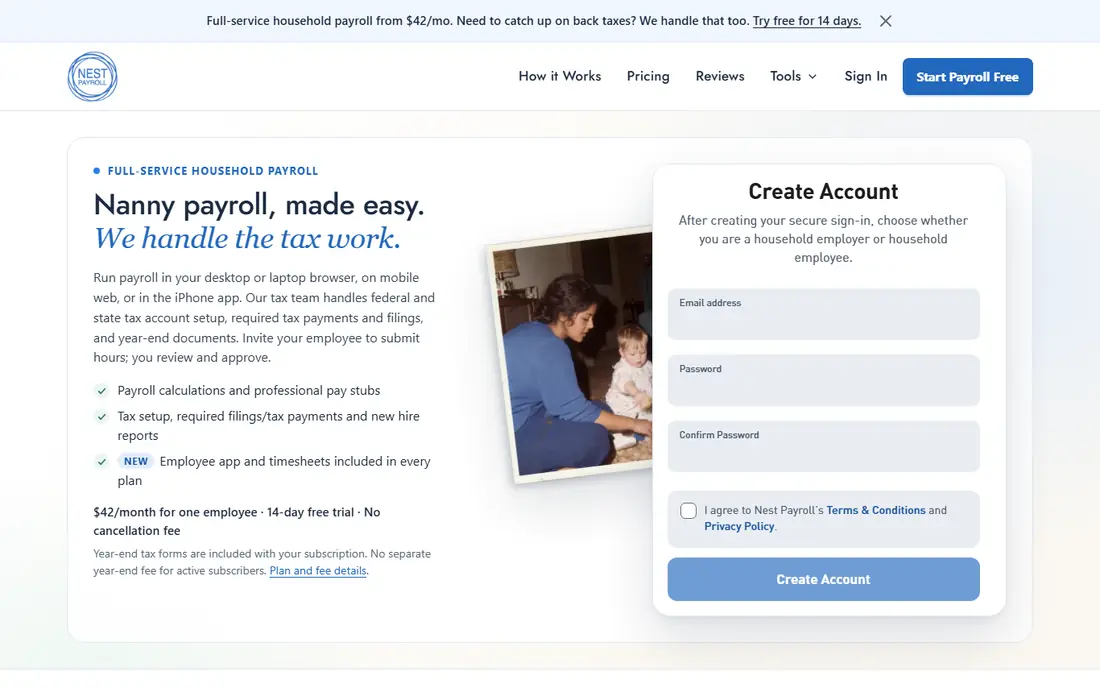
Nest Payroll suits a family that wants to start quickly and pay a flat monthly price. Its setup is designed to take minutes rather than days, and it covers all 50 states with federal and state tax filing, W-2 forms and a pre-filled Schedule H. For a family that has delayed payroll because the setup looked complex, that speed is a real benefit.
As a newer brand, Nest has less long-term history than HomePay or HomeWork Solutions, and its advisory help is less hands-on than a full-service firm. A family with back taxes or a complex multi-state case should check whether Nest or a specialist such as HomeWork Solutions fits better. For a straightforward new hire, Nest is a strong value option.
- Fast setup claim
- All-50-states coverage
- Full federal and state filing with W-2 and Schedule H
- Newer brand than HomePay
- Fewer hands-on advisory services than some rivals
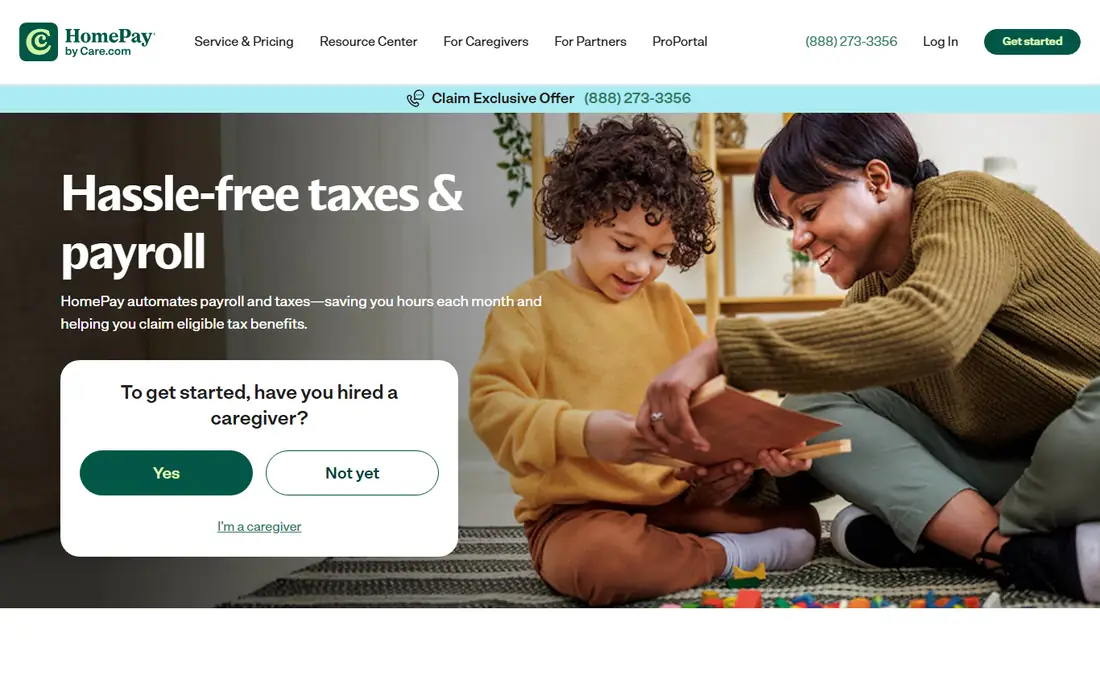
Care.com HomePay suits a family that wants to hand payroll and compliance to experts and not think about it again. Its service files Schedule H, handles W-2 forms and deals with tax agency notices directly, which matters when a state notice arrives and a family does not know how to answer it. Unlimited expert phone support on many plans gives a worried employer a person to call, not just a help article.
The price is higher than Poppins or Nest, so a budget-focused family may prefer a flat-fee service. Exact pricing should be confirmed with the vendor, since plans and year-end fees can vary. For a family that values peace of mind over the lowest fee, HomePay is the hands-off pick.
- Unlimited expert phone support on many plans
- Handles tax agency notices
- Full Schedule H and W-2 handling
- Higher price than flat-fee rivals
- Exact pricing needs a quote check
SurePayroll suits a family that already uses or prefers a broader payroll platform, or a household employer who also runs a small business. Its online payroll handles direct deposit, tax calculation and filing, with guidance for household employer duties such as W-2 and Schedule H. That breadth helps a family that wants one payroll account for both household and business needs.
The trade-off is focus. SurePayroll is not household-only, so its interface and support are built for business payroll first, and household details can feel less tailored than Poppins or Nest. Pricing also varies by plan, so a family should confirm the household setup cost before signing. For a mixed household and business case, SurePayroll is a practical choice.
- Established payroll platform
- Direct deposit and tax filing
- Household employer guidance
- Household features sit inside a broader business payroll tool
- Pricing varies by plan
HomeWork Solutions suits a family that wants hands-on help, especially where back taxes, multi-state issues or a complex hire history make a simple online flow risky. Its long history in household payroll gives it experience with state rules, new-hire reporting and year-end forms, and its team can guide a family through fixing past filing gaps. That human help is the reason many families choose it over a self-service tool.
Pricing is quote-based, so comparison takes a call and a clear list of employees and states. Its online interface also feels less modern than Poppins or Nest, which matters less if the family values phone help over app design. For a complex or back-tax case, HomeWork Solutions is the specialist pick.
- Long household payroll history
- Hands-on tax and compliance support
- Back-tax help focus
- Pricing is quote-based
- Interface feels less modern than newer rivals
ADP suits a household employer who wants a large, established payroll provider with round-the-clock specialist access. Its household payroll handles automatic calculation, tax withholding and filing for W-2, W-3 and Schedule H, with flexible pay options by check, direct deposit or pay card. Employee self-service on mobile also lets household staff check pay stubs without asking the employer.
Pricing is quote-based, and the household setup can feel less tailored than a household-only service, since ADP serves businesses of all sizes. A family that already uses ADP for a business may find it convenient to add household payroll in one place. For a family that wants large-provider stability, ADP is a dependable option.
- Automatic payroll and tax calculation
- Mobile self-service for employees
- 24/7 payroll specialist access on some plans
- Pricing is quote-based
- Household setup can feel less tailored than a specialist
OnPay suits a family that wants simple, predictable payroll pricing with full tax filing, without learning a complex tier system. Its single core plan covers payroll, tax filing, onboarding and employee self-service, which keeps the monthly bill easy to understand. A free trial period also lets a family test the setup before the first payroll run.
Household-specific guidance is less deep than a household-only specialist, so a family with a complex state rule or back-tax issue should check support coverage first. For a straightforward household hire, OnPay gives a clean balance of simplicity and full filing. Its per-worker pricing also stays fair for a family with one or two employees.
- Simple single-plan structure
- Full tax filing
- Employee onboarding and self-service
- Household guidance is less specialised than Poppins or HomePay
- Add-on costs vary
GTM Payroll Services suits a family that wants a specialist firm focused on household payroll rather than a general payroll app. Its team handles tax filing, compliance and year-end forms for nannies, caregivers and other household staff, with a personal service approach that suits families who prefer to talk through a setup. That specialisation helps with state-specific household rules that a general tool may miss.
Pricing needs a quote, so a family cannot compare GTM on headline price alone. Its online tools are also less modern than Poppins or Nest, which matters for a family that wants a fully self-service app. For a family that values specialist human help, GTM is a solid choice.
- Household payroll specialisation
- Tax filing and compliance help
- Personal service focus
- Pricing needs a quote
- Online tools are less modern than newer rivals
How we picked these
We compared official pricing pages, tax filing coverage, W-2 and Schedule H handling, new-hire reporting and public reviews for services that serve US household employers today. We favoured services with clear household payroll offerings, full federal and state filing, and a live service in 2026, and we left out general payroll tools with no household guidance. Where a price could not be confirmed from the vendor, we wrote See website.
What to check before you buy
Start with the tax threshold and state rules for the family situation. A household employee who earns above the IRS annual threshold triggers FICA, federal unemployment tax and a W-2, and most states add their own unemployment and new-hire rules. Confirm that the service files in the family state, handles Schedule H, and deals with tax agency notices, not just pay calculation.
Next, check the total cost and support model. A flat monthly price is easy to budget, but a family should confirm year-end fees, extra-employee fees and direct deposit charges. Test support response before the first payroll, especially if the hire starts soon, and keep pay stubs, tax filings and employment records in one place. A service that files correctly but cannot be reached when a notice arrives is only half a solution.
Frequently asked questions
Do I have to pay taxes for a nanny?
Yes, if a household employee earns above the IRS annual threshold, the employer must withhold and pay FICA, pay federal unemployment tax and issue a W-2. Most states also require state unemployment tax and new-hire reporting.
What is Schedule H?
Schedule H is the federal form attached to a household employer personal tax return that reports household employment taxes. A good payroll service prepares it and the employee W-2 as part of year-end filing.
Which service is cheapest for one nanny?
Nest Payroll and Poppins Payroll are among the cheapest flat-fee options, at $42 and $49 per month respectively for one employee in published pricing. Confirm current pricing with the vendor, since fees can change.
Can a service fix back taxes for household payroll?
HomeWork Solutions and some specialists focus on back-tax help, while flat-fee online services suit new hires better. Get a quote for the back-tax case, since it needs more hands-on work than a standard setup.
Does household payroll cover housekeepers and caregivers?
Yes, household payroll services cover nannies, housekeepers, senior caregivers and other domestic staff, provided they are employees rather than independent contractors. Classification matters, so confirm it with the service if unsure.
Should I pay a household employee as a contractor instead?
Paying a household worker as a contractor when they are legally an employee can create back-tax and penalty risk. A payroll service can explain the classification rules for the family state before the first payment.
Sources
See where you really rank - block by block
ProMapRanker scans Google Maps across a grid of your service area. Simple monthly plans from $19, white-label on every plan.
Start freeKeep reading
 worlds best local seo company
8 Worlds Best Local SEO Companies for Map Pack Growth in 2026
Compare the worlds best local seo company options for Google Business Profile work, citations, reviews, and multi-location rankings and reporting in 2026.
Read → world's best web hosting company
World's Best Web Hosting Company in 2026
Searching for the world's best web hosting company? We compared 10 hosts on price, renewal rates, speed, and support to help you choose well today in 2026.
Read → who's got the best nanny tax services
Who's Got the Best Nanny Tax Services in 2026
We answer who's got the best nanny tax services, comparing full filing, back taxes, software, and pricing so families can handle nanny taxes correctly.
Read →