 ProMapRanker
Best Company for Background Removal in Images in 2026

Key takeaways
- Remove.bg remains the benchmark for fast one click cutouts, with an API for bulk work and lower resolution downloads on the free tier.
- Adobe Express suits designers already in the Adobe system, with a free web remover that uses Photoshop grade edge work.
- Photoroom is the strongest pick for ecommerce product photos, with batch processing and studio style backgrounds built in.
- For hair, fur, glass, and complex edges, a human service such as Clipping World or Clipping Magic manual refinement beats a pure AI tool.
- Always test a tool on your hardest images, not your easiest ones, before committing to a paid plan or a bulk order.
Quick comparison
| Pick | Great for | Pricing starts at | Free tier | |
|---|---|---|---|---|
 Remove.bg | Fast one click cutouts | See website | Yes | Visit |
 Adobe Express | Adobe users and free edits | See website | Yes | Visit |
 Photoroom | Ecommerce product photos | See website | Yes | Visit |
 Canva | Designing right after removal | See website | Yes | Visit |
 Clipping Magic | Manual refinement of hard edges | See website | Free trial | Visit |
 Pixelcut | Mobile product editing | See website | Yes | Visit |
 Fotor | All round editing plus removal | See website | Yes | Visit |
 Pixlr | Browser editing on any device | See website | Yes | Visit |
 Clipping World | Human service for bulk catalogs | See website | No | Visit |
The best company for background removal in images
Background removal sounds simple until you try it on hair, fur, glass, jewelry, or a busy product scene. AI tools handle most everyday cutouts in seconds, but they still struggle with fine edges and transparent materials. Human services handle those cases better, at a slower pace and a per image cost. The nine companies below cover both approaches, so you can pick speed for bulk web work and human care for hero images.
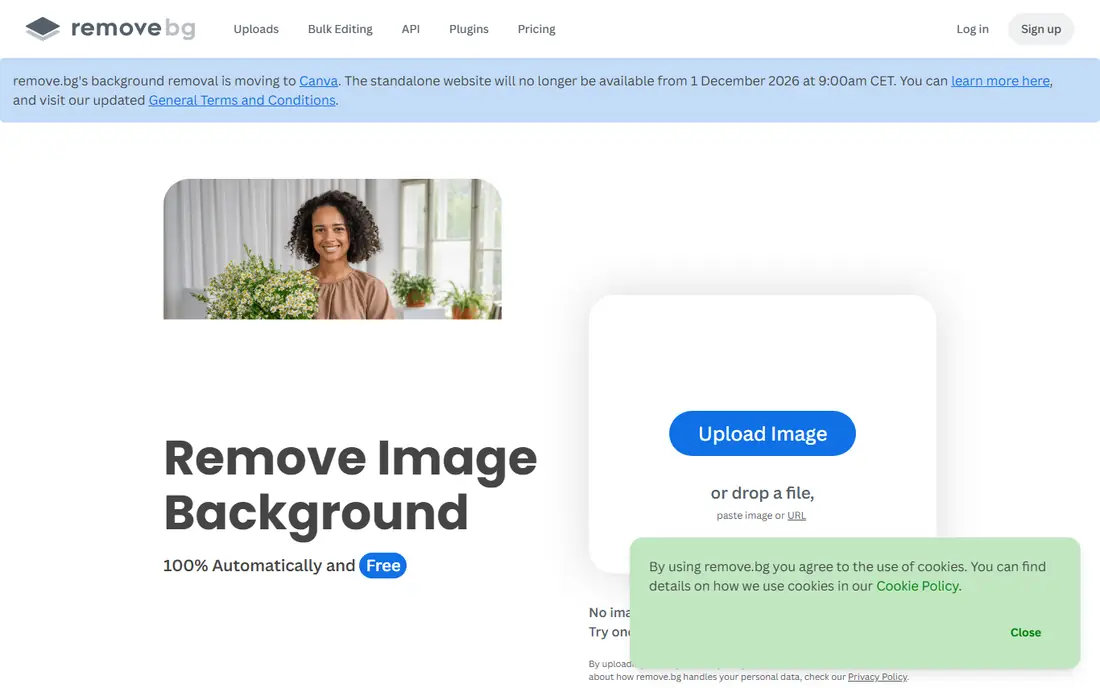
Remove.bg is the tool other removers are measured against. Upload an image, get a transparent cutout in seconds, and download it for web or social use. Edge quality on people and products is consistently strong, including on many hair edges that trip weaker tools. An API lets developers and ecommerce teams process images in bulk without manual uploads.
The free tier is the limit for print work. Free downloads are standard resolution, while high definition output requires paid credits, so check current credit pricing before planning a print catalog. For web listings, social graphics, and quick mockups, Remove.bg is still the first tool to try.
- One click removal
- Strong edge detection
- API for bulk and app workflows
- Free downloads are lower resolution
- High resolution output requires credits

Adobe Express brings Photoshop background removal to the web for free, with a clean interface and asset library integration. Quality sits close to Remove.bg on many images, and the handoff to other Adobe tools is useful for designers who already edit in that system. If you hold an Adobe ID, this is essentially a free professional grade remover for everyday work.
The catch is the account step and the ecosystem. You need a free Adobe account to download results, and the deepest value comes from using Adobe tools around it. For a one off cutout, Remove.bg is faster. For a designer already in Adobe, Express is the natural choice.
- Free web remover
- Photoshop grade edge work
- Easy handoff to Adobe design tools
- Requires a free Adobe account to download
- Full value needs Adobe adoption
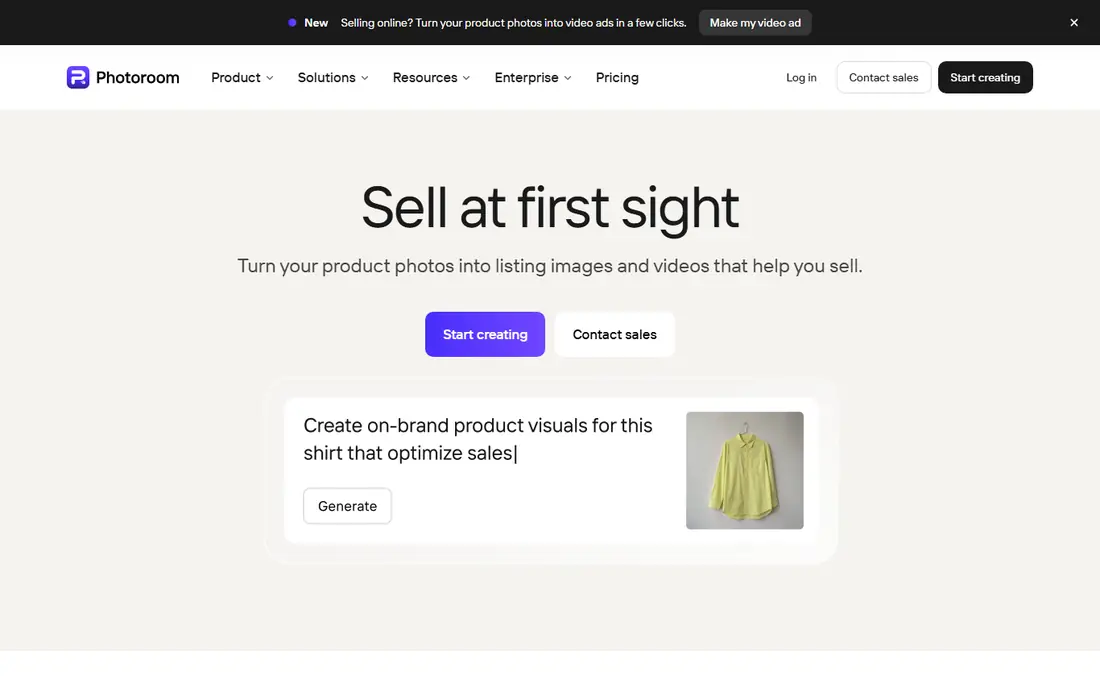
Photoroom is built for sellers who need many clean product photos fast. Batch removal processes a set of images at once, and studio backgrounds, shadows, and templates turn a phone photo into a marketplace ready listing image. That workflow matters for Shopify, Amazon, and eBay sellers who list dozens of products a week.
General photo editors may find Photoroom narrower than Adobe Express or Pixlr, since it is tuned for product work. For a seller, that focus is a strength. For a designer who needs broad editing plus removal, a general editor will fit better.
- Batch background removal
- Studio style product shots
- Ecommerce templates
- Best value is for product sellers, not general photo editing
- Paid features for full resolution and batch work
Canva suits teams that remove a background and then immediately design around it. The remover sits inside the same editor used for social posts, ads, and presentations, so there is no export and reimport step. Templates, brand kits, and team sharing make Canva a practical choice for marketing teams that produce many graphics each week.
Precision is the trade off. Canva removal works well for clear subjects, but specialist tools and manual refinement handle hair and complex edges better. Note also that the background remover is generally a Pro feature, so free Canva users should check current plan terms before relying on it.
- Removal built into a full design editor
- Templates for social and marketing
- Easy team sharing
- Background remover is a paid Pro feature in most cases
- Less precise than specialist tools on hard edges
Clipping Magic is the pick when an AI result is close but not clean enough. Its manual tools let you mark areas to keep and remove, refine edges, and fix hair and fur that a fully automatic tool mishandles. That control makes it valuable for hero product shots, portraits, and images where a rough edge would be visible to customers.
Speed is the cost. Manual refinement takes minutes per image, not seconds, so Clipping Magic is not the tool for a thousand image catalog. Use it for the images that matter most, and use a bulk AI tool for the rest.
- Manual brushes for hard edges
- Smart edge detection
- Good for tricky cutouts
- Slower than one click tools
- Per image or subscription cost for full use
Pixelcut is built for sellers who shoot and edit on a phone. Background removal, product templates, and quick exports work well in a mobile workflow, which suits market sellers, social sellers, and small shops without a desktop editing setup. The app is fast for single product shots and social ready images.
Desktop teams with large catalogs will want a web or API tool instead. Pixelcut earns its place for mobile speed and simplicity, not for bulk desktop processing or deep manual editing.
- Mobile first product editing
- Fast cutouts on a phone
- Templates for sellers
- Mobile focus limits desktop workflow depth
- Paid plan for full features
Fotor combines background removal with a broader photo editor, including retouching, lighting, and color tools that help a cutout sit naturally on a new background. That matters because a clean cutout on a mismatched background still looks wrong. Fotor lets you fix both steps in one place, which suits small teams without a dedicated editor.
Fotor is not the most precise remover for hair or glass, and free tier limits apply, so check current terms before a large project. For general marketing images where speed and a decent result matter more than pixel perfect edges, Fotor is a solid all rounder.
- Removal plus retouching and lighting tools
- Easy web editing
- Batch options on paid plans
- Free tier limits and watermarks may apply
- Specialist tools beat it on the hardest edges
Pixlr is a classic browser photo editor that now includes an AI background removal tool. It works on desktop and mobile browsers without installing an app, which helps teams that edit on shared or borrowed devices. Beyond removal, Pixlr offers layers, filters, and retouching for users who want more than a transparent PNG.
Simplicity is not its strength. The full editor interface can feel busy if you only want one cutout, and free tier limits apply to some features. Pixlr fits users who want a browser editor with removal included, rather than a single purpose remover.
- Full browser editor
- AI removal tool
- Works on mobile browsers without an app install
- Free tier limits
- Interface can feel busy for a simple cutout job
Clipping World represents the human service end of this list. Professional editors use manual clipping paths, masking, and layer based Photoshop work to handle hair, fur, transparent materials, and reflective surfaces where AI tools fall short. For large catalogs, that human care produces consistent, marketplace compliant images for Amazon, Shopify, eBay, and Walmart.
Cost and time are the trade offs. Human editing charges per image and takes hours, not seconds, even with rush options. Use Clipping World for hero images and complex products, and use an AI tool for simple bulk work, to get the best balance of quality and cost.
- Human editors for complex edges
- Bulk catalog capacity
- Marketplace compliant outputs
- Per image cost and turnaround time
- Slower than AI tools for urgent jobs
How we picked these
We compared AI remover rankings, vendor pages, and professional service guides from 2026, favoring tools with a live official homepage, a working free or trial option where stated, and a clear fit for a stated use case. We mixed AI tools with a human service because no single approach wins on every image type. Prices are marked See website where credit, subscription, or per image pricing was not confirmed on the vendor page at the time of writing.
How to get clean cutouts every time
Start with a good source photo. A sharp, well lit subject against a contrasting background gives any tool a better chance, while a blurry, low contrast image will fail even with manual help. Test each tool on your hardest images: hair against a busy background, glass on white, jewelry with reflections, and fur in low light. Judge edges at full size, not in a small preview, since flaws hide at thumbnail scale.
Match the tool to the image tier. Use AI tools for simple bulk listings, manual refinement for hero shots, and a human service for complex catalog work where consistency matters. Check output rules for your marketplace too, since Amazon and other platforms set image size, background, and file requirements that a cutout must meet. A technically clean image that breaks marketplace rules still needs rework.
Frequently asked questions
What is the best background remover for product photos?
Photoroom is the strongest product focused pick, with batch processing and studio backgrounds, while Remove.bg is the fastest general cutout tool. For hero product images with complex edges, a human service such as Clipping World will produce cleaner results than either AI tool alone.
Is Remove.bg free?
Remove.bg offers a free tier, but free downloads are lower resolution, while high definition output requires paid credits. Check current credit pricing on its site before planning print work or large bulk orders.
Can AI tools handle hair and fur well?
They handle many hair edges well, but fine, loose, or backlit hair still causes errors. For images where hair is the focus, use manual refinement in Clipping Magic or a human editing service, and inspect edges at full size before publishing.
Should I use a tool or a human service for a large catalog?
Use both. AI tools process simple images fast and cheaply, while human editors handle complex products and hero images. That split keeps bulk costs down without letting rough edges reach customers on your most visible listings.
What file format should a cutout use?
Use PNG with transparency for web and design work, since it preserves the transparent background. For print, check with your printer on resolution and format, since a web resolution PNG will look soft in print even if the edge is clean.
Does background removal affect image quality?
It can, if the tool compresses the image or exports at low resolution. Always download at the highest resolution your plan allows, compare the cutout against the original at full size, and keep an untouched copy of the source photo for rework.
Sources
See where you really rank - block by block
ProMapRanker scans Google Maps across a grid of your service area. Simple monthly plans from $19, white-label on every plan.
Start freeKeep reading
 zscaler alternatives
Best Zscaler Alternatives in 2026
Looking for zscaler alternatives? We compare 9 SASE and zero trust platforms on architecture, data protection, pricing, and fit for your network and team.
Read → zapier alternatives free
Best Zapier Alternatives Free in 2026
Nine automation tools for zapier alternatives free in 2026, all with genuinely free tiers, plus free plan limits, starting prices and upgrade paths explained.
Read → which platform is best for online reputation
Which Platform Is Best for Online Reputation in 2026
Wondering which platform is best for online reputation? We compare 8 review, listing, and response tools for small and multi-location businesses and agencies.
Read →