 ProMapRanker
Best Company for AI Recolor Software in 2026


Full control and professional edits · Pricing starts at: See website
Key takeaways
- AI recolor tools fall into two groups: full editors such as Photoshop, and focused recolor tools for product photos and clothing.
- Adobe Photoshop offers the most control, while Fashion Diffusion, Adstronaut, and Image2image suit fast product color variants.
- Palette.fm and Fotor suit quick browser edits, including colorizing older black-and-white photos.
- Check commercial use rights before using free-tier output on a store or client project, since terms differ.
- Use recolor tools only on images you own or have rights to use, and do not alter photos of people without their clear consent.
Quick comparison
| Pick | Great for | Pricing starts at | Free tier | |
|---|---|---|---|---|
| Adobe Photoshop | Full control and professional edits | See website | Free trial | Visit |
 Canva | Quick team edits | See website | Yes | Visit |
 Palette.fm | Browser colorization | See website | Yes | Visit |
 Fotor | Fast online recoloring | See website | Yes | Visit |
 Pixelcut | Product photos for sellers | See website | Yes | Visit |
 AIEASE | Simple object recoloring | See website | Yes | Visit |
 Fashion Diffusion | Clothing color variants | See website | Yes | Visit |
 Image2image.ai | Prompt-based color changes | See website | Yes | Visit |
 Adstronaut AI | Pantone-coded garment colorways | See website | Yes | Visit |
The best company for AI recolor software
AI recolor software changes the color of an object, garment, or whole photo while trying to keep texture, shadows, and lighting intact. We compared tools for product photos, clothing, and photo restoration, with attention to accuracy, ease of use, and commercial terms.
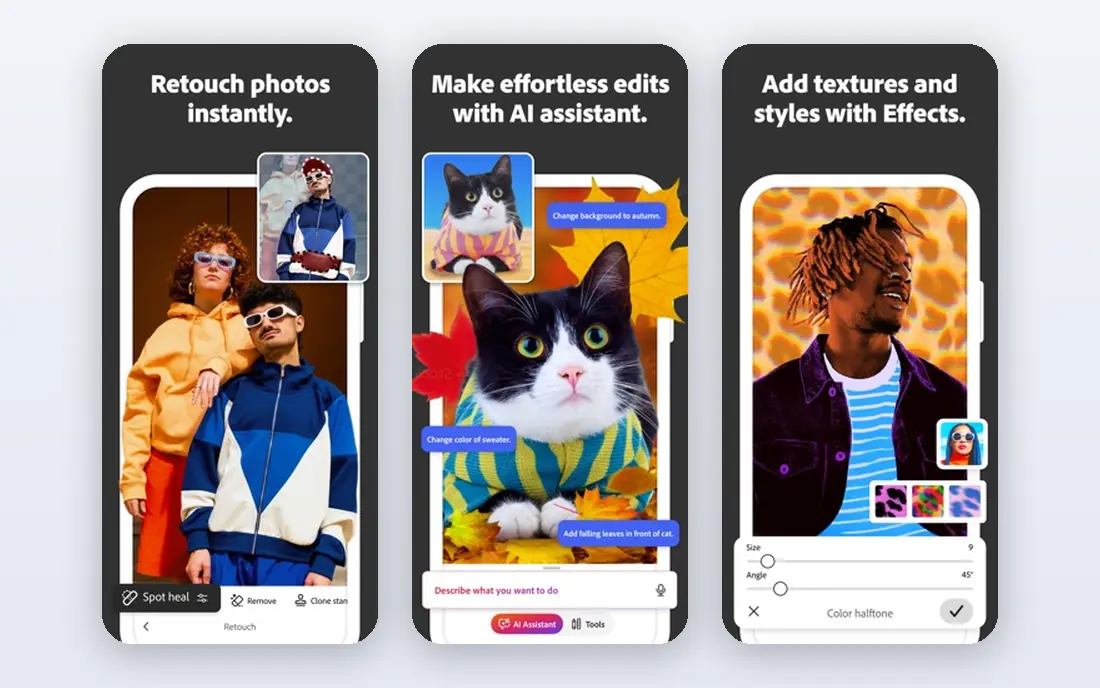
Photoshop remains the professional standard for recolor work that must be exact. Generative Recolor changes vector artwork colors from a prompt or palette, while Neural Filters and adjustment layers help with photo recoloring, including selective changes to clothing, cars, and products. Layers keep the original intact, so edits can be revised later.
The cost and learning curve are real. Photoshop is a subscription product, and precise masking still takes skill even with AI help. For client work where color accuracy and revision control matter, that control is worth the price.
- Generative Recolor for vectors
- Neural Filters
- Non-destructive layers and masking
- Subscription cost
- Learning curve for new users
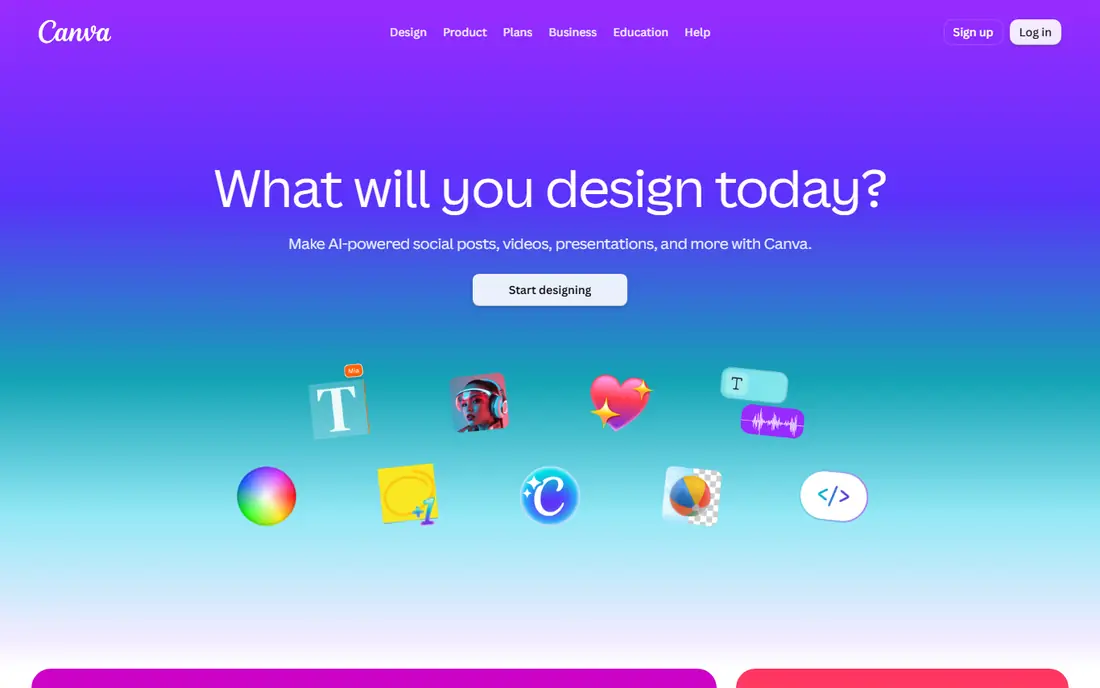
Canva suits teams that need a fast color change inside a social post, ad, or product graphic, not a pixel-perfect restoration. Its editor offers color adjustments, background tools, and AI features in a browser, with templates that speed up repeat work for small businesses.
Complex selections, such as patterned fabric or hair edges, are harder in Canva than in Photoshop. For quick marketing edits where speed beats precision, Canva is a strong, low-cost starting point.
- Browser-based editing
- Team templates
- Large asset library
- Less precise than Photoshop for complex masking
- Advanced features need a paid plan
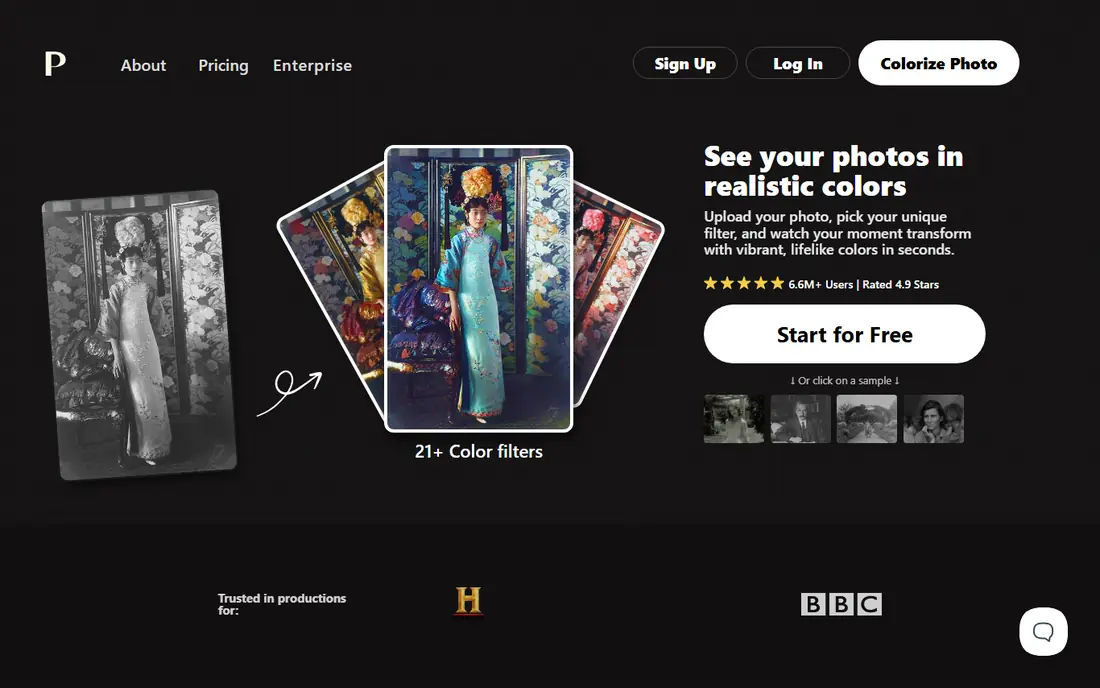
Palette.fm is a focused browser tool for adding color to black-and-white photos and adjusting color palettes. Upload a photo, pick a palette or prompt style, and download the result without installing software. That simplicity suits family-history projects and quick social posts.
It offers less object-level control than Photoshop or Fashion Diffusion. For a single garment or product that must match a brand color exactly, a dedicated recolor tool below will do better.
- Simple browser workflow
- Colorization for black-and-white photos
- No install needed
- Less control over individual objects
- Free output limits vary
Fotor combines a browser photo editor with AI tools for recoloring, background changes, and enhancements. Sellers and small teams can adjust a product photo color, clean up the background, and export a listing image in one session, without desktop software.
Free-tier limits apply to resolution and some features, and results vary with busy backgrounds. Test Fotor on your hardest product photo, not only a clean studio shot, before relying on it for a full catalog.
- Browser editor
- AI recolor and photo tools
- Templates for sellers
- Free plan limits resolution and features
- Precision varies by image
Pixelcut is built for sellers who need clean product photos fast. Its AI tools detect objects, change colors, remove backgrounds, and create listing images for marketplaces. Mobile use helps sellers who shoot and edit on a phone.
Check the license before using free output commercially, since Pixelcut states that commercial use needs a paid plan in many cases. For paid users, the speed of batch-style product edits is the main draw.
- Product photo tools
- Object detection
- Mobile and browser use
- Free plan restricts commercial use
- Advanced features need a paid plan
AIEASE offers a simple path to recolor objects in a photo, with automatic detection for multiple items in one image. Casual users and small sellers can change a shirt, bag, or car color in a few clicks, without learning masking in a full editor.
Free use has daily limits, and complex scenes with overlapping objects can confuse the model. For single-object photos with clear edges, AIEASE is fast and easy, while busy scenes may need Photoshop.
- Simple upload and recolor flow
- Detects multiple objects
- No design skills needed
- Daily free limits
- Output quality varies on complex scenes
Fashion Diffusion is trained for apparel, which shows in its handling of fabric texture, folds, and lighting when a garment color changes. Users can use auto-detection or a manual brush to select the garment, then pick a color or HEX code for the new variant. That focus suits fashion sellers building a full color range from one sample photo.
It is a niche tool, so it is less useful for cars, furniture, or general photos. Fashion brands should test it on their own fabrics, since texture results vary by material and print.
- Apparel-focused model
- Fabric texture preservation
- Manual brush selection
- Niche focus
- Pricing and limits need checking before bulk work
Image2image.ai lets users change colors by typing a description, such as a material and color, rather than picking sliders. Its in-paint brush limits the change to a masked area, such as a shirt or a car, while leaving the background alone. That prompt approach suits users who think in words, not color codes.
Free use involves queues and lower resolution, and commercial rights come with paid plans. For paid users who need many variants from text briefs, the prompt workflow can be faster than manual masking.
- Text-prompt color changes
- In-paint brush for single objects
- Material descriptions
- Free users face queues and lower resolution
- Commercial rights need a paid plan
Adstronaut AI targets fashion production, where a buyer needs a garment in many exact colors. Users upload a product photo, pick Pantone codes by name, and get colorways that keep fabric texture and zone boundaries intact. Its site states a first colorway is free, with per-render pricing after that.
The garment-only focus limits its use for general photos, and costs add up for large catalogs. For brands that must match factory color codes, Adstronaut offers a precision that general editors do not.
- Pantone-coded colorways
- Zone-based garment recoloring
- Fast per-image rendering
- Garment-only focus
- Per-render costs after the free first colorway
How we picked these
We compared official product pages, feature descriptions, pricing pages, and public reviews for recolor and colorization tools. We favored tools that exist and work in 2026, with clear recolor features rather than generic filters, and with distinct uses for professionals, sellers, and casual users. We did not claim hands-on testing. Prices and free limits change, so we list starting prices as See website where a single price would mislead.
What to check before you pick a recolor tool
Start with the subject. Clothing and product photos need texture and color accuracy, while old photos need plausible colorization and damage handling. A tool that excels at one may fail at the other, so test with your own images.
Next, check color matching. If a brand color must match a HEX or Pantone code, pick a tool that accepts exact codes and preserves texture. If only a general look matters, a simpler browser tool may be enough.
Commercial rights and batch work
Read the license for free-tier output before using it on a store, ad, or client project. Some free plans restrict commercial use or add watermarks. For catalog work, ask about batch processing, resolution, and per-image costs, since those decide the real price.
Consent and honest use
Only recolor photos you own or have permission to edit. Do not use recolor tools to alter photos of people in misleading ways, and do not present a recolored product photo as the true color if it differs from the actual product. Honest color representation protects buyers and sellers alike.
Frequently asked questions
What is AI recolor software?
It is software that uses AI to change colors in an image while trying to keep texture, shading, and lighting natural. Some tools recolor whole photos, while others mask a single object, such as a garment or a car, and leave the rest unchanged.
Can AI recolor match an exact brand color?
Some tools accept HEX or Pantone codes, such as Fashion Diffusion and Adstronaut, which helps with brand matching. Always compare the output with a physical sample or a calibrated screen, since screens and printers shift colors.
Is Photoshop still the best recolor tool?
For maximum control, yes, especially for client work with layers, masks, and revisions. For fast product variants, focused tools such as Fashion Diffusion or Image2image can be quicker, even if they offer less manual control.
Can I use free recolor output commercially?
It depends on the tool and plan. Some free plans allow commercial use, while others restrict it or add watermarks. Read the terms for the exact tool and plan before using output on a store or client project.
Does AI recolor work on patterned fabric?
It can, but patterns, prints, and shiny materials are harder than solid colors. Test the tool on your most complex fabric, and use manual brush selection where available to keep patterns intact.
Can AI recolor restore black-and-white photos?
Yes, tools such as Palette.fm and Photoshop Neural Filters can add plausible color to old photos. The colors are educated guesses, not the true original colors, so present restored photos as colorized versions, not exact records.
Sources
See where you really rank - block by block
ProMapRanker scans Google Maps across a grid of your service area. Simple monthly plans from $19, white-label on every plan.
Start freeKeep reading
 zoro.to alternatives
Best Zoro.to Alternatives in 2026
We compare the best zoro.to alternatives in 2026, listing only legal licensed anime streaming services, from Crunchyroll to free options for fans today.
Read → zip alternatives
Best Zip Alternatives in 2026
We compare the best zip alternatives for buy now, pay later in 2026, covering pay-in-4 plans, fees, spending limits, and credit reporting options today.
Read → yesware alternatives
Best Yesware Alternatives in 2026
Compare the best yesware alternatives for sales email tracking, templates, and sequences, with current pricing and honest tradeoffs for small sales teams.
Read →