 ProMapRanker
7 Best Collaborative Video Editing Software Options for 2026


All-in-one post-production · Pricing starts at: $295 one-time
Direct answer
Our first pick is DaVinci Resolve, best for all-in-one post-production. Vimeo is the stronger choice for hosting plus review and collaboration, while Wipster suits straightforward video review and approval. Details, prices and limits for the rest of the 7 tools are below.
Key takeaways
- DaVinci Resolve takes the first slot, best suited to all-in-one post-production.
- For compliance-ready review workflows, Filestage is worth a look.
- Wipster is the lowest-priced starter here at $9.95/month.
- A fair warning about Frame.io: restricted for non-video assets.
- 5 of 7 tools offer a free plan: DaVinci Resolve, Vimeo, Frame.io, Descript, Filestage.
Quick comparison
| Pick | Great for | Pricing starts at | Free tier | |
|---|---|---|---|---|
| DaVinci Resolve | All-in-one post-production | $295 one-time | Yes | Visit |
 Vimeo | Hosting plus review and collaboration | From $12/month (billed annually) | Yes | Visit |
 Wipster | Straightforward video review and approval | From $9.95/month | Free trial | Visit |
 Frame.io | Frame-accurate client review | $15 per member/month | Yes | Visit |
 Adobe Premiere Pro | Professional team editing | $20.99 per user/month (billed yearly) | Free trial | Visit |
 Descript | Transcript-based team editing | From $16/month | Yes | Visit |
 Filestage | Compliance-ready review workflows | From $99/month | Yes | Visit |
7 options for collaborative video editing software in detail
If you are comparing collaborative video editing software, this page covers 7 tools in one place: what each is best for, what it costs to start, whether it has a free plan, and the main limit to know about.
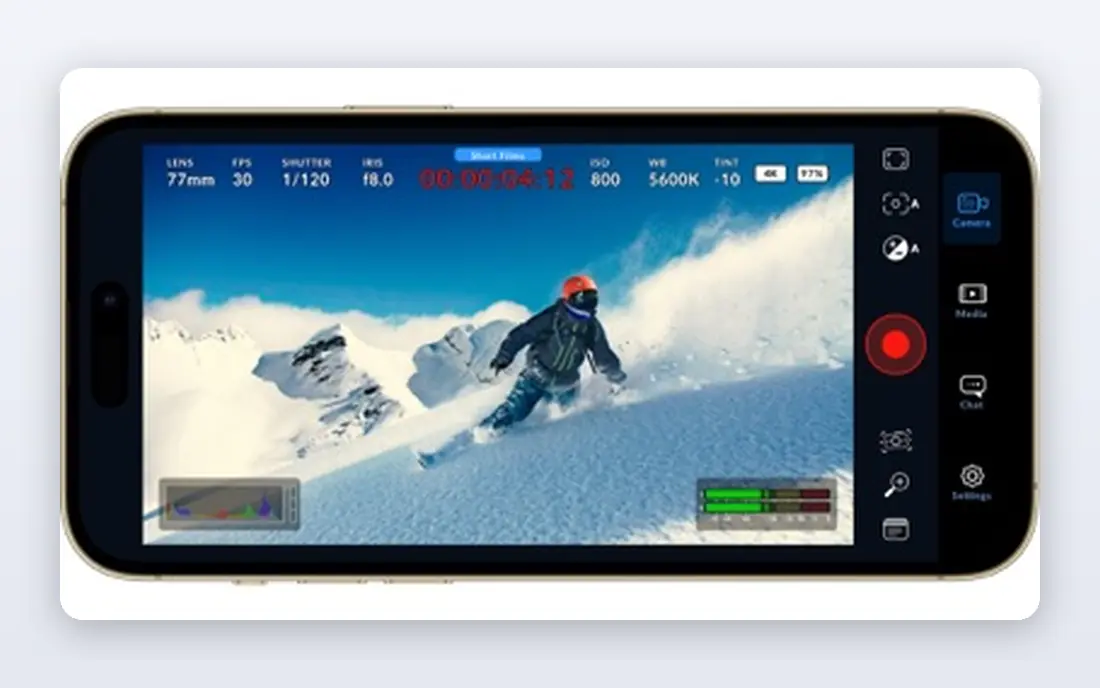
Pick DaVinci Resolve if this describes you: all-in-one post-production. Studio costs $295 once.
The honest catch is complexity. For collaboration, project libraries support live multi-user work with clip and bin locking, built-in chat, and shared timelines via Blackmagic Cloud. The starting price for DaVinci Resolve: $295 one-time. DaVinci Resolve includes a free tier.
Honest limits: Steep ramp-up time.
- No subscription
- Editing, color, VFX
- Collaboration features need setup and shared storage
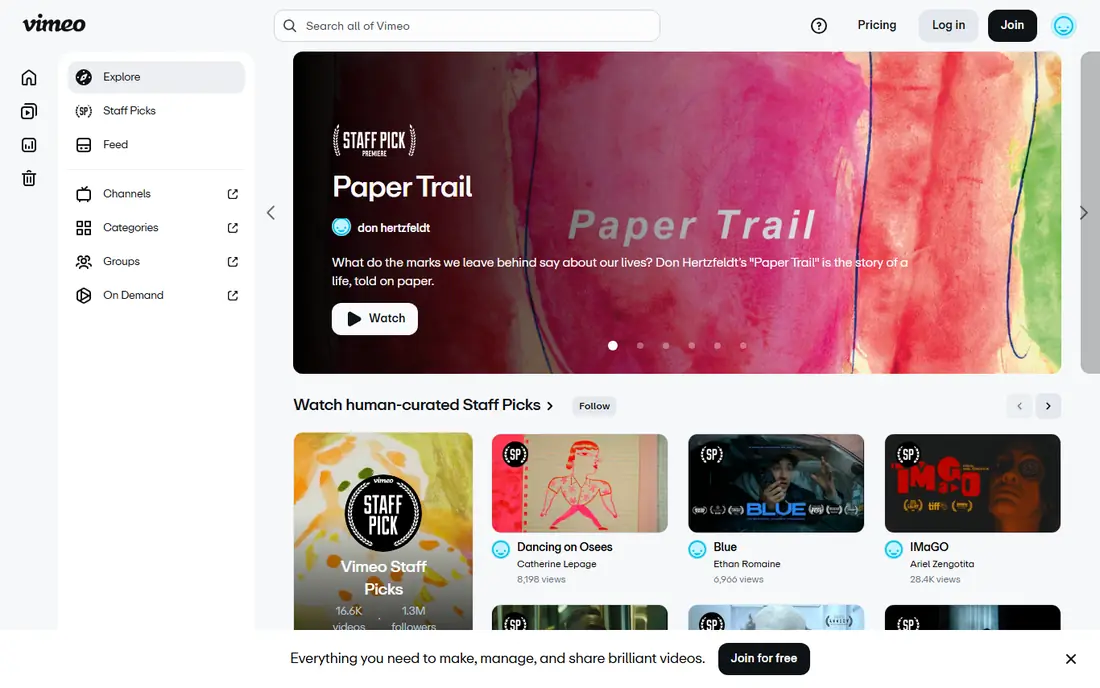
Vimeo targets hosting plus review and collaboration. Anyone can now share unlimited public videos at no cost, and premium plans start at $12 a month annually. Choose Vimeo when hosting plus light collaboration is the job; choose a dedicated review tool when feedback precision is.
Where it shines: time-stamped comments in one system; Solid privacy controls.
Watch-outs: Editing features are entry-level.
Beyond that, the honest catch is depth. Also, for teams that require hosting and review together, it removes a tool from the stack. Price to start with Vimeo: From $12/month. Free access exists with Vimeo.
- Unlimited public videos free
- Hosting
- Review tools less deep than Frame.io
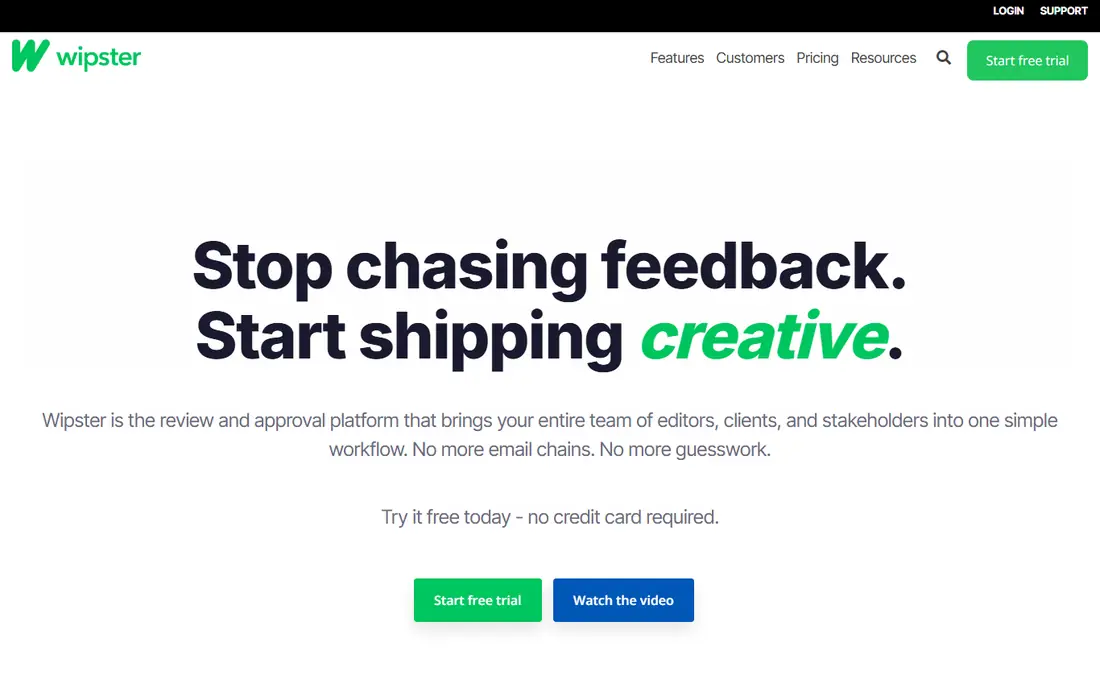
Wipster is designed for simple video review and approval. Wipster is the more straightforward alternative to Frame.io for review and approval.
Also, for marketing and content teams whose bottleneck is stakeholder feedback instead of post-production depth, that focus is a feature. Entry price for Wipster: From $9.95/month. Free access: Free trial.
Where it falls short: Smaller ecosystem than Frame.io.
- Frame-accurate comments even non-editors understand
- Review panels for Premiere and Final Cut
- Review only, no editing
Frame.io works best for frame-accurate client review. Clients and stakeholders leave comments pinned to exact frames, and editors see those notes inside Premiere Pro without switching apps. On top of that, camera-to-cloud means footage shot on set uploads immediately for remote teams.
Drawbacks to consider: Restricted for non-video assets.
For everyday use, Adobe owns it, and the Premiere integration is the reason to choose it over generic review tools. The honest catch is that Frame.io is review, not editing. Pair it with an editor below. On cost, Frame.io starts like this: $15 per member/month. Frame.io includes a free tier.
- Free plan with 2 members and 2GB
- Frame-accurate comments inside Premiere
- Real value needs the premium levels
Adobe Premiere Pro targets professional team editing. For teams already in the Adobe ecosystem, nothing else integrates as deeply. For everyone else, the cost deserves a hard look against Resolve.
Trade-offs to know: Subscription cost per seat adds up.
For everyday use, shared Projects let several editors work in the same project with locked bins, and Productions scale that to large teams. For everyday use, the honest catch is the per-seat subscription at $20.99 per user a month annually, plus the hardware to run it well. Premiere Pro remains the pick for professional teams, notably when After Effects, Audition, Photoshop, and Frame.io are part of the workflow. On cost, Adobe Premiere Pro starts like this: $20.99 per user/month. Free access: Free trial.
- After Effects and Audition ecosystem
- Deep Frame.io integration
- Performance demands a capable machine
For transcript-based team editing, Descript is a natural candidate. Descript pioneered text-based editing: it transcribes your footage, and deleting a sentence deletes that moment of video.
On top of that, the free plan needs no credit card, and premium plans start around $16 a month. Beyond that, for tutorial videos, podcasts, and marketing content, this lets marketers and subject experts cut footage without learning a timeline. Starting cost for Descript: From $16/month. Descript includes a free tier.
Where it is weaker: Transcript accuracy varies with audio quality.
- Free plan with no credit card
- Edit video by editing a transcript
- Not a replacement for cinematic editing
Filestage serves compliance-ready review workflows. Marketing, creative, and regulated-industry teams map out who reviews what in which order, with every decision logged in an audit trail. At $99 a month to start, it costs more than every other review tool here.
The structured workflow can feel rigid for fast-moving small teams. On top of that, when compliance or accountability is non-negotiable, it earns it. As for the details, premium plans start at $99 a month per the vendor, with a free plan for small teams. Entry price for Filestage: From $99/month. Free access exists with Filestage.
Where it falls short: Highest starting price on this list.
- Handles video, images, PDFs, documents
- Structured multi-step approval workflows
- Formal process can feel heavy for small teams
How these tools were picked
We compared the tools on published pricing, free plan or trial availability, feature coverage for collaborative video editing software, and the limits each vendor documents. Prices and plan limits come from vendor pages and can change, so confirm them on the vendor site before you buy. Order on the page follows fit for the typical buyer first, then price transparency and free access. Your own requirements should decide the final pick.
Pre-purchase checklist
- Confirm the entry price on the vendor page: Wipster starts at $9.95/month, but seat counts and billing terms change the total.
- Look at free plan limits closely: DaVinci Resolve, Vimeo, Frame.io and others have one, and the caps decide whether it is usable for real work.
- Use real work to test the free trial from Wipster and Adobe Premiere Pro, rather than a demo project.
- Read the limits listed for DaVinci Resolve first: steep ramp-up time.
- Test the integrations you rely on with Filestage before committing; some connectors sit on upper tiers.
- Get the contract term, renewal terms and any onboarding fees from Descript in writing.
Frequently asked questions
Is DaVinci Resolve the right pick for everyone comparing collaborative video editing software?
No single tool suits every team. DaVinci Resolve comes first because it fits all-in-one post-production, while Vimeo suits hosting plus review and collaboration and Wipster suits simple video review and approval. Match the tool to your own size, budget and workflow before deciding.
Is DaVinci Resolve really free?
Yes, the free version comes with professional editing, color grading, Fairlight audio, and Fusion VFX. DaVinci Resolve Studio costs $295 one-time and brings advanced features like stereoscopic 3D and additional AI tools.
Can I try these options before paying?
Often, yes. DaVinci Resolve, Vimeo, Frame.io and others have a free plan and Wipster and Adobe Premiere Pro offer a free trial. Use your own data and a real task during the test, and check what the free tier or trial limits before you rely on it.
Do these tools publish their prices?
Yes. Every tool from DaVinci Resolve to Filestage shows a starting price, though seats, add-ons and billing terms still change the final cost.
How are the tools for collaborative video editing software ordered?
DaVinci Resolve sits first and Filestage last because the order follows typical fit for collaborative video editing software, then price clarity and free access. It is a judgement call, so read each profile for fit and limits.
Do I need both an editor and a review tool?
Most teams do. Editors cut; review tools collect feedback. Frame.io, Wipster, and Filestage exist since email feedback on video projects dependably fails.
Sources
See where you really rank - block by block
ProMapRanker scans Google Maps across a grid of your service area. Simple monthly plans from $19, white-label on every plan.
Start freeKeep reading
 zoho inventory alternatives
6 Alternatives to Zoho Inventory, Compared on Price and Fit
Zoho Inventory alternatives: 6 tools compared on price, free plans and fit. Katana leads the list for manufacturers. Fit and flaws are laid out for each entry.
Read → zoho crm alternatives
Best Zoho CRM Alternatives (2026)
Need Zoho CRM alternatives? We compare 7 tools on cost, free access and who each suits. Every pick gets a straight assessment. Built for quick decisions.
Read → zelle alternatives
Best Zelle Alternatives in 2026
Compare the best Zelle alternatives for sending money to friends, paying sellers and moving funds abroad, with honest notes on fees, speed and safety in 2026.
Read →