 ProMapRanker
6 Top Collaborative Software Development Tools Compared (2026)


Teams collaborating across the full DevOps lifecycle · Pricing starts at: Free
Key takeaways
- GitLab takes the first slot, best suited to teams collaborating across the full DevOps lifecycle.
- Jira is the one to check for complicated agile programs at scale.
- No starting price is published for Linear, Slack and Jira; expect a quote.
- Free access is easy to find: 6 of the 6 tools have a free plan, for example GitLab, Bitbucket, Linear and Slack.
- One limit worth knowing about Slack: message history limits on free plan.
Direct answer
GitLab leads the list, best for teams collaborating across the full DevOps lifecycle. Alternatives: Bitbucket for development teams standardized on Atlassian, and Linear for product-led teams wanting speed and focus. The remaining 3 options are covered below with prices and limits.
Quick comparison
| Pick | Great for | Pricing starts at | Free tier | |
|---|---|---|---|---|
| GitLab | Teams collaborating across the full DevOps lifecycle | Free | Yes | Visit |
 Bitbucket | Development teams standardized on Atlassian | Free | Yes | Visit |
 Linear | Product-led teams wanting speed and focus | See website | Yes | Visit |
 Slack | The communication layer for development teams | See website | Yes | Visit |
 GitHub | Code collaboration as the industry knows it | Free | Yes | Visit |
 Jira | Complicated agile programs at scale | See website | Yes | Visit |
6 collaborative software development tools in detail
Short on time? The summary and table above give the quick view of 6 collaborative software development tools, and the profiles that follow give the detail behind each entry.

GitLab targets teams collaborating across the full DevOps lifecycle. Teams wanting light code collaboration find GitLab more machinery than needed.
Where it is weaker: Smaller community.
But organizations where "done" means deployed and secure get collaboration across the entire lifecycle, not just the code. The starting price for GitLab: Free. A free plan is available with GitLab.
- Security and deploy in one collaborative surface
- Merge requests with review apps
- Heavier than GitHub for straightforward collaboration
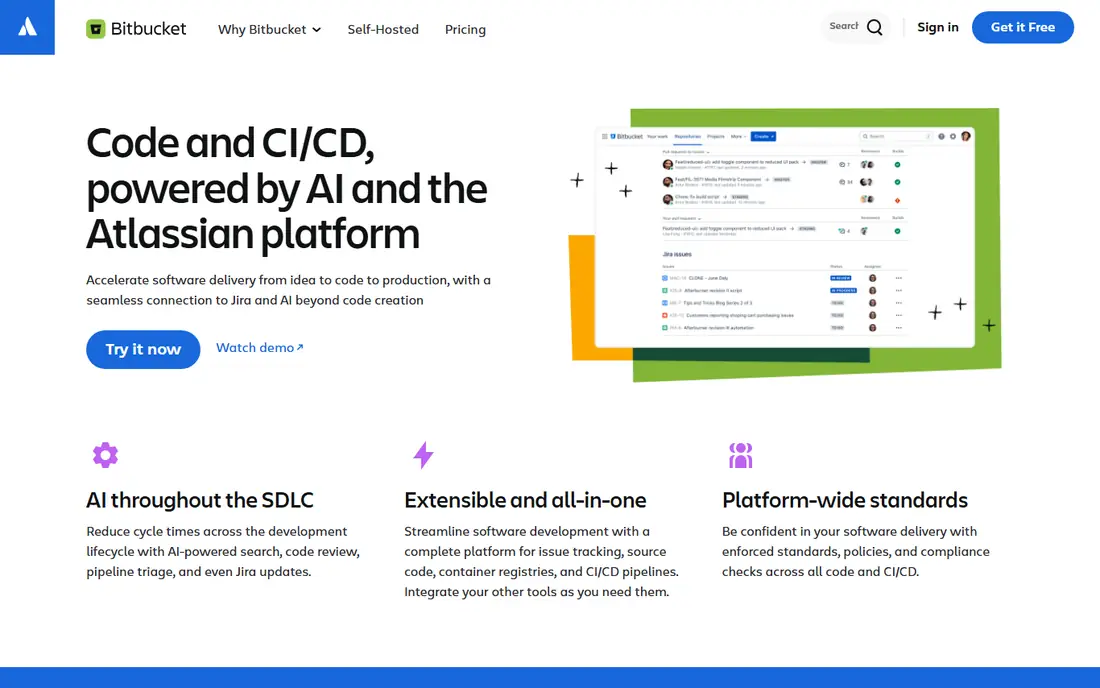
Bitbucket works best for development teams standardized on Atlassian. Bitbucket's collaboration value is Atlassian integration: branches link to Jira issues, deployments present in Jira, docs live in Confluence, all without configuration.
Beyond that, within Atlassian organizations, though, the integration dividend is real. Also, development teams in Atlassian shops get traceability from ticket to commit to deploy at no cost. Starting cost for Bitbucket: Free. You can start on Bitbucket without paying.
Points against: Less community collaboration than GitHub.
- Clean
- Confluence and Trello integration
- Smaller ecosystem
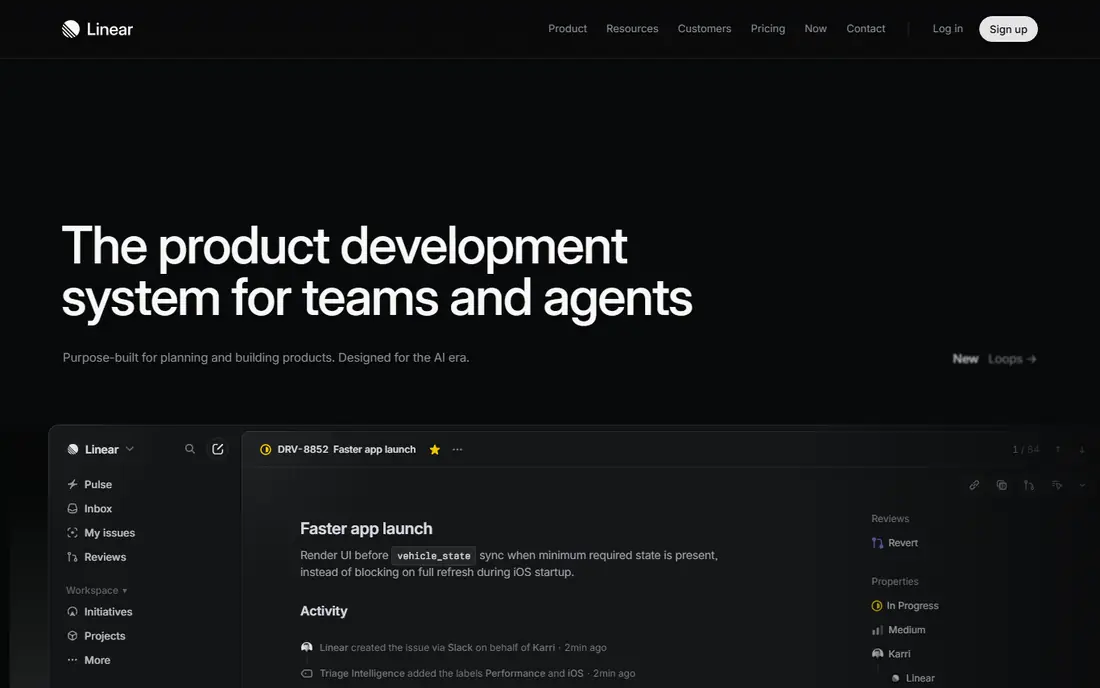
Linear is aimed squarely at product-led teams wanting speed and focus. The honest limits are customization and enterprise scale. Organizations needing Jira's workflow configurability or compliance apparatus stay put.
But teams that left Jira for Linear seldom look back; the velocity culture it enables is the product. Its performance and polish make tracking work feel less like administration. No starting price is listed for Linear here; confirm pricing on the vendor site. Free access exists with Linear.
Where it is weaker: Newer with a smaller enterprise footprint.
- Blazing quick with keyboard-first workflows
- Excellent GitHub/Slack integrations
- Less configurable than Jira
Slack is built with the communication layer for development teams in mind. The honest costs are attention and history.
Points against: Notification overload needs management.
For everyday use, Notification discipline is required, and free plans limit message history. But as the communication layer binding code, tracking and people together, Slack's centrality to development collaboration is undisputed. This comparison lists no price for Slack; ask the vendor. You can start on Slack without paying.
- Jira and CI alerts into conversations
- Huddles and canvases for fast collaboration
- Message history limits on free plan
For code collaboration as the industry knows it, GitHub is a natural candidate. GitHub is where development collaboration happens: pull requests structure code review, issues track work, Discussions capture design conversations, and Actions automate the team's delivery pipeline.
Where GitHub stands out: Pull requests and code review are the collaboration standard.
The main drawbacks: Project management features lighter than Jira/Linear.
Since most developers already know it, onboarding friction is near zero. In daily use, the honest gap is project management depth. GitHub starts at: Free. You can start on GitHub without paying.
- Actions automate team workflows
- The largest developer community
- Microsoft ownership concerns some teams
Jira makes the most sense for complicated agile programs at scale. Its marketplace links it to everything, and its ubiquity means process knowledge transfers between employers. Configure ruthlessly and it serves; configure lazily and it punishes.
The honest reputation is earned: Jira can become bureaucratic, and small teams commonly find it heavy. But for organizations running scaled agile with compliance and reporting needs, its depth remains unmatched. Jira shows no starting price here, so confirm the cost on the vendor site. A free plan is available with Jira.
Watch-outs: Complexity and configuration overhead.
- Kanban and scaled agile
- The standard for scrum
- Can feel bureaucratic for small teams
How we chose
Each tool was reviewed on what its vendor publishes: price, plan limits, core features and stated drawbacks. We did not run hands-on tests. Where a price is missing, the vendor does not list one publicly or ties it to a quote. Always confirm before budgeting. Tools are placed by general fit for collaborative software development tools, with price clarity and free access as tie-breakers. A different team can reasonably rank them differently.
Questions to settle before buying
- Get a written quote from Linear, Slack and Jira; the list shows no starting price for them.
- Check what the free option really includes: GitLab, Bitbucket, Linear and others offer a free plan, and usage caps differ.
- Read the limits listed for GitLab first: heavier than GitHub for straightforward collaboration.
- Check whether the features you need in Linear sit on the entry plan or only on higher tiers.
- Before you load data into GitHub, check what an export looks like and who can run it.
Frequently asked questions
Which options for collaborative software development tools have a free plan?
6 of the 6 tools have a free plan, including GitLab, Bitbucket, Linear and Slack. Free plans usually cap users, projects or features, so check the limits on the vendor page.
Jira vs Linear: which should a startup choose?
Linear for speed and simplicity in product-led startups; Jira when you need deep customization, scaled agile, or enterprise compliance. Startups normally prefer Linear until complexity demands Jira.
Do these tools publish their prices?
Not all of them. Linear, Slack and Jira publish no starting price, so expect a quote request for those. The rest, GitLab included, show a starting price, though seats and billing terms still change the final cost.
Which is better for collaboration: GitHub or GitLab?
GitHub for community, ecosystem and familiar pull-request workflows; GitLab for unified DevOps collaboration (code through deployment in one surface). Most teams choose by existing stack, not abstract merit.
Can I try these options before paying?
Often, yes. GitLab, Bitbucket, Linear and others have a free plan. Use your own data and a real task during the test, and check what the free tier or trial limits before you rely on it.
Is GitLab the right pick for everyone comparing collaborative software development tools?
No single tool suits every team. GitLab comes first because it fits teams collaborating across the full DevOps lifecycle, while Bitbucket suits development teams standardized on Atlassian and Linear suits product-led teams wanting speed and focus. Match the tool to your own size, budget and workflow before deciding.
Sources
See where you really rank - block by block
ProMapRanker scans Google Maps across a grid of your service area. Simple monthly plans from $19, white-label on every plan.
Start freeKeep reading
 zoho inventory alternatives
6 Alternatives to Zoho Inventory, Compared on Price and Fit
Zoho Inventory alternatives: 6 tools compared on price, free plans and fit. Katana leads the list for manufacturers. Fit and flaws are laid out for each entry.
Read → zoho crm alternatives
Best Zoho CRM Alternatives (2026)
Need Zoho CRM alternatives? We compare 7 tools on cost, free access and who each suits. Every pick gets a straight assessment. Built for quick decisions.
Read → zelle alternatives
Best Zelle Alternatives in 2026
Compare the best Zelle alternatives for sending money to friends, paying sellers and moving funds abroad, with honest notes on fees, speed and safety in 2026.
Read →