 ProMapRanker
Best Collaboration Software for Small Business in 2026

Key takeaways
- Slack and Microsoft Teams lead on chat, but their value depends on whether your team already lives in Google or Microsoft apps.
- ClickUp and monday.com cover chat, tasks, and docs in one place, which suits teams that want fewer subscriptions.
- Trello and Notion are the cheapest strong starting points, with free plans that cover small teams well.
- Basecamp charges a flat monthly rate for larger teams, which can beat per-user pricing once headcount grows.
Quick comparison
| Pick | Great for | Pricing starts at | Free tier | |
|---|---|---|---|---|
 Slack | Team chat and integrations | Free | Yes | Visit |
 Microsoft Teams | Teams already using Microsoft 365 | Free | Yes | Visit |
 Asana | Structured projects and deadlines | Free | Yes | Visit |
 Trello | Simple visual task boards | Free | Yes | Visit |
 ClickUp | Most features per dollar | Free | Yes | Visit |
 monday.com | Visual workflows and dashboards | Free | Yes | Visit |
 Notion | Docs, wikis, and tasks in one place | Free | Yes | Visit |
 Google Workspace | Teams built on Gmail and Drive | See website | No | Visit |
 Zoom | Video meetings and team calls | Free | Yes | Visit |
 Basecamp | Flat pricing for larger teams | $15 per user per month | Yes | Visit |
The best collaboration software for small business
Small teams do not need enterprise software. They need one place where messages, tasks, and files stay findable without a long setup. The ten tools below cover chat-first, task-first, and docs-first approaches, so you can match the tool to how your team actually works.
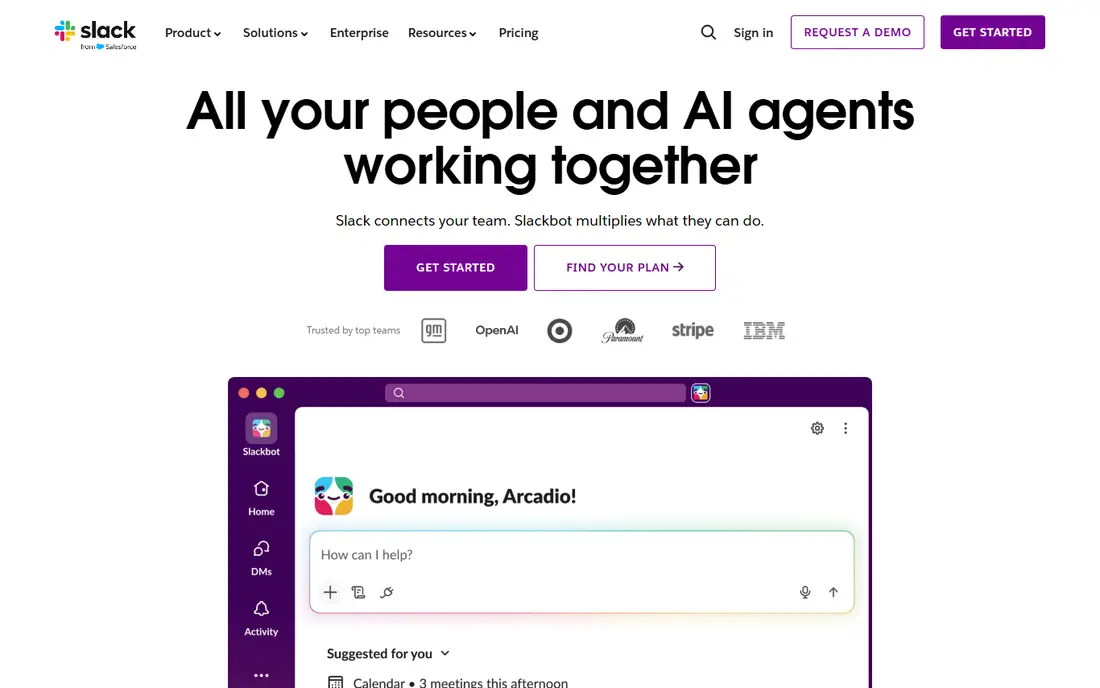
Slack remains the default team chat tool for good reason. Channels organize conversations by project, client, or topic, direct messages handle private threads, and integrations connect Slack to calendars, file storage, and project tools. The free plan includes core messaging with a limit of 10 app integrations and 90 days of visible history.
The catch is price at scale. Pro costs $7.25 per user per month billed annually, and Business+ costs $15, so a growing team pays for every active member. Slack also works best as a chat layer rather than a task system, so teams that need structured project tracking usually pair it with a second tool.
- Huge integration library
- Channels keep conversations organized
- Free plan suits small teams getting started
- Free plan shows only the last 90 days of message history
- Costs add up per user as teams grow
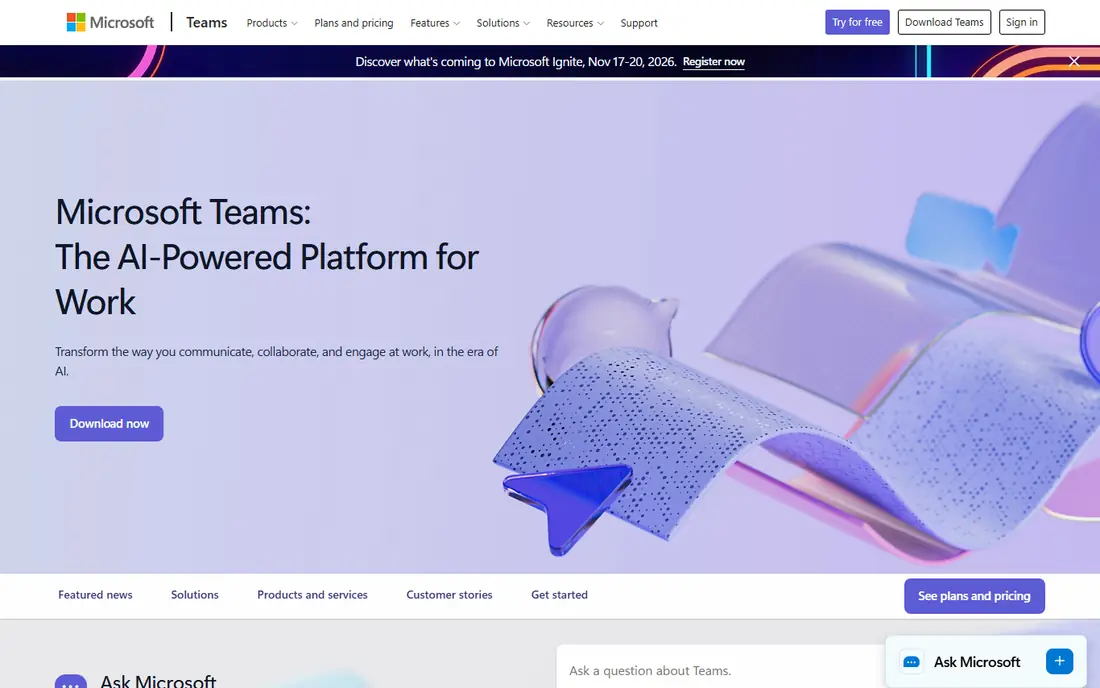
Microsoft Teams bundles chat, video meetings, and document collaboration, and it shines for teams already paying for Microsoft 365. Files live in SharePoint and OneDrive, Word and Excel documents open inside Teams, and Outlook calendars sync with meetings. The free version covers core chat and meetings for small teams.
The downside is complexity. Teams packs a lot into one window, and new users can find the navigation confusing compared with Slack. Teams that do not already use Microsoft apps may find the free tier thin and the paid plans less appealing than a standalone chat tool.
- Chat, video, and file collaboration in one app
- Deep integration with Word, Excel, and Outlook
- Free version available
- Interface can feel busy
- Best value requires a Microsoft 365 subscription
- Setup takes longer than Slack
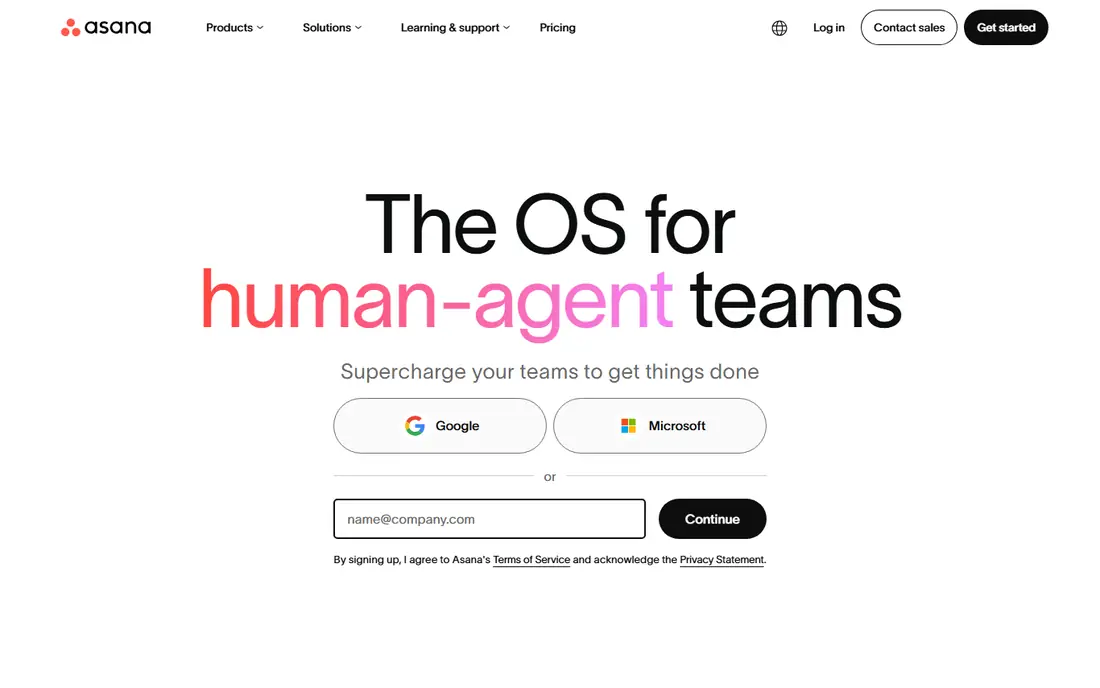
Asana suits teams whose collaboration problem is really a coordination problem: who owns what, and when is it due. Tasks, subtasks, timelines, and portfolios give managers a clear view of progress, and the template library covers marketing campaigns, product launches, and onboarding. The free Personal plan works for individuals and pairs.
The limit is the free tier. Once a third teammate joins, the team needs Starter at $10.99 per user per month billed annually. Asana also focuses on tasks rather than chat, so most teams still use a chat tool alongside it for day-to-day conversation.
- Clear task lists, timelines, and workload views
- Free Personal plan for one or two people
- Strong template library
- Free plan covers only one or two users
- Starter costs $10.99 per user per month billed annually
Trello is the simplest tool on this list, and that is its strength. Boards, lists, and cards mirror a physical whiteboard, so new team members need almost no training. The free plan covers up to 10 collaborators per workspace, which is enough for many small teams, and Power-Ups add calendars, automation, and integrations.
The ceiling arrives quickly for teams that need reporting, workload views, or timelines. Standard at $5 per user per month billed annually adds unlimited boards and advanced checklists, but Trello remains a board tool rather than a full project platform. If your work fits on cards, Trello is hard to beat; if it does not, look at Asana or ClickUp.
- Easiest kanban boards to learn
- Free plan covers up to 10 collaborators
- Large Power-Up integration library
- Reporting and timelines are thin on lower tiers
- Standard costs $5 per user per month billed annually
ClickUp packs tasks, documents, chat, whiteboards, and goals into one workspace, and its free plan has no member cap, which makes it the easiest tool here to roll out to a whole small team. Unlimited at $7 per user per month billed annually adds more storage, integrations, and advanced features, and it undercuts most rivals on price per feature.
The risk is overbuilding. ClickUp offers so many views and options that a team can spend weeks configuring instead of working. Teams that keep the setup simple, with a few lists and one chat space, get the best value; teams that turn on every feature often end up confused.
- Free plan has no member cap
- Tasks, docs, chat, and goals in one workspace
- Unlimited costs $7 per user per month billed annually
- Feature depth can overwhelm new users
- Setup takes discipline to keep simple
monday.com is the most visual tool on this list. Boards use color-coded status columns that make progress obvious at a glance, and dashboards roll up work across projects for managers. Non-technical teams tend to adopt it faster than more structured tools, and the template library covers common small-business workflows.
The pricing needs care. The free plan covers only two seats, and Basic costs $9 per seat per month billed annually with a three-seat minimum, with seats sold in bundles. Small teams should price their real headcount, not the headline per-seat figure, before committing.
- Colorful boards that non-technical teams adopt quickly
- Strong dashboards
- Free plan for up to two seats
- Basic costs $9 per seat per month billed annually with a three-seat minimum
- Pricing rises with seat bundles
Notion is the best pick when a team's real problem is scattered documents. Pages, databases, and wikis live in one workspace, and tasks can sit inside the same pages as the notes and specs they relate to. The free plan covers individuals and small teams, and Plus at $10 per user per month billed annually adds more storage and collaboration controls.
The trade-off is task depth. Notion handles simple task tracking well, but teams that need timelines, workload management, or advanced reporting will find Asana or ClickUp stronger. Notion works best as the team's shared brain, with a lighter task layer on top.
- Flexible pages combine docs, databases, and tasks
- Free plan suits individuals
- Plus costs $10 per user per month billed annually
- Task tracking is lighter than dedicated project tools
- Large workspaces can feel slow to organize
Google Workspace bundles the tools many small teams already use every day: Gmail, Drive, Docs, Sheets, Meet, and Chat. Real-time co-editing in Docs and Sheets is still the smoothest in the industry, and shared drives keep files organized without a separate storage subscription. For a team that lives in Gmail, Workspace is the path of least resistance.
The downside is that Google Chat is not a full Slack replacement, and there is no free business tier, so every seat is paid. Teams that need strong chat plus strong docs often pair Workspace with Slack, which means two subscriptions. Price the bundle, not just the Workspace seat, when comparing.
- Gmail, Drive, Docs, Meet, and Chat in one subscription
- Real-time co-editing
- Familiar tools for most users
- No free business tier
- Chat is weaker than Slack as a standalone chat tool
- Admin controls sit on higher tiers
Zoom is the video-first collaboration tool, and it remains the easiest way to get a client or contractor onto a call. The free plan covers meetings with up to 100 participants for 40 minutes, which suits short check-ins, and paid plans lift the time limit and add admin controls. Most guests already know how to join a Zoom call.
The limit is scope. Zoom's chat and whiteboard features are useful, but they do not replace a dedicated chat or project tool for day-to-day work. Small teams usually use Zoom for meetings and pair it with Slack, Notion, or Google Workspace for everything else.
- Reliable video meetings
- Free plan covers group meetings up to 40 minutes
- Widely adopted so guests need no training
- Free meetings cap at 40 minutes for groups
- Chat and docs are secondary to video
- Paid plans add cost per host
Basecamp takes a deliberately simple approach: message boards, to-do lists, schedules, docs, and file storage in one calm interface, with no endless configuration. The Pro Unlimited plan costs $299 per month for unlimited users, which beats per-user pricing once a team passes about 20 people. A free plan covers personal projects, and Plus costs $15 per user per month for smaller teams.
The trade-off is depth. Basecamp has fewer integrations, automations, and reporting options than ClickUp or monday.com, and teams that need those features will feel constrained. For teams that value simplicity and predictable pricing over feature count, Basecamp is a strong final pick.
- Flat Pro plan at $299 per month covers unlimited users
- Simple, calm interface
- Message boards, to-dos, and schedules in one place
- Fewer integrations and automations than rivals
- Per-user Plus plan is less competitive for very small teams
How we picked these
We compared official pricing pages, feature documentation, and app listings for collaboration tools that small businesses actually adopt, and we kept only tools that are live and offer a real free or low-cost entry point. We favored tools with clear published pricing and noted where seat minimums or bundle rules change the real cost. Our comparisons rest on vendor documentation and public reviews, not on hands-on testing.
How to choose the right tool for your team
Match the tool to your biggest pain
If messages get lost, start with Slack or Teams. If deadlines slip, start with Asana or Trello. If documents scatter, start with Notion or Google Workspace. Buying a chat tool for a task problem, or the reverse, wastes money and goodwill.
Count seats honestly
Per-user pricing looks cheap at three seats and expensive at thirty. Price your team at its size six months from now, including part-time staff and contractors who need access, and check seat minimums and bundle rules before signing.
Run a two-week trial with real work
Move one real project into the tool for two weeks, including the people who resist new software. If the holdouts still use it after two weeks, the tool fits. If work drifts back to email and chat threads, try a simpler option.
Keep the stack to two tools
Most small teams need one chat tool and one task or docs tool, not five. Every extra tool adds a place where information can hide. Pick a pair that integrates well and retire the rest.
Frequently asked questions
What is the best business collaboration software for a small team?
Slack is the best chat pick, Asana is the best structured task pick, and ClickUp is the best all-in-one value pick. The right answer depends on whether your team struggles most with messages, deadlines, or documents, so start from the biggest pain point.
What are the best collaboration tools for small business on a budget?
Trello, ClickUp, and Notion all offer genuinely useful free plans for small teams. Trello suits visual task boards, ClickUp suits teams that want many features free, and Notion suits teams that need docs and tasks together. All three scale to paid plans as teams grow.
What are the best virtual collaboration tools for remote teams?
Slack or Microsoft Teams for chat, Zoom for video, and Notion or Google Workspace for shared documents cover most remote teams. The combination matters more than any single tool: chat for quick questions, video for discussion, and docs for decisions that need a record.
Is Microsoft Teams or Slack better for small business?
Slack is simpler and has a larger integration library, while Teams is stronger for teams already paying for Microsoft 365. If your team uses Outlook, Word, and Excel daily, Teams usually wins on value. If your team uses Google apps or a mix of tools, Slack is the easier choice.
Do I need a paid plan to collaborate effectively?
Not always. Small teams can run on free plans from Slack, Trello, ClickUp, or Notion for months, especially under ten people. Paid plans become worth it when message history limits, storage caps, or admin controls start blocking real work.
Sources
See where you really rank - block by block
ProMapRanker scans Google Maps across a grid of your service area. Simple monthly plans from $19, white-label on every plan.
Start freeKeep reading
 outreach alternatives
Outreach Alternatives in 2026
Compare outreach alternatives for 2026, from Salesloft and Apollo to HubSpot and Lemlist, with pricing, channels, features, limits, and honest trade-offs.
Read → best web conference tools
Best Web Conference Tools in 2026
Compare the best web conference tools for meetings, webinars and team calls, with current pricing, free plans and honest limits for each option here today.
Read → best voice cloning tools
Best Voice Cloning Tools in 2026
Compare the best voice cloning tools in 2026, from ElevenLabs and Descript to Resemble and Cartesia, with consent rules, pricing, licenses, and limits.
Read →