 ProMapRanker
Choosing Cold Emailing Software in 2026

Direct answer
This list puts Mailshake first for beginner-friendly outreach. Reply.io is the stronger choice for multichannel sales engagement, while Woodpecker suits small teams, straightforward campaigns. Prices, free plans and limits for all 5 tools follow.
Key takeaways
- Mailshake is the opening pick, best for beginner-friendly outreach.
- Smartlead is the one to check for high-volume sending, agencies.
- The main caution on GMass: not aimed at high-volume cold email.
- GMass stands alone as the one tool in this list with a free plan.
Quick comparison
| Pick | Great for | Pricing starts at | Free tier | |
|---|---|---|---|---|
 Mailshake | Beginner-friendly outreach | $59 per user/month | No | Visit |
 Reply.io | Multichannel sales engagement | $59 per user/month | Free trial | Visit |
 Woodpecker | Small teams, straightforward campaigns | From $35 per month | Free trial | Visit |
 GMass | Gmail-native sending | See website | Yes | Visit |
 Smartlead | High-volume sending, agencies | $39 a month (Basic) | Free trial | Visit |
Our 5 picks for cold emailing software
ProMapRanker compared 5 tools for cold emailing software. The goal is a practical shortlist: published prices, free plan facts, best-fit use cases and honest limits for every entry.
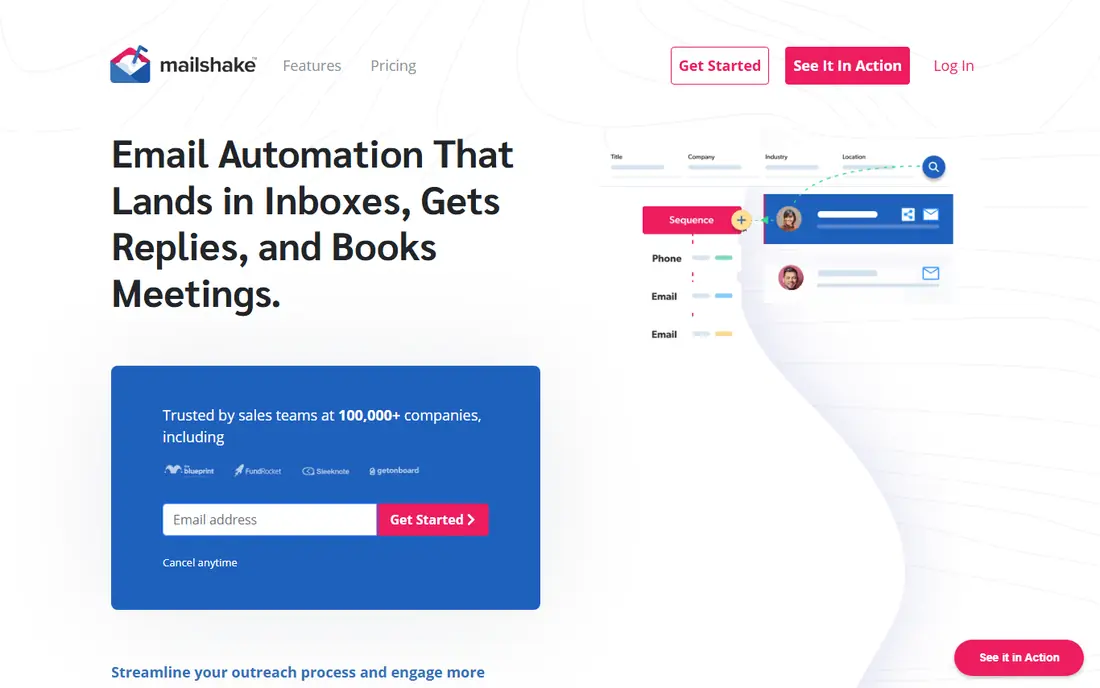
In short, Mailshake is for beginner-friendly outreach. At $59 per user a month, it sits in the mid-range for per-seat tools. There is also no free trial, which is unusual in 2026 and worth noting.
What to check first: Fewer advanced automation features.
Mailshake is the tool people recommend to beginners because it is genuinely hard to get lost in. More specifically, campaign setup walks you through each step, the deliverability guidance is practical. The built-in phone dialer includes the most typical second channel. Price to start with Mailshake: $59 per user/month. Mailshake has no free plan.
- Phone dialer included on some plans
- Good email deliverability setup guidance
- Per-user pricing

In short, Reply.io is for multichannel sales engagement. Choose a flat-fee sender when email is the entire motion. Sequences combine email with LinkedIn steps, calls, SMS, and WhatsApp, and the Jason AI SDR can classify replies and draft responses.
From a buyer's view, at $59 per user a month ($49 billed yearly), it is priced for teams, not solo senders, and email-only users will find it overbuilt. The AI SDR capabilities are genuinely handy but add cost on higher levels. On cost, Reply.io starts like this: $59 per user/month. Free plan details: Free trial.
The main drawbacks: AI features cost additional on some levels.
- Solid CRM integrations
- True multichannel sequences (email, LinkedIn, calls, SMS, WhatsApp)
- Complexity exceeds what email-only teams need
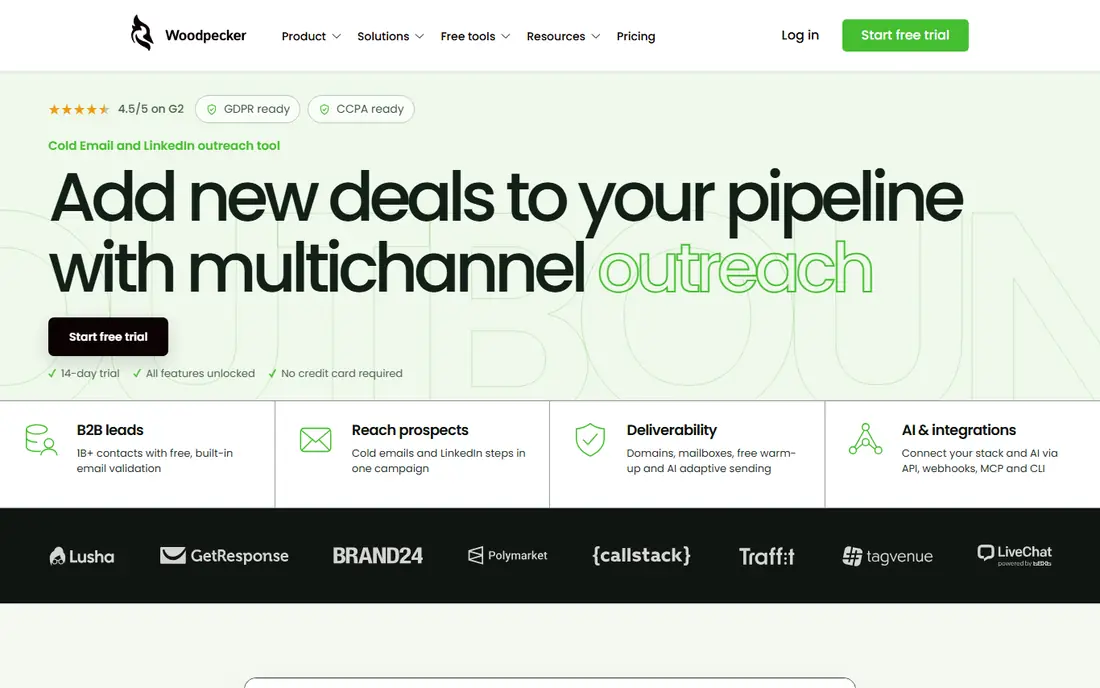
In short, Woodpecker is for small teams, straightforward campaigns. LinkedIn steps cost additional. But for agencies and small firms running straightforward email campaigns, Woodpecker does the core job steadily at a fair price.
It is the calm, no-drama choice in a category full of feature arms races. Worth adding: the interface does campaigns, follow-ups, and reply detection without the sprawling feature menus of larger tools. Also, you will not find AI SDRs, massive lead databases, or advanced multichannel orchestration here. What you pay to start with Woodpecker: From $35 per month. As for free access: Free trial.
Drawbacks to consider: Fewer advanced features than the big systems.
- Straightforward pricing based on prospects contacted
- Focused interface
- Smaller ecosystem
GMass is built with Gmail-native sending in mind. GMass is a Chrome extension that turns Gmail into a mail merge tool: compose in Gmail, send personalized campaigns to a spreadsheet of contacts, track opens and replies. The free level manages very light use.
It is not a cold email product in the modern sense. Use it for warm outreach and small lists; graduate to a real product before doing cold email at any scale. For tiny lists, newsletters to warm contacts, and one-off outreach, nothing is more straightforward. GMass shows no starting price here, so confirm the cost on the vendor site. GMass offers a free plan.
Trade-offs to know: Not aimed at high-volume cold email.
- Works entirely inside Gmail
- Simplest possible setup
- Gmail sending limits apply
Smartlead is built with high-volume sending, agencies in mind. The trade-offs are deliberate.
Smartlead is email-only, so multichannel sequences need another tool, and the interface is designed for operators instead of beginners. Per-inbox deliverability tracking and automatic warmup keep domains healthy. On cost, Smartlead starts like this: $39 per month. Free options: Free trial.
Where it is weaker: Interface prioritizes function over polish.
- Capable deliverability controls per inbox
- Unlimited warmup included
- Email-only (no LinkedIn or calling steps)
What went into this list
ProMapRanker used vendor pricing pages and product documentation as the base, then compared plans, free access and documented limits for 5 tools. Treat prices as a snapshot: vendors change plans often, so check the vendor site for the figure that applies today. Position on the page reflects fit for a typical buyer first, with price clarity and free access breaking ties. Treat it as a guide, not a ruling.
Questions to settle before buying
- Get a written quote from GMass; the list shows no starting price for them.
- Test the free plan from GMass against your real workload before relying on it.
- Run a trial of Reply.io, Woodpecker and Smartlead with real work before paying for a year; your own workflow is the best test.
- Read the limits listed for Mailshake first: per-user pricing.
- Confirm that Reply.io connects to the apps your team already uses, on the plan you would actually buy.
- Find out what support GMass includes on your plan, and whether onboarding help costs extra.
Frequently asked questions
Which options for cold emailing software have a free plan?
GMass is the only tool in this list with a free plan. Free plans usually cap users, projects or features, so check the limits on the vendor page. Several others offer a trial instead.
What is email warmup and is it necessary?
It is effectively mandatory in 2026; sending cold email from a cold inbox is the fastest route to the spam folder. Most tools here contain automatic warmup.
Do these tools publish their prices?
Not all of them. GMass publishes no starting price, so expect a quote request for it. The rest, Mailshake included, show a starting price, though seats and billing terms still change the final cost.
Is cold email still effective in 2026?
Yes, but only done carefully. Batch-and-blast is dead: spam filters and bulk sender policies punish it. Targeted, personalized outreach to well-researched prospects with verified emails still books meetings consistently. For everyday use, expect lower volume and higher effort per prospect than the old playbook.
Can I try these options before paying?
Often, yes. GMass has a free plan and Reply.io, Woodpecker and Smartlead offer a free trial. Use your own data and a real task during the test, and check what the free tier or trial limits before you rely on it.
Can I do cold email from Gmail straight?
Technically yes with tools like GMass, but Gmail daily limits (around 500 emails) and the risk to your account make it unsuitable for real cold campaigns.
Sources
See where you really rank - block by block
ProMapRanker scans Google Maps across a grid of your service area. Simple monthly plans from $19, white-label on every plan.
Start freeKeep reading
 zoho inventory alternatives
6 Alternatives to Zoho Inventory, Compared on Price and Fit
Zoho Inventory alternatives: 6 tools compared on price, free plans and fit. Katana leads the list for manufacturers. Fit and flaws are laid out for each entry.
Read → zoho crm alternatives
Best Zoho CRM Alternatives (2026)
Need Zoho CRM alternatives? We compare 7 tools on cost, free access and who each suits. Every pick gets a straight assessment. Built for quick decisions.
Read → zelle alternatives
Best Zelle Alternatives in 2026
Compare the best Zelle alternatives for sending money to friends, paying sellers and moving funds abroad, with honest notes on fees, speed and safety in 2026.
Read →