 ProMapRanker
Best Cold Email Outreach Tools B2B in 2026


High volume sending for lean teams · Pricing starts at: $37 per month
Key takeaways
- Instantly and Smartlead suit high volume sending, while Lemlist suits personalization and multichannel sequences.
- Apollo suits teams that need a contact database and sending in one place, while Hunter suits teams that already have a list.
- Billing models differ sharply, so compare cost by mailbox, seat, contact or credit, not by headline price alone.
- Warmup, mailbox rotation, bounce handling and domain setup matter more for inbox placement than template design alone.
- Follow anti-spam law and only email legitimate business contacts with a clear opt out, a real sender identity and a relevant offer.
Quick comparison
| Pick | Great for | Pricing starts at | Free tier | |
|---|---|---|---|---|
| Instantly | High volume sending for lean teams | $37 per month | No | Visit |
 Smartlead | Agencies managing many client inboxes | $39 per month | No | Visit |
 Lemlist | Personalized email and LinkedIn sequences | $69 per month | No | Visit |
 Apollo | Finding contacts and sending in one place | Free | Yes | Visit |
 Saleshandy | Budget teams that need lead data and sending | $25 per month | No | Visit |
 Woodpecker | Small teams that send with care | $29 per month | No | Visit |
 Reply.io | Sales teams using email, LinkedIn and calls | $59 per month | No | Visit |
 Snov.io | Data heavy outreach on a moderate budget | $39 per month | Yes | Visit |
 Hunter | Finding and verifying work emails quickly | Free | Yes | Visit |
The best cold email outreach tools B2B
Cold email still works for B2B outreach when the list is accurate, the message is relevant and the sending setup is sound. We compared these tools on deliverability features, sequence control, data quality, billing model and ease of use for small teams.
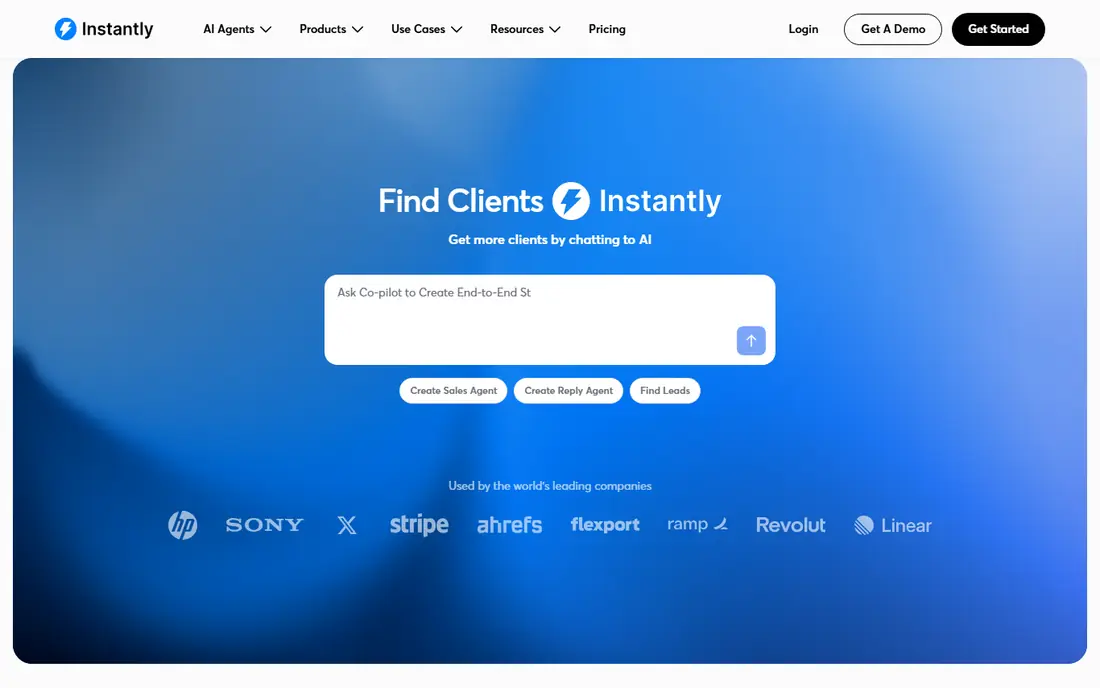
Instantly is a strong pick for a team that already has a list and wants to send at volume without a complex setup. Mailbox rotation spreads sends across inboxes, and warmup helps new domains build a sending history before a full campaign. That combination is why many small agencies start here.
The headline price does not tell the full story. Add on modules for leads and customer management raise the monthly total, so buyers should price the full stack they plan to use. Instantly is best when sending is the main job, not when a team also needs a full sales database.
- Unlimited mailboxes on many plans
- Built in warmup and rotation
- Simple setup for new senders
- Lead database and CRM features cost extra
- Reporting is basic compared with larger sales platforms
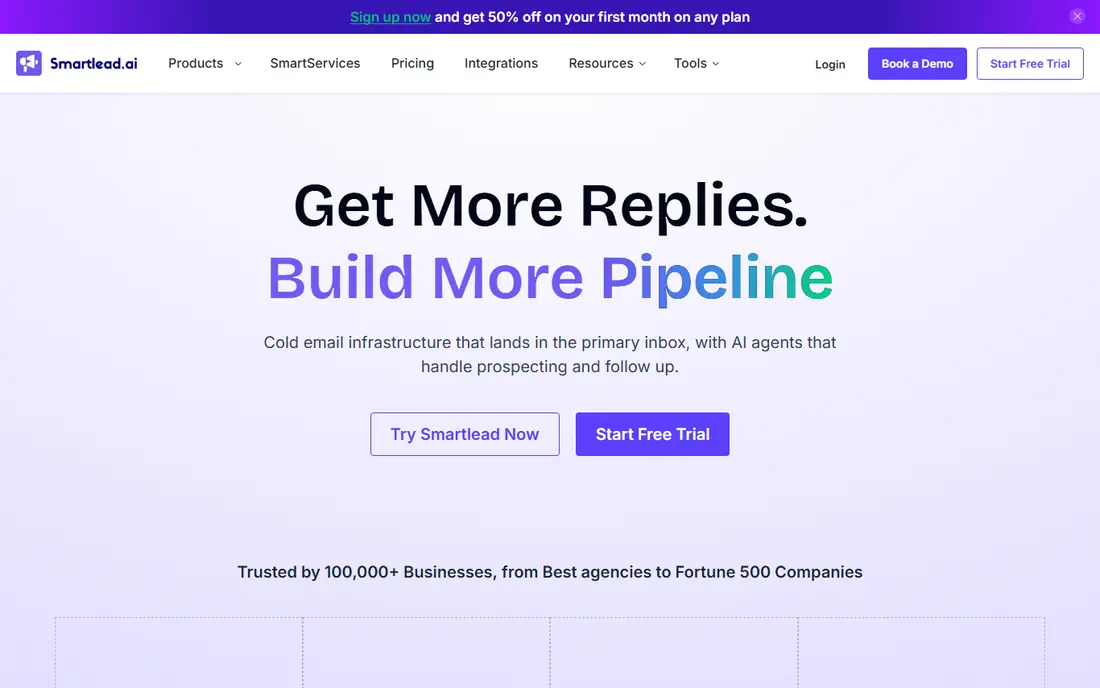
Smartlead is built for scale. Agencies can manage many inboxes, clients and campaigns from one account, and rotation plus warmup are central rather than afterthoughts. That structure helps when one client has a deliverability problem and others must keep sending.
The cost curve is the catch. The base plan is competitive, but added deliverability services and dedicated sending infrastructure can push the total well above the entry price. Smartlead suits teams that will use that scale. A solo sender with one domain may find a simpler tool easier to run.
- Unlimited warmup and mailbox rotation
- Strong agency controls
- API and integration options
- Add ons for deliverability services raise cost
- Interface takes time to learn
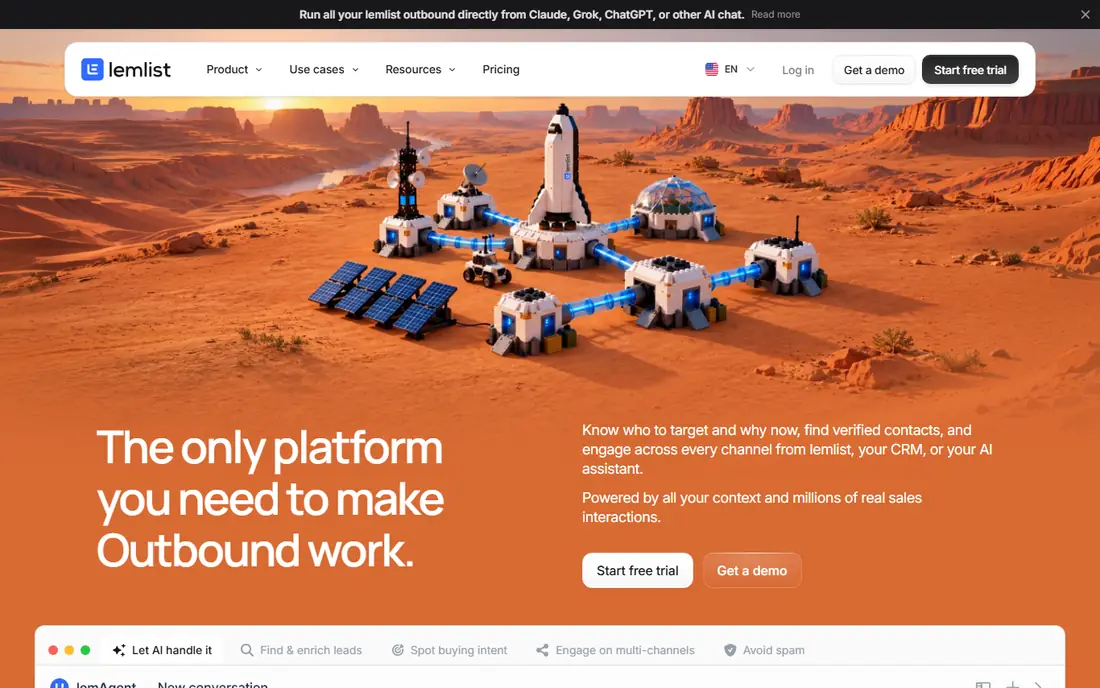
Lemlist stands out when the message itself must do more work. Personalized images, custom first lines and per contact landing pages help a short, relevant pitch feel less like a mass blast. LinkedIn steps can be added to the same sequence, which helps when a prospect is more active there than in email.
That personalization has a price. Per user billing means a growing sales team pays more with each hire, and high volume senders may get better value from a flat volume plan. Lemlist is the pick when reply quality matters more than raw send count.
- Dynamic images and personalized landing pages
- Built in warmup
- Multichannel steps in one sequence
- Per user pricing adds up fast
- Less cost effective for pure high volume sending
Apollo solves the hardest part of cold outreach for many teams, which is finding the right people. Its database, filters and enrichment tools help a team build a list by role, industry and company size, then send sequences without exporting to another tool. The free plan is useful for testing fit on a small list.
Data quality is the honest limit. No database is perfect, and accuracy can drop for smaller companies and for contacts outside major markets. Teams should verify key contacts and watch bounce rates, since a poor list will harm domain reputation even with a good sending tool.
- Large B2B contact database
- Sequences, dialer and LinkedIn steps
- Free plan for a first test
- Data accuracy varies outside the United States
- Credit and seat costs rise with use
Saleshandy is a practical budget pick. It covers the basics well, with sequences, tracking, warmup and a lead finder, at a lower entry price than several rivals. For a small team testing cold email, that low starting cost reduces the risk of a long commitment.
The limits show up at scale. Advanced verification, larger contact volumes and deeper reporting may require higher tiers or add ons. Saleshandy is best for a team that wants a clean, low cost start and can upgrade later if volume grows.
- Low entry price on annual billing
- Built in warmup and lead finder
- Simple sequence setup
- Verification and some data features cost extra
- Depth trails larger platforms
Woodpecker appeals to teams that prefer careful, smaller campaigns over bulk sending. Its sequences support conditions, follow ups based on replies and opens, and manual review steps where needed. That control helps when each prospect is high value and a careless follow up would do harm.
Volume is the trade off. Billing by contacted prospect is transparent for small lists, but costs rise in a direct way as lists grow. Woodpecker is a good fit for consultancies, agencies and niche B2B sellers that send to a focused list each month.
- Clear per prospect billing
- Strong condition based sequences
- Good deliverability controls
- Less suited to very high volume work
- LinkedIn features cost extra on some plans
Reply.io suits a sales team that works more than one channel. A sequence can move from email to LinkedIn to a call task, and managers can see activity across the team in one place. That structure helps when outreach is a team sport rather than a solo task.
The price reflects that breadth. Per user billing means a larger team pays more, and some advanced features sit on higher plans. Reply.io is worth it when the team will use several channels and needs shared reporting. A solo sender may find a simpler sender cheaper.
- Multichannel sequences in one workflow
- AI help with sequences
- Team reporting and CRM links
- Per user pricing
- Higher tiers needed for advanced AI and calling features
Snov.io combines finding, verifying and sending, which helps teams that start with company names rather than a ready list. Its finder and verifier reduce wasted sends to bad addresses, and sequences cover the basic follow up patterns most teams need. The free plan lets a team test the finder before paying.
Credits are the main thing to watch. Finding and verifying use credits, and sending limits depend on the plan, so a team should map its monthly list size to the tier. Snov.io is a good middle ground for teams that need data and sending, but not agency scale infrastructure.
- Email finder and verifier plus sequences
- Free plan for a small test
- CRM and integration options
- Credit based limits need watching
- Sending depth trails dedicated high volume tools
Hunter is best known as a finder, not as a full sending platform, and that is its strength in this list. A team can find work emails for a domain, verify them, and run simple campaigns for a short list without a heavy setup. The free plan covers a small monthly search allowance.
Teams that need rotation, warmup at scale or multichannel sequences will need a dedicated sender beside Hunter. That pairing is common and sensible. Use Hunter to build a clean list, then send from a tool built for deliverability and volume.
- Fast domain search and email finder
- Verification to cut bounces
- Simple Campaigns for small sends
- Sending features are basic compared with dedicated senders
- Credits limit larger lists
How we picked these
We compared official pricing pages, feature pages and current 2026 comparison guides, and we kept only tools that are still sold for B2B cold outreach and that support sequences, deliverability controls and lawful sending. We favored tools with clear billing models and a real free plan or trial where one exists, and we noted where prices differ by monthly and annual billing. We did not claim hands on testing, and we treated vendor claims about inbox placement as claims, not measured results.
What to check before you send
Start with domain setup, not copy. Use a separate sending domain for cold outreach, set up SPF, DKIM and DMARC, and warm new mailboxes slowly before a full campaign. Keep daily sends per mailbox modest, rotate mailboxes where the tool allows it, and watch bounce and spam complaint rates from the first sends. A domain with a damaged reputation is hard to repair, and no template fixes that problem.
Build a list you can defend. Target real business roles at real companies, remove role based and generic addresses where possible, and verify addresses before sending. Include your real name, company and a clear opt out in every message, and honor opt outs at once. Cold email law varies by country, so check the rules for each prospect location, and never buy scraped lists or email consumers who have not agreed to be contacted for that purpose.
Judge a tool by the first month of data. Track reply rate, positive reply rate, bounce rate and meetings booked, not open rate alone. If bounces are high, fix the list. If replies are low, fix targeting and relevance before adding volume. A good tool makes that diagnosis easier, but it cannot make an irrelevant pitch relevant.
Frequently asked questions
Is cold email legal for B2B outreach?
It can be lawful in some countries for business to business messages, but rules differ by location and by message type. In the United States, the CAN-SPAM Act requires accurate sender details, a working opt out and a valid postal address. Other countries, including those in the European Union, have stricter consent rules. Check the law for each prospect location and keep records of how you sourced each contact.
How many emails should I send per day?
It depends on mailbox age, domain history and tool setup. New mailboxes should start low and build up over weeks, and many teams keep each mailbox well below aggressive daily limits. Warmup, rotation and list quality matter more than a single daily number. Watch bounce and complaint rates, and pause a mailbox if those rates rise.
Do I need a separate domain for cold email?
We advise it for most teams. A separate sending domain protects the main company domain if a campaign harms sender reputation. The sending domain still needs proper authentication, a real website and a warmup period. It is not a way to hide identity, since messages must still show who you are and how to opt out.
What makes a cold email get replies?
Relevance, brevity and a clear next step. The best messages show that the sender knows the prospect role and company, state one concrete problem or outcome, and ask for a short call or a simple reply. Long pitches, generic claims and multiple asks in one message tend to lower replies. Test one change at a time and keep what improves positive replies.
Should I use LinkedIn steps in a sequence?
LinkedIn steps can help when prospects are active there and when the message adds value rather than repeating the same pitch. Some tools include LinkedIn steps, while others need a separate tool. Keep connection requests personal and brief, respect platform limits, and do not automate actions that break platform rules.
Sources
See where you really rank - block by block
ProMapRanker scans Google Maps across a grid of your service area. Simple monthly plans from $19, white-label on every plan.
Start freeKeep reading
 zoho inventory alternatives
6 Alternatives to Zoho Inventory, Compared on Price and Fit
Zoho Inventory alternatives: 6 tools compared on price, free plans and fit. Katana leads the list for manufacturers. Fit and flaws are laid out for each entry.
Read → zoho crm alternatives
Best Zoho CRM Alternatives (2026)
Need Zoho CRM alternatives? We compare 7 tools on cost, free access and who each suits. Every pick gets a straight assessment. Built for quick decisions.
Read → zelle alternatives
Best Zelle Alternatives in 2026
Compare the best Zelle alternatives for sending money to friends, paying sellers and moving funds abroad, with honest notes on fees, speed and safety in 2026.
Read →