 ProMapRanker
Best Code Review Tools in 2026

Key takeaways
- The best code review tool depends on where your code lives: GitHub, GitLab, and Bitbucket already include strong pull request review for many teams.
- AI reviewers like CodeRabbit and Graphite save time on routine checks, but human review still matters for design, security, and business logic.
- Self-hosted options like Gerrit and Review Board suit teams that need strict control over code and review data.
- Per-developer AI pricing can rise fast on a large team, so count only the developers who actually author pull requests where that rule applies.
- A good review tool makes small, focused pull requests easy, because large diffs get shallow reviews no matter which tool you use.
Quick comparison
| Pick | Great for | Pricing starts at | Free tier | |
|---|---|---|---|---|
 GitHub | Teams already on GitHub | Free | Yes | Visit |
 GitLab | Teams that want code plus CI in one place | Free | Yes | Visit |
 Bitbucket | Teams using Jira and Atlassian tools | Free | Yes | Visit |
 Gerrit | Strict, self-hosted review workflows | Free | Yes | Visit |
 CodeRabbit | AI review for GitHub and GitLab teams | $24 per user per month | Yes | Visit |
 Graphite | Stacked pull requests and merge queues | $20 per user per month | Free trial | Visit |
 SonarQube | Code quality and security checks in review | Free | Yes | Visit |
 Review Board | Simple self-hosted code review | Free | Yes | Visit |
The best code review tools
We compared official product and pricing pages, platform support, and review workflows, with a focus on pull request handling, AI help, and team controls. Prices below are starting prices from public listings, and annual billing usually lowers the monthly figure where it is offered.
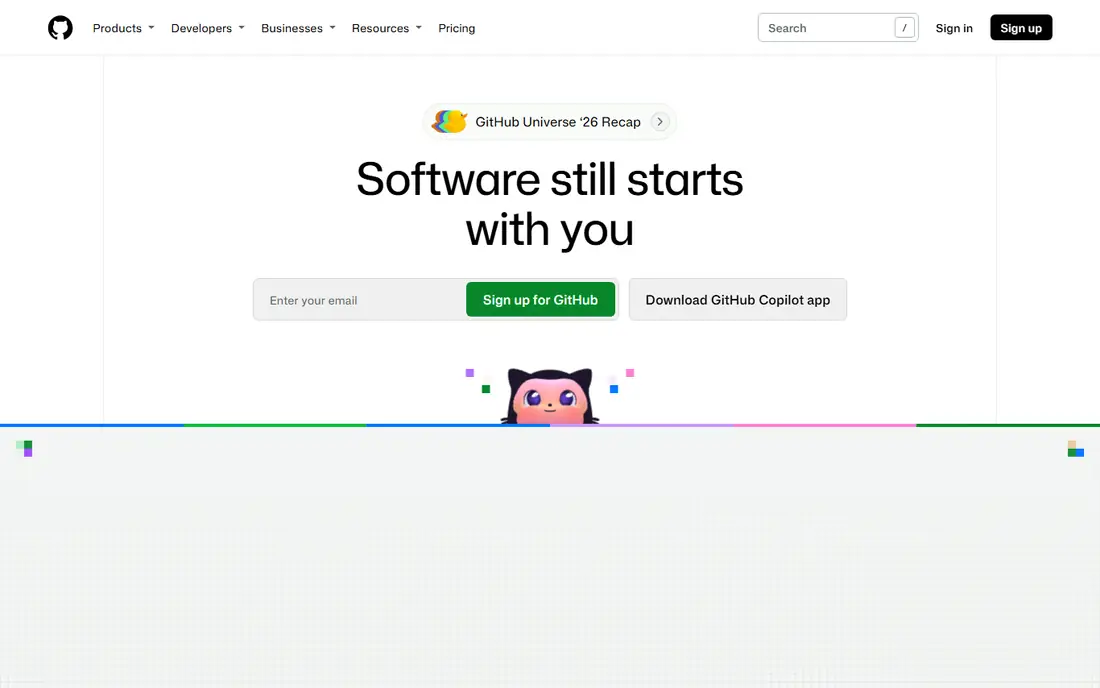
GitHub is the default code review tool for teams that already host code there, because review is part of the pull request flow rather than a separate system. Reviewers can comment on lines, request changes, approve, and track conversations beside the code, while branch protections can require reviews before a merge. Actions and checks add automated tests and lint results to the same pull request view.
The limits are tier and scope. The free plan covers core review well, but larger teams may need paid plans for advanced controls, code owners at scale, and enterprise security tools. Copilot code review also ties you to GitHub, so a multi-platform team should compare a standalone AI reviewer. For a GitHub team, starting here avoids extra setup and extra cost.
- Pull requests, inline comments, and review requests built in
- Huge integration set
- Copilot code review available on paid plans
- Advanced review controls and enterprise features sit on paid tiers
- AI review is GitHub-focused

GitLab suits a team that wants code, review, CI, and planning in one system instead of stitching four tools together. Merge requests carry inline comments, approvals, and pipeline results, so a reviewer can see test status without opening another tab. Self-managed hosting gives teams that need data control a path that pure cloud tools do not offer.
Density is the trade-off. The platform covers a lot, and a small team may find the menus and settings heavier than GitHub or Bitbucket. Paid tiers also hold some deeper approval and security features. For a team that already uses GitLab for CI or issues, the built-in review flow is the simplest and most consistent choice.
- Merge requests with review, CI, and issue tracking in one platform
- Self-managed option
- Strong branch and approval controls
- Interface can feel dense for small teams
- Some advanced review features sit on paid tiers
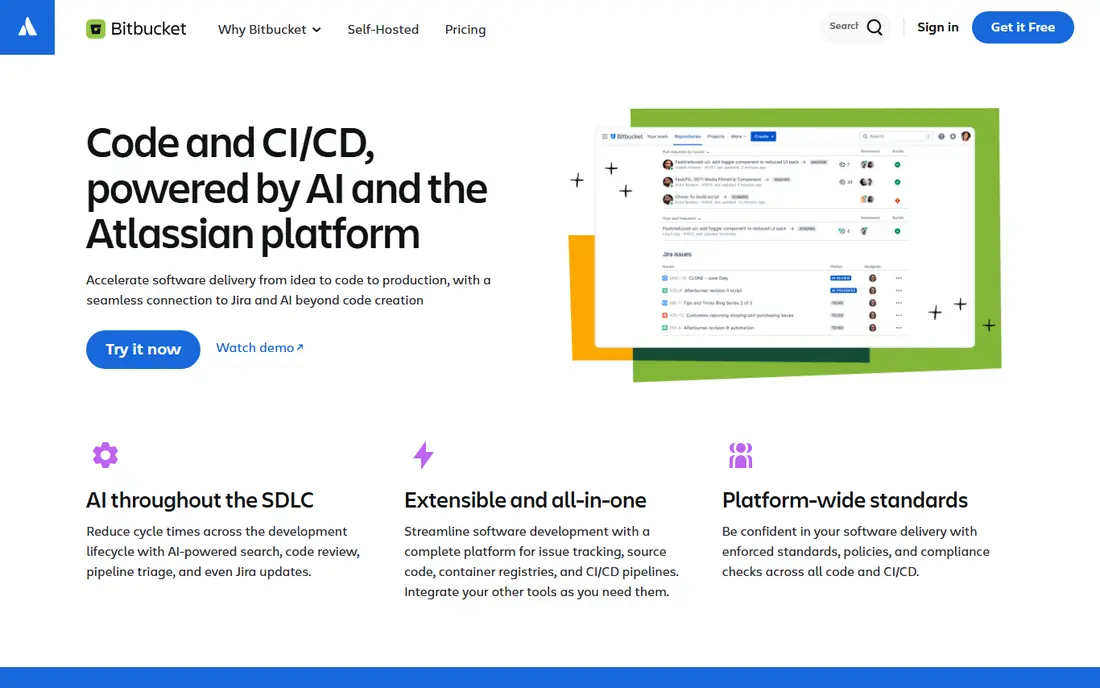
Bitbucket is the natural pick for a team that already plans work in Jira and documents it in Confluence. Pull requests link to Jira issues, so a reviewer can see the task, the branch, and the discussion in one flow. The review tools cover inline comments, approvals, and merge checks without forcing a team to adopt a new planning system.
The ecosystem is narrower than GitHub, and AI review options are less central. Teams that rely on a wide marketplace of review bots may need to add a standalone tool. For an Atlassian shop, though, the tight Jira link often outweighs that gap, and the free tier covers small teams well.
- Pull requests tied to Jira issues
- Clean review flow for small teams
- Cloud and Data Center options
- Smaller AI and integration set than GitHub
- Some teams find the ecosystem narrower
Gerrit suits teams that need strict review control and full ownership of their code data. Its patch-set model lets reviewers comment on each version of a change, and access controls can separate who can submit, review, and approve. That structure fits large, regulated, or open-source projects where a clear audit trail matters more than a polished interface.
The cost is usability. New users often find the workflow and interface harder to learn than GitHub pull requests, and setup needs server care. A small team that values speed over strict control will likely prefer a hosted tool. A team that needs self-hosting and fine-grained review rules will find Gerrit worth the learning effort.
- Open source and self-hosted
- Patch-set based review with fine-grained access controls
- Strong audit trail
- Learning curve is steep
- Interface feels dated compared with modern pull request tools
CodeRabbit adds an AI reviewer to pull requests on GitHub, GitLab, Azure DevOps, and Bitbucket, with line-by-line comments, summaries, and one-click fixes. It can catch style issues, likely bugs, and security patterns before a human reviewer opens the diff, which shortens the wait for routine feedback. Links to linters and security scanners give its comments more grounding than a plain language model alone.
Pricing and judgment are the limits. Essentials starts at $24 per developer per month billed annually, and only pull request authors are billed under its stated model, so count authors, not every seat, when you budget. AI review also misses design context and business rules, so treat it as a first pass, not a replacement for human review. For a busy team drowning in small pull requests, it can still save real reviewer time.
- Line-by-line AI comments, summaries, and one-click fixes
- Works with GitHub, GitLab, Azure DevOps, and Bitbucket
- Linter and security scanner links
- Per-developer pricing can rise fast
- AI comments still need human judgment
- Code is shared with model providers for review
Graphite suits a team whose pull requests keep growing too large to review well. Stacking lets a developer split a large change into a chain of small pull requests, each with its own review, while the merge queue handles the stack in order. That structure leads to faster, more focused reviews and fewer merge conflicts from long-lived branches.
The trade-off is workflow change. Your team must learn stacking and the Graphite command tools, and the product is mainly GitHub-focused, so GitLab or Bitbucket teams should look elsewhere. Pricing starts near $20 per user per month, with higher tiers for fuller AI review. For a GitHub team with review bottlenecks, the workflow gain can justify the switch.
- Stacked pull requests keep changes small
- Stack-aware merge queue
- AI agent review on relevant plans
- Changes your pull request workflow
- Mainly GitHub-focused
- Team pricing rises with AI review depth
SonarQube is a code quality companion rather than a standalone review inbox. It scans code for bugs, security vulnerabilities, and maintainability issues, then reports results in pull requests and blocks merges that fail a quality gate. That gives reviewers a factual starting point and keeps routine quality checks out of human comments.
It does not replace human review. SonarQube will not judge whether a design is right or whether a feature matches the ticket, and tuning rules for a codebase takes time. The community build is free, while server and enterprise editions add scale and security features. Pair it with GitHub, GitLab, or Bitbucket review for the best result.
- Static analysis for bugs, security issues, and code smells
- Quality gates for pull requests
- Broad language support
- Not a full pull request review tool on its own
- Setup and tuning take time
- Deeper features sit on paid editions
Review Board suits a team that wants a simple, self-hosted review tool without a large platform commitment. It supports review requests, diffs, inline comments, and approvals across several version control systems, and it can run on your own server. For a small team or a project with strict hosting needs, that simplicity is appealing.
Modern depth is the limit. The interface feels older than GitHub or GitLab, and AI review, advanced CI links, and large-scale workflow tools are not its strength. If your team already uses a hosted platform, its built-in review will usually be better. If you need a light, self-hosted reviewer, Review Board remains a solid, free option.
- Open source and self-hosted
- Simple review requests with diffs and comments
- Works with many version control systems
- Interface and workflow feel older than modern tools
- AI review and CI depth are limited
How we picked these
We compared official product, pricing, and documentation pages, plus platform support for GitHub, GitLab, Bitbucket, and self-hosted systems. We favored tools live in October 2026 that handle real pull request or patch review, not just code formatting, and we kept a mix of hosted platforms, AI reviewers, and self-hosted tools. Where pricing varied by billing period, we stated the annual starting figure and noted the billing basis.
How to run better code reviews
Keep pull requests small and focused on one change, because reviewers give better feedback on 200 lines than on 2,000. Write a clear description that states what changed, why, and how it was tested, and link the issue or ticket. Automated checks should run before human review, so reviewers spend time on logic and design rather than formatting.
Set review expectations in writing: who must approve, how fast a first review should arrive, and what counts as a blocking comment. Use code owners for sensitive areas, and require a second review for security or payment code. Finally, treat review comments as a shared learning tool, not a test, and keep tone direct and kind, since a harsh review slows the next pull request more than a missed style point.
A practical review checklist
Check correctness against the ticket, edge cases, error handling, security inputs, tests, and readability. If any item is unclear from the diff alone, ask for a comment in the code or a note in the pull request, rather than guessing. That habit improves the code and the next review.
Frequently asked questions
What is the best code review tool for a small team?
GitHub, GitLab, or Bitbucket is usually best, since review is already built into the platform your team uses. Add an AI reviewer only when review delays become a real bottleneck, not before the team has a steady pull request flow.
What is the best code review software for AI-assisted review?
CodeRabbit is the strongest standalone AI reviewer in this list for GitHub and GitLab teams, thanks to line-by-line comments and summaries. Graphite is a better pick when the main problem is large pull requests, because stacking changes the workflow itself.
What is the best code platform for self-hosted review?
Gerrit suits strict, self-hosted workflows with fine-grained controls, while Review Board suits simpler self-hosted needs. GitLab Self-Managed is a good middle path when you also want CI and issue tracking on your own servers.
What is the best app to code and review on mobile?
GitHub and GitLab mobile apps let you read pull requests, comment, and approve on a phone, though complex diffs are still easier on a desktop. Use mobile review for small fixes and approvals, and save large or sensitive changes for a full screen.
Do AI code review tools replace human reviewers?
No. AI tools catch routine bugs, style issues, and some security patterns, but they miss business context, design trade-offs, and product intent. Use AI as a first pass, then keep human approval for merges, especially for security and payment code.
How much do code review tools cost?
Built-in review on GitHub, GitLab, and Bitbucket is free for small teams, while AI tools in this list start near $20 to $24 per user per month. Self-hosted tools are free to use, but server time and maintenance are real costs.
Sources
See where you really rank - block by block
ProMapRanker scans Google Maps across a grid of your service area. Simple monthly plans from $19, white-label on every plan.
Start freeKeep reading
 zoho inventory alternatives
6 Alternatives to Zoho Inventory, Compared on Price and Fit
Zoho Inventory alternatives: 6 tools compared on price, free plans and fit. Katana leads the list for manufacturers. Fit and flaws are laid out for each entry.
Read → zoho crm alternatives
Best Zoho CRM Alternatives (2026)
Need Zoho CRM alternatives? We compare 7 tools on cost, free access and who each suits. Every pick gets a straight assessment. Built for quick decisions.
Read → zelle alternatives
Best Zelle Alternatives in 2026
Compare the best Zelle alternatives for sending money to friends, paying sellers and moving funds abroad, with honest notes on fees, speed and safety in 2026.
Read →