 ProMapRanker
Best Co Managed IT Services in 2026

Key takeaways
- Co managed IT means a firm keeps its in house team and adds an outside partner for specific gaps, such as after hours support, security monitoring or project work.
- Ntiva, Integris and Coretelligent suit firms that want a named team and clear service tiers, while smaller regional partners may suit a single location firm.
- Pricing is usually quote based and depends on user count, devices, locations and security needs, so compare the same scope from each provider.
- Ask who owns admin access, how tickets are shared, and how security incidents are handled before signing, since those details decide whether the partnership works day to day.
Quick comparison
| Pick | Great for | Pricing starts at | Free tier | |
|---|---|---|---|---|
 Ntiva | National coverage with local teams | See website | No | Visit |
 Integris | Certified national co managed support | See website | No | Visit |
 Coretelligent | Regulated professional firms | See website | No | Visit |
 Thrive | Multi site growing firms | See website | No | Visit |
 Executech | Western US firms | See website | No | Visit |
 VC3 | Firms and local governments | See website | No | Visit |
 Dataprise | Unlimited support desk needs | See website | No | Visit |
 All Covered | IT plus communications in one vendor | See website | No | Visit |
 Entech | Manufacturing focused co managed IT | See website | No | Visit |
The best co managed it services
Co managed IT is a partnership model, not a product you install. A company keeps its own IT staff for daily work and strategy, and an outside managed service provider covers agreed gaps, such as 24 hour monitoring, help desk overflow, cybersecurity, cloud management or specialist projects. The best fit depends on how much control the in house team wants to keep, which tasks to hand over, and how tickets, tools and reporting will be shared. We compared official service pages and recent provider listings for firms offering co managed IT in October 2026. Pricing is usually quote based, so starting prices below are shown as See website where a public rate could not be verified.
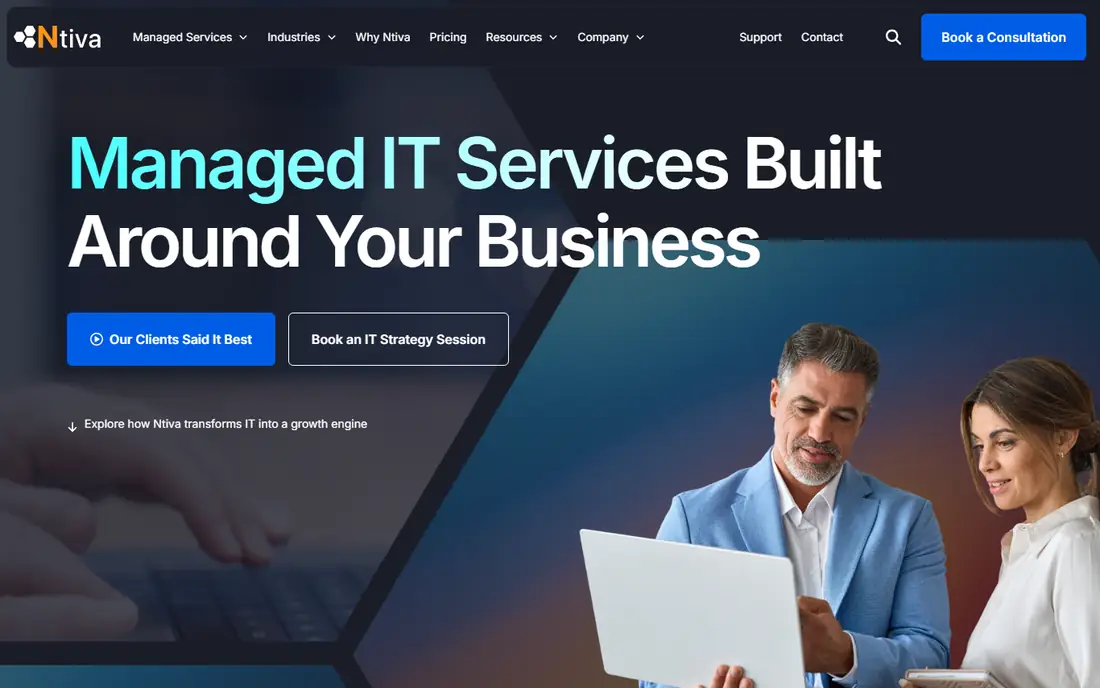
Ntiva is a strong starting point for a firm that wants national reach without losing a local contact. Its co managed model assigns dedicated local pods of technicians to each client, so the same people learn the environment over time rather than a new agent starting from scratch on every ticket. The firm also offers 24 hour help desk coverage, security services, cloud management and virtual chief information security officer advice, which lets an in house team hand over after hours work and specialist security tasks while keeping day to day control.
The trade off is tier variation. Service scope, response times and included tools depend on the engagement tier, so two Ntiva clients may not get the same package. Buyers should get the tier, ticket sharing method and escalation path in writing, and should ask how staff changes are handled when a pod member leaves. For a midsize firm that wants a stable partner team, Ntiva is a credible first shortlist pick.
- Dedicated local technician pods for each client
- Co managed IT page with clear partnership model
- Cybersecurity, cloud and vCISO services
- Pricing is quote based
- Service scope and response terms vary by engagement tier

Integris suits firms that want a certified national provider with both fully managed and co managed models. A company can start with co managed help for its in house team and move toward more managed coverage later without changing vendors. Services include a 24 hour help desk, managed security, compliance support and managed cloud, which cover the common gaps for an in house team that is stretched thin. That flexibility helps when headcount or risk changes over a contract term.
National scale can also feel less personal in some regions, and growth through acquisitions can change local teams over time. Buyers should ask who the named contacts will be, how tickets move between the in house team and Integris, and what reporting shows ticket volume and response times. For a firm that wants a national partner with clear certification and compliance depth, Integris is a strong option.
- Fully managed and co managed options
- 24 hour US help desk
- Managed security and compliance services
- Pricing is quote based
- National footprint can feel less local in some regions
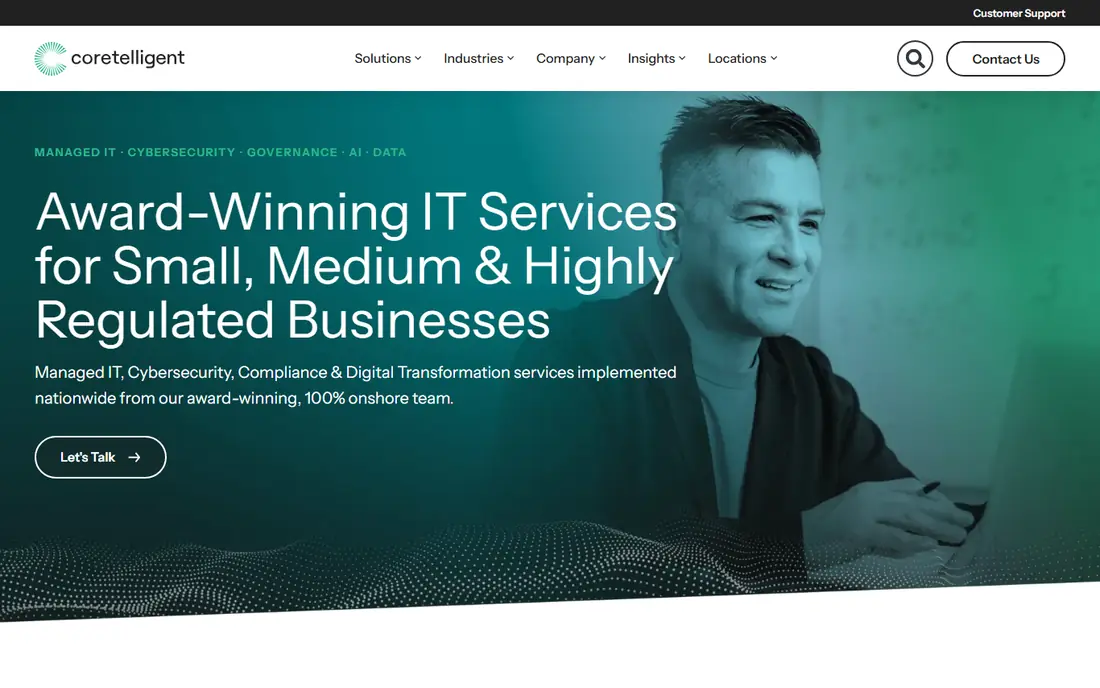
Coretelligent positions its co managed service as an extension of the in house department, with the client choosing which tasks to hand over and which to keep. That choice matters for firms in finance, healthcare and professional services, where control over systems and data cannot simply be handed to an outside team without clear rules. Services include IT planning, co managed support, cybersecurity, compliance help, cloud management and backup and disaster recovery, with vCIO sessions for planning.
The industry focus is both a strength and a limit. Firms outside its core sectors may find other providers with more relevant references, and pricing is quote based, so a detailed scope is needed for a fair comparison. Buyers should ask for references from a similar sized firm in their sector and should confirm how security incidents are reported to the in house team. For regulated professional firms, Coretelligent is a focused and credible pick.
- Co managed service designed to extend in house teams
- Onshore support
- VCIO sessions, cybersecurity and backup services
- Pricing is quote based
- Focus on financial, healthcare and professional services may not suit every industry
Thrive suits a growing firm with several offices or international locations that needs consistent IT across sites. Its services cover managed infrastructure, help desk support, managed detection and response, Microsoft 365 management, network services and disaster recovery. For an in house team that struggles to support many sites at once, Thrive can take on monitoring, patching and after hours support while the internal team focuses on projects and local users.
Buyers should confirm the co managed model explicitly, since some Thrive listings focus on fully managed services and the split of tasks needs to be agreed in the contract. Ask which sites, systems and hours are covered, how tickets are routed, and what happens during a security incident at a remote site. For multi site firms that need consistent coverage, Thrive is worth a detailed quote.
- Managed infrastructure and help desk across many sites
- Managed detection and response
- Microsoft 365 and disaster recovery services
- Pricing is quote based
- Co managed scope needs explicit confirmation, since some listings describe fully managed work
Executech is a practical pick for firms in the western US that want a partner close to their offices. Its co managed model lets an in house team hand over service desk overflow, monitoring and patching, while keeping strategic work internal. The firm also offers vCIO guidance and managed detection and response, which helps a small internal team cover security and planning gaps without hiring specialists full time. Unlimited service desk coverage on many plans can also simplify budgeting for support heavy firms.
Geography is the main limit, since firms outside the western US may get less onsite coverage. Buyers should confirm response times for remote support, onsite visit terms and after hours coverage before signing. For a western US firm with a small internal team, Executech offers a clear and focused co managed option.
- Co managed IT described on its service pages
- Unlimited service desk on many plans
- Monitoring, patching, vCIO guidance and managed detection
- Pricing is quote based
- Geographic strength is strongest in the western US
VC3 serves businesses and local governments that need reliable support desk coverage plus managed security and compliance help. Its co managed and managed services include unlimited support desk options, monitoring, backup and compliance as a service, which suits organisations that must show auditors how systems are protected. Onsite support options also help firms that cannot rely on remote help alone for every problem.
Private firms should check whether public sector processes, such as procurement or reporting formats, affect their contract, and should confirm ticket sharing and escalation terms. Pricing is quote based, so a scope with user count, devices and locations is needed for comparison. For firms and local governments that need steady support plus compliance help, VC3 is a solid pick.
- Unlimited support desk on many plans
- Managed security and compliance as a service
- Backup and onsite support options
- Pricing is quote based
- Public sector focus may shape processes that private firms should check
Dataprise suits small and midsize firms that want unlimited support desk access without worrying about per ticket charges. The firm offers fully managed and co managed style support, with 24 hour service desk coverage, Microsoft 365 and cloud management, backup and security operations services. That breadth lets an in house team hand over routine user support and monitoring while keeping project work and strategy internal.
Buyers should confirm what unlimited means in the contract, including fair use terms, response targets and coverage for complex projects versus routine tickets. Pricing is quote based and depends on users, devices and locations, so a detailed scope helps. For a firm whose in house team is buried in routine support tickets, Dataprise offers a clear way to regain time.
- Unlimited 24 hour support on many plans
- Microsoft 365 and cloud management
- Backup and security operations services
- Pricing is quote based
- Service desk volume models need checking for very large firms
All Covered, part of Konica Minolta, suits a small or midsize firm that wants IT, communications and devices from a single vendor. Instead of managing separate contracts for help desk, phones, printers and cloud tools, a firm can bundle managed IT, unified communications, Microsoft 365 management and device support under one partner. Network and security operations coverage around the clock also helps an in house team that cannot staff nights and weekends.
Breadth is also the risk, since a generalist vendor may lack depth in a niche system or industry workflow. Buyers should ask who handles their specific line of business applications, how communications and IT tickets are routed, and what happens when a problem spans both areas. For a firm that values one vendor and one bill for IT and communications, All Covered is a practical option.
- Managed IT plus unified communications and devices from one vendor
- 24 hour network and security operations
- Microsoft 365 management
- Pricing is quote based
- Breadth across IT and communications can mean less depth in a niche area
Entech is a focused pick for manufacturers that need co managed IT with an understanding of factory systems, compliance and operational technology risks. Its service model covers co managed support, monitoring, help desk and compliance help, with attention to frameworks that matter in manufacturing. For a plant with an internal IT lead but no large security or compliance team, Entech can fill those gaps while the internal team keeps control of daily operations.
Non manufacturing firms may find generalist providers with more relevant references, and pricing is quote based, so a plant by plant scope is needed. Buyers should ask how factory systems are separated from office IT, how incidents are reported, and what onsite coverage looks like for a plant. For manufacturers, Entech offers a specialised co managed partner worth quoting.
- Co managed IT model for manufacturers
- Compliance support including manufacturing frameworks
- Monitoring and help desk services
- Pricing is quote based
- Manufacturing focus may not suit non manufacturing firms as well as generalist rivals
How we picked these
We compared official co managed and managed IT service pages and recent provider listings for firms offering co managed IT in October 2026. We favoured firms with a published co managed model, 24 hour or after hours support options, and security or compliance services alongside help desk work. We left out firms that only offered fully managed IT with no co managed option, firms whose services could not be verified from an official page, and individual consultants with no team coverage.
How to scope a co managed deal fairly
Start by listing the tasks your in house team keeps and the tasks the partner will own. Common splits are: internal team keeps strategy, projects and local user relationships, while the partner covers after hours support, monitoring, patching, security operations and backup checks. Write that split into the contract, with ticket ownership, response targets and escalation paths for each task type. Without that split, both teams can assume the other side owns a problem.
Next, compare quotes on the same scope. Give each provider the same user count, device count, locations, applications and security needs, and ask for the same reporting: ticket volume, response times, patch status, backup success and security alerts. Ask who owns admin credentials, how access is revoked when staff leave, and how data is returned at contract end. A trial period or a phased start, with one site or one service first, can reveal partnership problems before a full rollout.
Frequently asked questions
What is co managed IT?
Co managed IT is a partnership where a company keeps its in house IT team and adds an outside provider for agreed tasks, such as after hours support, monitoring, security or specialist projects. The in house team keeps control of strategy and daily decisions, while the partner fills gaps in capacity or expertise.
How is co managed IT different from fully managed IT?
In fully managed IT, the outside provider owns most or all IT operations. In co managed IT, the in house team keeps ownership of agreed areas and the provider supports the rest. Co managed suits firms that already have IT staff but need help with coverage, security or scale.
How much do co managed IT services cost?
Pricing is usually quote based and depends on user count, devices, locations, security needs and support hours. Ask each provider to quote the same scope, and check whether the price includes monitoring tools, security services, backup and after hours support, or whether those are separate add ons.
Who owns admin access in a co managed deal?
Ownership should be agreed in writing before work starts. Many firms keep ultimate admin ownership in house and grant the partner scoped access for agreed tasks, with logging and revocation procedures. Ask how access is granted, logged and removed when staff change on either side.
Can a small firm use co managed IT?
Yes, small firms with one or two IT staff often use co managed IT for after hours coverage, security monitoring and project help. The model works best when the small team has a clear list of tasks to hand over, rather than a vague request for general help.
What should I check before signing a co managed contract?
Check the task split, response targets, ticket sharing method, security incident process, reporting rhythm, contract length and exit terms. Ask for references from a similar sized firm, and start with a phased rollout or trial period when possible.
Sources
See where you really rank - block by block
ProMapRanker scans Google Maps across a grid of your service area. Simple monthly plans from $19, white-label on every plan.
Start freeKeep reading
 worlds best local seo company
8 Worlds Best Local SEO Companies for Map Pack Growth in 2026
Compare the worlds best local seo company options for Google Business Profile work, citations, reviews, and multi-location rankings and reporting in 2026.
Read → world's best web hosting company
World's Best Web Hosting Company in 2026
Searching for the world's best web hosting company? We compared 10 hosts on price, renewal rates, speed, and support to help you choose well today in 2026.
Read → who's got the best nanny tax services
Who's Got the Best Nanny Tax Services in 2026
We answer who's got the best nanny tax services, comparing full filing, back taxes, software, and pricing so families can handle nanny taxes correctly.
Read →