 ProMapRanker
Best CNC Software in 2026: 10 Tools Compared

Key takeaways
- The best cnc software depends on your machine and your work, since router sign work, metal milling and production machining need different toolpaths.
- Fusion 360 is the value benchmark for small shops that want CAD and CAM in one subscription, while Mastercam remains the production standard for deep toolpath control.
- Budget buyers have real options, from free Carbide Create and LinuxCNC to one-time purchases such as VCarve Pro, MeshCAM and SheetCAM.
- Router owners should shortlist VCarve Pro, Carbide Create and Easel first, since they are built around flat and 2.5D router work.
Quick comparison
| Pick | Great for | Pricing starts at | Free tier | |
|---|---|---|---|---|
 Fusion 360 | Integrated CAD and CAM | $680 per year | Free trial | Visit |
 Mastercam | Production milling and turning | See website | Free trial | Visit |
 Vectric VCarve Pro | Signs and woodworking | $699 one-time | No | Visit |
 Carbide Create | Beginners on a budget | Free | Yes | Visit |
 Easel | First-time router owners | Free | Yes | Visit |
 Mach4 | Machine control | See website | No | Visit |
 LinuxCNC | Free open machine control | Free | Yes | Visit |
 BobCAD-CAM | Affordable production CAM | See website | Free trial | Visit |
 MeshCAM | Simple 3D milling | $250 one-time | Free trial | Visit |
 SheetCAM | 2D plasma and router work | $279 one-time | Free trial | Visit |
The best cnc software
CNC software covers three jobs: designing the part, turning the design into toolpaths, and driving the machine. Some tools on this list do all three, some do one job well, and the best pick depends on whether you run a router in a garage, a mill in a job shop, or a production floor. All ten are live in October 2026 and fit real CNC work.
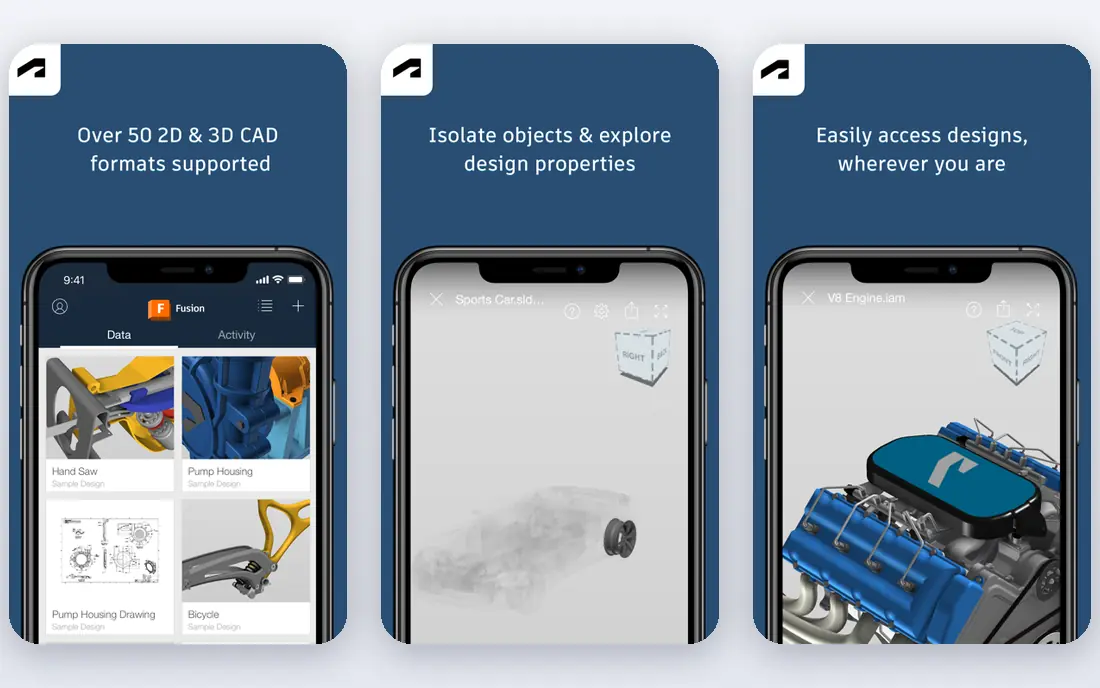
Fusion 360 is the default for small shops and serious makers because design and machining live in one place. You model a part, set up stock and fixtures, generate toolpaths and post G-code without exporting between apps, and the subscription includes regular updates. A free personal-use tier exists for non-commercial work, which makes it a low-risk way to learn.
The catch is the ceiling. Advanced 5-axis machining needs a paid extension, and shops that need fully offline work may dislike the cloud account model. Fusion is our pick for most people starting or running a small shop. Production shops with deep multi-axis needs should compare Mastercam before committing.
- CAD and CAM in one subscription
- Strong 2.5D and 3D toolpaths
- Large tutorial community
- Full 5-axis work needs a paid extension
- Cloud-based workflow does not suit every shop
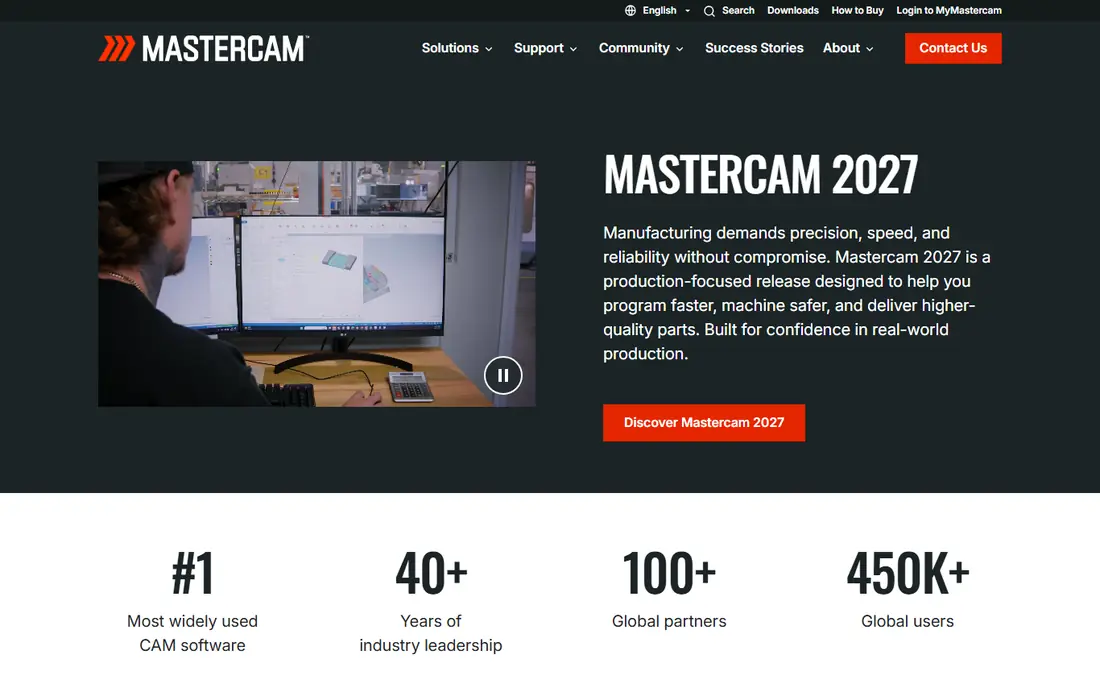
Mastercam remains the shop-floor standard for pure CAM. It covers 2.5D through 5-axis milling, turning, mill-turn and Swiss work, with toolpath strategies and post-processors refined over decades of production use. The 2026 release adds AI-assisted toolpath suggestions through its connected platform, but the core value is control: feeds, stepovers, collision avoidance and cycle time tuning at a level hobby tools cannot match.
The cost is real in money and time. Pricing runs through resellers by quote, and a full seat is a professional investment, not a hobby purchase. A free Learning Edition lets you practise before buying. Mastercam is the pick for production shops where cycle time and toolpath depth pay for the software. Hobby and small-shop users should start with Fusion 360.
- Deepest toolpath control for production work
- Huge post-processor library
- Learning Edition for practice
- Quote-based pricing through resellers
- Steep learning curve and a serious price for a full seat
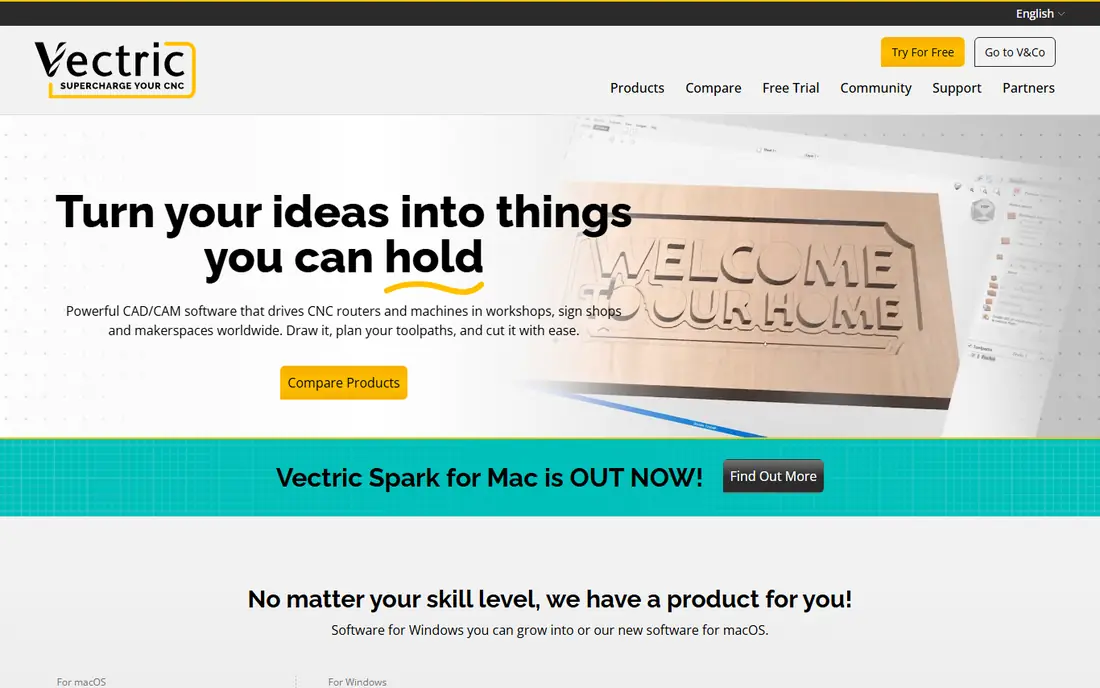
VCarve Pro is the best software for cnc router work in signs, furniture parts and decorative panels. Its vector drawing, text handling and clipart tools suit flat work, and its V-carving, pocketing, profiling and inlay toolpaths are the reason so many router shops standardise on it. The preview shows the finished carve before you cut, which saves material and rework.
The limits are scope and platform. VCarve Pro runs on Windows, and it is not a full 3D CAD or 5-axis CAM tool. Router owners who mainly cut flat and relief work will rarely hit those limits. For woodworkers and sign makers who want a one-time purchase instead of a subscription, VCarve Pro is the strongest pick on this list.
- Superb V-carving, inlay and 2.5D toolpaths
- Excellent toolpath preview
- One-time licence, no subscription
- Windows only
- No true 5-axis work, and 3D modelling is limited compared with full CAD tools
Carbide Create is the least intimidating entry point in CNC. The free version handles 2D design and 2.5D toolpaths for signs, coasters and simple inlays, with a clean interface and tutorials aimed at first-time owners. It pairs naturally with Carbide 3D machines such as the Shapeoko, but the workflow is useful for any beginner learning design to G-code.
Complex parts will outgrow it, and the Pro upgrade is needed for V-carving and 3D roughing and finishing. That is a fair trade at this price. Carbide Create is our pick for absolute beginners and for anyone who wants to make something this weekend without a paid subscription or a steep manual.
- Free to start and very easy to learn
- Good tutorials for new CNC owners
- Pro version adds V-carving and 3D toolpaths
- Basic CAD limits complex design work
- Best paired with Carbide 3D machines, though it works more widely
Easel runs in the browser, which removes install friction entirely. Inventables built it for X-Carve owners, and the workflow from design to carve is deliberately simple: draw or import, set material and bit, preview and carve. For schools, makerspaces and first-time router owners, that simplicity is the whole point.
Advanced users will hit limits quickly, since Easel is not a production CAM tool and some features sit behind the Pro tier. It also needs an internet connection for the browser workflow. Easel is the pick for a first router, a classroom, or a maker who values speed over depth. Serious production work should move to VCarve Pro or Fusion 360.
- Browser-based and very easy to start
- Built for Inventables X-Carve owners
- Simple design and carve workflow
- Limited depth for advanced machining
- Paid Pro tier needed for some features, and it needs an internet connection
Mach4 is different from the design tools above, because it drives the machine. It reads G-code, controls motion, handles inputs and outputs, and can be scripted for custom machines, retrofits and unusual setups. Shops that retrofit an old mill or build a custom router often choose Mach4 for that flexibility and hardware support.
The honest point is that Mach4 does not design parts or create toolpaths, so it pairs with a CAM tool such as Fusion 360, VCarve or SheetCAM. Setup also needs care, since controller settings affect safety and machine behaviour. Mach4 is the pick for builders and retrofitters who want control over the machine itself. Buyers who only need design and CAM should look elsewhere on this list.
- Flexible machine control for mills, routers and lathes
- Wide hardware support
- Scriptable for custom setups
- It is a controller, not CAD or CAM, so you still need design software
- Setup takes care and testing
LinuxCNC is the free, open source controller for mills, lathes and routers, with real-time motion control on Linux. It suits DIY builders and retrofitters who want full control without a licence fee, and its community has years of retrofit knowledge for older machines. For a hobby retrofit on a tight budget, it is hard to beat on price.
Setup is the trade-off. LinuxCNC needs hands-on configuration, Linux familiarity and testing, and it does not include CAD or CAM, so you pair it with a tool such as FreeCAD or SheetCAM for toolpaths. LinuxCNC is our pick for skilled builders and retrofitters. Buyers who want a guided setup should consider Mach4 or a turnkey controller from their machine vendor.
- Free and open source
- Real-time machine control
- Strong community for retrofits and DIY machines
- Linux only and setup is hands-on
- No built-in CAD or CAM, so you need separate design tools
BobCAD-CAM targets job shops that want CAD and CAM without a subscription. It offers perpetual licences, often at a discount, and covers 2.5D milling, basic 3D work and light 4-axis jobs in one package. For a small shop that dislikes subscriptions and mainly runs mills and routers, that model is attractive.
The polish gap is real. The interface feels older than Fusion 360, and complex multi-axis work belongs with Mastercam or similar tools. BobCAD-CAM is a solid mid-price pick for shops that want to own their licence and do not need the deepest toolpath set. Try the trial on your own parts before buying, since workflow taste matters here.
- Perpetual licensing with frequent discounts
- 2.5D, 3D and light 4-axis work
- CAD and CAM in one package
- Interface and workflow feel less polished than Fusion 360
- Advanced multi-axis work is limited
MeshCAM makes 3D milling nearly effortless. You import a 3D model, set stock and tools, and it generates roughing and finishing toolpaths with minimal decisions. That simplicity suits makers, jewellers and prototype shops cutting organic shapes, reliefs and moulds, where the design comes from another CAD tool and the job is to machine it well.
It is not a CAD tool and not a production CAM system, so complex multi-axis or high-volume work needs something deeper. At a one-time price of $250, it is a low-risk addition for anyone who already designs in another app and wants an easy route to 3D cuts. MeshCAM is the pick for simple 3D milling without a subscription or a steep manual.
- Very easy 3D milling workflow
- One-time price
- Good for organic and relief shapes
- Limited CAD tools, so you import models
- Not a production multi-axis CAM system
SheetCAM owns the 2D cutting niche. It turns 2D drawings into toolpaths for plasma, router, laser and waterjet work, with nesting, lead-ins and post-processors for many controllers. For plasma tables and flat router work, that focus is an advantage, since the tool is built around profiles and sheets rather than 3D surfaces.
The limit is the same focus. SheetCAM does not do real 3D CAM, so 3D parts need another tool. At a one-time price of $279, it is a strong buy for plasma and flat-work shops that already have a CAD tool for drawing. Pair it with a controller such as Mach4 or LinuxCNC and you have a complete, affordable 2D cutting setup.
- Strong 2D cutting for plasma, router, laser and waterjet
- One-time price
- Good post-processor support
- 2D focus means no real 3D CAM
- Interface is functional rather than polished
How we picked these
We compared official product pages, pricing pages and public documentation for each tool, and checked third-party comparisons for current prices where vendors sell through resellers. We kept only software that is live in October 2026 and that truly fits CNC work, meaning CAD, CAM or machine control for routers, mills, lathes or plasma tables. We left out generic 3D modelling tools with no toolpath output, since they cannot drive a machine on their own.
We also separated the three jobs in CNC. A great controller is not a great CAM tool, and a great router tool is not a production milling tool, so this list includes design, CAM and control options with the job stated for each. That split is why a free controller and a premium production CAM tool can both belong on the same list.
What to check before you buy
Start with your machine and your controller. Check which post-processors each CAM tool offers for your controller, and whether your machine vendor recommends a specific workflow. A CAM tool without a good post for your machine creates extra work on every job. Next, test with your own parts, not the demo model. Cut a real job in cheap material first, and check surface finish, cycle time and how the tool handles tabs, fixtures and tool changes.
Then weigh licence shape against your horizon. Subscriptions such as Fusion 360 include updates and cloud services, while one-time tools such as VCarve Pro, MeshCAM and SheetCAM cost once but may charge for major upgrades. Think about safety too: always prove out new G-code with an air cut or single-block run, check work holding and zero points, and keep guards and dust control in place. Software choice never replaces safe machine practice.
Questions to ask before you commit
Ask whether the CAM tool supports your axis count and your machine kinematics. Ask how tool libraries, feeds and speeds are managed, and whether the tool suggests starting values for your materials. Ask about post-processor support and who fixes a post when it misbehaves. Ask about file formats for import and export, since a tool that cannot read your CAD files will slow every job.
Frequently asked questions
What is the best cnc software for beginners?
Carbide Create and Easel are the easiest starts, with Fusion 360 as the next step when you want CAD and CAM together. Carbide Create suits owners who want a free desktop tool, Easel suits browser-based router work, and Fusion 360 suits makers ready to learn a fuller system. Start free, then pay once your work outgrows the free tool.
What is the best cnc programming software for production shops?
Mastercam is the production standard for deep toolpath control, especially for multi-axis milling and turning. Fusion 360 covers many small-shop production jobs at a lower price, while BobCAD-CAM offers a perpetual-licence middle path. Production buyers should trial on real parts and price a full seat through a reseller.
What is the best software for cnc router work?
Vectric VCarve Pro is the strongest router pick for signs, furniture parts and decorative panels, thanks to its V-carving and 2.5D toolpaths. Carbide Create and Easel are better for beginners, while Fusion 360 suits router owners who also need 3D CAM. Choose by the work: flat and relief work favours VCarve, 3D work favours Fusion.
What is the best online cnc service if I do not own a machine?
If you do not own a machine, an online machining service that accepts CAD files and ships parts is a different purchase from software, and firms such as Xometry, Protolabs and Hubs operate in that space. Use them when you need a few parts without buying a machine, and buy software when you plan to machine regularly. Check material options, lead times and tolerances before ordering.
Is there good free CNC software?
Yes. Carbide Create and Easel offer free tiers for beginners, LinuxCNC offers free machine control, and FreeCAD offers a free CAD and CAM path for users willing to learn a steeper system. Free tools cover real work, but expect thinner documentation and more setup than paid tools. For a first machine, a free start is a sensible way to learn.
Do I need separate CAD, CAM and controller software?
Not always. Fusion 360 and BobCAD-CAM combine CAD and CAM, while Mach4 and LinuxCNC are controllers only, and SheetCAM and MeshCAM are CAM only. Many shops use one CAD and CAM tool plus the controller that came with the machine. Check that your CAM post-processor matches your controller before you buy.
Sources
See where you really rank - block by block
ProMapRanker scans Google Maps across a grid of your service area. Simple monthly plans from $19, white-label on every plan.
Start freeKeep reading
 zscaler alternatives
Best Zscaler Alternatives in 2026
Looking for zscaler alternatives? We compare 9 SASE and zero trust platforms on architecture, data protection, pricing, and fit for your network and team.
Read → zapier alternatives free
Best Zapier Alternatives Free in 2026
Nine automation tools for zapier alternatives free in 2026, all with genuinely free tiers, plus free plan limits, starting prices and upgrade paths explained.
Read → which platform is best for online reputation
Which Platform Is Best for Online Reputation in 2026
Wondering which platform is best for online reputation? We compare 8 review, listing, and response tools for small and multi-location businesses and agencies.
Read →