 ProMapRanker
Best CMMS Software for Small Business in 2026


Frontline teams that need fast mobile adoption · Pricing starts at: Free
Key takeaways
- MaintainX and Fiix offer free plans, so a small team can digitise work orders before paying anything.
- Paid entry prices cluster around $20 to $45 per user per month, but parts, offline mode and analytics often sit on higher tiers.
- Free requester accounts matter: they let anyone report a fault without using a paid technician seat.
- This article gives general information only. Safety and compliance outcomes vary by site, task and local rules, and no tool guarantees results.
Quick comparison
| Pick | Great for | Pricing starts at | Free tier | |
|---|---|---|---|---|
| MaintainX | Frontline teams that need fast mobile adoption | Free | Yes | Visit |
 Fiix | Teams that want a free CMMS with room to grow | Free | Yes | Visit |
 UpKeep | Small teams that want mobile work orders fast | $24 per user per month | Free trial | Visit |
 Limble | Teams where preventive maintenance is the core job | See website | No | Visit |
 eMaint | Regulated and multi-site maintenance programs | See website | No | Visit |
 Hippo CMMS | Facilities teams in schools, health care and government | See website | No | Visit |
 MaintenanceCare | Teams that want flat pricing for unlimited users | $250 per month | No | Visit |
 Fracttal | Teams that want AI-assisted maintenance planning | See website | No | Visit |
The best cmms software for small business
We compared vendor pricing pages, feature pages and public descriptions for these eight tools, focusing on work orders, preventive maintenance, asset records, parts and mobile use. CMMS stands for computerised maintenance management system, and for a small business the goal is simple: stop losing work in paper, texts and memory, and keep a record of what was fixed, when and by whom. This article gives general information only. Safety and compliance outcomes vary by site, task and local rules, and no software result is guaranteed.
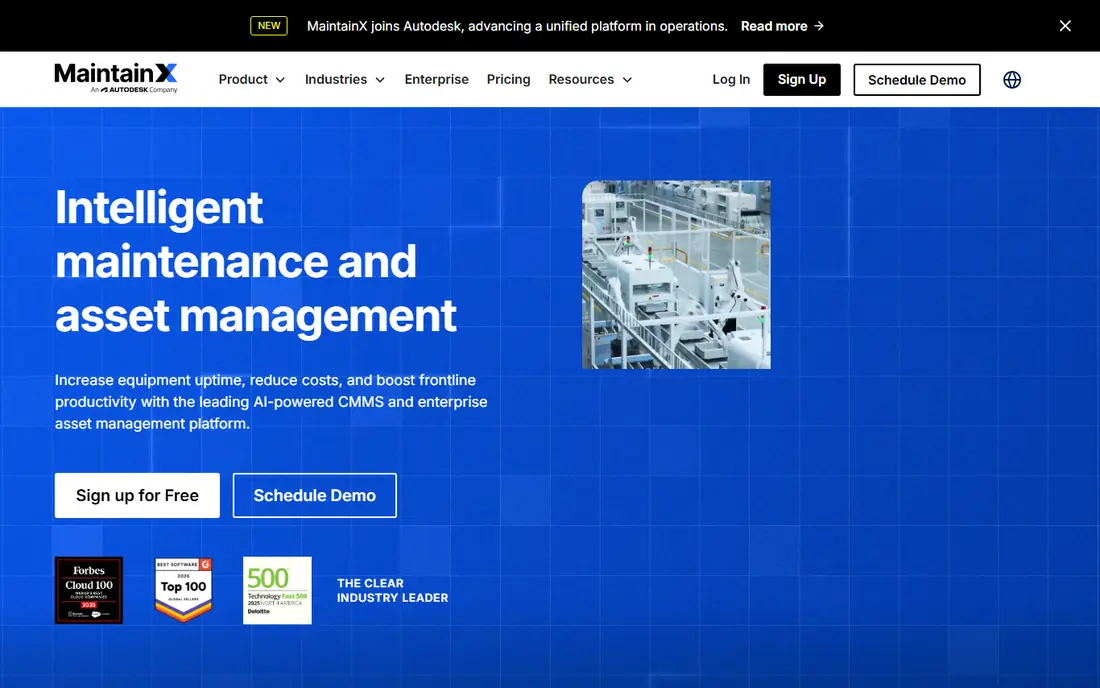
MaintainX is the easiest starting point for a small team moving off paper. The Basic plan is free and includes unlimited work orders, unlimited requester users and real-time messaging, with limits on work orders with attached procedures and on active repeating work orders. Essential costs $20 per user per month billed annually, or $25 billed monthly, and Premium costs $65 billed annually, or $75 billed monthly.
The reason MaintainX leads this list is adoption. Technicians can pick up work on a phone, add photos and close jobs without a long training course, and anyone in the business can raise a request without a paid seat. The limit is the free tier itself: a team that relies on detailed procedures will hit the Basic caps and need Essential or Premium. For a small team that wants to start free and prove the habit first, that trade is fair.
- Free Basic plan
- Unlimited work orders and free requesters
- Clear paid tiers
- Basic plan caps procedures and repeating work orders
- Parts and purchase orders sit on Premium
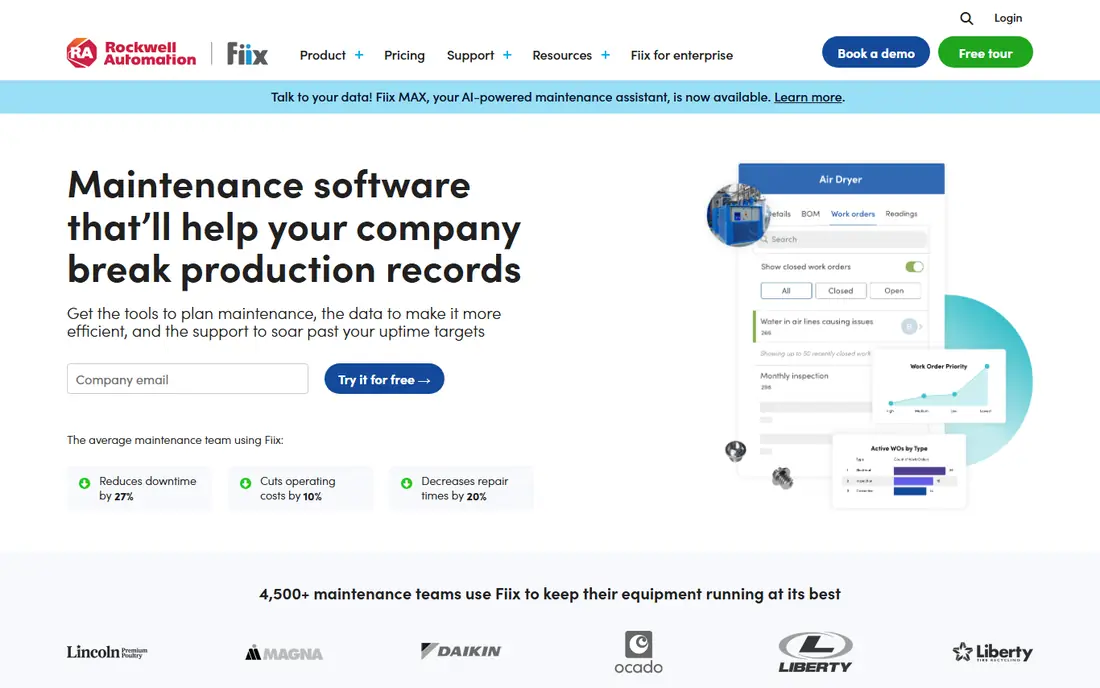
Fiix offers a free CMMS plan that is not a short trial and does not require a credit card to start, which suits a small operation that wants to test maintenance software without a deadline. Paid Basic costs $45 per user per month and adds unlimited preventive maintenance tasks, reporting and support, while Professional at $75 per user per month adds multi-site management, purchasing and custom analytics.
The strength of Fiix is the path from free to structured. A team can start with work orders, asset records and preventive schedules, then add inventory, purchasing and deeper reporting as the operation grows. The catch is price at the paid step: $45 per user per month is higher than MaintainX Essential or UpKeep Essential, so a team should count paid seats carefully. Fiix fits a team that expects to grow into reporting and multi-site work.
- Free CMMS plan that does not expire
- Work orders and preventive maintenance
- Room to grow to multi-site
- Paid plans start at $45 per user per month
- Training and integration services cost extra
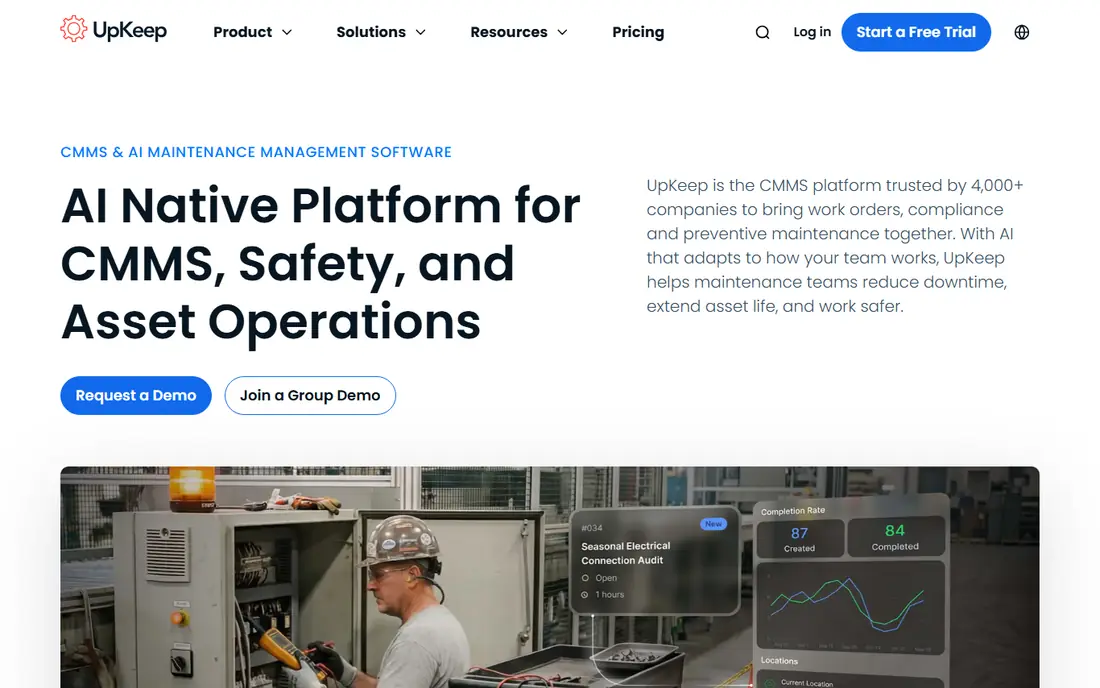
UpKeep is built around mobile work: create a work order, assign it, add photos and track completion from a phone. Essential costs $24 per user per month and includes unlimited work orders and locations, while Premium at $55 per user per month adds preventive scheduling, custom checklists, parts and inventory with costing, and time and labor tracking. Professional and Enterprise are quote-based.
The honest limit is tier placement. A team that buys Essential for preventive maintenance will be disappointed, because scheduling sits on Premium. Offline mode also sits on higher tiers, which matters for sites with poor signal. UpKeep still fits a small team that wants a simple, phone-first work order system and is willing to pay for Premium once preventive work becomes the main job.
- Low paid entry price
- Unlimited work orders on Essential
- Unlimited free requester seats
- Preventive scheduling sits on Premium at $55 per user per month
- Offline mode sits on higher tiers
Limble focuses on the preventive side of maintenance: schedules, recurring tasks, asset histories and work requests in a system that technicians can use without a long setup. Its mobile app and flexible scheduling are the features most often praised in public reviews, and the system suits manufacturing, food, facilities and fleet teams that run regular preventive programs.
The drawback for a small buyer is pricing clarity. Current Limble pricing is reached through a price calculator rather than a single published list, and older published figures no longer match that route, so a buyer should get a written quote for the exact tier. Limble also has no free tier in its current setup. It fits a team that will use preventive maintenance daily and wants that workflow to be the centre of the tool.
- Flexible preventive scheduling
- Strong mobile app
- Clear asset and work history
- Current pricing runs through a price calculator
- Advanced features sit on higher tiers
eMaint, a Fluke solution, suits teams that need more control than a simple work order app. It covers work orders, preventive maintenance, asset and parts management, purchasing and reporting, with options for condition monitoring and multi-site programs. That depth helps regulated sites and plants that need a clear audit trail for maintenance history, inspections and costs.
The trade-off is effort and price. Pricing is quote-based, and the system rewards a team that invests in asset setup, failure codes and reporting. A very small team with a handful of assets may find eMaint heavier than needed. It fits a team that already runs a formal maintenance program and wants that program enforced in software.
- Deep work order and asset control
- Condition monitoring options
- Audit-ready history
- Pricing is quote-based
- Setup takes more work than a light mobile tool
Hippo CMMS is aimed at facilities teams rather than heavy plants: schools, health care sites, government buildings and similar multi-building operations. It covers work orders, preventive maintenance, asset and equipment records, parts and a request portal so staff can report faults without a technician login. That facilities focus shows in workflows built around buildings, rooms and service requests.
The limit is pricing transparency and scope. Pricing is quote-based, so a small facilities team needs a quote before budgeting. A manufacturing plant that needs deep production asset and condition monitoring may find a plant-focused tool a better fit. Hippo fits a facilities team that wants a straightforward system for buildings and the people who use them.
- Facilities-focused work orders and preventive maintenance
- Equipment and parts tracking
- Service request portal
- Pricing is quote-based
- Manufacturing depth is narrower than plant-focused tools
MaintenanceCare
Great for: Teams that want flat pricing for unlimited users
MaintenanceCare takes a different pricing route from most tools on this list. Instead of charging per user, it charges a flat $250 per month based on yearly pricing, with unlimited users. That model removes the penalty for adding requesters, technicians and managers, which is useful when a small business wants everyone in the system without counting seats each month.
The catch is the floor. For a team with only one or two users, $250 per month is more than a free plan or a $20 per user plan, so the flat model only pays off once several people use the system. The tool covers work orders, asset tracking, preventive scheduling, parts and reporting, which suits a facilities or property team. MaintenanceCare fits a team that values predictable, seat-free pricing over the lowest possible entry price.
- Flat monthly price with unlimited users
- Work orders, assets and preventive scheduling
- No per-seat growth penalty
- Flat price can be high for a one-person team
- Depth varies from larger enterprise tools
Fracttal is a cloud CMMS covering work orders, asset management, preventive maintenance, parts and reporting, with AI-assisted features for planning and analysis. It has a strong presence in Latin America and Europe as well as growing US use, which can suit a team with sites or staff in those regions. The system is designed to move a team from reactive fixes to planned maintenance with clearer asset histories.
The drawback is price clarity. Pricing is quote-based, so a small US team should get a written quote and check support hours, integrations and mobile offline behaviour in a trial. Fracttal fits a team that wants a modern, planning-focused CMMS and is comfortable with a sales-led purchase rather than a self-serve price.
- Work orders, assets and preventive planning
- AI-assisted features
- Strong presence outside the US mainstream
- Pricing is quote-based
- US support and integrations need checking in a demo
How we picked these
We compared official vendor pricing and feature pages and public product descriptions, and we kept only tools that exist and work today and truly fit small-business maintenance, meaning work orders, assets and preventive maintenance for a small team. We did not claim hands-on testing, and we did not invent prices, ratings or rankings. Where pricing is quote-based or reached through a calculator, we wrote See website. Free plans and trial terms are stated as listed by the vendors at the time of research.
What to check before you buy
Start with the assets and the work, not the feature list. List every asset that needs planned care, how often each task repeats, and who does the work, then check that the chosen tier covers those schedules, parts and mobile offline needs. Count paid seats honestly: technicians and admins usually need paid seats, while requesters are often free, and that split changes the monthly total.
Next, test the phone workflow on a real job. Create a request, assign it, add a photo, close it and pull a history report, ideally in a place with weak signal if that matches the site. Check how parts are tracked, how purchase orders work, and how reports show overdue work and costs. Finally, confirm contract terms, data export and what happens to asset history if the team leaves, because that history is the long-term value of a CMMS.
Frequently asked questions
What is a CMMS for a small business?
A CMMS is software that organises maintenance work: assets, work orders, preventive schedules, parts and history in one place. For a small business, it replaces paper, spreadsheets and scattered messages with a single record of what was fixed, when and by whom. That record helps with planning, budgeting and showing work done.
Is there a free CMMS for a small business?
Yes. MaintainX offers a free Basic plan and Fiix offers a free CMMS plan, both with limits on higher features. A free plan suits a team starting out, but check caps on procedures, repeating work orders and analytics before relying on it for a full preventive program.
How much does CMMS software cost per user?
Published entry prices on this list run from free to $45 per user per month, with UpKeep Essential at $24 and MaintainX Essential at $20 per user per month billed annually. Higher tiers for parts, offline mode, purchasing and analytics cost more, and some tools use flat or quote-based pricing instead.
Do technicians need a paid seat each?
Usually, yes for technicians and admins who create and close work in the app, while requesters who only report faults are often free. Check the vendor seat rules before budgeting, because a team with many occasional reporters can save money by using free requester accounts correctly.
Will a CMMS guarantee safety or compliance?
No. A CMMS helps plan, record and track maintenance, but safety and compliance outcomes depend on the work itself, the skills of the people doing it, and local rules. Use the tool to keep schedules and records in order, and follow site safety and regulatory requirements separately.
Sources
See where you really rank - block by block
ProMapRanker scans Google Maps across a grid of your service area. Simple monthly plans from $19, white-label on every plan.
Start freeKeep reading
 what’s the best risk software for enterprises
What Is the Best Risk Software for Enterprises in 2026
We compared what’s the best risk software for enterprises on risk registers, controls, third-party risk, and reporting, with pricing notes for large teams.
Read → what's the best pam software for enterprises
What is the Best PAM Software for Enterprises in 2026
Find what's the best pam software for enterprises, with vaulting, session recording, just in time access and pricing compared for large enterprise IT teams.
Read → what’s the best grc software
What Is the Best GRC Software in 2026
We compared what’s the best grc software on risk, compliance, audit and vendor risk, so teams can pick a platform that fits their frameworks and budget.
Read →