 ProMapRanker
Best CMDB Tools in 2026: 8 Products Compared

Key takeaways
- ServiceNow CMDB and BMC Helix CMDB suit large enterprises with complex services, change control and multi-cloud estates.
- Freshservice and Jira Service Management suit mid-market and Atlassian teams that want CMDB inside a service desk they already use.
- Device42 and ManageEngine AssetExplorer suit infrastructure-led teams that need discovery and dependency detail first.
- GLPI suits teams with hosting skills and a tight budget, since the self-hosted software is free.
- A CMDB fails when discovery is stale, so check data quality, ownership and update rules before comparing dashboards.
Quick comparison
| Pick | Great for | Pricing starts at | Free tier | |
|---|---|---|---|---|
 ServiceNow CMDB | Large enterprise ITSM | See website | No | Visit |
 BMC Helix CMDB | Complex hybrid estates | See website | No | Visit |
 Freshservice | Mid-market ITSM plus CMDB | $19 per agent per month | Free trial | Visit |
 Jira Service Management | Atlassian-centred teams | Free | Yes | Visit |
 Device42 | Discovery-led infrastructure teams | See website | Free trial | Visit |
 ManageEngine AssetExplorer | Asset plus CMDB on a budget | $115 per month | Yes | Visit |
 GLPI | Free self-hosted CMDB | Free | Yes | Visit |
 InvGate Asset Management | Fast asset and CMDB rollout | See website | Free trial | Visit |
The best CMDB tools in 2026
We compared tools that store configuration items, map relationships between services and assets, and show what a change will affect. A good CMDB is not a static inventory list. It should stay current through discovery, give each item an owner, and help incident and change teams see dependencies before they act.
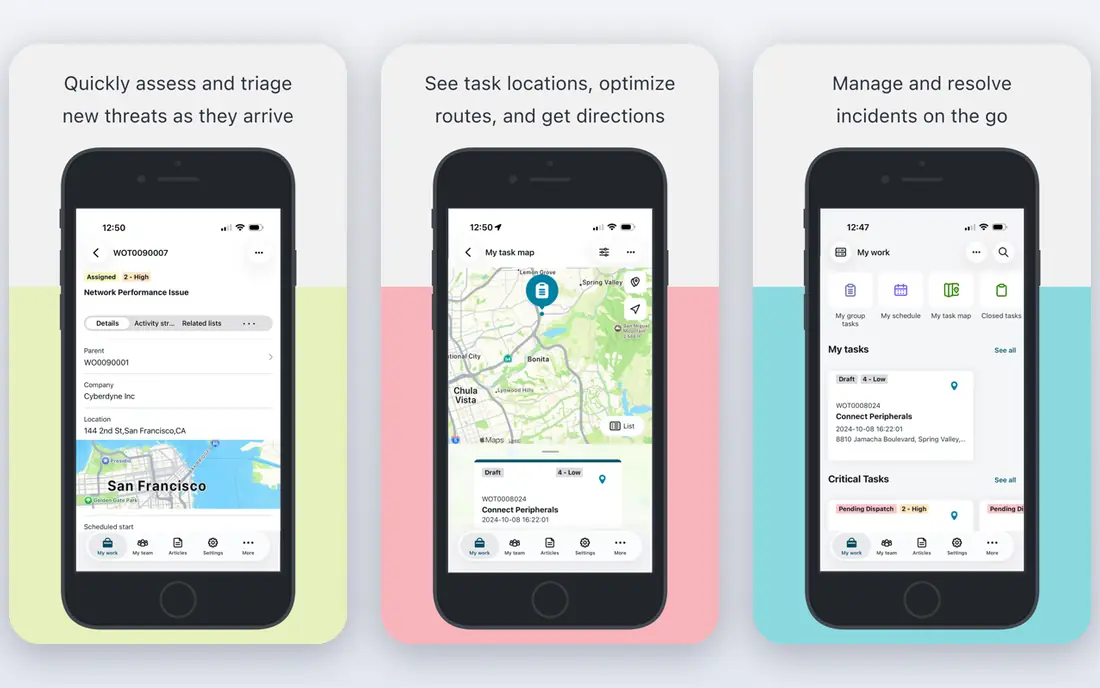
ServiceNow CMDB fits large organisations that already run incident, change and problem work on ServiceNow. Configuration items link directly to services, incidents and changes, so a change team can see affected services before approval, and an incident team can trace an outage to related items. Discovery and service mapping help keep the data current in cloud and on-premises estates. The catch is effort. ServiceNow projects need data model decisions, discovery tuning and ongoing ownership, and pricing is quote-based at enterprise scale. It is a strong pick when ITSM depth matters more than a quick setup, and when a team can staff the platform after go-live.
- Native ITSM integration
- Service mapping and discovery
- Common service data model for consistent records
- Pricing is quote-based
- Implementation needs trained staff and time
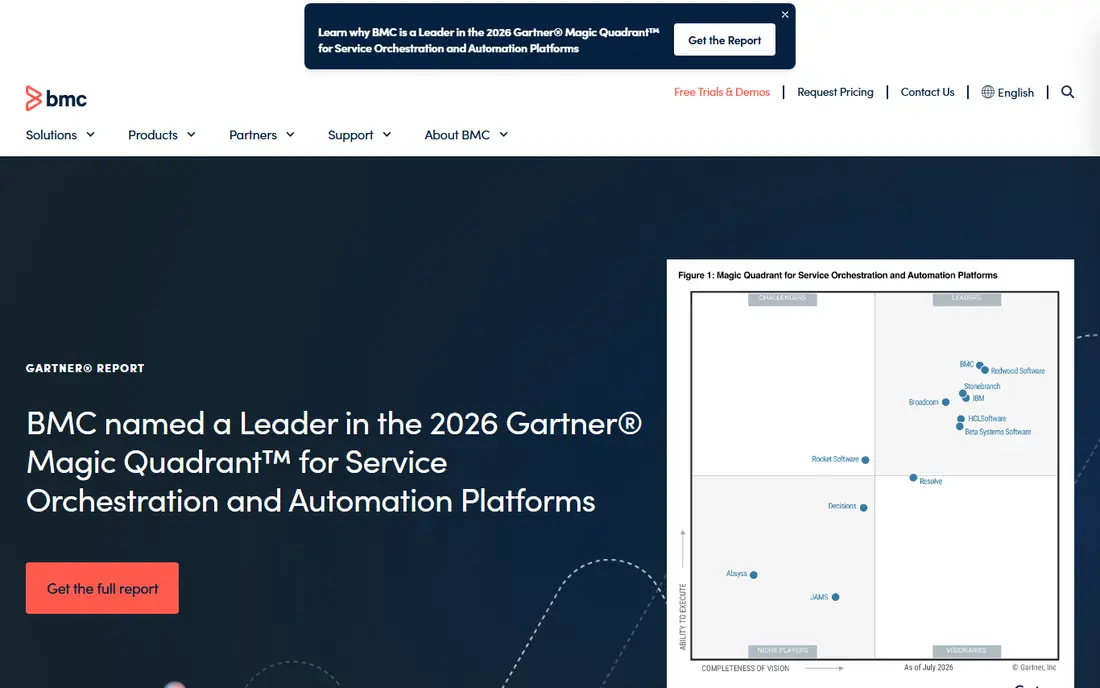
BMC Helix CMDB suits organisations with hybrid estates, many data sources and strict audit or compliance needs. Federation lets a team combine data from several sources without forcing every record into one store, while discovery tools map infrastructure and services across cloud and on-premises systems. That depth helps change teams assess risk in complex environments. The trade-off is time and cost. Helix deployments are enterprise projects, and a team should plan for discovery tuning, data quality work and governance. The tool rewards organisations that already have service ownership and change discipline, and that need a CMDB to support them at scale.
- Multi-cloud visibility
- Federation options
- Discovery integration
- Strong relationship modelling
- Pricing is quote-based
- Projects can take months to fully deploy
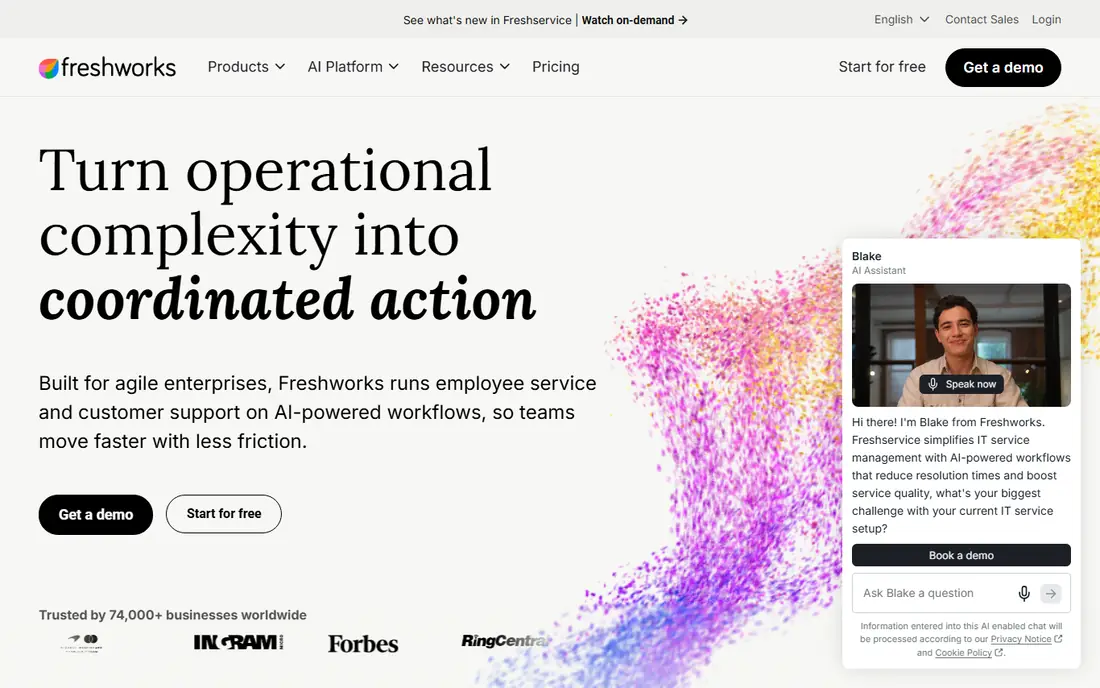
Freshservice fits teams moving from spreadsheets or basic asset lists to structured configuration management. The service desk, asset records and CMDB relationships live in one cloud suite, which makes incident and change work easier for a growing team. Published pricing also makes budgeting simpler than quote-only enterprise tools. The catch is tiering. Full CMDB and relationship features are on higher plans, so the entry price is not the full CMDB price. Complex hybrid estates may also need a dedicated discovery tool feeding data into Freshservice. For most mid-market teams, that trade is fair, provided the team checks which tier includes the relationships it needs.
- Published per-agent pricing
- Service desk plus CMDB in one suite
- Fast setup for mid-market teams
- Full CMDB features sit on higher tiers
- Native discovery depth is lower than discovery-led tools
Jira Service Management suits teams already using Jira Software and Confluence. Its assets feature stores configuration items and relationships, and service requests, incidents and changes can link to those items without a second platform. The free tier for up to three agents makes a small pilot low risk. The catch is that a good CMDB here still needs design work. Teams must define item types, relationships and ownership, and decide how discovery data will feed the system. For Atlassian shops, that work is worth it, because the CMDB sits where engineers and service teams already work.
- Free tier for up to three agents
- Native Jira and Confluence links
- Assets and service mapping options
- CMDB depth depends on configuration
- Larger teams move to paid tiers fast
Device42 fits infrastructure teams that start from discovery, not tickets. It finds devices, software, network gear and cloud resources, maps dependencies, and gives data centre teams a clear view of what connects to what. That view helps change teams spot blast radius and helps audit teams check what actually exists, rather than what a spreadsheet claims. The trade-off is scope. Device42 is strongest on infrastructure truth, and teams that also need full ITSM may pair it with a service desk. Pricing is quote-based by device count, so buyers should model cost at their real asset count and check which integrations are included.
- Agentless and agent discovery
- Dependency mapping
- Data centre and cloud visibility
- Pricing is quote-based
- Needs data quality ownership to stay accurate
ManageEngine AssetExplorer suits teams that need asset management plus configuration records without enterprise pricing. Discovery finds hardware and software, lifecycle tools track items from purchase to retirement, and reports cover licences, contracts and asset status. Cloud and on-premises deployment options suit teams with different hosting rules. The catch is scale. The free edition covers small node counts, and paid plans are priced by asset count, so a large estate should model total cost carefully. For small and mid-market teams, AssetExplorer is a practical middle path between a spreadsheet and an enterprise CMDB.
- Free edition for small node counts
- Discovery and lifecycle tools
- Cloud and on-premises options
- Paid pricing scales by asset count
- Enterprise CMDB depth is lower than ServiceNow or BMC
GLPI suits teams with hosting skills and a tight licence budget. The open source platform combines inventory, CMDB, software licence tracking and a full service desk, which is a broad set for a free tool. Plugins and native inventory features help teams keep records current without paying per agent or per asset. The catch is ownership. A team must host, update, back up and secure GLPI, and must invest time in setup and data quality. Organisations without that capacity may spend more in staff time than they save on licences. For public sector, education and cost-conscious IT teams with the right skills, GLPI remains a strong pick.
- Free open source software
- CMDB plus service desk
- Plugin options for discovery and inventory
- Needs hosting and maintenance skills
- Interface feels dated to some users
InvGate Asset Management fits teams that want a fast rollout with strong discovery. It finds assets through agents, network scans, mobile device tools and cloud sources, then links them to lifecycle, licence and service records. That speed matters for teams replacing manual inventories before an audit or a migration. The trade-off is that speed still needs governance. Teams must set owners, relationship rules and update schedules, or discovery data will drift again. InvGate is strongest when a team wants discovery-led records plus service desk links, without an enterprise implementation timeline.
- Agent, network and cloud discovery
- Asset lifecycle and CMDB records
- Cloud and on-premises options
- Pricing is quote-based
- Full CMDB modelling needs planning for large estates
How we picked these
We compared official feature pages, pricing pages, deployment options and public documentation for CMDB and closely related asset tools in October 2026. We favoured tools with configuration item records, relationship mapping, discovery or import options, and change or incident links, rather than simple inventory lists. We also kept a mix of enterprise, mid-market and free options, so readers can compare a full ITSM CMDB with a discovery-led or open source alternative. We did not claim hands-on testing, and prices marked as quote-based reflect vendor pages that ask buyers to request a proposal.
What to check before you buy
Start with data, not dashboards. Decide which items matter, such as servers, applications, databases, network gear, cloud resources and business services, and who owns each one. Check how discovery works, how often it runs, how duplicates are handled, and how manual records are kept in sync. A CMDB with stale data is worse than no CMDB, because teams will trust it during an incident.
Discovery, relationships and change impact
Ask for a demo using a real service, not a sample set. Show how a change to one item surfaces affected services, how an incident links to related items, and how a retired item is handled. Check relationship types, service mapping, federation or import options, and reporting for audits. Also check access controls, since a CMDB holds sensitive infrastructure detail.
Pricing, deployment and total effort
Compare licence models at your real scale: per agent, per asset, per device or enterprise quote. Add hosting, implementation, discovery tuning and ongoing data quality work to the budget. Check trial terms, deployment options and export options, so the team can leave without losing its configuration history if needs change.
Frequently asked questions
What is the best cmdb software for a large enterprise?
ServiceNow CMDB and BMC Helix CMDB are common enterprise picks, because they combine discovery, service mapping, change links and governance at scale. The best cmdb software in this group depends on existing ITSM tools, cloud mix and audit needs, so run a pilot with one real service before committing to a full rollout.
What are the best cmdb tools for a small IT team?
Freshservice, Jira Service Management, ManageEngine AssetExplorer and GLPI suit smaller teams, because pricing is clearer and setup is faster. The best cmdb tool for a small team is often the one that sits inside the service desk already in use, since staff are more likely to keep records current there.
What is in the top 10 cmdb software list for 2026?
A top 10 cmdb software shortlist for 2026 usually includes ServiceNow, BMC Helix, Freshservice, Jira Service Management, Device42, ManageEngine AssetExplorer, GLPI, InvGate, Lansweeper and Flexera, with the right pick depending on discovery depth, ITSM fit and budget. Use this guide as a shortlist, then test discovery and change impact with your own data.
Is a free CMDB good enough?
A free tool such as GLPI or the free tier of Jira Service Management can be enough for a small team with hosting skills and clear ownership. Larger estates usually need paid discovery, service mapping and support, because data quality work grows with asset count. Judge a free CMDB on update frequency and ownership, not just licence cost.
How does a CMDB differ from an asset inventory?
An asset inventory lists what an organisation owns, while a CMDB records configuration items plus relationships between them, such as which application depends on which database and server. That relationship view is what makes change impact and incident tracing possible, and it is the main reason to move from a list to a CMDB.
How often should CMDB data be updated?
Discovery should run on a regular schedule, with changes and retirements reflected as they happen, not at quarter end. Set owners for each service, review stale or duplicate records on a schedule, and track data quality as a metric. Without that routine, even the best tool will drift and lose trust.
Sources
See where you really rank - block by block
ProMapRanker scans Google Maps across a grid of your service area. Simple monthly plans from $19, white-label on every plan.
Start freeKeep reading
 zscaler alternatives
Best Zscaler Alternatives in 2026
Looking for zscaler alternatives? We compare 9 SASE and zero trust platforms on architecture, data protection, pricing, and fit for your network and team.
Read → zapier alternatives free
Best Zapier Alternatives Free in 2026
Nine automation tools for zapier alternatives free in 2026, all with genuinely free tiers, plus free plan limits, starting prices and upgrade paths explained.
Read → which platform is best for online reputation
Which Platform Is Best for Online Reputation in 2026
Wondering which platform is best for online reputation? We compare 8 review, listing, and response tools for small and multi-location businesses and agencies.
Read →