 ProMapRanker
Best Cloud Storage Services in Japan in 2026


Everyday Google users in Japan · Pricing starts at: See website
Key takeaways
- Google Drive and OneDrive suit people who already live inside Google or Microsoft tools, while Dropbox suits teams that share files with many outside partners.
- Free plans differ a lot in Japan, from 2 GB at Dropbox to 20 GB at MEGA, so the free tier alone can decide a shortlist for light users.
- Availability, billing currency and data centre location vary by provider, so check the Japanese pricing page and support options before you pay.
- Privacy focused services such as Sync.com and pCloud trade some everyday editing features for stronger encryption and clearer data handling.
Quick comparison
| Pick | Great for | Pricing starts at | Free tier | |
|---|---|---|---|---|
| Google Drive | Everyday Google users in Japan | See website | Yes | Visit |
 Dropbox | Sharing with outside teams | See website | Yes | Visit |
 iCloud | Apple households in Japan | See website | Yes | Visit |
 Microsoft OneDrive | Microsoft 365 households and offices | See website | Yes | Visit |
 Box | Regulated business teams | See website | Free trial | Visit |
 pCloud | One time payment fans | See website | Yes | Visit |
 MEGA | Large free storage and encryption | See website | Yes | Visit |
 IDrive | Backups for many devices | See website | Yes | Visit |
 Sync.com | Privacy first personal storage | See website | Yes | Visit |
The best cloud storage services in Japan
Japan has strong broadband, a large Apple and Android user base, and many offices that mix Japanese and English tools. That mix makes local language support, yen billing and nearby data centres worth checking, not just the headline storage size. We compared official feature pages, pricing pages and app store listings for services that are sold and supported in Japan.
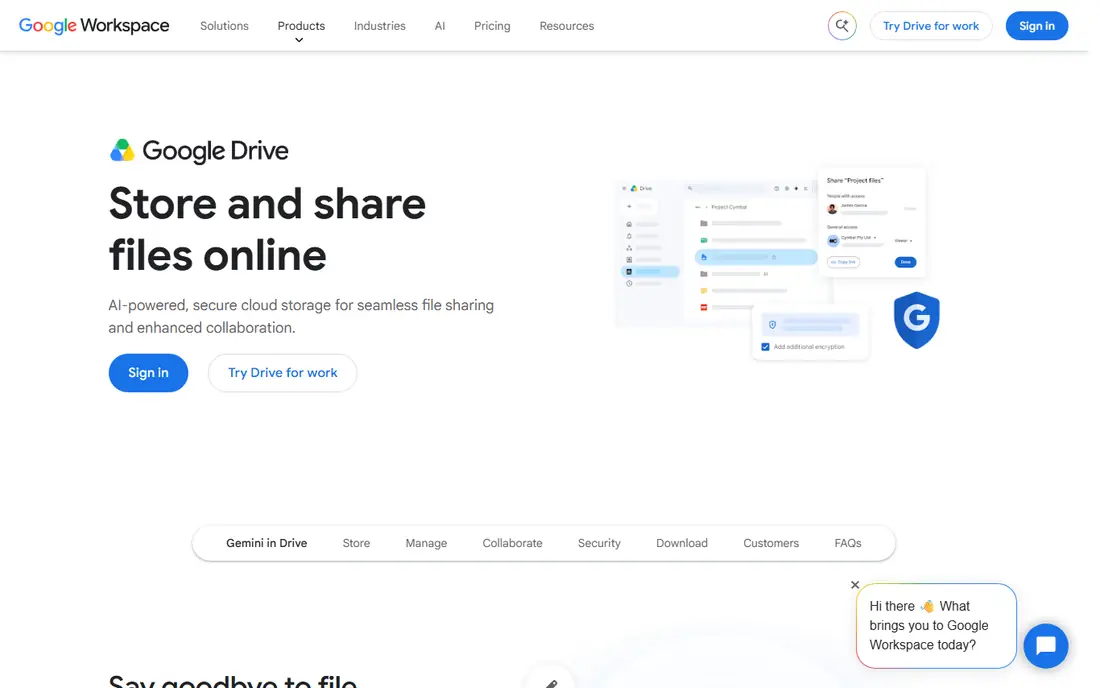
For most people in Japan, Google Drive is the path of least resistance. It works in Japanese, it runs on Android phones that are common in Japan, and it ties directly into Gmail and Google Photos. A family or small office can share folders, set link permissions and edit documents together without buying extra software. That breadth is hard to beat when the goal is simply to keep files in one place and reach them from any device.
The catch is the shared 15 GB free allowance. Photos, mail attachments and Drive files all draw from the same pool, so heavy photo users can hit the limit sooner than they expect. Paid Google One plans add storage and, on some tiers, extra features, but prices and plan names should be checked on the Japanese Google One page because billing is shown in yen and terms can differ from US listings. If your main need is private archiving rather than joint editing, a privacy focused rival may fit better.
- 15 GB free shared across Google services
- Strong Japanese language support
- Easy sharing and joint editing in Docs, Sheets and Slides
- Free storage fills fast because Gmail and Photos share it
- Consumer files lack end to end encryption by default
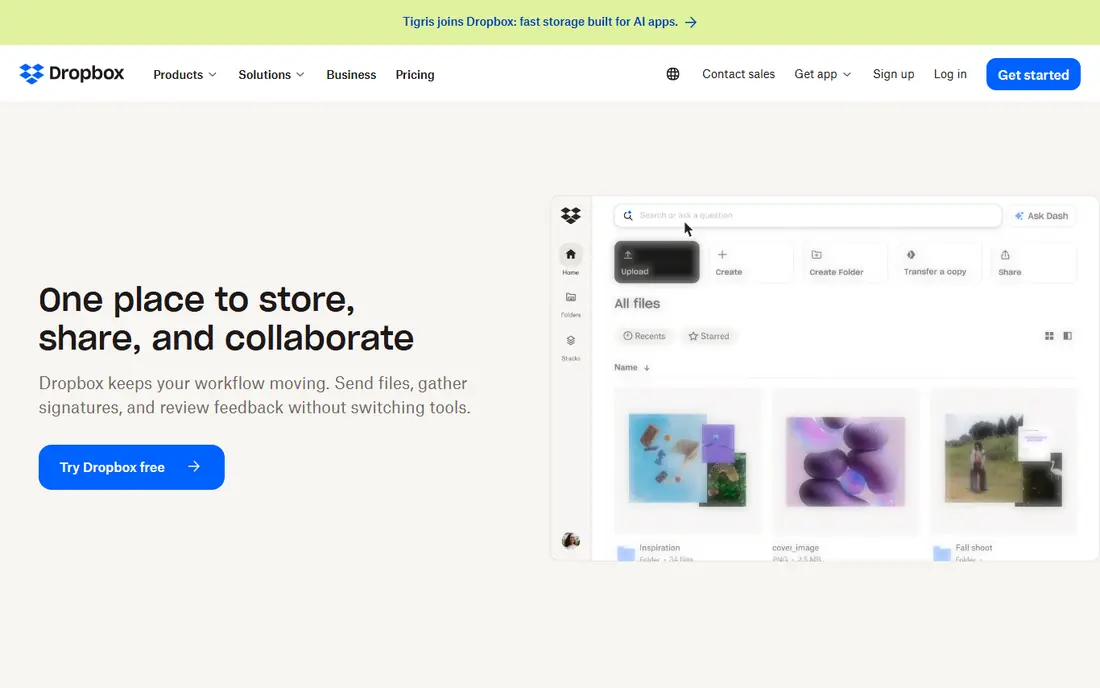
Dropbox earns its place in Japan through sync that rarely causes confusion. Files appear where you expect them, changes arrive promptly, and sharing a folder with a client in another country usually just works. Japanese businesses that work with overseas partners often pick Dropbox for that reason, since the recipient does not need to learn a new system to open a link. The desktop app also handles large design and video files in a steady way.
Price is the weak point. The free plan is small, and paid personal plans sit above several competitors for 2 TB of space. Teams get admin controls, version history and extra security options, but small teams should compare the per user cost with Google or Microsoft bundles before committing. Dropbox still makes sense when sharing reliability matters more than squeezing the lowest price per gigabyte.
- Dependable file sync across devices
- Wide third party app support
- Clear sharing controls for folders and links
- Only 2 GB free
- Paid plans cost more than some rivals for the same storage
In a household full of Apple devices, iCloud feels almost invisible. Photos back up on their own, documents move between iPhone and Mac without manual steps, and device backups restore a new phone with little fuss. Japanese pricing is shown in yen on Apple Japan pages, and family sharing lets several people draw on one plan while keeping their files separate. That convenience is the main reason many Japanese iPhone owners never look elsewhere.
The limits show up outside the Apple world. The free 5 GB allowance is small once photos and backups are included, and people who also use Windows PCs or Android phones may find the web interface and Windows app less smooth than a rival built for every platform. iCloud is still a strong pick for Apple centred homes, but mixed device homes should test the web and Windows experience first.
- Built into iPhone, iPad and Mac
- Automatic photo and device backup
- Family sharing options in Japan
- Only 5 GB free
- Windows and Android support is thinner than on Apple devices
OneDrive makes the most sense for people and offices that already use Microsoft tools. Word and Excel files open and save in the cloud, several people can edit the same document, and files stay in step on Windows PCs. In Japan, Microsoft 365 family and business plans are widely sold, and the bundled storage often removes the need for a separate storage subscription. Business plans add admin controls, retention settings and compliance tools that suit larger offices.
On its own, without a Microsoft 365 plan, OneDrive is less compelling because the free tier is only 5 GB. Some users also find the web interface less simple than Google Drive for casual sharing. Check the Japanese Microsoft pricing page carefully, since plan names, storage amounts and included apps differ between personal, family and business tiers. For a Microsoft household, though, the bundle value is difficult to ignore.
- Deep Word, Excel and PowerPoint integration
- 1 TB with many Microsoft 365 plans
- Japanese language support and business controls
- Only 5 GB free on its own
- Best value depends on already wanting Microsoft 365
Box is built for companies that need control over who sees what, for how long, and with what audit trail. Japanese firms in finance, healthcare and professional services often need that level of control, and Box offers admin settings, retention rules and integrations with tools such as Microsoft 365, Google Workspace and Slack. Files can be previewed in the browser, shared with expiry dates, and managed from a central console.
That business focus is also its limit for home users. There is no generous free personal tier to rival Google or MEGA, and the setup feels heavier for a single person who only wants photo backup. Small teams should also confirm Japanese support hours and data residency options on the Box Japan pages, since enterprise terms can vary by region. When compliance and team governance matter most, Box is a serious shortlist candidate.
- Strong admin and compliance controls
- Good partner app integrations
- Reliable large file handling for teams
- No lasting free personal plan
- Pricing is aimed at business buyers
pCloud appeals to buyers in Japan who dislike another monthly bill. Alongside yearly plans, it has sold lifetime plans that give a fixed amount of storage for a single payment, which can work out well over several years. The apps cover Windows, Mac, Android and iOS, files can be played back in the browser, and older versions can be restored when a file is changed by mistake. For a personal archive that rarely changes, that model is attractive.
Buyers should read the terms before paying for a lifetime plan, since a lifetime plan lasts only as long as the service and the account terms allow. The strongest encryption option, pCloud Crypto, is a paid extra on some plans rather than a default for every file. People who want encryption on everything by default may prefer Sync.com or MEGA instead. For cost conscious buyers who accept those trade offs, pCloud is a flexible middle ground.
- Lifetime payment option for some plans
- Client side encryption add on
- Media playback and file versioning
- Lifetime plans depend on the company staying in business
- Encryption add on costs extra on some plans
MEGA stands out in Japan for two reasons that matter to private users: a large free allowance and encryption that protects files by default. The 20 GB free tier gives new users real room for documents and photos without paying at once, and paid plans scale up for people with large media libraries. Sharing links can be protected with passwords and expiry settings, which helps when sending sensitive files to someone else.
The trade off is everyday office work. MEGA does not match Google Docs or Microsoft Office for joint document editing, so teams that live in shared documents may need a second tool. Business features and support also vary by plan, so companies should check the current business pages before standardising on it. For personal storage and private sharing, though, MEGA offers a strong balance of space and privacy.
- 20 GB free in many regions
- End to end encryption by default
- Chat and sharing tools built in
- Collaboration editing is weaker than Google or Microsoft
- Some advanced business controls cost more
IDrive is best understood as a backup service first and a file sharing service second. A single plan can cover several computers, phones and tablets, which suits a Japanese household or small office with many devices. Files can be restored from earlier versions, and scheduled backups run in the background once set up. That device coverage is the reason IDrive often costs less per device than buying separate plans for each computer.
Sharing is workable but not the highlight. People who mainly need to send files to clients or edit documents together may find Dropbox or Google Drive smoother. IDrive also asks users to understand backup settings such as retention and versioning, which takes a little more setup time. When the priority is protecting every device in the home or office, IDrive is a practical and affordable choice.
- One account can back up many computers and mobile devices
- Versioning and restore options
- Competitive storage for the price
- Interface feels more backup focused than file sharing focused
- Sync and sharing are less polished than Dropbox
Sync.com is the pick for users in Japan who want the provider itself unable to read their stored files. Its zero knowledge design means encryption keys stay with the user, and sharing controls include password protection and link expiry. The interface is clean, the apps cover the main desktop and mobile platforms, and business plans add team folders and admin controls for small companies.
The limits are scale and ecosystem. The free plan is only 5 GB, and Sync.com does not offer the same breadth of app integrations or office editing as Google, Microsoft or Dropbox. Teams that need deep links into many outside tools may feel constrained. For personal files, family documents and small team archives where privacy comes first, Sync.com is a focused and trustworthy option. Check current Japanese availability and pricing on the official site, since plan details can change by region.
- Zero knowledge encryption by default
- Canadian data handling with clear privacy terms
- Simple sharing with expiry controls
- Only 5 GB free
- Fewer third party integrations than mainstream rivals
How we picked these
We compared official product pages, pricing pages, support pages and app store listings for services that are available in Japan in October 2026. We favoured services with Japanese language support or a clear Japan presence, working apps on the main platforms, and published pricing or a clear free tier. We left out services that had shut down, that only offered business object storage for developers, or that could not be verified as available to Japanese buyers.
What to check before you pay in Japan
Start with language and billing. Confirm that the account, support pages and billing currency match what you expect, and check whether prices are shown in yen or converted from dollars. A service that looks cheap in dollars can feel different once tax and exchange handling are included. Also confirm the free plan size, since a small free tier can push you into a paid plan sooner than planned.
Next, think about where your files will live and who can read them. Business buyers should ask about data centre location, retention rules and admin controls, and should read the privacy policy rather than relying on marketing claims. Home users should check backup and restore options, photo handling, and what happens to files if a payment lapses. Test the free tier with real files for a week before moving a full photo library or work archive.
Frequently asked questions
Is Google Drive available in Japan?
Yes. Google Drive and Google One are sold in Japan with Japanese language support and yen pricing on local pages. The free 15 GB allowance is shared across Gmail, Drive and Photos, so check your current usage before you rely on the free tier alone.
Which cloud storage service is best for privacy in Japan?
Sync.com and MEGA both use encryption that keeps file contents private from the provider by design. pCloud offers a paid encryption add on for some plans. Read the current privacy and security pages, since encryption coverage can differ between file storage, photos and shared links.
Do I need a Japan based cloud storage service?
No, most Japanese users do fine with global services that offer Japanese support and nearby data centres. A Japan based option can help with local support and data residency needs, but global services often offer stronger apps and integrations. Choose based on support, residency and price, not on headquarters alone.
How much free storage can I get in Japan?
It varies by provider. MEGA offers 20 GB free in many regions, Google Drive offers 15 GB shared across Google services, pCloud offers around 10 GB, and Dropbox, OneDrive, iCloud and Sync.com offer 2 GB to 5 GB. Always confirm the current free tier on the provider site, since free allowances change over time.
Can I share large video files from Japan with people abroad?
Yes, most services on this list support large file sharing through links, although free plans may limit single file size or total storage. Dropbox, Box and Google Drive handle large files well for teams, while MEGA and Sync.com add password and expiry controls for private sharing.
What happens if I stop paying for cloud storage?
Most providers keep your files for a grace period and then restrict uploads, sharing or access until you pay or free up space. The exact grace period and downgrade rules differ, so read the billing terms before you store irreplaceable files in one paid account only.
Sources
See where you really rank - block by block
ProMapRanker scans Google Maps across a grid of your service area. Simple monthly plans from $19, white-label on every plan.
Start freeKeep reading
 worlds best local seo company
8 Worlds Best Local SEO Companies for Map Pack Growth in 2026
Compare the worlds best local seo company options for Google Business Profile work, citations, reviews, and multi-location rankings and reporting in 2026.
Read → world's best web hosting company
World's Best Web Hosting Company in 2026
Searching for the world's best web hosting company? We compared 10 hosts on price, renewal rates, speed, and support to help you choose well today in 2026.
Read → who's got the best nanny tax services
Who's Got the Best Nanny Tax Services in 2026
We answer who's got the best nanny tax services, comparing full filing, back taxes, software, and pricing so families can handle nanny taxes correctly.
Read →