 ProMapRanker
Best Cloud Storage Services Comparison in 2026


Google users and collaboration · Pricing starts at: From $1.99 per month
Key takeaways
- Google Drive gives the largest free tier among the big names at 15 GB, but that space is shared with Gmail and Photos.
- MEGA offers 20 GB free with encryption built in, making it the best free cloud storage service for privacy minded users.
- pCloud lifetime plans can save money over several years, while Dropbox and OneDrive win on sync and office integration.
- Paid prices cluster around $1.99 per month for 100 GB and $9.99 per month for 2 TB, so check the plan size you actually need.
- For whole computer backup, a backup service like IDrive fits better than a sync folder alone, since it covers system files and versions.
Quick comparison
| Pick | Great for | Pricing starts at | Free tier | |
|---|---|---|---|---|
| Google Drive | Google users and collaboration | From $1.99 per month | Yes | Visit |
 Dropbox Dropbox | Fast reliable sync | From $9.99 per month | Yes | Visit |
 Microsoft OneDrive Microsoft OneDrive | Windows and Office users | From $1.99 per month | Yes | Visit |
 Apple iCloud Apple iCloud | Apple households | From $0.99 per month | Yes | Visit |
 pCloud pCloud | Lifetime plans and media | From $49.99 per year | Yes | Visit |
 MEGA MEGA | Free encrypted storage | From $5.37 per month | Yes | Visit |
 Sync.com Sync.com | Private client sharing | From $8 per month | Yes | Visit |
 Proton Drive Proton Drive | Swiss privacy and documents | From $3.99 per month | Yes | Visit |
 IDrive IDrive | Whole device backup | From $79.50 per year | Free trial | Visit |
The best cloud storage services
We compared cloud storage services on free storage, paid price, sync quality, sharing controls, encryption and ecosystem fit. These nine cover everyday sync, office work, privacy and full backup.
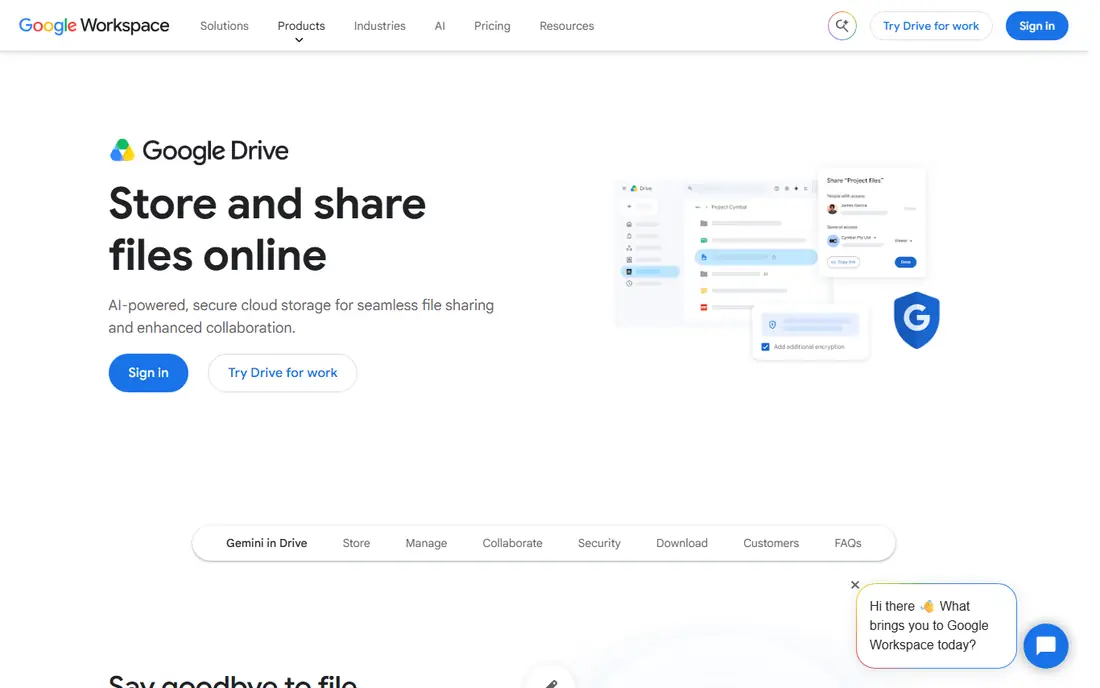
Google Drive is the best cloud storage service for most people, because 15 GB free is generous and the integration with Docs, Sheets, Slides and Gmail is hard to match. You can edit documents with others in real time, search file contents, and share links in seconds. Paid Google One plans start at $1.99 per month for 100 GB and reach $9.99 per month for 2 TB in common listings. The main catch is that the 15 GB covers Gmail and Photos as well, so it fills faster than it first appears. Privacy minded users should also note that consumer Drive files are not end to end encrypted by default. If you already use Android or Google Workspace, Drive is the obvious, low friction choice.
- 15 GB free
- Strong Docs, Sheets and Gmail integration
- Easy link sharing
- Free space is shared across Google services
- No end to end encryption for consumers
- Support is limited on personal plans
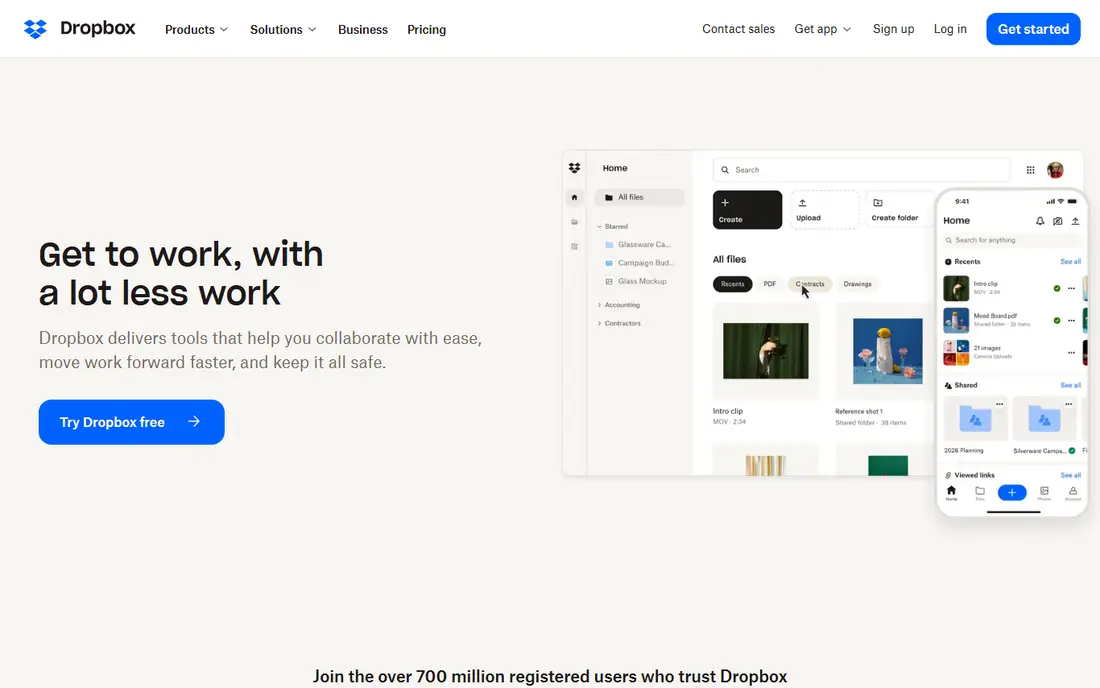
Dropbox earned its reputation on sync that just works, with fast uploads, smart conflict handling and integrations across hundreds of apps. Smart Sync lets you see files without downloading them all, which helps on laptops with small drives. Teams like the sharing controls, version history and Paper style collaboration tools. The free plan is only 2 GB, which is small compared with Google and MEGA, and Plus at about $9.99 per month billed yearly for 2 TB is not the cheapest 2 TB plan. If you move large files often, work across many apps, or need sync you can trust on weak connections, Dropbox still justifies its price. For cheap bulk storage, look at pCloud or MEGA instead.
- Very reliable sync
- Wide third party integrations
- Smart Sync saves local space
- Only 2 GB free
- Plus plan costs more than some rivals
- Personal plans lack end to end encryption
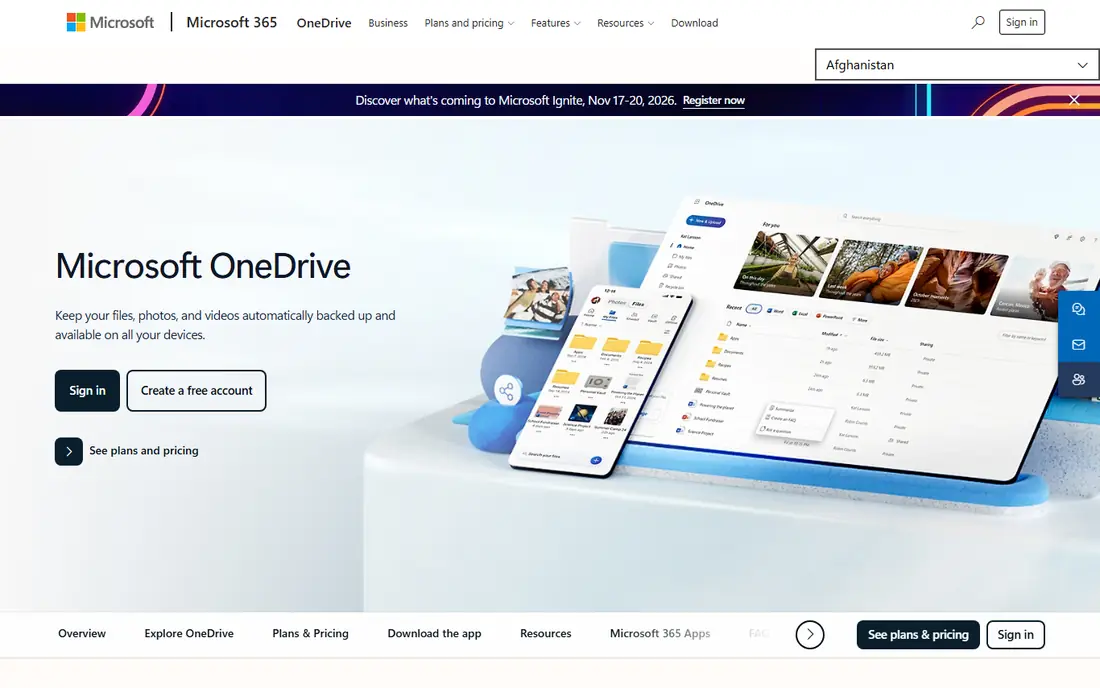
OneDrive is built into Windows 11 and works naturally with Word, Excel and PowerPoint, with real time co editing and a Personal Vault that adds extra authentication for sensitive files. A standalone 100 GB plan starts at $1.99 per month, while Microsoft 365 Personal at $99.99 per year includes 1 TB plus the Office desktop apps, which is strong value if you need Office anyway. The free plan is only 5 GB, and the best deal really requires a Microsoft 365 subscription. Files are encrypted in transit and at rest, but Microsoft holds the keys for most consumer files. If you use Windows and Office daily, OneDrive will feel invisible in a good way, since it is already part of your workflow.
- Built into Windows
- Strong Office co editing
- Personal Vault for sensitive files
- Only 5 GB free
- Best value needs Microsoft 365
- No end to end encryption for most files
Apple iCloud is less a folder you manage and more a backup and sync layer for Apple devices, covering photos, device backups, app data and files in iCloud Drive. It starts at $0.99 per month for 50 GB, with 200 GB at $2.99 and 2 TB at $9.99 per month in common listings, and family sharing makes it easy to split a larger plan across a household. The free 5 GB fills quickly once device backups and photos are included, so most Apple households need a paid plan. The Windows app exists but is not as smooth as the Mac and iOS experience. If your household runs on iPhone, iPad and Mac, iCloud is the simplest way to keep everything backed up without thinking about it.
- Automatic backup for iPhone, iPad and Mac
- Simple family sharing
- Advanced Data Protection option
- Only 5 GB free
- Windows experience is thinner
- Best value inside Apple ecosystem
pCloud stands out for people who dislike subscriptions, since it sells lifetime plans alongside yearly plans, with 500 GB lifetime and 2 TB lifetime options listed at $199 and $399 in some comparisons, and yearly plans from $49.99 for 500 GB. The free plan offers up to 10 GB, media files play well in the app, and sharing links are simple to control. The catch is that the strongest client side encryption, called Crypto, is a paid add on rather than included, so privacy focused buyers need to add that cost. Lifetime value also depends on the company staying in business for many years. If you want to pay once and stop thinking about a monthly bill, pCloud is the most established lifetime option in this list.
- Lifetime plans available
- Up to 10 GB free
- Good media playback and sharing
- Client side encryption is a paid add on
- Lifetime plans cost more up front
MEGA is our pick for the best free cloud storage service, because it pairs a 20 GB free plan with encryption that is on by default, so files are protected before they leave your device. Paid plans in euro and dollar listings cover 400 GB to large multi terabyte tiers, with a 2 TB plan around $5.37 per month in some comparisons, which undercuts several big name rivals. Free accounts have transfer limits, so heavy downloaders will hit caps, and the apps feel less polished than Google Drive or Dropbox. For everyday documents, photos and private files, MEGA gives the best mix of free space and privacy in this comparison. Check the current transfer terms before relying on it for large video libraries.
- 20 GB free
- Encryption built in by default
- Good value for large plans
- Free transfer limits can slow heavy use
- Interface is less polished than Drive
Sync.com is built for privacy first, with end to end encryption on every plan, including the 5 GB free plan, plus file version history and sharing controls that suit freelancers and small firms sharing files with clients. Paid plans start at about $8 per month for 2 TB in common listings, with larger team plans for businesses that need unlimited style storage and admin controls. Collaboration is simpler than Google Drive, since Sync.com focuses on secure sync and sharing rather than live document editing. If your priority is keeping client files private and having a clear audit trail of versions, Sync.com is a strong choice. If you need live Docs style editing, pair it with a separate office suite.
- End to end encryption on all plans
- 5 GB free
- Strong sharing and version history
- Paid plans cost more than some rivals
- Collaboration tools are simpler than Drive
Proton Drive comes from the team behind Proton Mail and VPN, and it brings the same privacy focus to files, with encryption for file names and contents, plus an online document and spreadsheet editor. The free plan includes a few gigabytes, while Drive Plus at $3.99 per month billed yearly gives 200 GB, and larger bundles add Mail, VPN and password tools. The free tier is smaller than Google or MEGA, and Linux users get a command line tool rather than a full desktop app in many setups. For users who already trust Proton for email and want one privacy focused account for files, Proton Drive is a coherent choice. For bulk photo storage alone, cheaper per terabyte options win.
- Swiss based privacy
- Encrypted docs and sheets
- Encrypted link sharing
- Only 5 GB free on some plans
- Linux app is limited
- Smaller storage tiers than rivals
IDrive is different from the sync services above, because it is built for backup rather than just syncing a folder. One personal plan can cover multiple computers, phones and tablets, with storage from 5 TB in common first year listings at $79.50 per year, and a private key option that keeps your encryption key with you rather than with the provider. That focus means the interface feels like backup software, not a slick file browser, and the first full backup over a home connection can take a long time. It also offers a free trial rather than a permanent free storage plan. If your real need is disaster recovery for whole computers, IDrive is the right tool, and you can use Drive or Dropbox alongside it for daily file sharing.
- Backs up many devices on one plan
- Large storage for the price
- Private key encryption option
- Not a simple sync folder
- First backup can take days
- Interface is backup focused
How we picked these
We compared official pricing pages, free tier terms, encryption descriptions, app listings and public reviews for cloud storage services available in October 2026. We included the big ecosystem services, two privacy focused services, a lifetime plan service and a backup service, so readers can match the tool to the job. We left out services with no clear free or paid pricing, discontinued products and Carbonite style backup tools that no longer fit the comparison as a general sync service. Prices vary by billing cycle, currency and promotions, so we listed the starting paid price where we could verify it and noted lifetime and yearly prices separately. Check the vendor pricing page for the exact plan size, since 100 GB, 1 TB and 2 TB prices differ sharply.
How to choose the right cloud storage service
Match the service to your devices, your privacy needs and how much space you really use.
Start with your ecosystem
Google users fit Drive, Windows and Office users fit OneDrive, and Apple households fit iCloud, because each one is built into the devices and apps you already use. Switching ecosystems for a small price saving often costs more time in friction than it saves. If you use a mix of platforms, Dropbox, pCloud and MEGA work well across Windows, Mac, Linux, iOS and Android.
Decide how much privacy you need
For everyday files, standard encryption in transit and at rest is enough for most people. For client work, legal files or sensitive personal records, pick a service with end to end encryption by default, such as MEGA, Sync.com or Proton Drive, and turn on two factor authentication. Keep a local backup of critical files as well, since no cloud service should be your only copy.
Compare total cost, not just the monthly price
A $1.99 per month plan for 100 GB is cheap, but a household with photos and video may need 2 TB, where lifetime plans and yearly plans change the math. Add up the yearly cost for the size you need, check whether family sharing is included, and watch for first year discounts that rise on renewal. Start on a free plan to test sync speed and sharing before paying.
Frequently asked questions
What is the best cloud storage service overall?
Google Drive is the best cloud storage service for most people, thanks to 15 GB free, strong collaboration and wide app support. Dropbox is better for sync reliability, OneDrive is better for Windows and Office users, and iCloud is better for Apple households. The best choice depends on the devices and apps you already use.
What is the best free cloud storage app?
MEGA is the best free cloud storage app for privacy, with 20 GB free and encryption built in. Google Drive gives 15 GB free and better document collaboration, while pCloud offers up to 10 GB free with good media features. Check transfer limits on free plans, since they can slow heavy use.
What are good Carbonite alternatives?
IDrive is a strong Carbonite alternative for whole computer backup across many devices, while Backblaze is another backup focused option with a per computer plan. For sync and sharing rather than full backup, Google Drive, Dropbox and pCloud cover everyday files better. Choose a backup service if you need system level recovery, not just a shared folder.
What is the best free cloud service for photos?
Google Drive and iCloud are the best free cloud services for photos if you already use Android or Apple devices, since photo backup is built in. MEGA and pCloud also work well for photo libraries, with larger free tiers and media playback. Watch the shared storage limit, since photos can fill a free plan quickly.
Is pCloud lifetime worth it?
A pCloud lifetime plan can be worth it if you expect to use the same service for more than four or five years, since the one time price can undercut yearly subscriptions over that period. The risk is that you pay up front for a service you may stop using, and encryption is a paid add on. Try the free plan first, then decide on lifetime versus yearly.
How much cloud storage do I need?
Most personal users need 100 GB to 200 GB for documents and photos, while families with video and device backups often need 2 TB. Check your current usage on your phone and computer, add room for growth, and pick the next size up rather than the exact fit. A plan that is too small leads to constant cleanup, while a plan that is far too large wastes money.
Sources
- https://drive.google.com
- https://www.dropbox.com
- https://onedrive.live.com
- https://www.icloud.com
- https://www.pcloud.com
- https://mega.io
- https://www.sync.com
- https://proton.me/drive
- https://www.idrive.com
- https://www.techradar.com/uk/best/best-cloud-storage
- https://www.flozic.ai/blog/alternatives/google-drive-alternatives
See where you really rank - block by block
ProMapRanker scans Google Maps across a grid of your service area. Simple monthly plans from $19, white-label on every plan.
Start freeKeep reading
 zendesk alternatives
Best Zendesk Alternatives in 2026
Compare the best Zendesk alternatives in 2026, from budget help desks to AI-first support tools, with current pricing, free plans, and honest trade-offs.
Read → wordpress alternatives
Best WordPress Alternatives in 2026
Looking for the best WordPress alternatives? We compare 8 free and paid options for blogs, business sites, stores, and developer-led projects in 2026.
Read → which real estate company has the best training
Best Real Estate Company Training in 2026
Compare which real estate company has the best training, from Keller Williams and eXp to Compass and Coldwell Banker, by program, mentor, and fit in 2026.
Read →