 ProMapRanker
Best Cloud Services for Small Business in 2026


Email, Drive and collaboration in one suite · Pricing starts at: See website
Key takeaways
- Small businesses usually need two kinds of cloud service: suites for email, files and collaboration, and hosting for websites and apps.
- Google Workspace and Microsoft 365 bundle the most everyday tools per user, while Dropbox and Box focus on files and sharing.
- DigitalOcean, Vultr and Kamatera suit small teams that host their own apps, while AWS and Azure suit teams with varied or growing workloads.
- Pay-as-you-go hosting prices depend on usage, so compare total monthly cost, not just the starting instance price.
- Check storage limits, admin controls, backup and exit options before moving business files into any service.
Quick comparison
| Pick | Great for | Pricing starts at | Free tier | |
|---|---|---|---|---|
| Google Workspace | Email, Drive and collaboration in one suite | See website | Free trial | Visit |
 Microsoft 365 | Office apps, Teams and OneDrive | See website | Free trial | Visit |
 Dropbox Business | Simple team file storage and sharing | See website | Free trial | Visit |
 Box | Secure file sharing and admin controls | See website | Free trial | Visit |
 DigitalOcean | Simple app and website hosting | See website | Free trial | Visit |
 Vultr | Low-cost cloud compute | See website | No | Visit |
 Kamatera | Flexible cloud servers | See website | Free trial | Visit |
 Amazon Web Services | Broad cloud platform at scale | See website | Yes | Visit |
 Microsoft Azure | Cloud for Microsoft-focused teams | See website | Yes | Visit |
The best cloud services for small business
Cloud services for small business is a broad label, so this list mixes suites, storage and hosting on purpose. A five-person office and a small dev team need different tools, and the right pick depends on whether your main job is documents, files or running an app. Prices for hosting are usage-based, so we use See website where a single starting price would mislead.
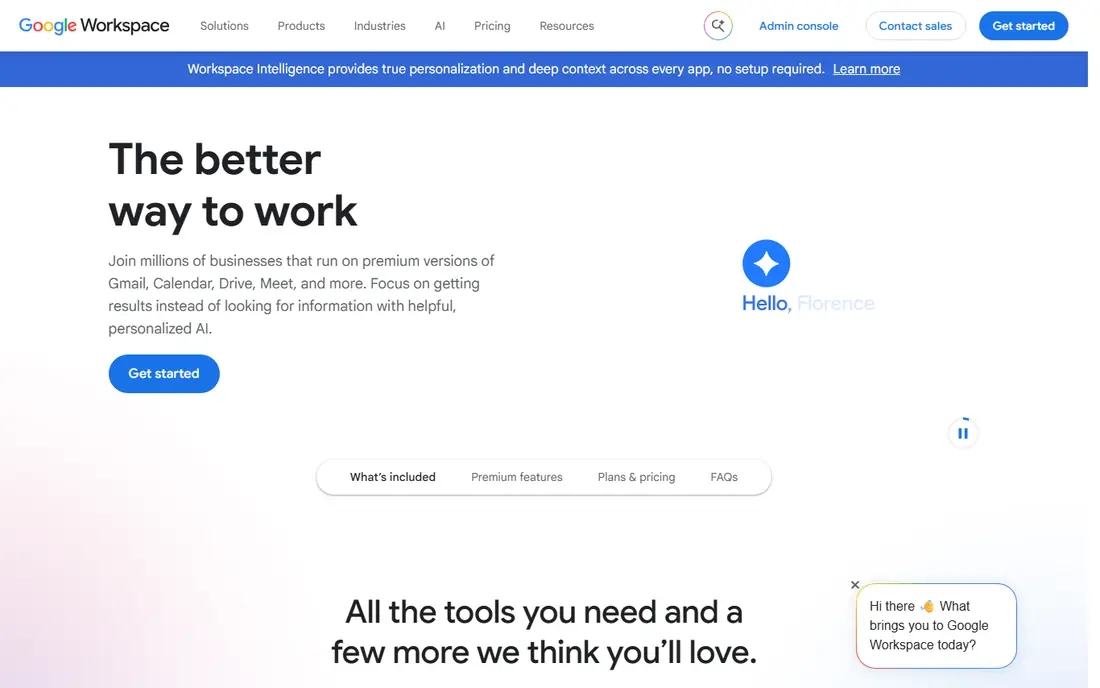
Google Workspace is the default pick for many small businesses because it covers email, calendar, documents, storage and video meetings in one per-user price. Staff already know Gmail and Docs, which shortens training, and sharing controls make it easy to work on the same file without emailing copies back and forth.
The catch is plan tiers. Storage per user, admin controls and archiving features differ between plans, so a team that stores large video or design files should check storage before choosing the cheapest tier. Migration from another suite also needs a plan for mail, files and permissions, not just a new subscription.
- Gmail, Drive, Docs and Meet in one subscription
- Easy admin for small teams
- Strong collaboration and sharing
- Storage limits vary by plan
- Advanced admin and vault features sit on higher tiers
- Migration from Microsoft takes planning

Microsoft 365 suits small businesses that already use Word, Excel and Outlook, or that work with clients who send Office files. OneDrive storage, Teams meetings and Office apps come together, and the suite feels familiar to staff who have used Office for years. That familiarity reduces support calls and formatting problems.
Plan choice is the main friction. Business Basic, Standard and Premium differ on desktop apps, device management and security features, so read the plan comparison before buying. A team that only needs web apps can save money, while a team that needs desktop Office and device controls should not start on the cheapest tier.
- Word, Excel and Outlook with OneDrive storage
- Teams for chat and meetings
- Strong fit for Windows and Office users
- Plan differences are confusing
- Some features need higher business tiers
- Admin setup takes time for new teams
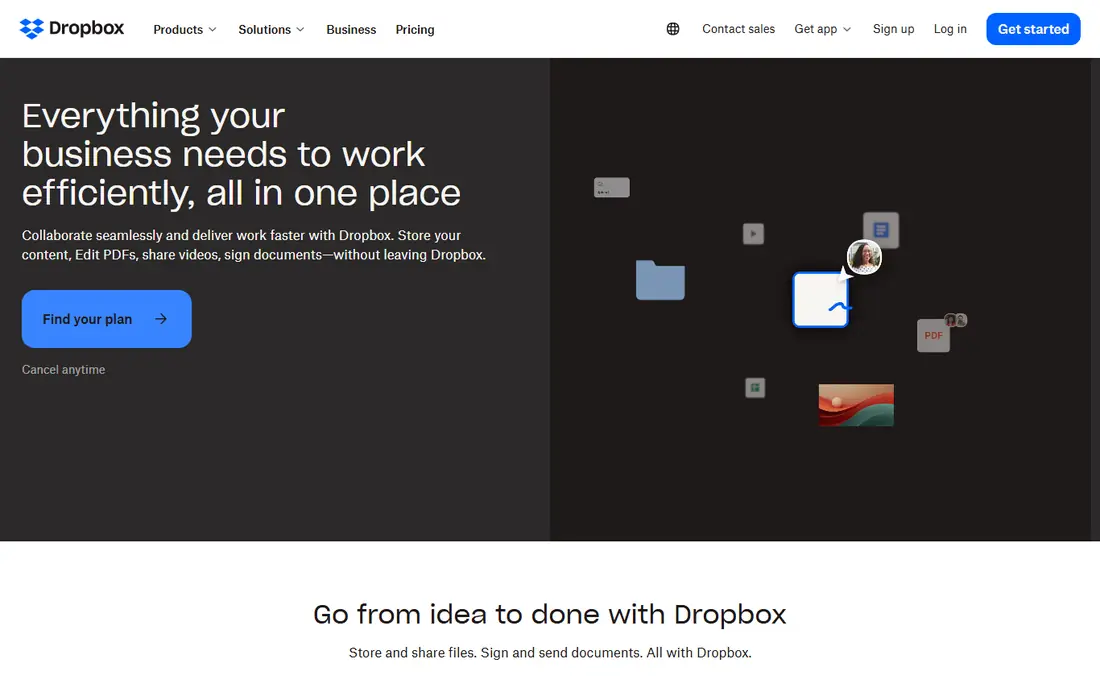
Dropbox Business is for teams whose main need is reliable file storage and sharing, rather than a full office suite. Sync is fast, sharing links are simple to control, and version history helps when a file is overwritten by mistake. Creative teams and small offices often use it alongside email from another provider.
It is not a direct replacement for Google Workspace or Microsoft 365, since it does not bundle email, calendars or document editing at the same depth. If you already have email elsewhere and mainly need files, Dropbox is a clean fit. If you need everything in one bill, a suite may be better value.
- Simple sync and sharing
- Good file recovery and version history
- Works across devices and platforms
- Less of a full office suite than Workspace or Microsoft 365
- Per-user cost adds up for larger teams
- Advanced admin sits on higher plans
Box focuses on secure file sharing with detailed permissions, which suits firms that share sensitive client files or work under compliance rules. Admins can control who sees, downloads and edits each folder, and integrations let staff open files in Office or Google tools without losing those controls.
Very small teams may find Box more formal than they need, especially if they only share files inside one office. Its value grows when outside clients, partners or auditors need controlled access, and when a simple shared drive would leave too many questions about who changed what.
- Strong sharing and permission controls
- Good fit for regulated or client-facing work
- Integrations with Office and Google tools
- Interface can feel business-heavy for tiny teams
- Pricing rises with admin features
- Less familiar than Dropbox for casual users
DigitalOcean is a favorite for small teams that host websites, apps or APIs and want predictable, simple cloud hosting. Its interface is clearer than the large cloud platforms, its pricing is easier to read, and its documentation helps a small dev team get a server running without a dedicated cloud engineer.
It does not match AWS or Azure for breadth of managed services, so teams with complex data, AI or enterprise needs may outgrow it. For a typical small business site, store or app, that simplicity is a benefit, because you pay for what you use and can see the bill plainly.
- Clear pricing and simple interface
- Droplets and managed databases
- Good docs for small dev teams
- Fewer managed enterprise services than AWS or Azure
- Scaling very large workloads needs planning
- Support tiers vary
Vultr suits cost-conscious teams that are comfortable managing their own servers. Entry compute prices are low, locations are broad, and setup is straightforward for developers who know Linux and server basics. That makes it a strong choice for test sites, small apps and side projects.
The trade is responsibility. Vultr gives you a server, not a managed app platform, so patching, backups and security fall to your team. Businesses without a developer or IT contact should choose a managed host or a suite instead, rather than learning server management on a live business site.
- Low entry prices for cloud compute
- Many global locations
- Simple server setup
- Less hand-holding than managed hosts
- You manage security and updates
- Support and managed services are thinner
Kamatera offers flexible cloud servers that can be sized and scaled to match a workload, which suits teams with uneven traffic or specific hardware needs. Its trial lets you test a configuration before committing, and its range of server types covers more cases than a fixed hosting plan.
Because pricing depends on CPU, memory, storage and bandwidth choices, a headline starting price does not tell the full monthly story. Price the exact configuration you need, including backups and bandwidth, before comparing Kamatera with a simpler host.
- Flexible server sizing and scaling
- Many configurations
- Trial for testing
- Pricing depends on configuration, so totals vary
- Interface is more technical
- Managed services need checking per plan
Amazon Web Services is the broadest cloud platform on this list, covering compute, storage, databases, AI and much more. Its free tier helps small teams learn and run small workloads, and its global infrastructure suits businesses with customers in many regions. If your app may grow into varied services, AWS gives room to grow without migrating.
Complexity is the cost. Pricing depends on service, region, storage, bandwidth and usage, so a small team can accidentally run up a bill by leaving resources running. Use billing alerts, start small, and review usage monthly, or choose a simpler host until your needs justify AWS breadth.
- Widest range of cloud services
- Free tier for learning and small use
- Global reach and reliability
- Pricing is complex and easy to misread
- Small teams can overprovision
- Support costs extra on higher tiers
Microsoft Azure suits small businesses already invested in Microsoft tools, including Windows servers, .NET apps and Microsoft 365. Integration with identity, Office and developer tools is a real advantage, and hybrid options help teams that keep some systems on site while moving others to the cloud.
Like AWS, Azure pricing is usage-based and complex, and its portal can feel heavy for a team that only needs a simple website host. Start with the free tier and a clear workload, and use cost alerts to keep spending visible as you grow.
- Strong fit for Windows, Office and .NET teams
- Free tier and credits for trials
- Hybrid options for mixed setups
- Pricing is complex
- Portal can feel heavy for small teams
- Some services need Microsoft expertise
How we picked these
We compared official product and pricing pages, small business guides and platform documentation for services that small teams actually use in 2026. We included suites, storage and hosting, because the phrase cloud services for small business covers all three in search results and in real buying decisions. We used See website for usage-based hosting prices and for suite prices that vary by plan and billing term, rather than publishing a single figure that would mislead.
Choosing the right kind of cloud service
First, name the job. If the job is email, documents and meetings, choose a suite such as Google Workspace or Microsoft 365. If the job is storing and sharing files with clients, choose Dropbox or Box. If the job is running a website or app, choose DigitalOcean, Vultr, Kamatera, AWS or Azure, depending on your technical skill and growth plans. Mixing two services is normal, but each extra service adds a bill and an admin task.
Second, check the limits that affect daily work. For suites, check storage per user, sharing controls, backup and recovery, and admin tools. For hosting, check CPU, memory, storage, bandwidth, backups and support response. For storage, check version history, permission controls and how easily you can export files if you leave.
A practical migration checklist
List every mailbox, shared drive, app and integration before you move anything, and note who owns each one. Move a small pilot group first, test email, files and permissions, and keep the old service running until the pilot is stable. Set billing alerts on any usage-based service, turn on two-factor authentication for admin accounts, and confirm backup and recovery steps with a test restore, not just a settings page.
Also confirm data location and compliance needs if you handle health, financial or client data, since some plans offer different controls. Keep an export plan in writing, so leaving a provider later is a project, not a crisis.
Frequently asked questions
What is the best cloud service for small business?
Google Workspace and Microsoft 365 are the best starting suites for most small businesses, because they bundle email, files and collaboration in one subscription. Dropbox or Box suit teams that mainly need file storage, while DigitalOcean suits teams that host apps. The best pick depends on whether your main job is documents, files or hosting.
What is the best cloud service for small businesses on a tight budget?
A suite with a low per-user tier, or a simple host such as DigitalOcean or Vultr for a website, usually gives the best value, but totals depend on users and usage. Use free trials and free tiers to test before paying, and watch storage, bandwidth and per-user costs, since those drive the real monthly bill.
Is Google Workspace or Microsoft 365 better for small business?
Google Workspace suits teams that prefer Gmail, Docs and browser-based work, while Microsoft 365 suits teams that rely on Word, Excel, Outlook and Windows. Both cover email, storage and meetings, so choose based on the apps your staff already know and the file formats your clients send.
Do small businesses need AWS or Azure?
Only if they run apps, data workloads or services that need cloud scale and breadth. Most small offices do fine with a suite plus a simple host, and AWS or Azure add complexity and billing risk without benefit. Move to a large platform when a specific workload needs it, not because the name is familiar.
How do I keep cloud costs down?
Start with the smallest plan that fits, use billing alerts, turn off unused servers and storage, and review usage monthly. For suites, remove inactive users and check storage per user. For hosting, price backups and bandwidth in advance, since those costs are easy to miss in a starting price.
Can I move my files out of a cloud service later?
Yes, in most cases, through export, sync or migration tools, but the ease varies by provider and plan. Before you commit, check export options, file formats and permission migration, and keep a local or second-cloud backup of critical business files so you are never locked to one provider.
Sources
- https://workspace.google.com
- https://www.microsoft.com/microsoft-365/business
- https://www.dropbox.com/business
- https://www.box.com
- https://www.digitalocean.com
- https://www.vultr.com
- https://www.kamatera.com
- https://aws.amazon.com
- https://azure.microsoft.com
- https://thectoclub.com/tools/best-cloud-service-providers/
- https://fluence.ai/blog/affordable-cloud-computing-for-small-business/
See where you really rank - block by block
ProMapRanker scans Google Maps across a grid of your service area. Simple monthly plans from $19, white-label on every plan.
Start freeKeep reading
 zscaler alternatives
Best Zscaler Alternatives in 2026
Looking for zscaler alternatives? We compare 9 SASE and zero trust platforms on architecture, data protection, pricing, and fit for your network and team.
Read → zapier alternatives free
Best Zapier Alternatives Free in 2026
Nine automation tools for zapier alternatives free in 2026, all with genuinely free tiers, plus free plan limits, starting prices and upgrade paths explained.
Read → which platform is best for online reputation
Which Platform Is Best for Online Reputation in 2026
Wondering which platform is best for online reputation? We compare 8 review, listing, and response tools for small and multi-location businesses and agencies.
Read →