 ProMapRanker
Best Cloud Service for Frontend Development in 2026

Key takeaways
- Vercel leads for Next.js, Cloudflare Pages leads on free-tier value for static sites, and Netlify leads on built-in features such as forms.
- Free tiers differ sharply: some are permanent, some pause at a limit, and some are trials, so read the terms before building a business on one.
- Frontend hosting is only part of the stack: backends, databases, and auth often live elsewhere, even when a frontend platform offers them.
- Usage-based billing can surprise teams at scale, so set spending caps and alerts on any paid plan.
Quick comparison
| Pick | Great for | Pricing starts at | Free tier | |
|---|---|---|---|---|
 Vercel | Next.js and React front ends | $20 per month | Yes | Visit |
 Netlify | Jamstack sites with built-in features | $9 per month | Yes | Visit |
 Cloudflare Pages | Static sites at global scale | Free | Yes | Visit |
 Render | Frontend plus backend services | $7 per month | Yes | Visit |
 Railway | Full-stack prototypes | $5 per month | Free trial | Visit |
 AWS Amplify | Frontend apps inside AWS | See website | Yes | Visit |
 Firebase Hosting | Google ecosystem front ends | Free | Yes | Visit |
 GitHub Pages | Simple static sites and docs | Free | Yes | Visit |
The best cloud services for frontend development
We compared official pricing pages, free tier terms, deployment workflows, preview features, and public reviews for services that host and deliver front ends. We favoured services with Git-based deploys, preview URLs, custom domains with SSL, and a clear path from a personal project to production.
Vercel is the default choice for a Next.js team, since it is built by the creators of Next.js. Push to Git, get a preview URL for every pull request, and deploy to a global edge network with server rendering, static generation, and edge functions in one place. That workflow is why so many React teams start here and stay here.
The limits are commercial use and cost at scale. The free Hobby plan is for personal, non-commercial projects, so a business site needs the Pro plan at 20 dollars per user per month, plus usage. Set a spending cap, watch bandwidth and function usage, and keep an eye on the bill during traffic spikes.
- Best-in-class Next.js support and preview deploys
- Global edge network
- Strong developer experience
- Hobby plan is for non-commercial use only
- Usage costs can rise fast at scale
- Pro is priced per user

Netlify remains a strong pick for static and Jamstack sites that need more than hosting alone. Forms with spam filtering, identity and auth, edge functions, and scheduled functions come built in, which saves wiring up separate services for a marketing site or a small app. It works well with Astro, Hugo, Eleventy, SvelteKit, and plain HTML, not only with one framework.
Credit billing is the watch point. Since 2025, Netlify has used credits consumed by deploys, bandwidth, and functions at different rates, so a busy month can be harder to forecast than a flat plan. The free tier, at 300 credits per month, still suits personal projects, and the Personal plan at 9 dollars per month adds headroom for small production sites.
- Broad framework support
- Built-in forms, identity, and functions
- Generous free tier for personal projects
- Credit-based billing makes large bills harder to predict
- Next.js support runs through an adapter
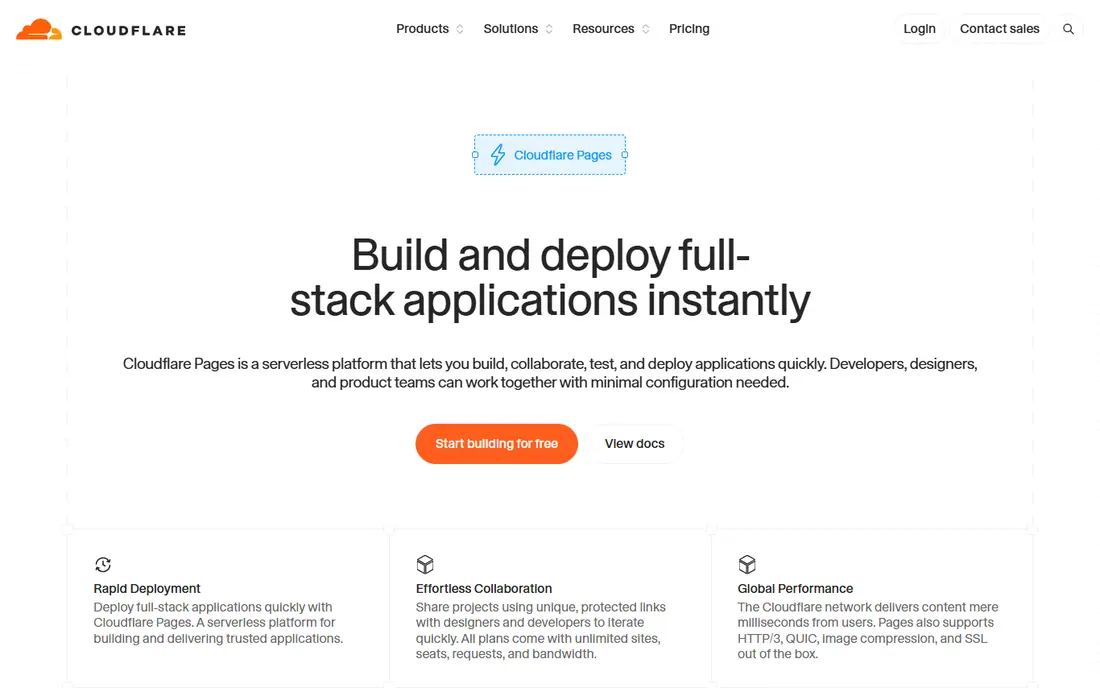
Cloudflare Pages is the value leader for static front ends. Its free tier offers unlimited bandwidth for static assets, with a large global network that keeps pages fast in many regions. For a blog, docs site, marketing site, or high-traffic static app, that free tier is genuinely usable for real work, not only for a demo.
The trade-off is architecture. Cloudflare Pages is edge-first, so dynamic work runs through Workers, with limits such as CPU time per request, rather than through a long-running Node.js server. Teams with heavy server-side logic should test that model early, or pair Pages with a separate backend service.
- Free tier with unlimited static bandwidth
- Huge global network
- Workers integration for edge logic
- Complex backends need Workers, not a traditional server
- Server-side Node.js patterns do not map directly
Render suits a team that wants the front end and a small backend in one account. Static sites deploy from Git, while web services, managed Postgres, Redis, and cron jobs cover the backend pieces that a pure frontend host leaves out. Plan-based pricing, starting at 7 dollars per month for a web service, is also easier to forecast than pure usage billing.
Free tier limits matter for production. Free web services sleep after 15 minutes idle, so the first visit after a gap can take a while to wake. Use a paid service for any site where that delay would hurt, and budget the database separately, since it is not included in the web service price.
- Static sites plus web services, databases, and background jobs in one place
- Predictable plan pricing
- Git deploys
- Free web services sleep after idle time, causing cold starts
- Managed database pricing adds to the total
Railway is the fastest route from an idea to a running full-stack app for many developers. Templates spin up an app plus a database in minutes, and the dashboard makes environment variables, logs, and deploys easy to follow. The Hobby plan starts at 5 dollars per month, including 5 dollars of usage, with a Pro plan near 20 dollars per month for larger work.
The honest catch is the free tier. Railway offers a trial credit, not a permanent free tier, so a hobby project will need a paid plan after the trial. That is still cheap for a prototype, but it is not a zero-cost home for a long-running side project in the way Cloudflare Pages or GitHub Pages can be.
- Very fast setup with templates for apps and databases
- Usage-based pricing that starts low
- Good developer experience
- No permanent free tier for new users, only a trial credit
- Usage bills need monitoring as traffic grows
AWS Amplify suits teams already committed to AWS. It hosts front ends from Git, with preview deploys, and it connects to AWS auth, data, storage, and functions without leaving the AWS account. For an enterprise team with AWS governance, security reviews, and existing infrastructure, that integration is a strong benefit.
The downside is complexity and billing. Costs span hosting, build minutes, bandwidth, and any backend AWS services used, so the monthly total needs a calculator, not a single price page. A small team with no AWS footprint will usually move faster on Vercel, Netlify, or Cloudflare Pages.
- Deep AWS integration for auth, data, and storage
- Git-based hosting with previews
- Scales with AWS services
- Pricing is usage-based across many AWS services
- Learning curve is steeper than specialist frontend hosts
Firebase Hosting suits single-page apps and front ends that already use Google services. Hosting is fast and global, with SSL and custom domains included, and it pairs naturally with Firebase Authentication, Firestore, and Cloud Functions for a full app without managing servers. The free Spark tier covers small apps, with pay-as-you-go Blaze pricing for larger use.
Ecosystem fit is both the strength and the limit. A team that uses Google services throughout will find Firebase smooth and coherent, while a team that wants a vendor-neutral stack may prefer a specialist host plus a separate backend. Check Firestore and Functions pricing separately, since hosting alone is only part of the total.
- Fast global hosting with SSL
- Fits Google auth, Firestore, and Cloud Functions
- Generous free tier for small apps
- Best value appears inside the Google ecosystem
- Leaving Google services later takes migration work
GitHub Pages is the simplest option in this list, and for docs, portfolios, and simple static sites, simple is enough. Publish from a repository branch, get a free subdomain or connect a custom domain, and get SSL included. For open-source docs and personal sites, the cost is zero and the workflow is already the Git workflow most developers use daily.
The limit is scope. GitHub Pages serves static files only, so server functions, databases, and dynamic rendering need another service. It is a good home for the front end of a docs site or a marketing page, and a poor home for a full app that needs server logic on every request.
- Free hosting for public repositories
- Simple Git-based publishing
- Custom domains with SSL
- Static sites only, with no server logic
- Private repository hosting needs a paid GitHub plan
How we picked these
We compared official pricing pages, free tier terms, deployment workflows, and public reviews for services that host front ends in October 2026. We favoured services with Git deploys, preview URLs, custom domains, and a clear free or low-cost starting point, and we noted where a free offer is a trial rather than a permanent tier. We did not claim hands-on load testing, and prices should be confirmed on each vendor pricing page, since usage terms change often.
How to choose for your stack
Match the host to the framework first. Next.js teams get the most from Vercel, framework-agnostic static sites get broad value from Netlify or Cloudflare Pages, and full-stack prototypes get speed from Render or Railway. Framework fit affects build behaviour, preview quality, and edge function support, so a mismatch shows up daily, not only at launch.
Next, separate the front end from the backend in your budget. List hosting, bandwidth, build minutes, functions, database, and auth as separate lines, and set alerts on each. Finally, keep an exit path: use standard build outputs, keep environment variables in a portable store, and avoid features that only one host can run, unless that feature is worth the lock-in.
Frequently asked questions
What is the best cloud service for frontend development?
For Next.js, Vercel is the usual default. For static sites on a budget, Cloudflare Pages is hard to beat. For Jamstack sites with forms and auth built in, Netlify is a strong pick. The best choice follows your framework and your budget.
Is a free tier enough for a business site?
Sometimes, for a low-traffic static site, yes, especially on Cloudflare Pages or GitHub Pages. For a commercial Next.js app, Vercel Hobby is non-commercial only, so a business needs a paid plan, and other free tiers may pause at a limit.
Do I need a backend service as well?
Often, yes. Frontend hosts serve pages and edge functions well, but databases, long-running jobs, and complex APIs usually live on a backend platform such as Render, Railway, or a cloud provider. Plan for both from the start.
How do preview deploys help?
Preview deploys give every pull request its own URL, so designers, reviewers, and testers can check a change before it reaches production. That shortens review cycles and catches visual and content errors earlier.
How can I avoid surprise hosting bills?
Set spending caps where offered, turn on usage alerts, and review bandwidth, function, and build usage weekly during launch. A traffic spike that doubles bandwidth can double a usage bill, so a cap is cheaper than a surprise.
Sources
See where you really rank - block by block
ProMapRanker scans Google Maps across a grid of your service area. Simple monthly plans from $19, white-label on every plan.
Start freeKeep reading
 worlds best local seo company
8 Worlds Best Local SEO Companies for Map Pack Growth in 2026
Compare the worlds best local seo company options for Google Business Profile work, citations, reviews, and multi-location rankings and reporting in 2026.
Read → world's best web hosting company
World's Best Web Hosting Company in 2026
Searching for the world's best web hosting company? We compared 10 hosts on price, renewal rates, speed, and support to help you choose well today in 2026.
Read → who's got the best nanny tax services
Who's Got the Best Nanny Tax Services in 2026
We answer who's got the best nanny tax services, comparing full filing, back taxes, software, and pricing so families can handle nanny taxes correctly.
Read →