 ProMapRanker
Best Cloud Security Companies in 2026

Key takeaways
- Wiz and Palo Alto Networks lead for broad multicloud posture coverage, while Orca stands out for agentless scanning.
- CrowdStrike suits teams that already use Falcon for endpoints and want cloud security in the same console.
- Zscaler fits access control and zero trust work more than deep workload posture scanning.
- Most enterprise cloud security pricing is quoted, so budget for a sales conversation and a trial on your own cloud accounts.
- Small teams should start with their cloud provider tools first, then add a dedicated platform when they run more than one cloud.
Quick comparison
| Pick | Great for | Pricing starts at | Free tier | |
|---|---|---|---|---|
 Wiz | Multicloud risk prioritization | See website | Free trial | Visit |
 Palo Alto Networks Prisma Cloud | Broad enterprise coverage | See website | Free trial | Visit |
 CrowdStrike Falcon Cloud Security | Falcon endpoint customers | See website | Free trial | Visit |
 Orca Security | Agentless cloud scanning | See website | Free trial | Visit |
 Zscaler | Zero trust cloud access | See website | Free trial | Visit |
 Check Point CloudGuard | Check Point customers | See website | Free trial | Visit |
 Trend Micro Cloud One | Hybrid workload protection | See website | Free trial | Visit |
 Microsoft Defender for Cloud | Microsoft Azure estates | See website | Free trial | Visit |
The best cloud security companies
Cloud security is less about one magic product and more about seeing misconfigurations, exposed data, weak identities and vulnerable workloads before attackers do. We compared official feature pages, pricing pages and public documentation for the companies below, and we focused on multicloud coverage, agentless options, identity analysis and ease of remediation.
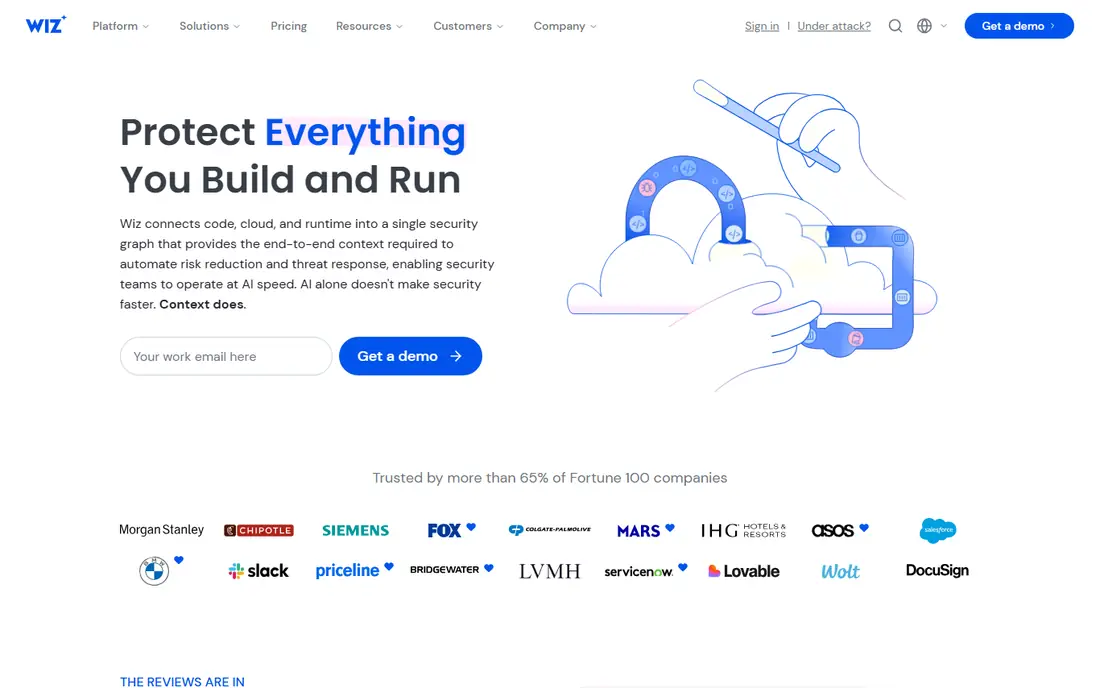
Wiz gives security teams a single view of AWS, Azure, Google Cloud and other environments without asking them to install agents on every workload first. Its graph approach matters because a single misconfiguration rarely causes a breach on its own. Wiz connects exposed storage, an overprivileged identity and a vulnerable workload, then shows which combinations create a real path to sensitive data.
That focus on prioritization is why larger teams often pick Wiz when alert volume is the main problem. The trade-off is commercial rather than technical. Pricing is not published as a simple monthly rate, and costs scale with workloads and modules. Ask for a quote based on your actual account count, and test it on a production-like account before you sign.
- Agentless scanning across major clouds
- Security Graph links issues into attack paths
- Strong compliance and code scanning coverage
- Pricing is quoted and can be high for small estates
- Depth of modules can make scoping a first contract complex
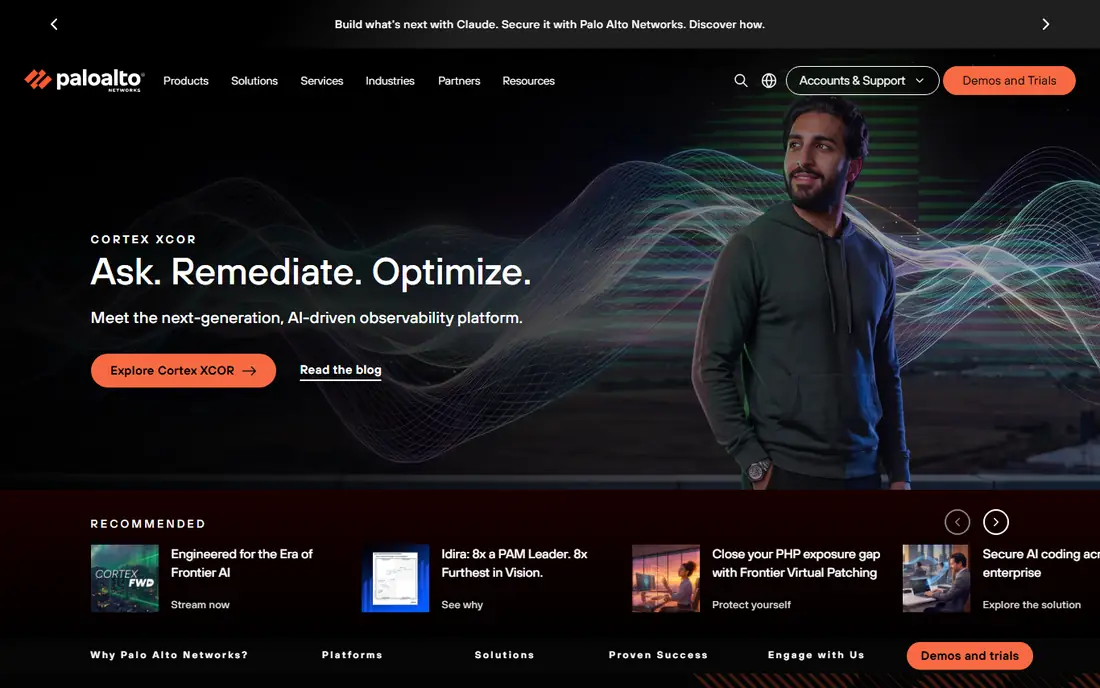
Palo Alto Networks has built Prisma Cloud into a broad platform that covers posture management, workload protection, code security and network security for cloud environments. For enterprises that already use Palo Alto firewalls, the shared policies and threat intelligence can reduce the number of consoles a team must check each day. Its compliance coverage also helps regulated teams show evidence for common frameworks.
The catch is complexity. Credit metering, module choices and the move toward Cortex Cloud mean two buyers can describe the same purchase in different terms. Get the licensing model in writing, confirm which modules are included, and confirm how runtime hosts, buckets and databases are counted.
- Wide coverage from posture to code and runtime
- Strong integration with Palo Alto Networks firewalls and Cortex tools
- Mature compliance reporting
- Credit-based licensing can be hard to forecast
- The product family has changed names, so confirm the exact Palo Alto product name before you buy
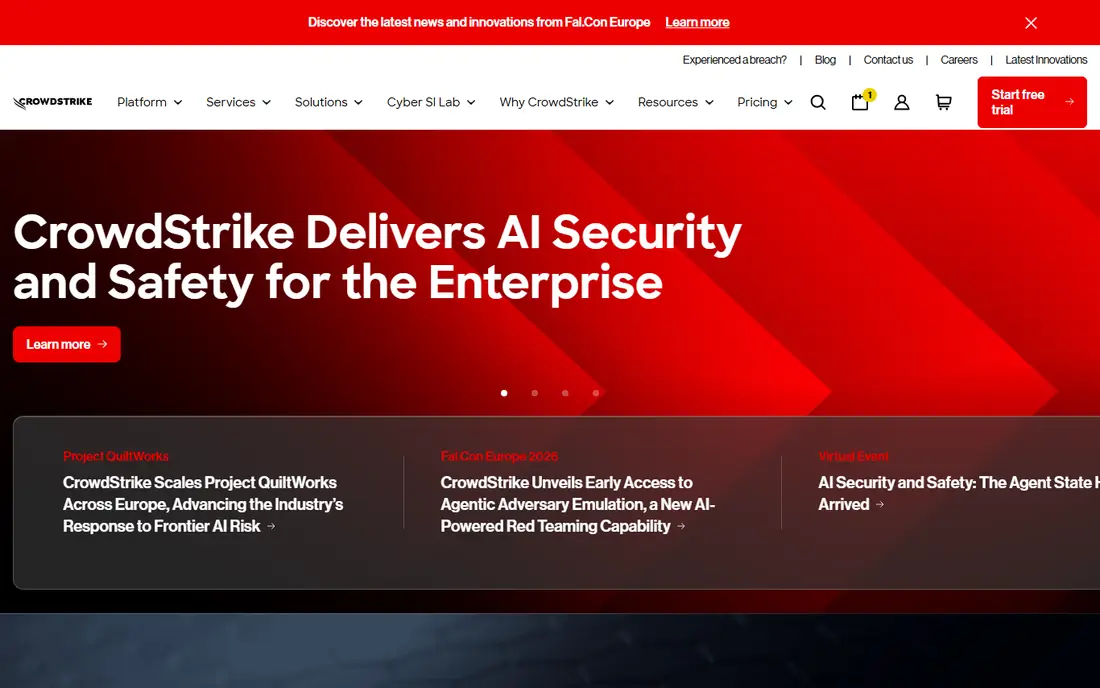
CrowdStrike started with endpoints, and its cloud security work extends that same Falcon agent and console into cloud workloads and containers. Teams that already trust Falcon for detection often value having cloud alerts, posture findings and endpoint context in one place. That shared context can speed up incident response when a cloud workload and a laptop are part of the same incident.
If you do not already use Falcon, the value is less obvious. You will need to compare module by module, because cloud posture, container protection and identity features may sit in different bundles. CrowdStrike publishes endpoint bundle prices, but cloud security pricing for a specific estate still needs a quote.
- One agent and console for endpoints and cloud workloads
- Strong threat intelligence and detection
- Good fit for teams that already run Falcon
- Cloud security modules are add-ons to endpoint bundles
- Pricing varies by module, so a full comparison needs a detailed quote
Orca built its name on SideScanning, which reads cloud workloads from outside rather than requiring an agent on each machine. That approach gives fast coverage across accounts, including workloads that teams forgot about or cannot easily patch. Orca then adds context, so a vulnerability on an isolated test machine does not rank the same as the same flaw on an internet-facing system holding sensitive data.
The main limit is cost predictability. Orca prices by scanned workloads, so a growing estate changes the bill. It also works best as a posture and prioritization platform, with runtime features added through sensors where needed. Plan a trial that includes your messiest accounts, not only the tidy ones.
- Agentless scanning with broad workload coverage
- Context-rich prioritization without agent rollout
- Strong support for AWS, Azure and Google Cloud
- Pricing is quoted by workload volume
- Runtime protection may need a sensor for some use cases
Zscaler answers a different question from a posture scanner. Instead of only listing what is misconfigured, it controls how users, devices and workloads reach the internet, SaaS apps and private applications. Its zero trust exchange checks identity and policy before granting access, which helps teams that no longer trust a network perimeter.
Buyers should not treat Zscaler as a direct replacement for a cloud posture platform. It is strongest when paired with posture or workload tools, or when access control is the main gap. Expect a careful rollout, with policies tested for remote workers, contractors and branch offices before old VPN access is removed.
- Cloud-delivered zero trust access for users and workloads
- Strong web, SaaS and private app controls
- Scales well for distributed teams
- Less of a pure posture scanner than Wiz or Orca
- Configuration and policy tuning take real time
Check Point CloudGuard covers cloud posture, workload protection and cloud network security, which makes it a natural shortlist option for teams that already run Check Point firewalls or endpoint tools. Shared threat intelligence and central management can simplify policy work across on-premises and cloud environments. It also suits teams that want prevention, not only detection and reporting.
The honest catch is that CloudGuard is sold in editions and modules, and public pricing is limited. Ask which edition covers your clouds, whether Kubernetes and serverless workloads are included, and how compliance reporting is licensed. A demo on your own accounts will tell you more than a feature sheet.
- Posture, workload and network security in one family
- Good fit for existing Check Point estates
- Strong threat prevention heritage
- Pricing is quoted
- Some buyers find the product family and editions confusing at first
Trend Micro Cloud One suits teams with a mix of on-premises servers, virtual machines and cloud workloads. Its workload security covers servers, containers and file storage, while other Cloud One services add posture, network and application protection. That breadth helps hybrid teams avoid buying a separate tool for each environment.
If you run only one public cloud and mainly need posture findings, Cloud One may be more than you need. Compare it against a focused posture platform on alert quality and remediation guidance, not only on the length of the feature list. Confirm pricing for your workload count before you commit.
- Strong workload and container protection
- Good hybrid coverage for servers and cloud
- Mature threat research backing
- Pricing is quoted for many deployments
- The suite can feel broad if you only need posture scanning
Microsoft Defender for Cloud is the natural starting point for teams that live in Azure and Microsoft 365. It gives posture recommendations, threat protection for servers and containers, and compliance views without adding a completely separate vendor stack. It can also connect AWS and Google Cloud accounts, which helps teams that use Azure as their main cloud and others for specific projects.
The limit is focus. Teams with a large AWS or Google Cloud estate as their primary environment may get deeper multicloud prioritization from Wiz or Orca. Defender for Cloud pricing also depends on which Defender plans are enabled, so check the cost for each resource type you protect.
- Deep Azure integration and native controls
- Useful posture and compliance views for Microsoft shops
- Can extend to AWS and Google Cloud
- Best value inside a Microsoft estate
- Advanced features sit in paid Defender plans
How we picked these
We compared official product pages, pricing pages, documentation and public reviews for cloud security companies that operate across major clouds in October 2026. We kept only companies with current products that cover cloud posture, workload, network or access security, and we left out tools that only scan code or only protect endpoints. We did not claim hands-on testing. We judged each company on coverage, prioritization, integration with existing tools and pricing transparency, and we marked pricing as See website where the vendor does not publish a simple rate.
What to check before you buy cloud security
Start with your cloud inventory, not with a vendor demo. List every AWS, Azure and Google Cloud account, including test accounts, old projects and accounts owned by other teams. A tool that only covers the accounts you remember will miss the accounts that cause the most risk. Ask each vendor how it finds new accounts, how it handles dormant resources and how long a first full scan takes.
Next, test prioritization with real findings. Give each vendor the same messy account and compare which issues it ranks first, how clearly it explains the risk, and whether it suggests a fix your cloud team can actually apply. A long list of low-risk findings is less useful than a short list of reachable, exploitable problems. Also check identity coverage, because overprivileged service accounts and unused credentials cause many cloud incidents.
Finally, confirm total cost and effort. Ask how pricing scales with workloads, buckets, databases and users, and whether runtime sensors, code scanning and compliance modules cost extra. Check who owns remediation, how alerts reach your ticketing system, and what happens during a trial when findings pile up. The best cloud security company for you is the one your team will keep using after the first month, not the one with the longest feature list.
Frequently asked questions
What is the best cloud security company for a small team?
For a small team, start with your cloud provider native tools, such as AWS Security Hub, Microsoft Defender for Cloud or Google Cloud Security Command Center, then add a dedicated platform when you run multiple clouds or need stronger prioritization. Wiz and Orca are strong for multicloud work, but their quoted enterprise pricing may be heavy for a very small estate. Ask for a trial and a quote sized to your actual accounts.
What is the best cloud cybersecurity company for multicloud use?
Wiz and Palo Alto Networks Prisma Cloud are the most common multicloud shortlist options, with Orca close behind for agentless scanning. All three cover AWS, Azure and Google Cloud, but they differ in pricing models, runtime options and remediation workflows. Run the same accounts through at least two of them before you choose, and compare attack-path views rather than raw finding counts.
Do I need agentless scanning, or should I install agents?
Agentless scanning gives fast, broad coverage without touching each workload, which helps with forgotten or hard-to-patch systems. Agents and sensors add deeper runtime protection and process-level detail, which matters for active threat detection. Many teams use both: agentless scanning for posture and coverage, plus sensors on high-value workloads that need runtime defense.
How much does cloud security software cost?
Most enterprise cloud security pricing is quoted and varies with workload count, modules and contract length, so a single monthly price rarely tells the full story. Smaller teams may pay little or nothing by using native cloud tools, while larger multicloud deployments often run into five or six figures per year. Get a quote based on your real inventory, and ask what counts as a billable workload.
Is Zscaler a cloud security company?
Yes, Zscaler is a cloud security company, but its strength is zero trust access rather than pure posture scanning. It controls access to web, SaaS and private applications from a cloud-delivered platform. Pair it with a posture or workload platform if you also need deep misconfiguration and vulnerability coverage across your cloud accounts.
Sources
See where you really rank - block by block
ProMapRanker scans Google Maps across a grid of your service area. Simple monthly plans from $19, white-label on every plan.
Start freeKeep reading
 who is the best seo company
Who Is the Best SEO Company in 2026
Compare who is the best SEO company in the USA, from full service agencies to SEO only specialists, with fit and service notes Compare features, pricing,.
Read → top bi software
Top BI Software in 2026: 9 Tools Compared
Compare the top BI software in 2026, with dashboards, reporting, data links, sharing, pricing and free plans for small teams, analysts and large companies.
Read → spyfu alternatives
SpyFu Alternatives in 2026: 9 Tools Compared
Compare the best spyfu alternatives in 2026, from Semrush and Ahrefs to SE Ranking, Moz, and Mangools, for competitor and keyword research work. for teams
Read →