 ProMapRanker
Best Cloud Platform Services for Business in 2026


Business and hybrid services · Pricing starts at: See website
Key takeaways
- Microsoft Azure and IBM Cloud suit businesses that need hybrid systems, compliance support and enterprise service options.
- Amazon Web Services and Google Cloud suit product-led businesses that need broad services, data tools and global reach.
- DigitalOcean, Akamai Cloud and Vultr suit smaller businesses that want clear pricing and simple managed services.
- Choose on service fit and support, not just server price, because managed databases, security and backup services drive the real cost.
Quick comparison
| Pick | Great for | Pricing starts at | Free tier | |
|---|---|---|---|---|
| Microsoft Azure | Business and hybrid services | See website | Yes | Visit |
 Amazon Web Services | Broad business services | See website | Yes | Visit |
 Google Cloud | Data and app services | See website | Yes | Visit |
 IBM Cloud | Regulated business services | See website | Free trial | Visit |
 Oracle Cloud | Database-led business services | See website | Yes | Visit |
 DigitalOcean | Small business simplicity | See website | Free trial | Visit |
 Heroku | Fast business app services | See website | No | Visit |
 Akamai Cloud (Linode) | Predictable business hosting | See website | Free trial | Visit |
 Vultr | Low-cost business compute | See website | Free trial | Visit |
The best cloud platform services for business
A business cloud platform is more than rented servers. It covers hosting, databases, storage, security, backups, identity and support, all billed as services a team can add as it grows. Here are nine platforms that provide that full service picture for different kinds of businesses.
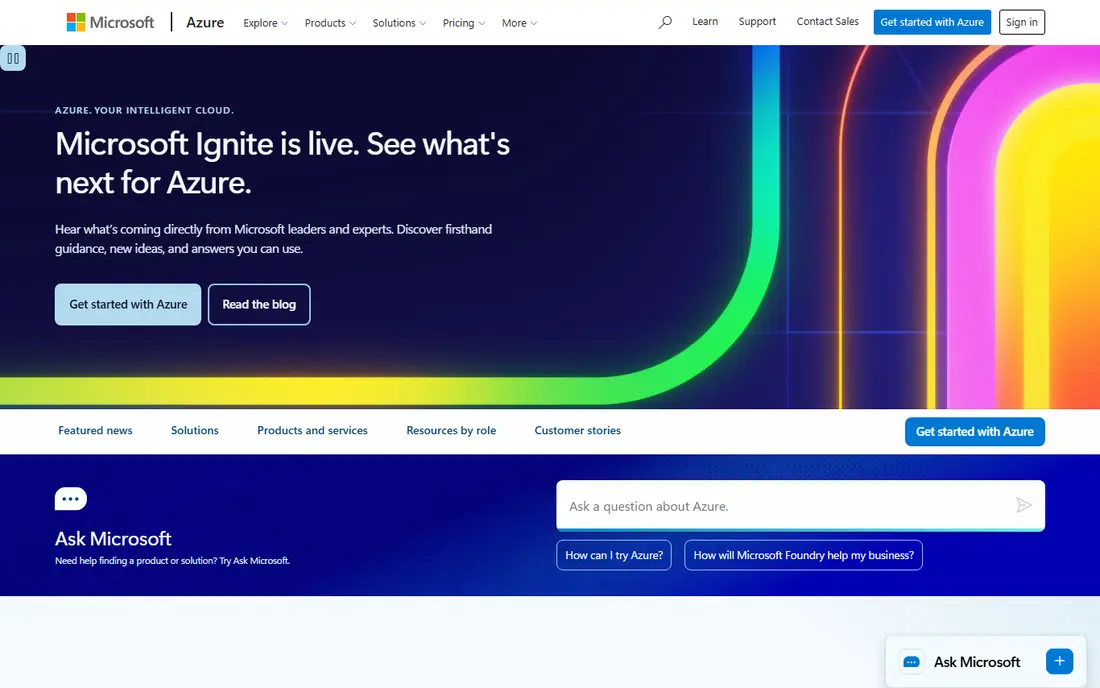
Azure is a natural business platform for companies already running Microsoft 365, Windows and SQL Server. Identity through Entra ID, hybrid links to on-site systems, managed databases and app services sit in one account, which simplifies administration. Compliance coverage and enterprise support options also suit regulated businesses.
The catalogue is large, and a small team may need help choosing the right service tier. For a business that already pays for Microsoft licences, Azure Hybrid Benefit and existing identity setup can make the total service cost more attractive than a headline server price suggests.
- Deep Microsoft 365 integration
- Hybrid and identity services
- Wide compliance coverage
- Service catalogue can feel complex
- Costs need careful estimates
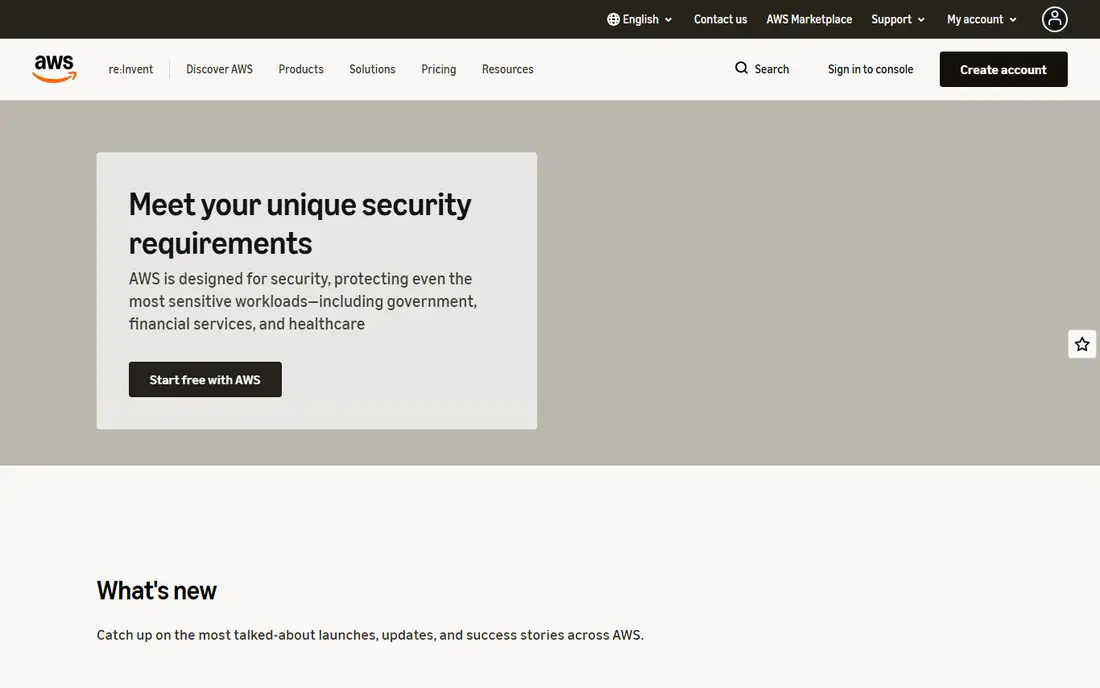
AWS offers the broadest set of business services, from hosting and storage to managed databases, analytics, machine learning and contact-centre tools. A business can start with a website and a database, then add backups, monitoring, messaging and data warehousing without changing provider. Global regions help companies serve customers in many countries.
That breadth brings billing complexity, and business support is a paid tier. Companies that want the most choice and the largest partner network will still find AWS hard to match, provided they invest in cost monitoring and staff skills.
- Widest service range
- Global regions
- Mature managed databases and analytics
- Pricing complexity
- Support tiers cost extra for business use
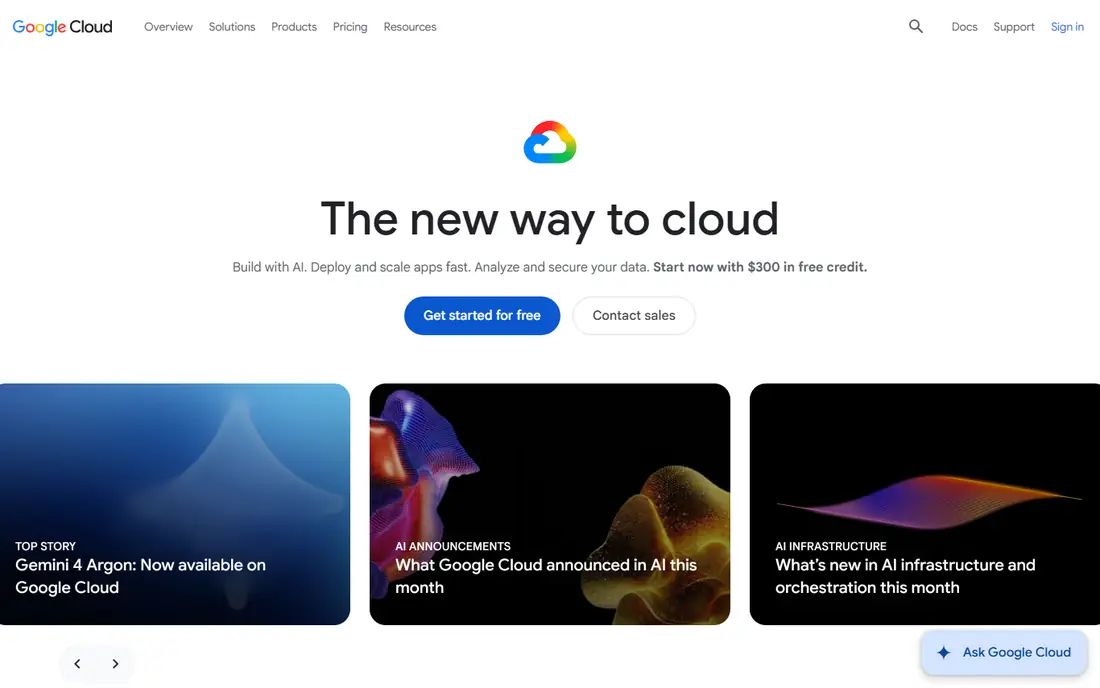
Google Cloud suits businesses that live on data, apps and Google Workspace. BigQuery, managed databases, app hosting and Kubernetes services cover the core needs of a product or data-led company, and Workspace identity integration keeps user management simple. Automatic sustained-use discounts help with steady workloads.
Businesses that need a very wide catalogue of niche managed services may find gaps compared with AWS. For a data-focused or app-focused business, Google Cloud offers a clean, developer-friendly service set.
- Strong data and analytics services
- Google Workspace integration
- Managed Kubernetes
- Smaller service catalogue than AWS
- Some enterprise services need higher tiers
IBM Cloud targets businesses in regulated sectors that need hybrid deployment and clear control. Services cover hosting, databases, AI, security and integration, with OpenShift giving a consistent way to run apps across cloud and on-site systems. That consistency helps banks, insurers and public-sector suppliers that cannot move everything to public cloud at once.
Small businesses may find the platform heavier than DigitalOcean or Heroku. For a regulated enterprise, the compliance and hybrid service options are the main reason to choose IBM Cloud over a simpler host.
- Hybrid cloud services
- Compliance-focused options
- OpenShift for consistent apps
- Platform can feel enterprise-heavy for small teams
- Pricing often needs a quote
Oracle Cloud is built around database and enterprise application services, which suits businesses running Oracle ERP, finance or customer systems. Managed database services, high-performance compute and enterprise support cover heavy, business-critical workloads. An always free tier lets teams test core services before committing.
The developer community is smaller than for AWS or Google Cloud, so public guides are fewer. For an Oracle-centred business, the database performance and licensing fit often outweigh that smaller community.
- Strong Oracle database services
- Always free tier for testing
- Enterprise applications support
- Smaller developer community
- Service naming can confuse newcomers
DigitalOcean is the simplest full-service option here for a small business. Managed databases, App Platform, storage and Kubernetes cover the usual business app stack, with pricing that is easy to read and forecast. A small team can run a website, an internal tool and a customer app without a dedicated cloud engineer.
Larger enterprises that need dozens of specialised managed services will outgrow it sooner. For a small or mid-sized business that values clarity over catalogue size, DigitalOcean is a strong service choice.
- Clear pricing
- Managed databases and app hosting
- Simple control panel
- Fewer enterprise services than the big clouds
- Global coverage is narrower
Heroku turns app deployment into a service: push code, add a database, scale by adding dynos, and use add-ons for email, monitoring, search and more. That speed suits startups and small product teams that need to ship a business app without hiring operations staff. The add-on marketplace covers many common business needs.
Costs can climb for sustained high traffic, and teams that need deep infrastructure control will hit limits. For early-stage business apps, Heroku trades control for speed and simplicity, and that trade often pays off.
- Very fast deployment
- Managed databases and add-ons
- Simple scaling
- No free tier now
- Costs rise at high scale
- Less control over infrastructure
Akamai Cloud, built on Linode, offers business hosting with predictable pricing for virtual machines, storage, databases and Kubernetes. Companies that know their server size can forecast monthly costs more easily than on usage-heavy clouds. Global data centres help businesses serve customers in several regions.
It does not offer the same breadth of managed business services as AWS or Azure. For a business that mainly needs reliable hosting plus core managed services, Akamai Cloud is a cost-clear alternative.
- Predictable server pricing
- Managed databases and Kubernetes
- Global data centres
- Managed business services are narrower than the big clouds
- Support tiers vary
Vultr gives businesses low-cost compute in many locations, with hourly billing that suits variable workloads and testing. Virtual machines, bare metal, block storage and Kubernetes cover the basics for a business website, app or internal system. Setup is simple, and the control panel stays focused.
The trade-off is operational work: businesses take on more server management than on a fully managed platform. For a cost-conscious business with technical staff, Vultr is a practical service base. For a business that wants the provider to manage most of the stack, a larger cloud is a better fit.
- Many global locations
- Hourly billing
- Simple server and storage services
- Managed services are limited
- Businesses handle more operations themselves
How we picked these
We compared official service pages, managed service ranges, pricing models and support options for business cloud platforms, and we favoured providers that are still offered, cover hosting plus databases and security, and fit a real business growth path. We used See website where pricing is quoted or varies by service and usage. Our comparison rests on vendor documentation and public service descriptions, not on claimed hands-on testing.
What business buyers should check first
Start with the services your business cannot run without: the database type, the identity system, backup and recovery, and any compliance rules that apply to your data. A cheap server price means little if the managed database, backup or support tier you need sits on a higher plan. Ask each provider for a written estimate based on your actual workload, not a generic example.
Support, security and exit planning
Check support hours, response times and whether business support is included or paid. Review security services such as identity controls, encryption, logging and DDoS protection, and test backup restore, not just backup creation. Keep data portable where possible, with standard databases and infrastructure-as-code, so a future move is a project, not a rebuild.
Total cost, not just compute cost
Add database, storage, data transfer, monitoring, support and staff time to the server price. A managed service that costs more per month can still be cheaper than hiring operations time to run the same system yourself. Review the bill monthly for the first year, and retire unused services as projects end.
Frequently asked questions
What is the best cloud platform for a small business?
DigitalOcean, Heroku and Akamai Cloud are strong small-business options because pricing is clearer and setup is simpler. Larger clouds such as AWS, Azure and Google Cloud offer more services, but they need more cloud skills to manage well.
Should a business use one cloud or several?
Most small businesses do well on one cloud to keep billing and support simple. Larger businesses sometimes use several clouds for resilience or to match different workloads, but that adds management cost and should be a deliberate choice.
How do cloud platforms charge businesses?
Most charge pay-as-you-go for compute, storage, databases and data transfer, with discounts for committed use on steady workloads. Always model your own usage, because the same app can cost very different amounts on different providers.
Do I need a cloud engineer to use these platforms?
Not always. Managed platforms such as DigitalOcean and Heroku need less specialist skill, while AWS, Azure and Google Cloud reward cloud experience. Many businesses start managed and add specialist help as the system grows.
How do I keep business data safe in the cloud?
Use strong identity controls, multi-factor authentication, encryption, automated backups and access reviews. Test restores regularly, limit who can change production systems, and check the provider compliance coverage for your industry.
Sources
See where you really rank - block by block
ProMapRanker scans Google Maps across a grid of your service area. Simple monthly plans from $19, white-label on every plan.
Start freeKeep reading
 zoro.to alternatives
Best Zoro.to Alternatives in 2026
We compare the best zoro.to alternatives in 2026, listing only legal licensed anime streaming services, from Crunchyroll to free options for fans today.
Read → zip alternatives
Best Zip Alternatives in 2026
We compare the best zip alternatives for buy now, pay later in 2026, covering pay-in-4 plans, fees, spending limits, and credit reporting options today.
Read → yesware alternatives
Best Yesware Alternatives in 2026
Compare the best yesware alternatives for sales email tracking, templates, and sequences, with current pricing and honest tradeoffs for small sales teams.
Read →