 ProMapRanker
Best Cloud Platform for Frontend Projects in 2026


Project previews tied to Git workflow · Pricing starts at: $20 per month per user
Key takeaways
- A good project platform gives every branch a preview, a one-click rollback, and a clear deploy history.
- Vercel and Netlify lead on preview workflow, while Cloudflare Pages leads on low cost for many static projects.
- Render and DigitalOcean App Platform suit projects that also need an API, worker, or database.
- Price a project as a whole, including deploys, bandwidth, functions, and any backend service it uses.
Quick comparison
| Pick | Great for | Pricing starts at | Free tier | |
|---|---|---|---|---|
| Vercel | Project previews tied to Git workflow | $20 per month per user | Yes | Visit |
 Netlify | Multi-site projects with forms and testing | $9 per month | Yes | Visit |
 Cloudflare Pages | Many low-cost projects on one account | $5 per month | Yes | Visit |
 Firebase Hosting | App projects with Google backend services | Pay as you go | Yes | Visit |
 AWS Amplify | Projects inside an existing AWS account | Pay as you go | No | Visit |
 Render | Projects with frontend, API and database together | $7 per month per service | Yes | Visit |
 GitHub Pages | Simple project sites and documentation | Free | Yes | Visit |
 DigitalOcean App Platform | Container-based frontend projects | $5 per month | No | Visit |
 Surge | Single-page projects published fast | Free | Yes | Visit |
The best cloud platforms for frontend projects
We compared official feature pages, pricing pages, documentation, and public reviews for nine platforms that host frontend projects in October 2026. This article judges project workflow, not only developer taste: how previews, continuous integration and delivery, rollbacks, domains, and team access work across branches and releases.
Vercel organizes a frontend project around its Git workflow. Every branch and pull request gets a preview link, production deploys roll back in a few clicks, and framework presets reduce build config for common projects. For a team that reviews work in the browser, that project structure is the main benefit.
The project view also shows where cost grows. Commercial projects need Pro at $20 per user per month, with usage on top, so a team with many deployers pays more than a team with a few. Set spend limits, review usage by project, and keep staging previews tidy so old branches do not add noise.
- Preview for every branch
- Instant rollbacks
- Strong framework presets
- Per-seat pricing grows with team size
- Commercial use needs a paid plan

Netlify treats each site as a project with its own settings, domains, and deploy history. Branch previews, split testing, and built-in forms help a team run several marketing sites or client projects from one account. The plugin range also lets a project add checks at build time without custom scripts.
Credit billing is the project risk to manage. Deploys, bandwidth, and function use share one pool on lower plans, so a project with frequent deploys can use credits faster than expected. Track credits per project in the first month, and separate busy projects onto plans that fit their deploy pace.
- Branch previews
- Split testing
- Forms and identity per project
- Credit pool covers deploys, bandwidth and functions together
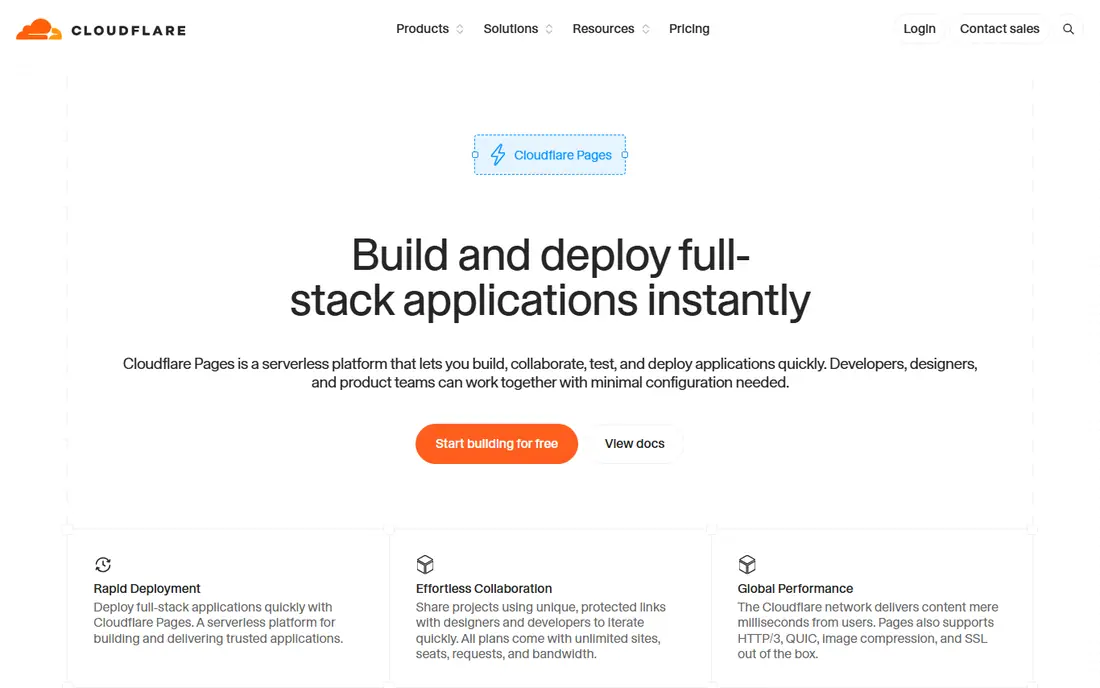
Cloudflare Pages suits an owner with many small projects, such as client sites, docs, and landing pages. Static bandwidth is generous, custom domains are plentiful, and preview deploys are not tightly capped on the free plan. That shape keeps a portfolio of projects cheap while each one stays fast worldwide.
A project that needs heavy server work will hit Worker limits, so plan the backend separately. Project settings also follow Cloudflare patterns, which differ from a classic host console. For static-first projects, the value is strong; for app-heavy projects, pair Pages with a separate API project.
- Unlimited static bandwidth
- Many custom domains
- Unlimited preview deploys on free plan
- Worker compute limits suit light backends
- Project setup differs from classic hosts
Firebase Hosting organizes a project as part of a wider Firebase app, with hosting, auth, and data services in one console. That project view helps a small team ship a frontend plus a backend without managing several vendors. Custom domains, SSL, and global delivery are simple once the project exists.
Blaze plan billing follows Google Cloud use, so a project cost is the sum of each service used, not a single hosting fee. Teams should track hosting, functions, and database use per project. The console is friendly, but a project with heavy traffic still needs a budget check before launch.
- Project console for hosting plus auth and data
- Fast global delivery
- Simple domains
- Blaze billing follows Google Cloud use
- Project costs need per-service tracking
AWS Amplify suits a project that must live inside an existing AWS account with its roles and policies. It supports branch environments, preview deploys, and links to AWS backend services, so a frontend project can sit beside the data and auth it uses. For an AWS-centered organization, that project boundary matters.
Amplify bills for builds, storage, and transfer, so project cost follows use rather than a flat fee. Setup also takes longer than a focused host, especially for a team new to AWS. Use Amplify when AWS governance is a requirement; use a simpler host when speed of setup matters more.
- Project environments for branches
- AWS backend links
- Preview environments
- Usage billing can surprise
- AWS project setup takes longer
Render helps a project owner see the whole app in one place. A frontend, an API service, a worker, and a database can share a dashboard, with a clear price per service. That project view makes it easier to judge total cost and to find which part of a project needs attention when something fails.
Free services sleep after idle time, so a live project needs paid services starting at $7 per month each. A project with several services should be budgeted as a stack, not as a single hosting fee. With that total in view, Render is a calm place to run a complete project.
- One project dashboard for services and databases
- Clear per-service prices
- Preview support
- Free services sleep
- Total project cost rises with each service
GitHub Pages fits a project whose website is documentation, a portfolio, or a simple site tied to a repository. Publishing is direct from the repo, custom domains and HTTPS are included, and the cost is zero. For an open-source project, that direct link between code and site is hard to beat.
The project limits are clear: static files only, with no server functions, forms backend, or advanced preview workflow. A docs project rarely needs more, but a product project will. Use Pages for the docs and marketing shell, and host any dynamic app part elsewhere.
- Free project and user sites
- Direct repo publishing
- Custom domains
- Static only
- No previews beyond branch builds
- No server features
DigitalOcean App Platform suits a project defined by an app spec, where static files and container services deploy from one definition. That spec-in-code approach helps a team review infrastructure changes like code changes, and scaling a component is straightforward. For a container-based frontend project, the workflow is clean.
A purely static project can cost more here than on a static-first host if it is set up as a container service, so choose the static component type where it fits. The platform catalog is also narrower than hyperscalers. For a small team that wants app specs and simple scaling, it is a practical choice.
- App specs in code
- Static and container components
- Simple scaling
- Static-only projects pay container-style prices if misconfigured
- Catalog is narrower
Surge suits a single-page project that needs to be live in minutes. Its command-line flow publishes a static folder quickly, custom domains are simple, and the free tier covers basic publishing. For a demo, a landing page, or a prototype, Surge removes almost all setup friction.
Team features, preview workflows, and backend options are basic compared with Vercel or Netlify. A growing project with many branches, reviewers, and environments will outgrow Surge. Use it for fast, simple publishes, and move to a project platform when collaboration and previews become daily work.
- Very fast static publishing
- Custom domains
- Simple command-line flow
- Static only
- Team and preview features are basic
- Larger projects need another host
How we picked these
We compared official feature pages, pricing pages, and documentation, plus public reviews, and we did not claim hands-on testing. We checked whether each platform is live in October 2026, how it handles branch previews and rollbacks, and what its free tier really allows for a project. We judged cost per project, including deploys and backend parts, rather than a single hosting fee.
How to run a frontend project well
Define the project lifecycle before you pick a host. Decide how branches become previews, who can approve a production deploy, and how fast you can roll back a bad release. A platform that makes those steps easy will save more time than a slightly cheaper host that makes them manual.
Previews, CI and CD, and rollbacks
Check that every pull request gets a preview link, that builds run on push without extra setup, and that a rollback does not require a new build from scratch. Also check deploy history, environment variables per branch, and domain handling for staging versus production. These project controls matter most when several people ship at once.
Keep project costs visible
Track deploys, bandwidth, functions, and backend services per project, and set alerts before a launch. A monorepo with many sites needs a host that can map costs to projects, not just to an account total. Review the first full month per project, then adjust plan or deploy pace where a project uses more than expected.
Frequently asked questions
What is CI and CD for a frontend project?
Continuous integration builds and checks code on every push, while continuous delivery publishes the checked build to a preview or production site. Together they let a team ship small changes often, with a preview and a rollback for each release.
How do preview deployments help a project?
A preview gives reviewers a live copy of a branch to click through before merge. That catches layout, link, and integration problems earlier than a code review alone, and it gives non-developers a clear way to approve a change.
Can one account host many frontend projects?
Yes, on most platforms in this list. Cloudflare Pages and GitHub Pages suit many low-cost static projects, while Vercel, Netlify, and Render suit projects that need previews, forms, or backend services. Check per-project limits and costs before adding many sites.
What should I check before moving a project to a new host?
Check domains and DNS, redirects, environment variables, build settings, preview workflow, and any backend or database tied to the old host. Move one project at a time, keep the old site live until DNS and previews are verified, and record the new settings.
Is a static host enough for a project with a login?
A static host can serve the pages, but logins, forms, and data need a backend service. Pair a static host with an API, auth, or serverless service, or choose a platform such as Render or Firebase that hosts both parts in one project.
Sources
See where you really rank - block by block
ProMapRanker scans Google Maps across a grid of your service area. Simple monthly plans from $19, white-label on every plan.
Start freeKeep reading
 worlds best local seo company
8 Worlds Best Local SEO Companies for Map Pack Growth in 2026
Compare the worlds best local seo company options for Google Business Profile work, citations, reviews, and multi-location rankings and reporting in 2026.
Read → world's best web hosting company
World's Best Web Hosting Company in 2026
Searching for the world's best web hosting company? We compared 10 hosts on price, renewal rates, speed, and support to help you choose well today in 2026.
Read → who's got the best nanny tax services
Who's Got the Best Nanny Tax Services in 2026
We answer who's got the best nanny tax services, comparing full filing, back taxes, software, and pricing so families can handle nanny taxes correctly.
Read →